A Business Management System: What It's Made Of and How an Owner Uses It
Management7 min read
A business and business-process management system: people, processes, clients and money in one window. Which tools an owner needs and how they work together.

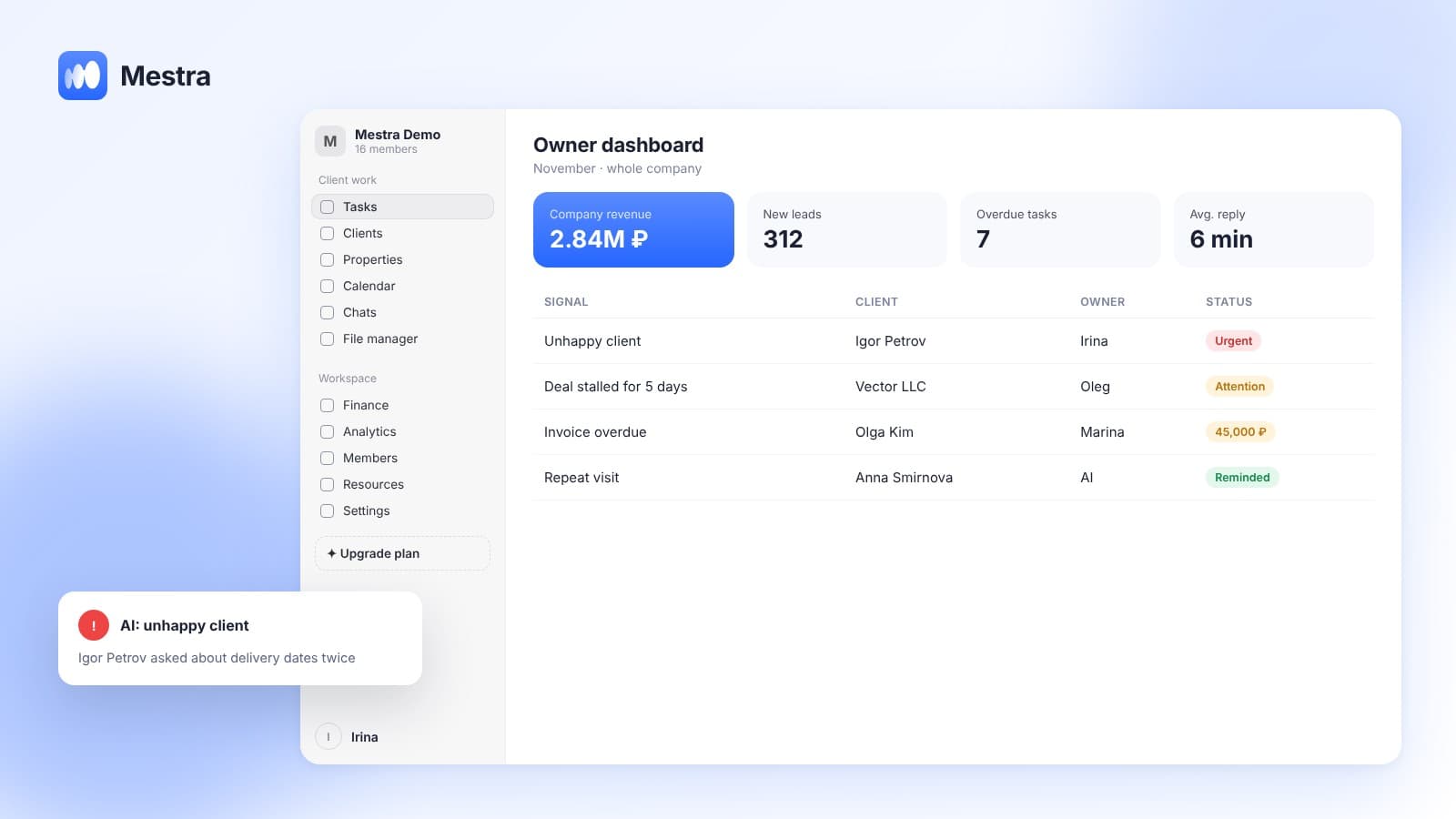
A business management system is a place where the owner sees the company's people, processes, clients and money at the same time and in connection with each other. There's no need to ask managers "what's happening with that client" or wait for the accountant's report — the answer is on screen.
Most companies are run through a set of separate tools: messengers for clients, a spreadsheet for tasks, accounting software for money. Each tool works on its own. But only the owner can connect them in their head, and the bigger the company, the worse that works.
One-minute check: 5 questions the system should answer
- How much did the company earn this month — not turnover, but real profit?
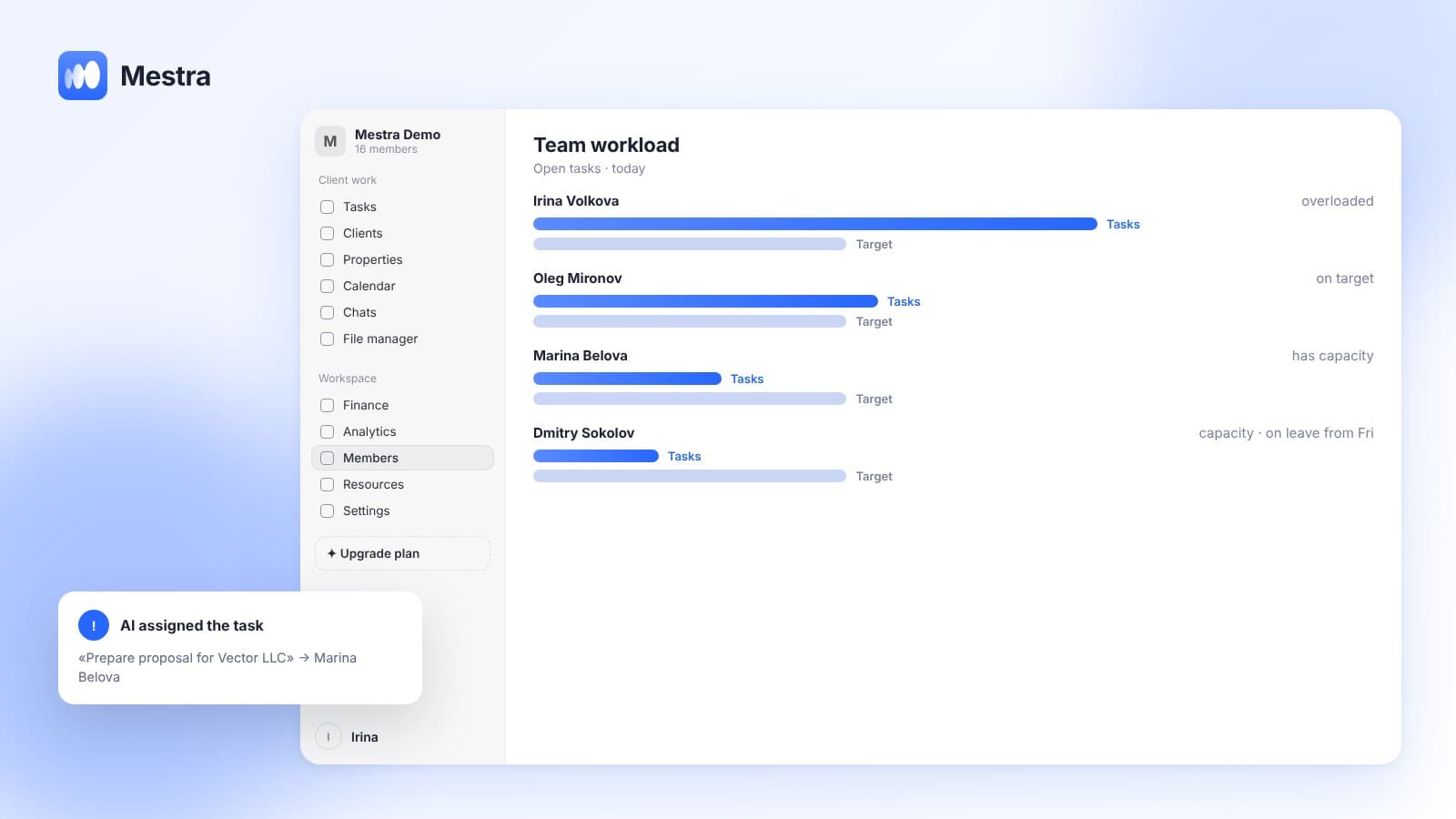
- Which employees are overloaded and who has spare time?
- Which cases aren't moving, and why?
- Which clients haven't come back for a long time?
- How do employees talk to clients — politely, quickly, to the point?
If you answer "I need to check" to at least two of them, you have a set of tools, not a management system.
What a business process management system is made of
| Block | The owner's question | What the system needs |
|---|---|---|
| People | Who does what and how much more they can take | Roles and permissions, employee profiles, workload, schedules |
| Processes | Where work is stuck | Tasks with stages, deadlines and owners, stall signals |
| Clients | Whom we're losing and why | One stream of conversations, client history, communication quality assessment |
| Money | How much we really earned | Profit and loss report, client debts, commissions |
People: who is responsible for what
Permissions are configured manually and precisely: you decide what each role sees. A manager sees only their own clients, a department head sees their team, the owner sees everything. It's also a legal requirement: Federal Law No. 152-FZ obliges companies to restrict access to clients' personal data. More on setting this up in our article roles and permissions in a CRM.
Each employee has a profile: active clients relative to their capacity, completed tasks, average rating from feedback, work schedule, holidays, today's room, licences and specialisation. The system passes a new enquiry to someone with the right specialisation and time available.
Processes: where work is stuck
Each task can be a full project: client, service, named stages, an overall deadline and stage deadlines, an owner for each stage. If a stage was done badly, the case can be moved back. Everything is visible on a kanban board.
When a case isn't moving or a task is overdue, the owner gets a signal. There's no need to open every deal each morning to find the problem.
Clients: communication quality
The company's channels — MAX, Telegram, WhatsApp*, VKontakte, Instagram*, Avito — are connected to the system rather than to employees' personal phones. If a manager leaves, all conversations and the client's history stay with the company.
The owner sees all the team's conversations. AI assesses the quality of employees' replies, suggests the manager's next step and reports when a client is unhappy. Clients who haven't come back for a long time are flagged separately.
Money: profit, not turnover
A common mistake is treating turnover as the company's income. A real estate agency can close deals worth tens of millions but earn only the commission.
One-minute calculation:
- The agency closed deals worth 30,000,000 ₽ in a month — that's turnover.
- The agency's commission is 3%: 30,000,000 × 0.03 = 900,000 ₽ — that's company revenue.
- Monthly expenses: 300,000 ₽ in agent commissions, 200,000 ₽ in rent and salaries, 100,000 ₽ in advertising — 600,000 ₽ in total.
- Profit: 900,000 − 600,000 = 300,000 ₽.
- Without separating turnover and revenue, the owner sees "30 million" and doesn't understand why there's 300 thousand in the account.
The profit and loss report in Mestra separates turnover from real revenue, excludes pass-through payments and VAT, and calculates agent commissions automatically. Unpaid invoices are collected on the Debts tab with reminders to clients. We wrote about which numbers an owner needs to see all the time in our article reports for a business owner.
Branches and resources
If a company has several locations, each works as a separate branch with its own address, team, details and invoices. The owner compares branches in analytics, while employees see only their own. Rooms, chairs, halls and warehouses are tracked too: the system warns about schedule clashes and about stock running low.
Managing outside the office
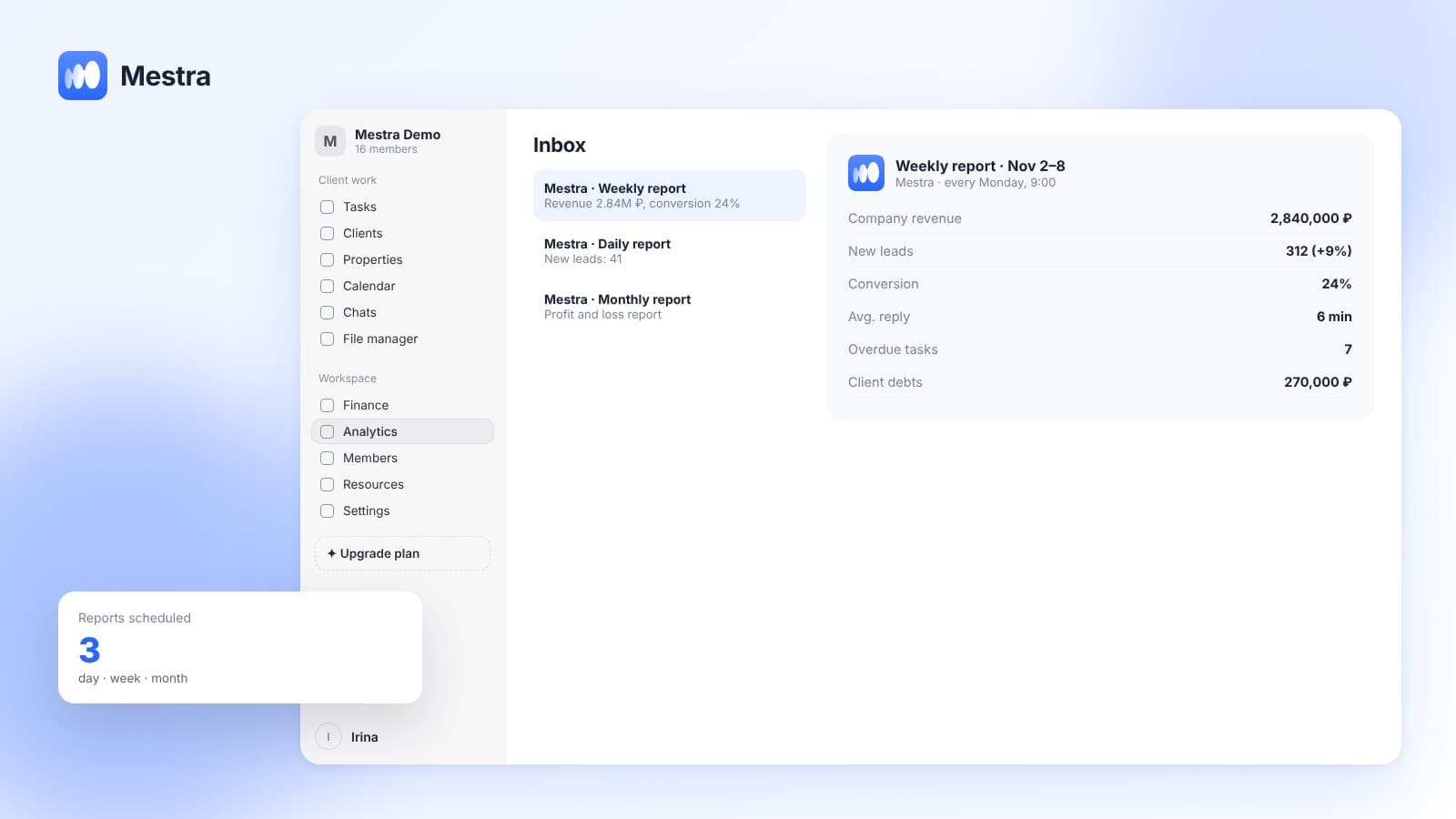
Mestra works in the browser on a computer and a phone. In addition, the owner can write to the AI in Mestra's Telegram bot: ask it to show the month's revenue, set a task or check what's happening with a client — and the system does it itself. Reports can be received on a schedule: daily, weekly or monthly.
How it works in Mestra
At sign-up you choose an industry from 23 options, and the system sets up client cards, services, process stages and the financial model for it. After that you change stages, create your own process templates and roles yourself.
Plans incl. VAT per user per month: Economy — 390 ₽, Standard with AI — 1,090 ₽, Pro with 1C and API — 1,590 ₽. The number of users is unlimited. Analytics by employee, channel and conversion is described in our article CRM analytics.
Read also: delegating tasks, managing a sales department, employee workload, task completion control, team management.

Related reading: storing company documents, a CRM for owners.
FAQ
What is a business management system?
It's software in which the owner sees the company's employees, tasks, clients and finances in one place and in connection with each other.
How is a business management system different from a CRM?
A classic CRM handles clients and deals. A management system adds the team, processes and finance. Mestra combines all of this in one window.
Can you manage a company remotely?
Yes. The system works in the browser, and through the Telegram bot you can receive reports and set tasks without opening a computer.
How long does setup take?
The basic industry setup happens at sign-up. Moving data from another system is done via import under Settings → Data → Import.
Is the system suitable for a company with branches?
Yes. Each branch is managed separately, and the owner compares their figures in analytics.
Bottom line
A business management system isn't there to watch employees — it's there so you see the whole company and grow without chaos. When people, processes, clients and money are connected in one window, decisions are made on numbers rather than gut feeling. Mestra is a CRM where clients, tasks, finance and an AI operator are brought together in one window. Try it on your own company: 15 days free, no card required.
*WhatsApp and Instagram are owned by Meta, which is recognised as extremist and banned in Russia.