How to distribute tasks by employee workload so nobody burns out and nothing stalls
Tasks3 min read
Why tasks keep landing on the same people, how to factor in workload, schedule and skills, and how Mestra's AI distributes tasks across the team.

To keep tasks from stalling, assign them based on current workload, work schedule and the employee's specialization. In Mestra AI can do this: it sees how many open tasks each person has, who's working today and what they're good at, and assigns the right person automatically.
The one-minute math
- A team of 6. The two best get 60% of the tasks.
- Their tasks start going overdue, while the other four are half-loaded.
- Balancing the load cuts overdue work, and the team gets more done without hiring.
Why workload ends up uneven
Managers assign to people they trust. It's natural, but top performers get overloaded.
Nobody sees the full picture. It's unclear how many tasks each person has right now.
The schedule is ignored. A Friday task goes to someone on leave on Friday.
Specialization is ignored. A hard question goes to a newcomer, an easy one to an expert.
Three distribution parameters
| Parameter | What to consider |
|---|---|
| Workload | Open and overdue tasks per employee |
| Schedule | Are they working that day, any leave |
| Specialization | Area, licences, certificates, experience |
How it works in Mestra

- Member profiles. Working hours, leave, workplace, licences and certificates, current workload, rating.
- AI distribution. AI analyzes workload and distributes tasks across the team.
- Lead distribution. New inquiries are assigned by specialization, workload and schedule — by the manager or AI.
- Tasks with processes. Each stage has an assignee — a person or group — and a deadline.
- Task views. List, kanban and task timeline.
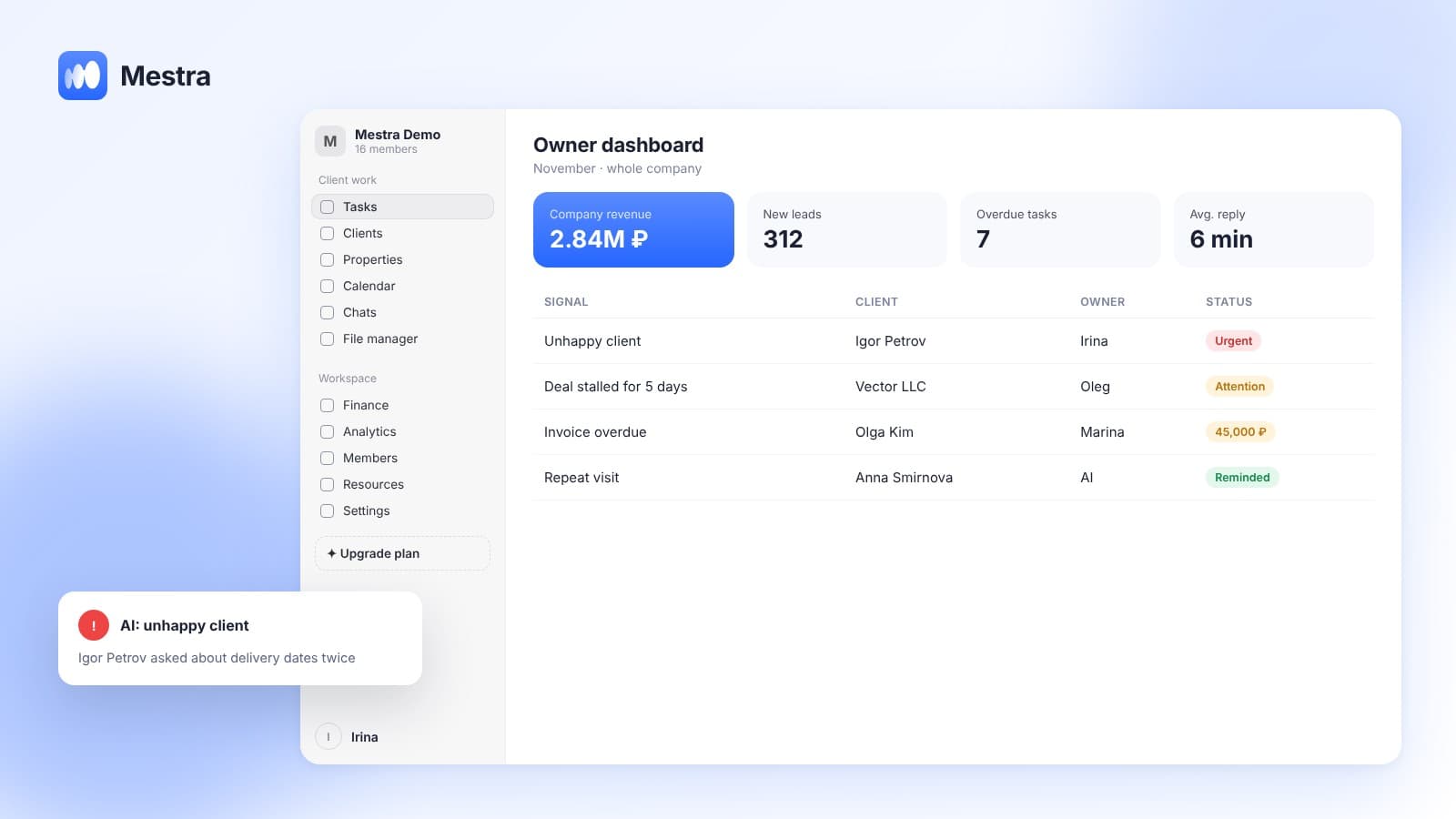
- Signals. AI flags overdue tasks and stalled work.
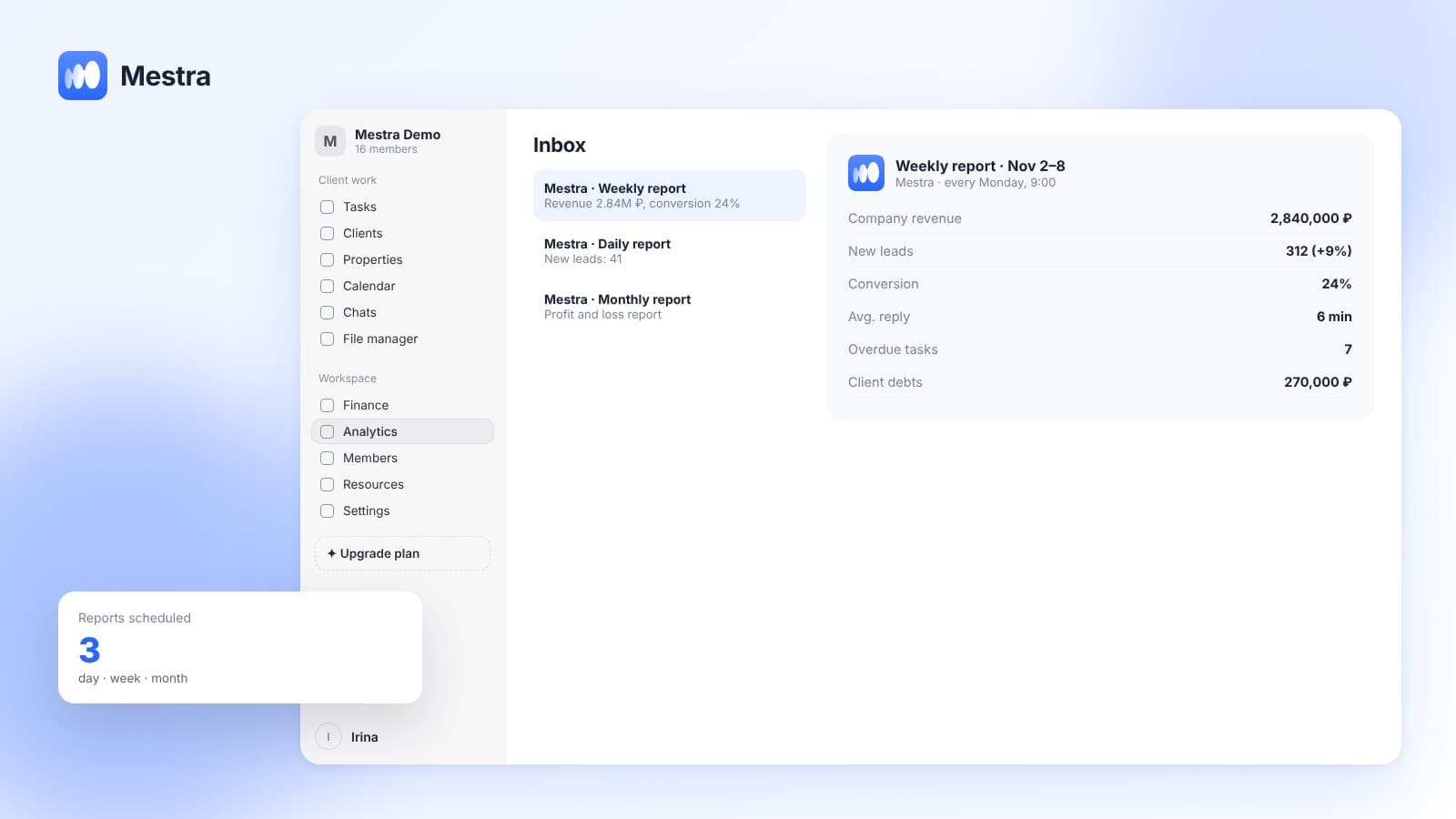
- Workload analytics. The owner sees who's overloaded and who has capacity.
On assigning tasks see «Assigning tasks to employees»; on delegating — «Delegating tasks».
When to assign manually
- The task needs a specific person: for example, the client works only with them.
- The task is strategic and part of someone's development.
- Training: a newcomer gets the task together with a mentor.
In other cases automatic distribution saves the manager's time and makes the load fair.
Team task distribution: warning signs
Team task distribution is broken if the same people stay late while others wait for work.
The second sign is more overdue tasks with the same headcount. Often it means tasks pile up with a few people.
The third is newcomers not getting independent work for a long time. Tracking employee workload reveals all three problems in one report.
FAQ
How should tasks be distributed among employees?
By workload, schedule and specialization. In Mestra AI can do this automatically.
Can AI assign the assignee itself?
Yes. Mestra's AI analyzes team workload and distributes tasks.
Where can I see an employee's workload?
In the member profile and in «Analytics».
Does the system account for leave?
Yes. The employee profile has a work calendar and absences.
Which plan includes AI distribution?
Standard and Pro.
Summary
Fair workload means fewer overdue tasks and less burnout. Mestra (Местра) sees each employee's workload, schedule and specialization and distributes tasks with AI. Try it free for 15 days.