A CRM for owners: 7 things you should see without calling your staff
Management5 min read
What an owner should see in a CRM every day: money, client chats, team workload, stalled deals and unhappy clients. A walkthrough using Mestra as the example.

A CRM for owners isn't a contact database, it's the company's dashboard. The owner needs to see money, client conversations and team performance in one place. In Mestra this data is linked, so from a revenue figure you can jump straight to the client, the deal and the chat.
The one-minute math
- An owner spends about an hour a day collecting status updates: calls, messages, stand-ups.
- That's more than 20 hours a month — almost three working days.
- If the same data is visible in the CRM in real time, the stand-up shrinks to reviewing exceptions.
- The freed time goes to what actually grows the company: clients, product and team.
7 things an owner should see
1. Money — real revenue, not turnover
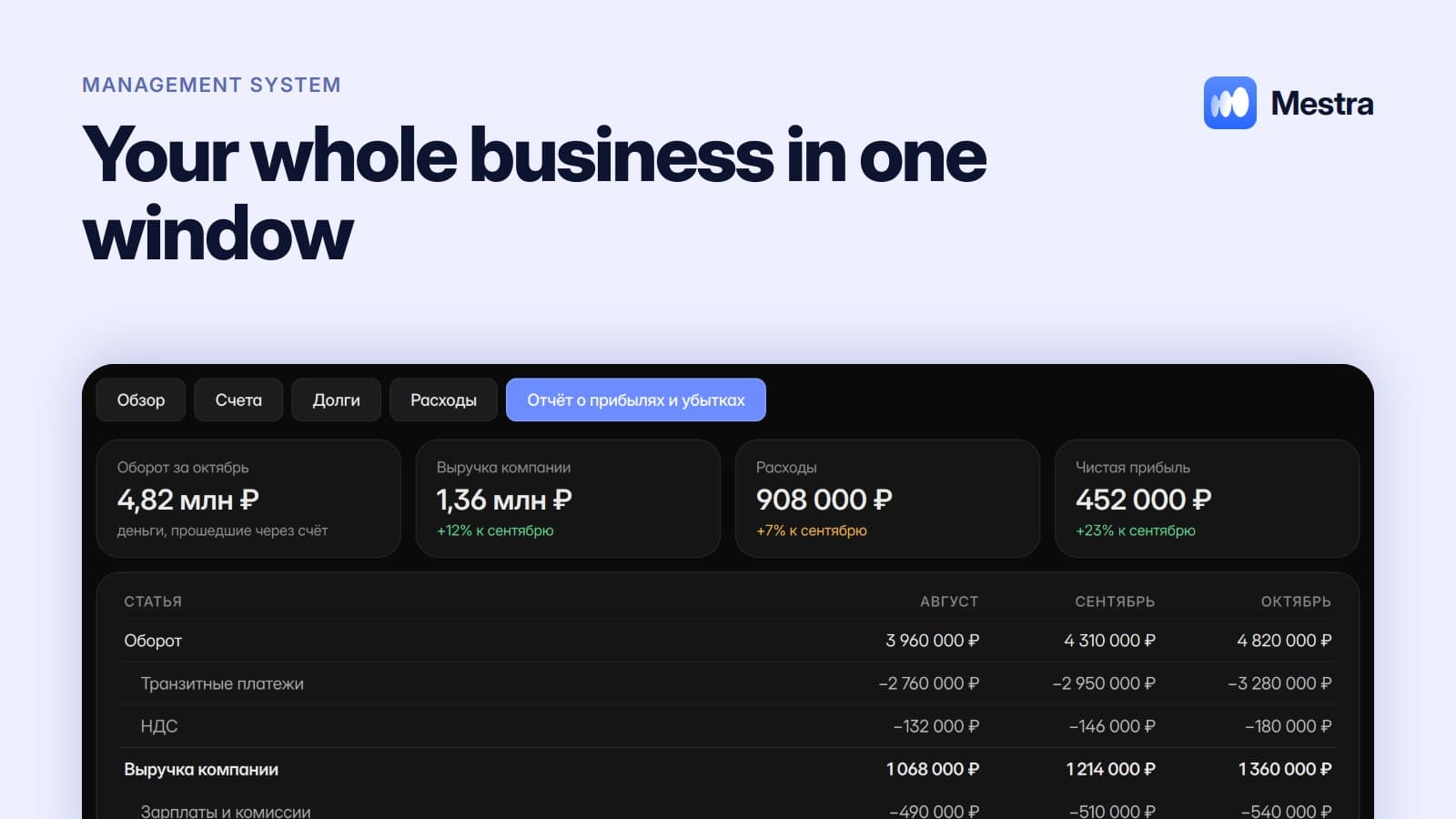
Money hitting the account isn't income yet. It may include VAT, pass-through payments and contractors' money. Mestra's profit and loss report separates turnover from company revenue, and each invoice's status reflects actual payment. More in «Profit and loss statement».
2. Client chats
The owner can open any chat in any messenger: MAX, Telegram, VK, WhatsApp*, Instagram*. Not to check every word, but to understand how the company sounds to clients.
3. Response speed
A client answered an hour later is often already talking to a competitor. Analytics shows response speed by employee and channel.
4. Team workload
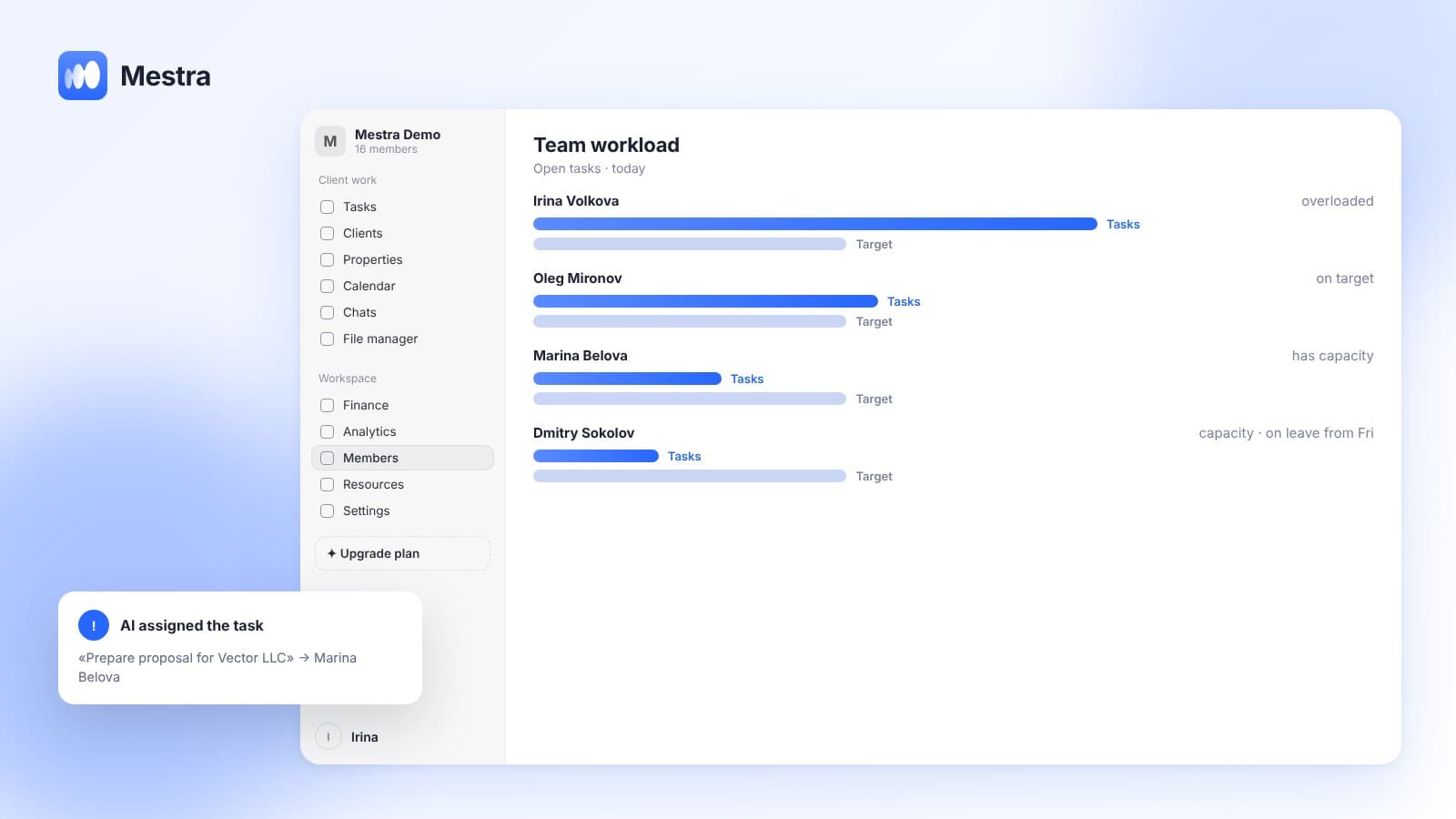
Who's overloaded, who has an empty day? The member profile shows hours, current workload and rating. AI can distribute new tasks by workload.
5. Stalled deals and overdue tasks
AI flags deals with no movement and tasks past their deadline. The owner learns about the problem before the client leaves.
6. Unhappy clients
AI notices dissatisfaction in a chat and alerts the owner. A conflict can be defused before it becomes a bad review.
7. Returning clients
How many clients came back? Reminders about birthdays, contract ends and repeat visits run automatically, and AI flags who might stop buying.
Table: owner's question → where the answer is
| Question | Where in Mestra |
|---|---|
| How much did we really earn? | «Finance» → profit and loss report |
| Who owes us? | «Finance» → debts tab |
| Which branch brings more? | «Analytics» → branch comparison |
| Who replies slowly? | «Analytics» → response speed |
| What's happening with a client? | Client card: deals, history, invoices, chats |
| What to do right now? | Dashboard: open, overdue and today's tasks |
How it works in Mestra

- One workspace. Clients, messengers, tasks, calendar, finance and analytics are linked.
- Precise roles. Permissions are set manually: an operator sees their clients, a branch manager their branch, the owner everything.
- Employee profiles. Working hours, leave, licences and certificates, workload, rating.
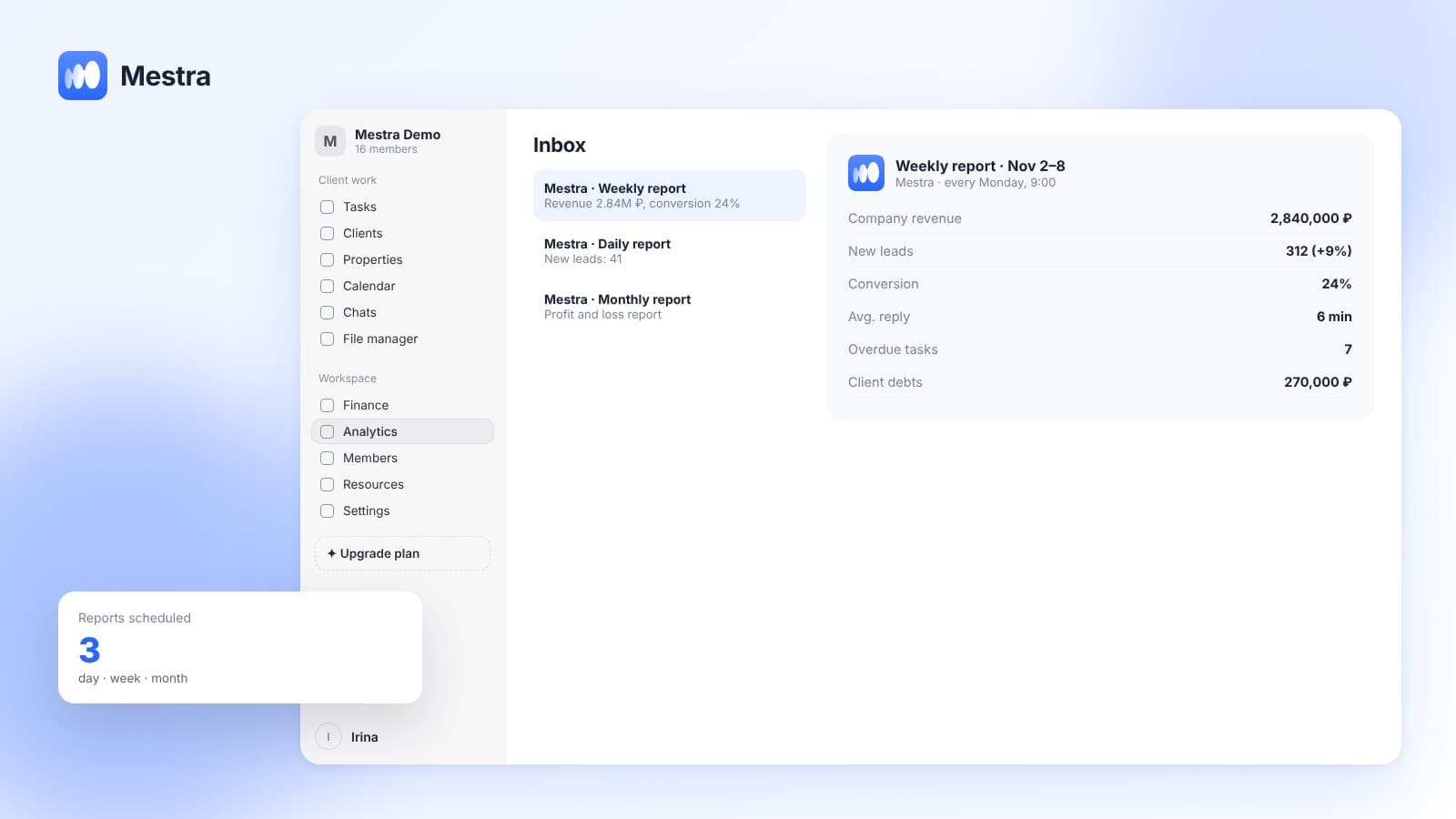
- Scheduled reports. The reports you need arrive by email daily, weekly or monthly.
- Telegram bot. The owner types or dictates an instruction, and AI creates a task or books a meeting. More in «A Telegram bot for the owner».
- Industry built in. At sign-up you choose one of 23 industries, and the CRM gets the right fields, stages and sections.
Getting started in one day
- Connect the messengers your team uses.
- Import clients from Excel via Settings → Data.
- Invite employees and assign roles.
- Set up accounts and expense categories in «Finance».
- Run AI in Suggestions mode for a week, then decide where to switch it to Auto.
A CRM for owners vs a CRM for managers
A manager needs a CRM to work with clients: chats, tasks, invoices. An owner needs it to see the whole company at once and spot problems before they turn into losses.
So a CRM for a CEO is judged by different questions. How many clicks to see revenue? Can you see who replies slowly? Does the system flag problems itself?
In Mestra both roles work in one space but see different things: an operator sees their clients, the owner sees the full picture.
FAQ
How is a CRM for owners different from a regular CRM?
A regular CRM stores contacts. A CRM for owners shows money, team performance and client communication in one picture and flags problems itself.
Can the owner read managers' chats?
Yes. In Mestra the owner sees all company chats, employees see only their own.
How can the owner learn about a problem before a client leaves?
Mestra's AI flags unhappy clients, stalled deals and overdue tasks.
Does the owner need to sit in the CRM all day?
No. Key signals arrive on their own, reports by email, and instructions can go through the Telegram bot.
How much does Mestra cost?
From 390 ₽ per user per month. Finance, analytics and the profit and loss report are on every plan.
Summary
An owner doesn't need another spreadsheet but a clear picture: where the money is, who's doing what, and which clients need attention. Mestra (Местра) brings it all into one window and points you where to look. Try it free for 15 days.
* Meta Platforms Inc. (owner of WhatsApp and Instagram) is recognized as an extremist organization; its activities are banned in Russia.