Automatic email reports: how to get company numbers on a schedule
Analytics3 min read
Which reports an owner should get by email daily, weekly and monthly, and how to schedule them in a CRM. A ready-made report set, using Mestra as the example.

To see key numbers without logging into the CRM, set up reports that are emailed on a schedule. In Mestra you can build your own report from the metrics you need and receive it daily, weekly or monthly — yourself, department heads or partners.
The one-minute math
- Compiling a weekly report by hand from the CRM, spreadsheets and the bank takes about 2 hours.
- Over a year that's more than 100 hours of the owner's or analyst's time.
- A scheduled report takes a few minutes to set up and then arrives on its own.
Which reports to get
| Frequency | What's in it | Why |
|---|---|---|
| Daily | New leads, open and overdue tasks, response speed | React quickly |
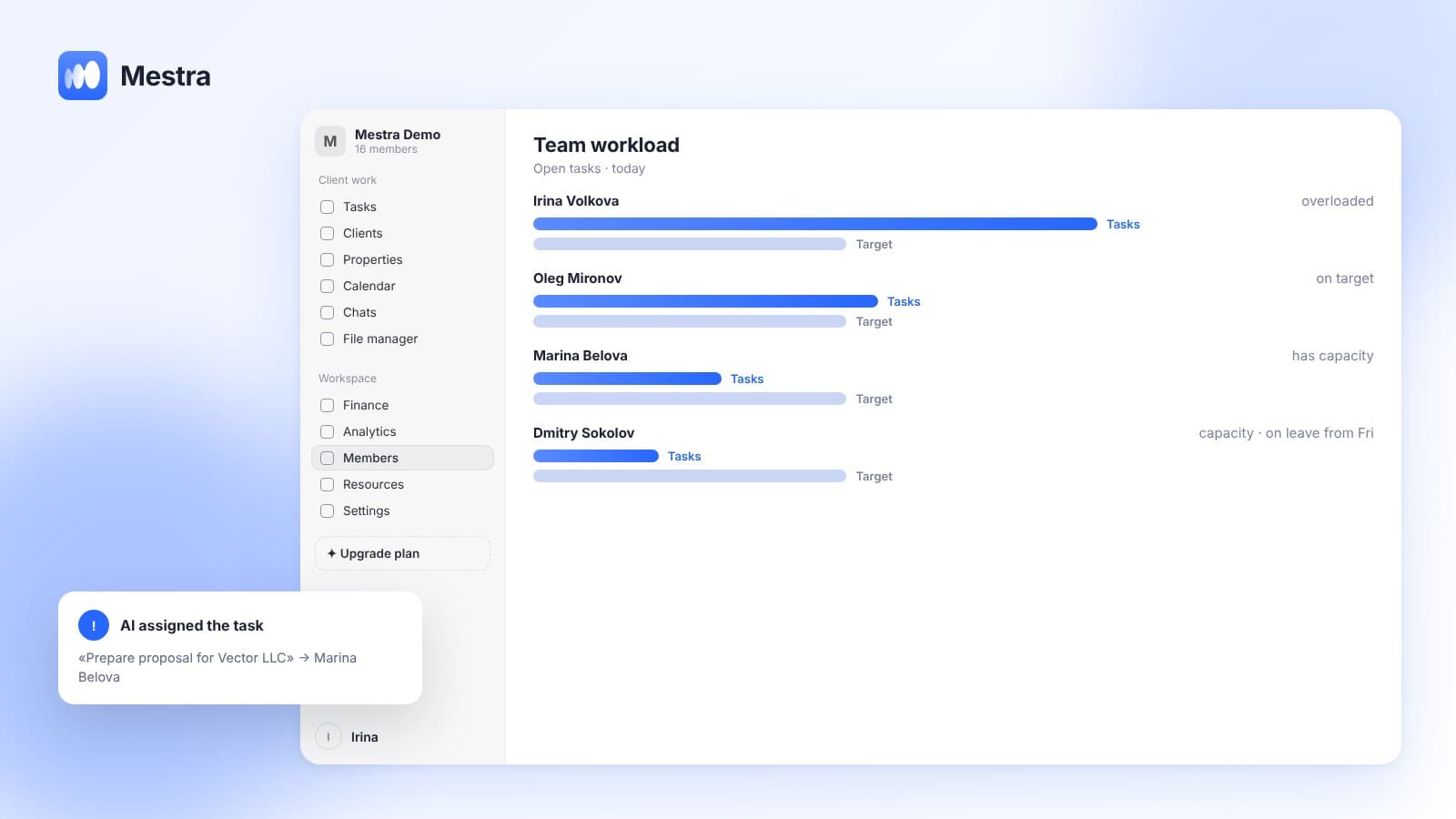
| Weekly | Sales, conversion, response speed, team workload | Manage the team |
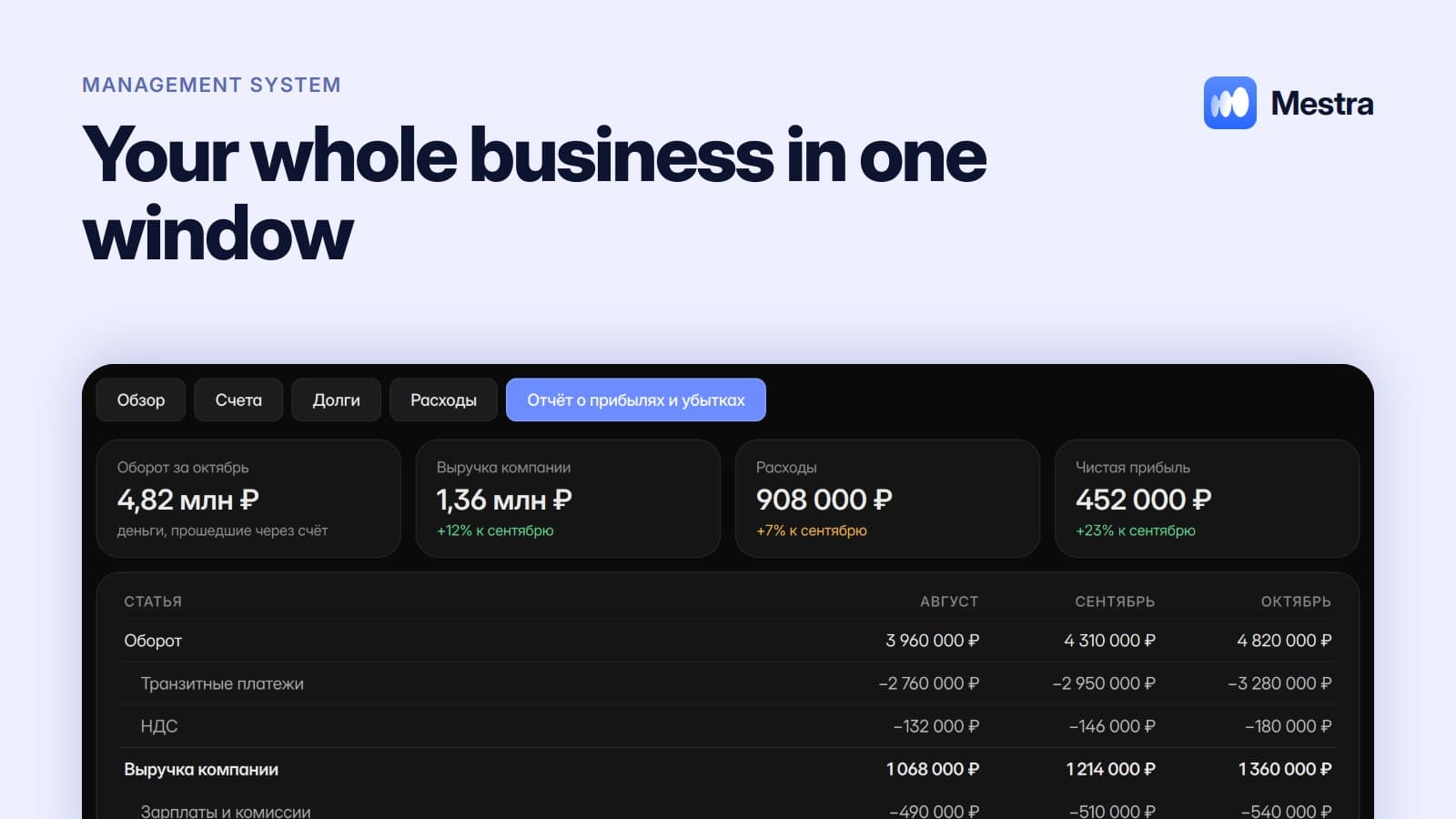
| Monthly | Profit and loss report, client debts, revenue by branch | Make money decisions |
How it works in Mestra: setting up reports

- Open «Analytics» and go to report setup.
- Choose metrics: leads, conversion, revenue, costs, employee performance.
- Set the period and filters: branch, department, channel.
- Turn on scheduled sending and choose the frequency.
- Add recipients: yourself, department heads, partners.
What else helps the owner
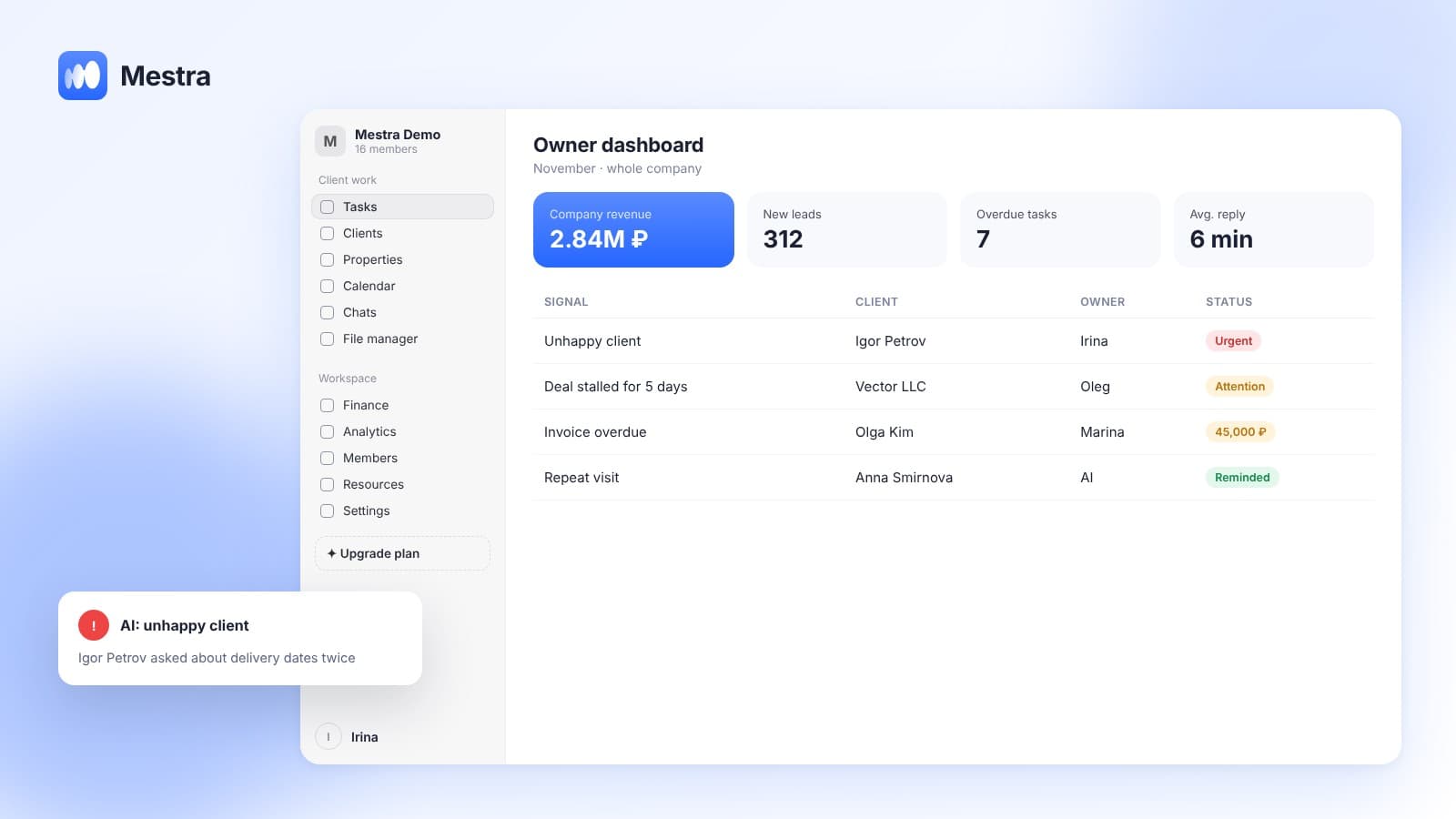
- Dashboard — open, overdue and today's tasks.
- AI signals — about unhappy clients, stalled deals and overdue work.
- Telegram bot — answers about the numbers by text or voice. More in «A Telegram bot for the owner».
- Profit and loss report — with turnover separated from company revenue.
How to read analytics and which metrics matter is covered in «Analytics in a CRM».
How not to drown in reports
- Fewer metrics, more value. 5–7 numbers you actually look at.
- An action for every number. If a metric drops, it's clear what to do.
- Different reports for different people. Money for the owner, team for the department head.
- Compare with the previous period. An absolute number without trend says little.
Reports for the head of sales
A report for the head of sales differs from one for the owner. The head of sales needs people and process: leads, conversion, response speed, overdue tasks.
The owner needs money: revenue, profit, debts and comparison with the previous period.
Automatic reports let you set up both and send them to the right people, and the weekly report arrives on its own every Monday.
FAQ
Can I get CRM reports by email?
Yes. In Mestra reports are configured and arrive by email on a schedule.
How often can I receive reports?
Daily, weekly or monthly — whatever suits you.
Can a report go to several people?
Yes. You choose the recipients.
Which reports does Mestra have?
Sales, conversion, employee performance, response speed, workload, costs, profit and loss, branch comparison.
Are scheduled reports on the basic plan?
Yes. Emailed reports are available on every plan.
Summary
A good report arrives on its own and answers the question before you ask it. Mestra (Местра) emails the numbers you need on a schedule, and for urgent questions there's the Telegram bot. Try it free for 15 days.