Team Management: How to Build a System in Which People Work Without Constant Supervision
Management4 min read
Team management in practice: roles and permissions, tasks and stages, workload and feedback. Which system and software a manager needs for the team to grow.

Team management means creating conditions in which everyone understands their role, sees their tasks and gets feedback on results. A strong team works not because the manager watches every step, but because everything needed for the work is visible without them.
When a team grows from three people to ten or more, the manager usually notices that half the day goes on the same things: whom to give a task to, who promised what to a client, why a case is stuck. That isn't management, it's dispatching — and it can be handed to a system.
Four pillars of team management
| Pillar | Question | How to provide it |
|---|---|---|
| Roles | Who is responsible for what and what they see | Roles and permissions |
| Tasks | What each person is doing and the state of the work | Stages, deadlines, owners, a board |
| Workload | Who is overloaded and who has time | Capacity, schedules, automatic routing |
| Feedback | How a person works and where they can grow | Analytics and reviewing specific cases |
Team management in one minute: check yourself
- Can each employee say what result they're responsible for?
- Can you see the state of the team's tasks without asking?
- Is new work distributed by a clear rule?
- Do you know who in the team is growing and who needs help?
- Does the team keep working when you're away for a week?
Roles and permissions: clarity instead of control
When a role is defined, a person doesn't need to ask permission for every action. Permissions make the role concrete: a manager sees their own clients, a department head their team, an accountant the finances, the owner everything. This protects client data and removes unnecessary questions.
Tasks and workload: visibility instead of meetings
Tasks with stages, deadlines and owners on a shared board replace most status meetings. Each employee's profile shows their workload relative to capacity, schedule and specialisation — new work goes where there's room, not to whoever sits closest.
Feedback: based on facts, not impressions
A conversation about an employee's work is more productive when it rests on facts: how many clients they handle, how fast they reply, what ratings they get, where there were delays. AI that assesses reply quality and suggests the next step turns feedback into daily learning rather than a quarterly review.
An example in numbers
One-minute calculation:
- The manager of a team of 10 spends about 2 hours a day distributing work, sending reminders and collecting statuses.
- Over a month of 22 working days, that's 44 hours.
- Automatic routing, overdue signals and scheduled reports take over most of this work.
- If even 30 hours a month are freed up, that's almost four working days.
- Those days go into training employees, hiring and growing the company.
How it works in Mestra
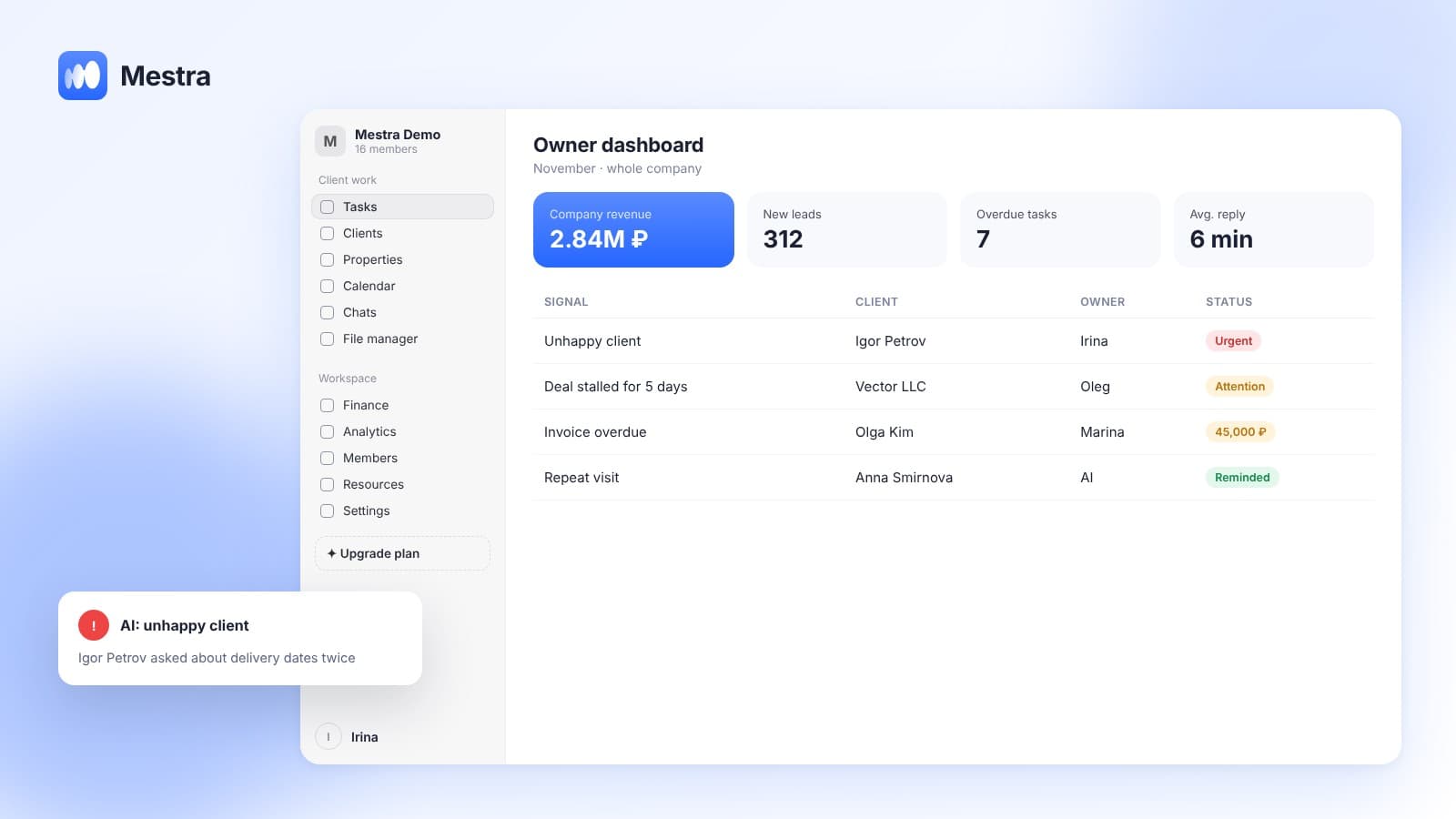
In Mestra, permissions are configured manually by role. Each employee has a profile: active clients relative to capacity, completed tasks, average rating, schedule, holidays, specialisation. Task processes with stages are visible on a kanban board, enquiries are routed automatically, and analytics shows results for each employee. The manager can set a task or request a report by writing to the AI in the Telegram bot.
How team management fits into the company's management system — in our article business management system. How to set up roles — in roles and permissions in a CRM.

Related reading: staff evaluation.
FAQ
What is team management?
Creating conditions in which employees understand their roles, see their tasks and get feedback on results.
What software do you need for team management?
One where employees are linked to tasks, clients and results, rather than a separate planner or spreadsheet.
How do you manage a team without micromanagement?
Make roles, tasks and workload visible in the system, and discuss decisions and development with the team rather than statuses.
Is Mestra suitable for a large team?
Yes. There's no limit on the number of users, and permissions are configured by role and branch.
Bottom line
A team works without constant supervision when roles, tasks and results are visible to everyone. Mestra brings this together in one window — try it free for 15 days, no card required.