Project management in a company: how to run projects without a separate tool for each one
Management11 min read
Project management in plain words: project stages, roles, deadline planning, kanban and timeline, progress control, and linking a project to clients and pay.

Project management is the planning, organization and control of work that has a specific goal, deadline and budget: renovating an apartment, launching an ad campaign, implementing a system for a client, organizing an event. Unlike repetitive operations, every project is unique, so it needs its own plan, its own stages and its own owner.
In this article: Project vs. process: what's the difference · Roles in a project · How to plan a project: 6 steps · Example: an apartment renovation project · Project management tools · How to monitor project progress · How to manage several projects at once · How to handle changing requirements · Closing a project: what to do after handover · Project metrics · Why projects fail · Walkthrough: critical path and slack · 30-day plan
Project management in a minute
| Stage | Question | Result |
|---|---|---|
| Initiation | Why the project, and what counts as success? | Goal, deadline, budget, owner |
| Planning | What, who and when? | Stages, tasks, assignees, deadlines |
| Execution | Is the work moving? | Tasks are completed, interim results delivered |
| Control | Are we on time and on budget? | Deviations are visible and corrected |
| Closing | Was the goal achieved? | Result delivered, payment received, lessons recorded |
Project vs. process: what's the difference
| Project | Process | |
|---|---|---|
| Repeatability | Unique | Repeats regularly |
| Duration | Has a start and an end | Runs continuously |
| Example | Renovating one specific apartment | Taking in renovation requests |
| What you manage | Plan, deadlines, budget | Procedures, norms, quality |
Often a project is a single deal with a large scope of work: building a house, an implementation, training a group, legal support. That is why, in service companies, project management is closely tied to working with clients.
Roles in a project
| Role | What they do |
|---|---|
| Client | Sets the goal, accepts the result, pays |
| Project manager | Responsible for deadlines, budget and result |
| Assignees | Carry out the tasks of their stages |
| Experts | Advise on specific questions |
Every project stage should have one owner. For how to distribute roles, see the article on the responsibility matrix.
How to plan a project: 6 steps
- Define the goal and the success criterion. "Hand over the kitchen renovation by December 15 within a budget of 1.2 million ₽" is clear; "do a good renovation" is not.
- Break it into stages. 5–10 stages, each with a clear result.
- Break the stages into tasks. A task is work for one assignee lasting from a few hours to a few days.
- Assign people. Taking into account their workload on other projects.
- Set deadlines. For every stage and task, with a margin for risks.
- Define checkpoints. Moments when the result is reviewed and a decision is made to move on.
Example: an apartment renovation project
| Stage | Duration | Owner | Result |
|---|---|---|---|
| Measurements and brief | 2 days | Project manager | Measurements, client's wishes |
| Design project and estimate | 10 days | Designer | Approved design and estimate |
| Contract and prepayment | 3 days | Manager | Signed contract, 30% payment |
| Materials purchasing | 7 days | Procurement specialist | Materials on site |
| Rough work | 21 days | Site foreman | Rough work completion certificate |
| Finishing | 21 days | Site foreman | Finishing completion certificate, 50% payment |
| Handover and warranty | 3 days | Manager | Handover certificate, final payment 20% |
Linking stages to payments matters: a project can stay on schedule while the company runs into a cash gap if payments aren't tied to results.
Project management tools
Task list
A simple list with an assignee and a deadline. Suits small projects.
Kanban board
Tasks in columns by status: "Pending", "In progress", "Successful", "Failed". You can see where work piles up. More in the article on kanban and tasks in a CRM.
Timeline
Tasks on a time scale by days, weeks or months. You immediately see which tasks are overdue and which overlap in time for the same assignee.
Process stages
A sequence of steps with assignees and deadlines inside a single project task. Convenient for recurring types of projects: every new renovation, implementation or event is launched from a template.
How to monitor project progress
Control is not daily "how's it going" questions but a few visible signals:
- overdue tasks — what should have been ready but isn't;
- stages where the project has been stuck longer than usual — where an obstacle appeared;
- assignee workload — whether a key person is overloaded with several projects at once;
- payments — whether money has arrived for the stages delivered;
- conversation with the client — whether there is dissatisfaction or new requirements.
How to manage several projects at once
A service company rarely has just one project. Usually there are dozens: several renovation sites, several implementations, several events. The main difficulty here is not the plan of a single project but the overall workload of your people.
| Problem | How it shows up | What to do |
|---|---|---|
| One specialist in five projects | Tasks in all projects slip | Check workload before assigning |
| No priorities between projects | Everyone treats their own project as the top one | The manager sets the order |
| Similar projects planned from scratch | Time is lost on planning | Project templates |
| No overall picture | Delays are noticed too late | A timeline across all projects |
A timeline of all the team's tasks immediately shows overlaps: if a site foreman has rough work on three sites in the same week, you can see it before the deadlines are missed.
How to handle changing requirements
A client almost always changes requirements along the way. That's fine if changes are handled by a rule:
- Record it. A change the client wrote in a messenger is entered into the project task rather than left in the conversation.
- Assess it. How the change affects deadlines, cost and other stages.
- Agree on it. The client confirms the new deadlines and cost in writing.
- Update the plan. Stage deadlines and tasks are changed in the system, and the team sees the updated plan.
- Invoice it. If the work became more expensive, send an additional invoice right away, not at the end of the project.
Without this rule, the project "sprawls": there is more work, while the deadlines and budget stay the same.
Closing a project: what to do after handover
The last stage is often skipped, although it is exactly what provides material for future projects.
- Final payment. Check that all invoices are paid.
- Client feedback. A short question: how satisfied the client is with the result.
- Review. Which stages took longer than planned, and why.
- Template update. If a typical project showed that a stage needs more time or an extra step, update the template.
- Next sale. A satisfied client is the best moment to offer warranty service or an additional service.
Project metrics
| Metric | What it shows |
|---|---|
| Share of projects delivered on time | Planning quality |
| Average schedule deviation | How realistic the plans are |
| Project margin | Profitability after all expenses |
| Receivables by project | How much money is still unpaid for delivered stages |
| Workload of key assignees | Where the team's bottleneck is |
Why projects fail
- A vague goal. Everyone understands the result differently.
- No owner for a stage. The task "hangs" between people.
- Deadlines without slack. Any delay shifts the entire project.
- Overloaded assignees. One specialist runs five projects at once.
- The project is cut off from the client. Requirement changes are discussed in a messenger and never reach the plan.
- Money is counted separately. The work is done, but payment isn't requested.

Walkthrough: critical path and slack
A hypothetical project: launching a new website. Tasks and durations:
| Task | Duration | Starts after |
|---|---|---|
| Technical specification | 5 days | start |
| Design | 7 days | specification |
| Content writing | 4 days | specification |
| Page layout and coding | 6 days | design and content |
| Testing | 3 days | layout and coding |
The critical path is the longest chain of tasks that determines the project's duration: specification (5) → design (7) → layout and coding (6) → testing (3) = 21 days.
Content runs in parallel with design: it needs 4 days, and there are 7 before layout starts. The slack is 3 days. If the content is delayed by 2 days, the project doesn't shift. If design is delayed by even one day, the whole project shifts.
Practical takeaway: the project manager's attention should be on the critical path tasks. The critical path method is described in the PMBOK Guide (Project Management Institute) and is used in most planning systems.
A buffer of 10–20% for the unexpected is usually added to the deadline. With a 15% buffer, the deadline for the client is 21 × 1.15 ≈ 24 days.
30-day plan
| Week | What to do |
|---|---|
| 1 | Describe the goal, project boundaries and result, and assign an owner |
| 2 | Break into tasks, estimate deadlines, find the critical path |
| 3 | Set up statuses, comments and a weekly check |
| 4 | Hold the first checkpoint, adjust the plan and buffer |
How it works in Mestra
In Mestra, a project is a task with the client, stages, deadlines and money in one place:
- A project task with stages. Inside the task is a process made of steps; each step has its own assignee or group, deadline and files. A step can be sent back if something needs to be redone.
- Project templates. Typical projects — renovation, implementation, event — are launched from a template with one button.
- List, kanban and timeline. The same tasks can be viewed as a list, by status on a kanban board, or on a timeline by days, weeks and months.
- Checklists and comments. Stage details live inside the task, with mentions of colleagues.
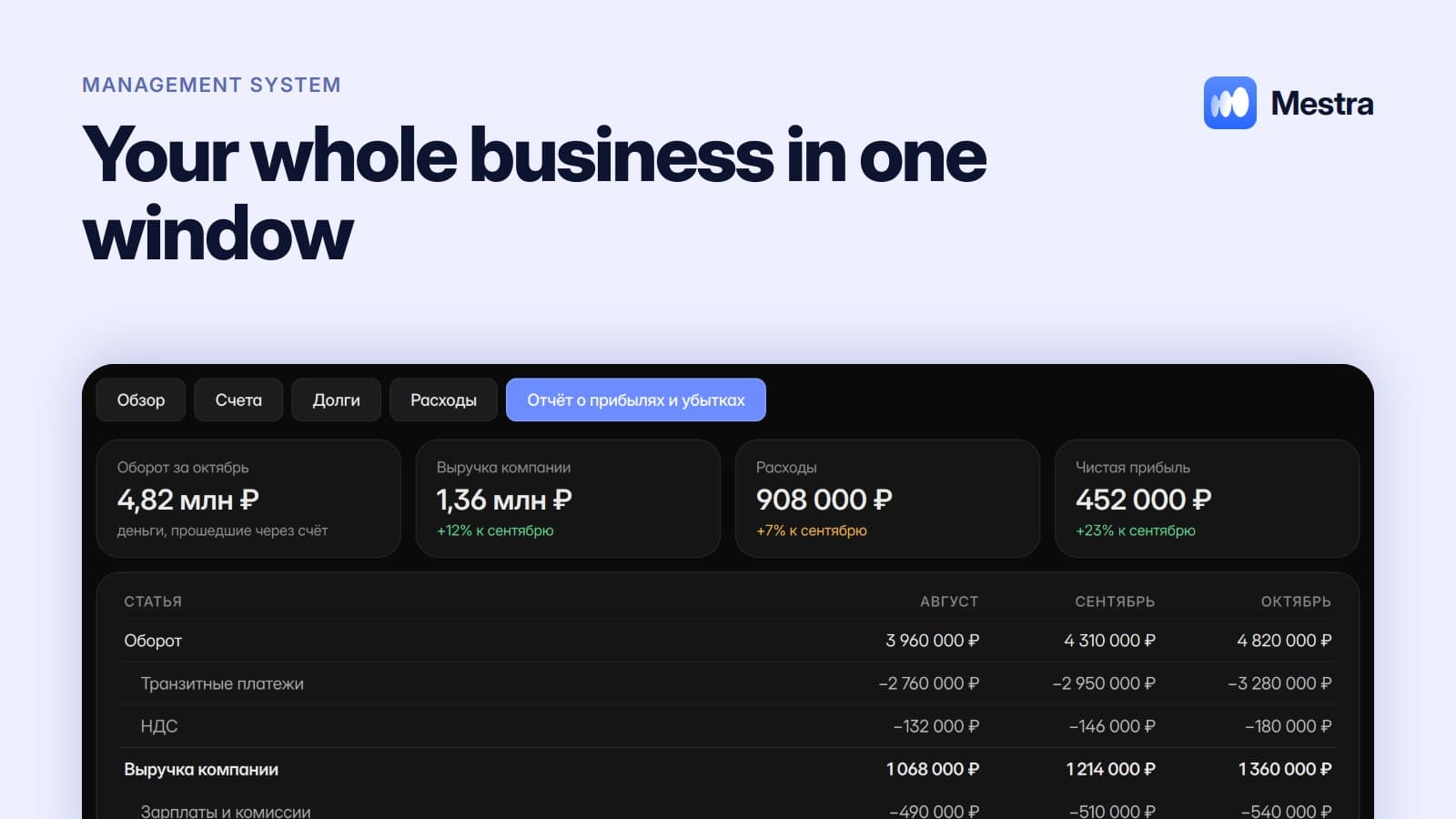
- Link to the client and money. A project is tied to the client card, the conversation and invoices; payments flow into the profit and loss statement.
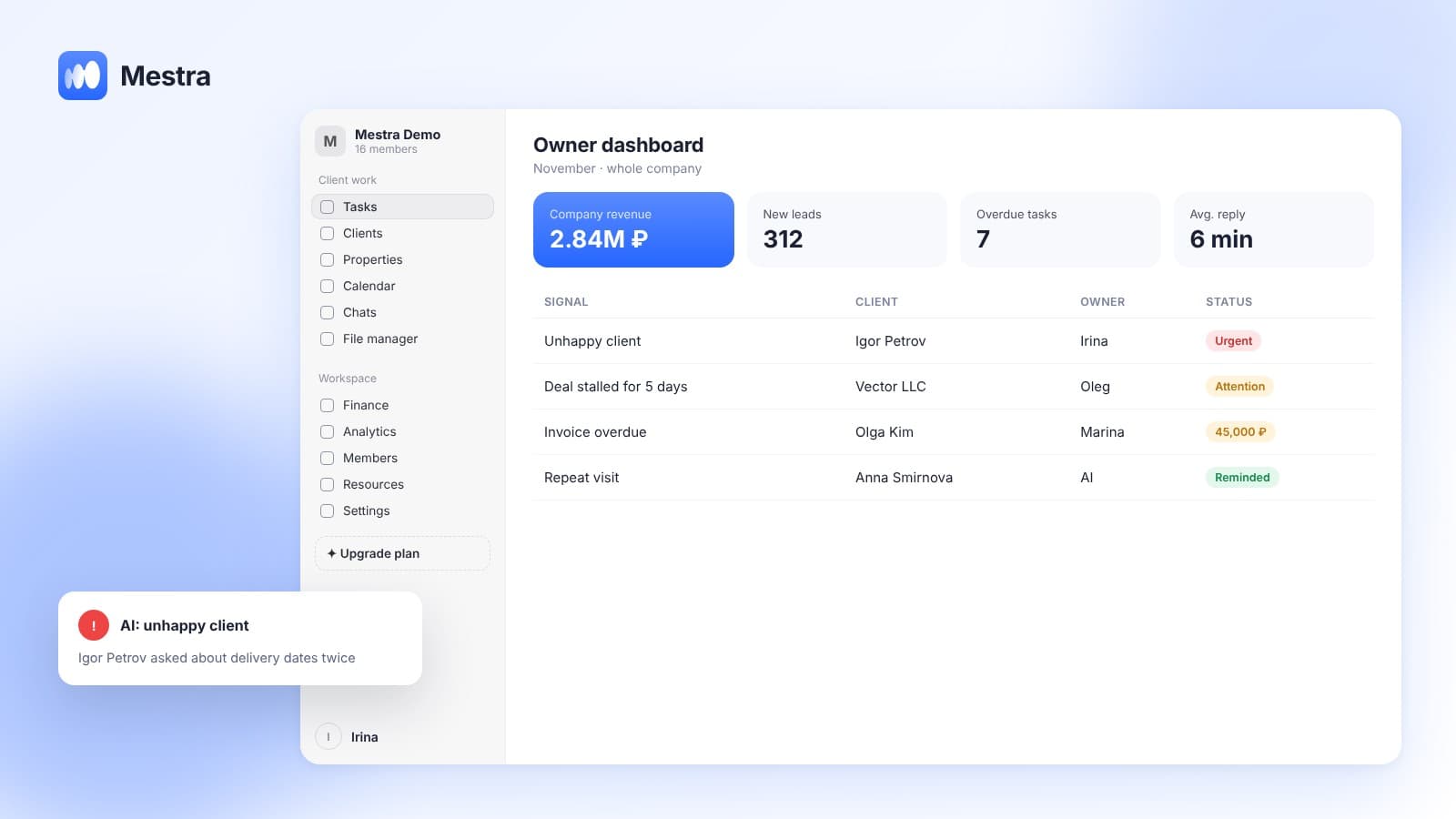
- Assignee workload. Analytics shows who has how many tasks, and AI distributes new tasks based on workload.
Frequently asked questions
What stages does every project have?
Initiation, planning, execution, control and closing. In practice they are supplemented with industry-specific stages: brief, design, purchasing, handover, warranty.
Do I need a separate tool for project management?
Not always. If your projects are tied to clients and payments, it is more convenient to run them in a system that already has clients, conversations and invoices — with stages, kanban and a timeline.
How is kanban different from a timeline?
Kanban shows the status of tasks — what's in progress and what's done. A timeline shows tasks over time — what should be done when and where things are overdue.
How do I avoid missing project deadlines?
Break the work into stages with owners, build in slack, watch overdue tasks and the workload of key assignees, and record requirement changes in the plan.
Who is responsible for a project?
The project manager — responsible for deadlines, budget and result. Assigned owners are responsible for individual stages.
Summary
Project management means a goal, stages, owners, deadlines and control of deviations. For most companies, process stages, a kanban board and a timeline are enough, provided the project is tied to the client, the conversation and payments rather than living in a separate spreadsheet.
In Mestra, a project is a task with stages, assignees, deadlines, files, a client and invoices; you can run it as a list, a kanban board or on a timeline. Try Mestra free for 15 days at mestra.chat.