Assigning Tasks to Employees: How to Set Tasks That Get Done, and What You Can Hand to AI
Tasks4 min read
How to assign tasks to employees so they get done: a result, a deadline, an owner. And which tasks AI creates by itself — from conversations and from templates.

Assigning tasks to employees means turning what needs doing into a form that can't be misunderstood: what exactly, by when, and who is responsible. Half of the unfinished tasks in companies were never done because nobody ever actually assigned them — they stayed a phrase in a conversation.
"Prepare the documents for the client", "Call back later", "See what's happening with the payment". Each of these phrases is a task without a result, a deadline and sometimes without an owner. A week later, everyone sincerely believes someone else is handling it.
What a proper task is made of
| Element | Bad | Good |
|---|---|---|
| Result | "Deal with the client" | "Send the client a proposal for three properties" |
| Deadline | "As soon as possible" | "By Thursday, 15:00" |
| Owner | "The sales department" | "Anna" |
| Context | None | A link to the client and the conversation |
| Definition of done | None | "The client confirmed receipt" |
Assigning tasks in one minute: five rules
- Phrase the result, not the action.
- Set a specific deadline, not "urgent".
- Assign one owner, even if several people are working on it.
- Link the task to a client or deal so the context is visible.
- Record the task immediately — at the moment it was agreed.
The last rule is broken most often. And it's the easiest one to hand to the system.
Tasks you don't have to set by hand
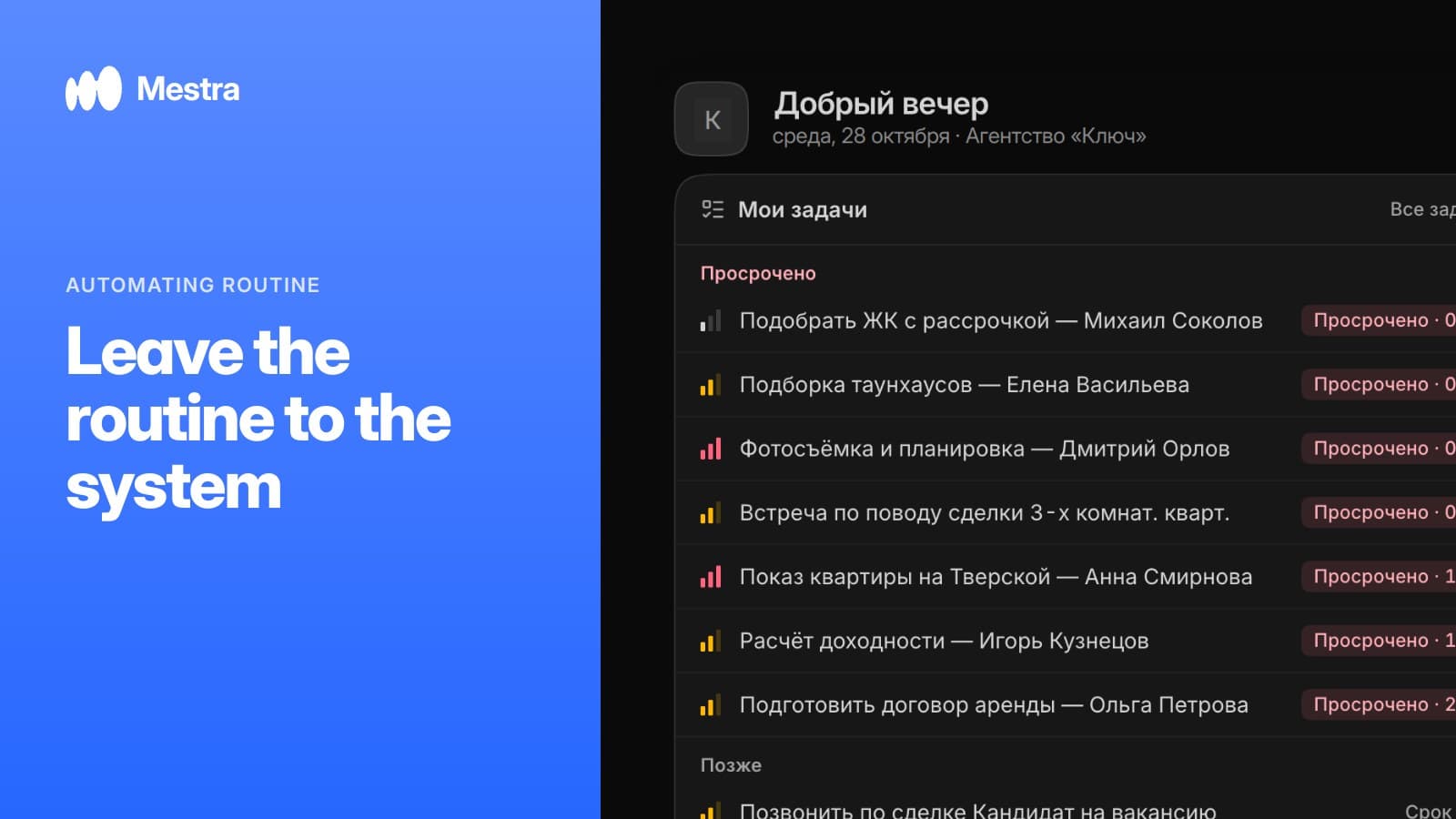
- From conversations. A client writes "let's talk on Friday" — AI creates a Friday task with the manager as owner.
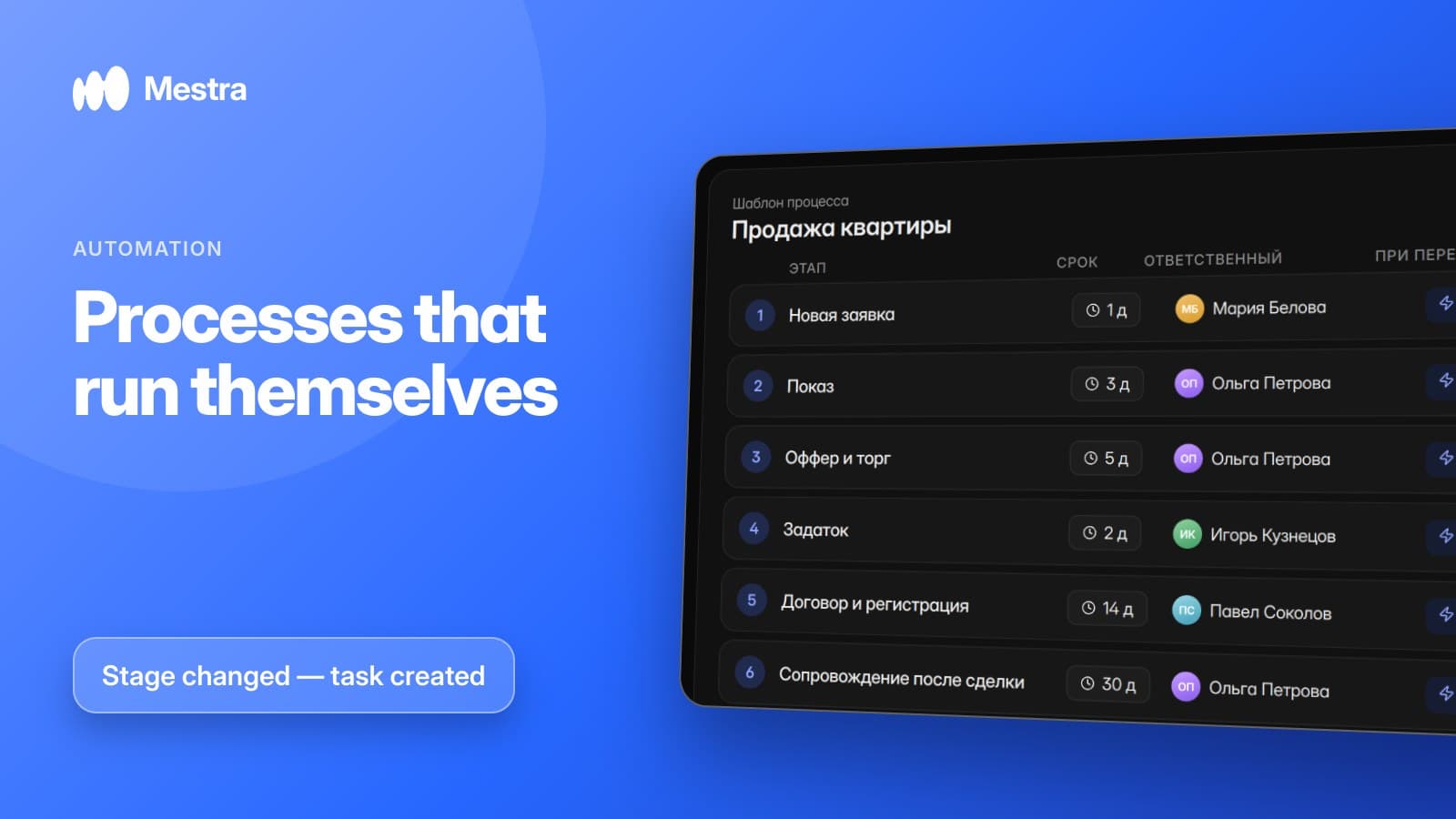
- From templates. A new deal launches a process with stages, deadlines and an owner for each stage.
- From events. A deal moves to a new stage — the system assigns the next person.
- From stock levels. An item is running low — a task to order from the supplier appears.
Tracking completion without daily questions
Setting tasks is half the job. The other half is seeing that they get done without asking each employee. That takes two tools: a board showing what stage each task is at, and a signal when a task is overdue or a case isn't moving.
An example in numbers
One-minute calculation:
- A manager handles 40 active clients and agrees 30 next contacts a week.
- Recording each agreement by hand takes about 2 minutes: 60 minutes a week.
- Even a careful employee forgets to record roughly one in ten: 3 lost contacts a week.
- Over a month, that's 12 clients who didn't get a call on the promised day.
- When AI creates tasks from conversations, both the time and the lost agreements drop almost to zero.
How it works in Mestra
In Mestra, a task can be simple or a full project: client, service, named stages, an overall deadline and stage deadlines, an owner for each stage. Stages can be moved back if the work was done badly. Everything is visible on a kanban board, and the owner gets a signal when something is overdue or stalled. AI creates tasks from agreements in conversations and launches processes from your industry's templates.
An overview of all automations — in our article business process automation. About the board and stages — in kanban and tasks in a CRM.

Related reading: comments and mentions in tasks.
FAQ
How should you assign tasks to employees?
Specify the result, a concrete deadline, one owner and the link to a client or deal.
What software do you need for assigning tasks?
One where tasks are linked to clients and conversations. A separate planner loses the context.
Can AI set tasks by itself?
Yes. In Mestra, AI creates tasks with a date and an owner from agreements in conversations.
How do you track task completion?
Through a board with stages and overdue signals, not through daily questions to employees.
Bottom line
Tasks get done when they're recorded on time and clearly. Mestra takes that part on — AI sets tasks from conversations, and processes launch from templates. Try it free for 15 days, no card required.