WhatsApp in Russia in 2026: How Businesses Work With Clients and Avoid Losing Requests
Guides8 min read
WhatsApp in Russia in 2026: how companies keep working with clients in the messenger, handle requests as a team and avoid losing messages. Practical tips.

Millions of people in Russia still use WhatsApp in 2026, and for many companies it's one of the main channels where requests arrive: price questions, bookings, delivery. For the messenger to bring sales rather than lose clients, it's worth running it not from one employee's phone but in a CRM — together with MAX, Telegram and marketplaces, with chats distributed among managers and an AI assistant for the night hours.*
How businesses use WhatsApp in 2026
WhatsApp remains a familiar channel for audiences aged 30+, clients of salons, clinics, service companies, real estate agencies and online stores. Most often it's used to:
- take requests from the website, Avito, Yandex Maps and advertising;
- book services and confirm visits;
- send quotes, invoices and photos of work;
- remind about repeat purchases and congratulate regular clients;
- resolve after-sales questions — delivery, warranty, returns.
At the same time, clients increasingly use several messengers at once: some write in WhatsApp, some in MAX or Telegram, some straight on Avito. For a company, this means one thing: it's important to be where it's convenient for the client and not to lose a single message.
Regular WhatsApp, WhatsApp Business or a CRM
| Regular WhatsApp | WhatsApp Business | CRM with WhatsApp | |
|---|---|---|---|
| Company profile, catalogue | No | Yes | Yes, plus the catalogue in the CRM |
| Auto-reply and greeting | No | Template-based | An AI assistant answers to the point |
| Several managers working | No | Limited | Yes, each sees their own clients |
| Other messengers in the same window | No | No | MAX, Telegram, VKontakte, Avito |
| Client card, tasks, payments | No | No | Yes |
| Manager oversight | No | No | Yes, all conversations and analytics |
How to set up a business account step by step is covered in our guide WhatsApp Business.
Where companies lose WhatsApp clients
One phone for the whole team
Messages arrive on the administrator's smartphone. While they're busy, requests wait. When they're on holiday, too.
Double replies and silence
If one number is open on several devices, two managers tell one client different things, while other messages go unanswered: each thinks a colleague replied.
Slow replies
A client writes to three or four companies at once and chooses the one that replied first. A reply two hours later often means a lost deal.
Night-time and weekend requests
A large share of enquiries arrives in the evening and at weekends. Without someone on duty or AI, they wait until Monday morning.
History leaves with the employee
If a manager worked from their own number, when they leave the company loses both the conversations and the clients.
How to set up work with WhatsApp: 6 steps
1. Register a company number
Use a corporate SIM card, not an employee's personal number. That way clients and conversations always stay with the business.
2. Set up the profile
Name, category, description, address, opening hours, website. The client should immediately understand whom they've written to.
3. Connect the number to a CRM
Messages will arrive in a shared feed where each chat is assigned to an owner and the manager sees all conversations. More on the options in our article WhatsApp for business: several managers on one number.
4. Add other channels
MAX, Telegram and VKontakte community messages on the same company number. The client writes wherever suits them, and you reply from one window. How to connect a company to MAX — in our article MAX for business.
5. Tell clients how to reach you
A short message to your base:
Hello Irina! This is Lavanda Salon. You can message us on WhatsApp, MAX or Telegram — whichever suits you. Regular clients get 10% off their next visit.
6. Cover evenings and weekends
An AI assistant answers from your price list, offers free times and books the client in, and in the morning the manager sees a ready booking.
Rules for talking to clients on WhatsApp
- Reply within 10–15 minutes during working hours.
- Write briefly: one paragraph and a question at the end.
- Suggest the next step: a booking, a quote, a reservation.
- Don't overdo mailings: one or two a month, and only to your own base. More in our article mailings on WhatsApp.
- Keep the history in the client card: what they bought and what was agreed.
Ready templates for first replies and answers to frequent questions are in our collection of sales scripts for messengers.
Message templates for clients
First reply to a request:
Hello! Thanks for getting in touch. Could you tell us which service you're interested in and which day suits you?
Booking confirmation:
Irina, we've booked you in for Friday at 18:30 with Olga. Address: 12 Sadovaya St. If your plans change, just write here.
Reminder the day before:
Good afternoon, Irina! Just a reminder of your appointment tomorrow at 18:30. Is everything still on?
Repeat visit:
Hello Irina! It's been six weeks since your last visit — the perfect time to refresh your colour. Shall we find a convenient time?
Winning back a client:
Irina, it's been a while! This month regular clients get 15% off. Shall I book you in?
Which metrics to track
| Metric | Target |
|---|---|
| First response time during working hours | Up to 10–15 minutes |
| Share of enquiries answered | Close to 100% |
| Replies to evening and weekend messages | Within minutes — with the help of AI |
| Enquiry-to-booking or order conversion | Grows when replies are fast and end with an offer |
Without a single system, you can't calculate these numbers: when messages are scattered across phones, the manager sees only total revenue but doesn't understand where clients are lost.
How it works in Mestra
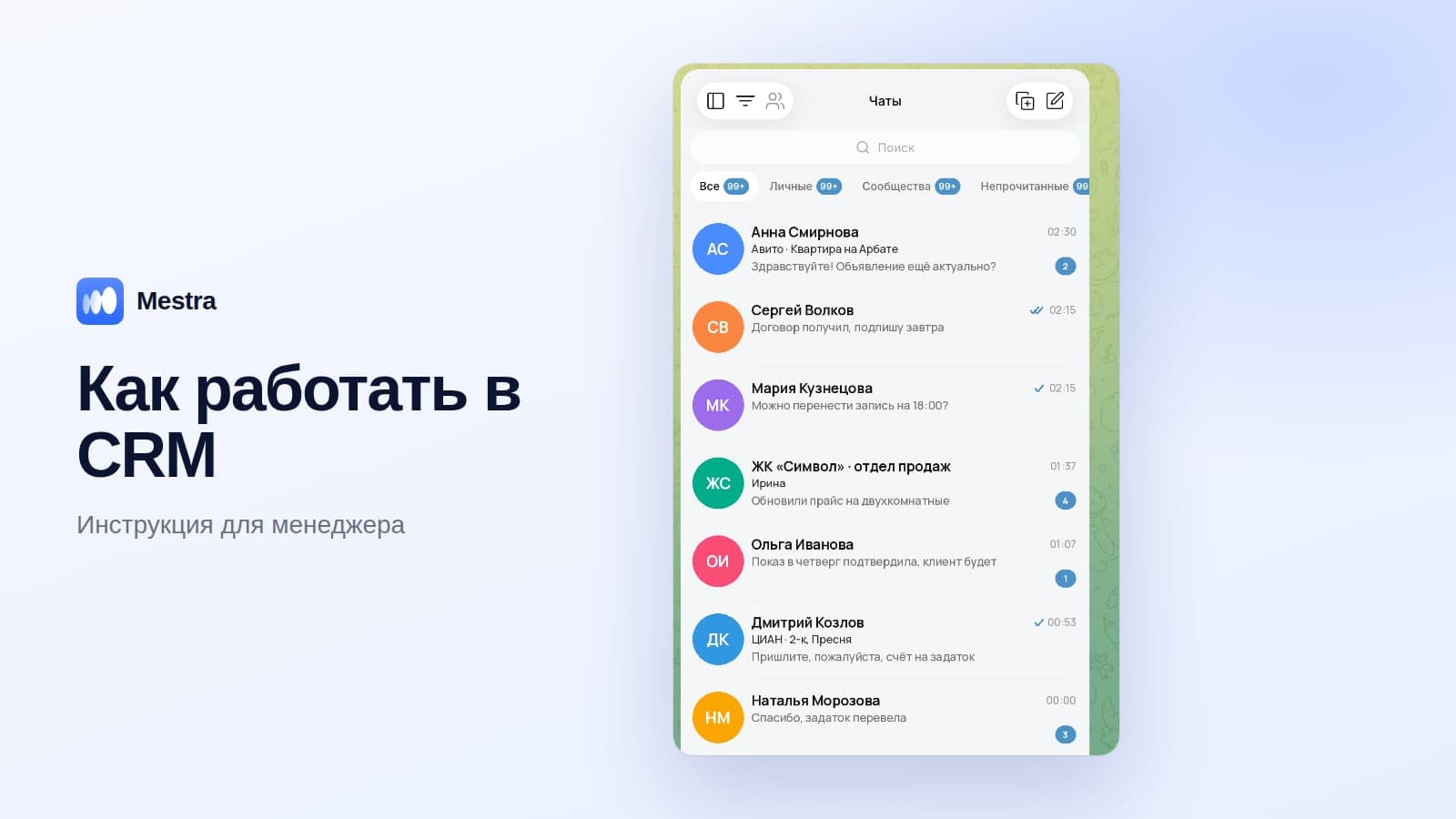
Mestra is a CRM where WhatsApp works together with your other channels:
- WhatsApp, MAX, Telegram, VKontakte, Instagram, Avito, CIAN** — in one feed. The reply goes to the client in the same channel they wrote from.
- Several managers on one number. Each chat is assigned to an owner, with no double replies.
- Work from a computer — no phone in hand.
- AI assistant 24/7 replies at night and at weekends, books meetings and creates a task for the manager.
- A client card with the full history — even if the person wrote first in WhatsApp and then in MAX.
- Mailings to your base and repeat-purchase reminders.
- Personal data is processed in line with Federal Law No. 152-FZ.

Pricing starts from 390 ₽ per user per month on the Economy plan (CRM and all messengers). The AI assistant and marketplaces come with Standard for 1,090 ₽. The first 15 days are free.
FAQ
Do people in Russia use WhatsApp in 2026?
Yes, millions of people still chat on WhatsApp, including with companies. For many businesses it's one of the main request channels.
Can a team work with WhatsApp together?
Yes, through a CRM: the company number is connected once, and chats are distributed among managers.
Can you reply on WhatsApp from a computer?
Yes — via the desktop app or a CRM. For a team, a CRM is more convenient. More in our guide WhatsApp Business on a computer.
Should you connect other messengers if clients write on WhatsApp?
Yes, it makes sense: part of the audience prefers MAX or Telegram, and several channels insure the company against any disruption.
How do you avoid losing conversations when an employee leaves?
Register messengers on a company number and manage clients in a CRM — then the whole history stays with the business.
Bottom line
WhatsApp remains an important sales channel in 2026, but working with it "from one phone" is risky.
Register a company number, connect it to a CRM together with MAX and Telegram, distribute chats among managers and cover the evening hours with an AI assistant. Then it'll be easy for clients to write to you anywhere, and you won't lose a single request.
*WhatsApp and Instagram are owned by Meta, which is recognised as extremist and banned in Russia.