WhatsApp Mailings: How to Message Your Own Base, Avoid a Ban and Choose a Service
Guides10 min read
How to send WhatsApp mailings to your own base: methods, 8 rules to avoid a ban, legal requirements, 10 ready texts and a 2026 ranking of mailing services.

There are three ways to send a WhatsApp mailing: through broadcast lists in the WhatsApp Business app, through the official WhatsApp Business API, or through a CRM that stores your client base.*
To avoid your number being blocked, write only to people who gave you their contact themselves and agreed to receive messages, don't use bought databases, make the text personal and give people a way to unsubscribe.
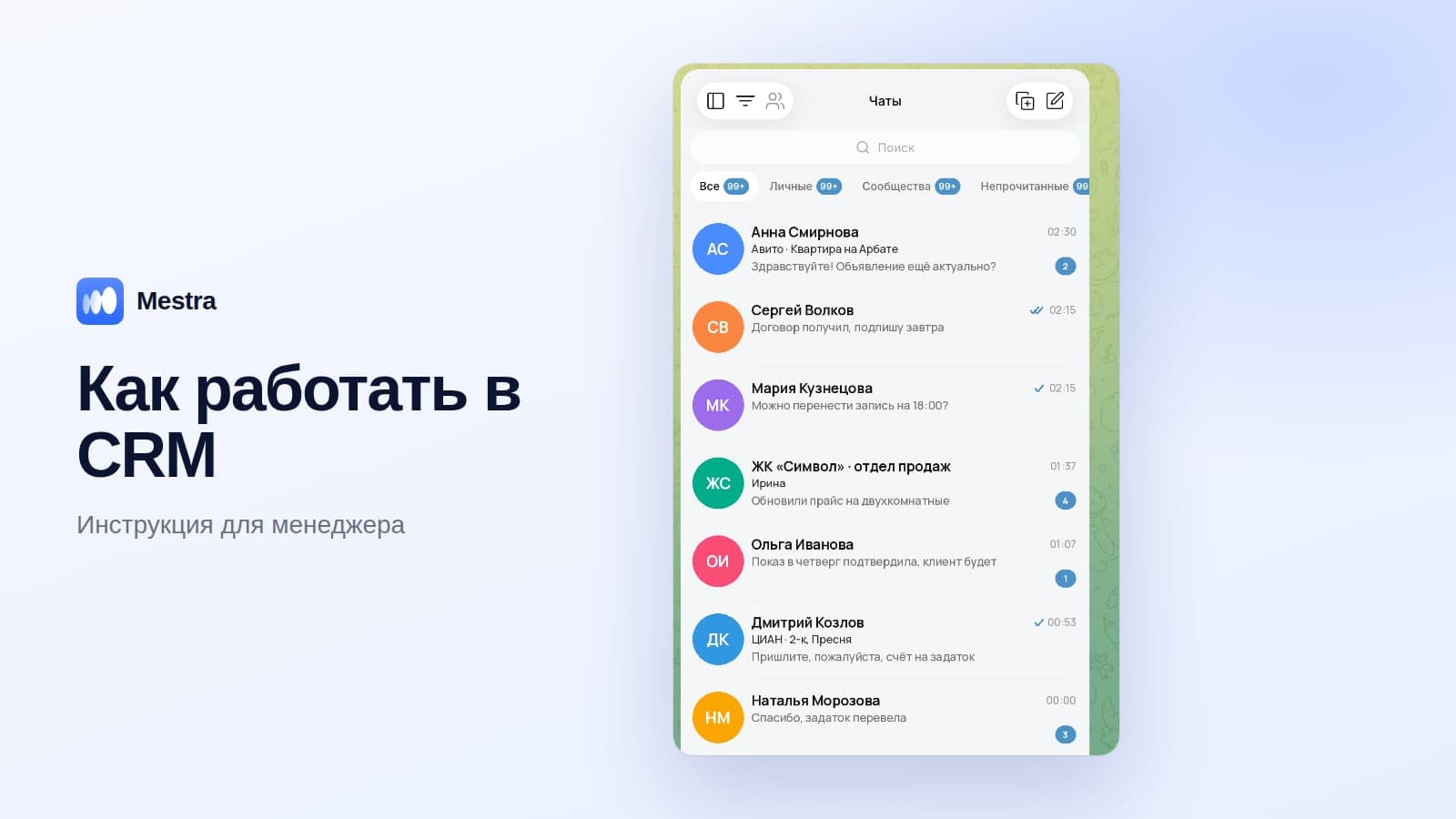
For most companies, mailing from a CRM is the most convenient — for example, from Mestra, where the base, sending and client replies are gathered in one window.
When a WhatsApp mailing brings sales
A mailing works when it's a useful personal message to your own client, not advertising to strangers. The most effective reasons to write:
- A repeat visit or purchase — a haircut, servicing, professional cleaning, consumables.
- Winning back clients who haven't bought for 3–6 months.
- Personal occasions — a birthday, the anniversary of a purchase.
- Service notifications — a booking, order status, a change in hours.
- News for regular clients — a new service, an exclusive promotion.
3 ways to send a mailing
| Method | Who it's for | Pros | Limitations |
|---|---|---|---|
| Broadcast lists in WhatsApp Business | A small base, one employee | Free, quick | Only people who saved your number receive the message |
| WhatsApp Business API | Large volumes | Official, high volumes | Paid templates, text moderation, requires a provider |
| CRM with a mailing feature | Companies with a client base | Base, sending and replies in one window | Needs an up-to-date base and consents |
Broadcast lists in the app
- Open WhatsApp Business → menu → "New broadcast".
- Choose recipients from your contacts.
- Write the message and send it.
The main drawback: if a client hasn't saved your number in their contacts, they won't receive the message.
So this method only suits regular customers.
WhatsApp Business API
The official method for large volumes. It's connected through a provider, messages are sent using pre-approved templates, and template messages are charged. Suits large companies with regular notifications.
Sending from a CRM
The most convenient option for most companies: the client base is already in the system, you can choose the right group — for example, those who bought six months ago — and send a message, and replies arrive in the shared feed for the responsible managers.
How to send a mailing: step by step
- Define the goal: win clients back, remind them about a visit, tell them about something new.
- Choose a segment: not the whole base, but those for whom the message is genuinely useful.
- Check consents to receive messages.
- Write the text: a greeting by name, the reason, the benefit, one call to action and a line about unsubscribing.
- Send a test message to yourself and a colleague.
- Send in batches, not to the whole base in a minute.
- Reply to responses quickly — within a few minutes.
- Measure the result: replies, bookings, sales, unsubscribes.
8 rules for mailings without a ban
- Only your own base. Bought and scraped databases are a direct route to a blocked number.
- Consent to advertising. Under the Advertising Law, promotional messages may only be sent with the recipient's prior consent. Record it at booking or purchase.
- A personal text. Address people by name and write about something connected to their past purchase.
- Not everyone at once. Split the base into groups and send gradually.
- A way to unsubscribe. "If you'd rather not receive messages, reply STOP."
- Don't be pushy. One or two sends a month are better than weekly ones.
- Usefulness. A reminder or a personal offer works better than general advertising.
- Fast replies. If people start replying and you stay silent for a day, the mailing will backfire.
10 ready mailing texts
Repeat visit:
Hello Anna! This is Motor car service. It's been six months since your last service — the perfect time to change the oil before winter. Shall I book you in this week?
Winning back a client:
Good afternoon, Igor! It's been a while. In October, regular clients get 15% off any service. Shall I suggest a free time?
Birthday:
Happy birthday, Maria! Here's 1,000 ₽ towards your next visit — the gift is valid for 14 days.
New service:
Hello Olga! We've launched the service you asked about — keratin straightening. The first clients get a special price.
Appointment reminder:
Elena, just a reminder of your appointment tomorrow at 18:30. Is everything still on? If your plans have changed, let us know and we'll reschedule.
Abandoned cart:
Dmitry, you chose the Milan sofa but didn't complete the order. It's still in stock, and delivery is free. Shall I place the order?
Review after a purchase:
Svetlana, thanks for choosing us! We'd be grateful for a review — it takes just a minute.
Seasonal offer:
Pavel, tyre-fitting season has already started. There are free slots on Saturday morning — shall I book you in?
Exclusive promotion:
Natalia, a private sale for regular clients until Sunday: 20% off the whole collection.
New ways to get in touch:
Hello! You can now message us on WhatsApp, MAX and Telegram — whichever suits you best.
Add a line about unsubscribing to every text. More templates for winning back clients are in our article how to win back a client.
The top 8 WhatsApp mailing services in 2026
1. Mestra — the best choice for mailing your own base
Mestra is a CRM where mailings work straight from the client base, and replies arrive in a shared feed along with MAX, Telegram, VKontakte and Avito.
- Sending to your base and segments.
- Replies are distributed among managers, with no double replies.
- Reminders about repeat visits, birthdays and subscriptions ending tell you whom to write to.
- The AI assistant replies to those who respond in the evening and books them for a convenient time.
Mestra plans: from 390 ₽ per user per month; the AI assistant comes with Standard for 1,090 ₽. 15 days free.
2. Wazzup
An intermediary service that connects WhatsApp to external CRMs, with Business API support. According to public rankings, the API plan starts from 6,000 ₽ a month, and the CRM is paid for separately.
3. edna
An official WhatsApp Business API provider for companies with large volumes: mailings, chatbots, a verified profile. The cost includes a subscription fee and payment for conversations — check with the provider.
4. SendPulse
A multichannel platform: email, SMS, chatbots and WhatsApp via the official API. There's a free allowance for user-initiated conversations.
5. i2crm
Integrates WhatsApp and other messengers with CRM systems; popular with users of external CRMs.
6. Chat2Desk
An omnichannel platform with chatbots and automated funnels for sales and support teams.
7. Radist.Online
Connecting messengers to a CRM and mailings via the official API.
8. Umnico
An omnichannel platform: messengers and social networks in one window, with CRM integrations.
Prices and terms are based on public data as of October 2026 and may change — check with the developers.
Comparison
| Service | Type | Own CRM | Messengers besides WhatsApp | Main advantage |
|---|---|---|---|---|
| Mestra | CRM with built-in messengers | Yes | MAX, Telegram, VKontakte, Avito, CIAN | Base, mailings, replies and AI in one window |
| Wazzup | Intermediary service | No, needs an external CRM | Yes | Integrations with 50+ CRMs |
| edna | API provider | No | Yes | Large volumes |
| SendPulse | Marketing platform | Partly | Yes | Email, SMS and messengers together |
| i2crm | CRM integration | No | Yes | Connecting messengers to an existing CRM |
| Chat2Desk | Omnichannel platform | Partly | Yes | Bots and automated funnels |
| Radist.Online | CRM integration | No | Yes | Official API |
| Umnico | Omnichannel platform | Partly | Yes | Social networks and messengers |
Why you shouldn't use bulk "sender" programs
There are many programs online that promise to send thousands of messages to any numbers. They work through unofficial methods.
They almost always lead to a blocked number, complaints from recipients and problems with advertising and personal data law. For a business, that means losing a working number along with its clients.
How to measure a mailing's results
| Metric | How to calculate |
|---|---|
| Reply rate | Respondents / Recipients |
| Conversion to booking or order | Bookings / Recipients |
| Revenue from the mailing | Payments from recipients within 7–14 days |
| Unsubscribes | "STOP" replies / Recipients — if above 2–3%, review the text and frequency |
How it works in Mestra
- Mailings to your base — choose a segment straight from your clients.
- Replies in a shared feed along with WhatsApp, MAX, Telegram and Avito, going straight to the responsible managers.
- Reminders about repeat visits, birthdays and subscriptions ending.
- The AI assistant answers responses in the evening and at weekends and books people for a convenient time.

FAQ
Can you send a WhatsApp mailing for free?
Yes, through broadcast lists in the WhatsApp Business app, but only people who have saved your number will receive the message.
How many messages can you send without being blocked?
There are no exact limits: blocks are triggered by recipients' complaints. Write only to your own base, send in batches and give people a way to unsubscribe.
Do you need the client's consent for a mailing?
For promotional messages — yes, it's required by the Advertising Law. Service messages about a booking or order don't require advertising consent.
Which WhatsApp mailing service should you choose?
For most companies — a CRM with built-in mailings, such as Mestra. For very large volumes of notifications — an official Business API provider.
What if your number gets blocked?
Contact WhatsApp support through the app and review your base, texts and sending frequency.
Bottom line
A WhatsApp mailing brings sales when it's a personal message to your own client.
Work only with your own base and consents, send in groups, write to the point and reply to responses quickly. And to keep the base, mailings, replies and the AI assistant in one place, choose a CRM with built-in mailings.
*WhatsApp is owned by Meta, which is recognised as extremist and banned in Russia.