How to Work in a CRM System: A Step-by-Step Guide for Managers and Team Leads
Guides4 min read
How to work in a CRM system: the first day, a manager's daily routine, team rules, deal stages and what the team lead should watch. A practical guide.

Working in a CRM system means managing every client in their card, replying to messages from a shared feed, recording agreements as tasks and moving deals through stages. If these rules are followed, no client gets lost, and the team lead sees the work without status reports in messengers.
Below: a first-day guide, a daily routine, team rules and what the team lead should watch.
The first day in one minute
- Log in and fill in your profile: working hours and contacts.
- Connect the messengers and marketplaces your clients write from.
- Import your client base from Excel.
- Create or choose a process template for your industry.
- Reply to the first messages in the Chats section.
A manager's daily routine
| When | What to do |
|---|---|
| Start of day | Go through new messages in chats, check overnight requests |
| Morning | Open today's tasks: calls, meetings, things to send |
| During the day | End every conversation with a task that has a deadline |
| After a meeting | Record the outcome and move the deal to the next stage |
| End of day | Check that every active client has a next step |
Team rules
- No card, no client. Even if the client wrote "just asking".
- Conversations only in the CRM. A manager's personal messenger must not be the only copy of agreements.
- A next step is mandatory. Every active client has a task with a deadline.
- Deal stages stay current. A deal at "Invoice sent" doesn't sit there for a month.
- Minimum fields. Only make required the fields you can't sell without.
Working with deals by stage
A deal goes through stages: request, consultation, proposal, invoice, payment, delivery. On the kanban board, each deal is a card in its stage's column. If the "Proposal sent" column holds 20 cards older than a week, managers aren't following up — and you can see it without a report.
Example: how a CRM saves time
A manager handles 60 clients. Without a CRM, they spend about an hour a day searching for conversations, setting reminders and reporting to the team lead. Over 22 working days that's 22 hours a month — almost three working days that could go to sales.
What the team lead watches
- First response time for each manager and channel.
- Conversion from request to deal.
- Deals stuck at a stage.
- Revenue and profit by manager.
- Client conversations — to make sure service is what it's supposed to be.
Related reading: CRM implementation, what a CRM system looks like, kanban and tasks in a CRM.
How it works in Mestra

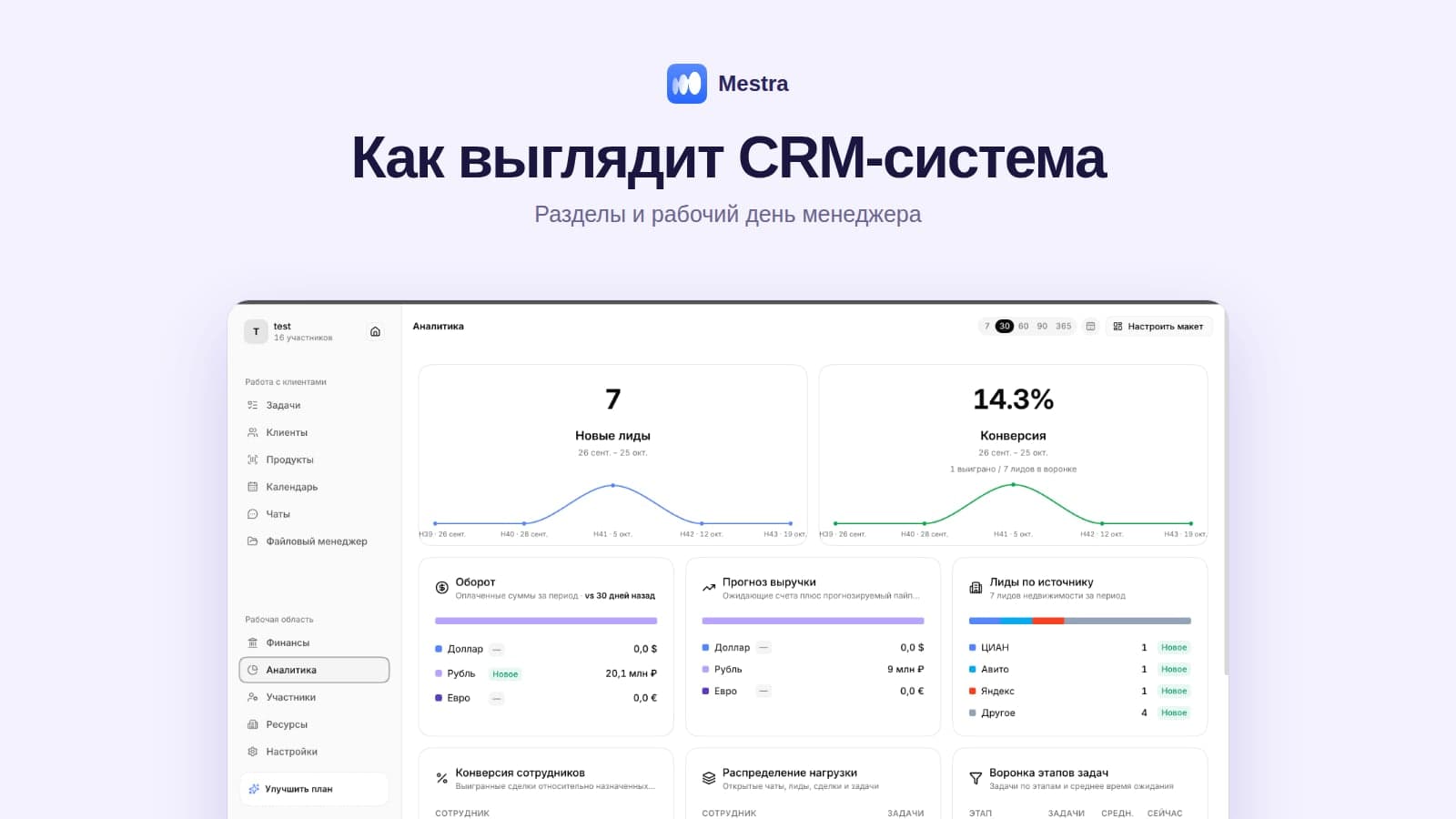
Analytics: leads, conversion, turnover and sources
Mestra is a CRM system: clients, messengers and marketplaces, tasks, finance, analytics and an AI operator in one window.
- Import in minutes. Clients, deals, tasks and products from Excel via Settings → Data → Import files, including after switching from another CRM.
- Chats in one window. MAX, Telegram, VKontakte, Avito, CIAN and marketplaces.
- Request routing. By specialisation, workload, working hours and holidays.
- Tasks as projects. Stages, deadlines, responsible people, kanban and process templates for each industry.
- AI assistant. Replies at night; in Suggestions mode it proposes a reply to the manager.
- Roles and permissions. Precise control over who sees what.
- Analytics. By employee, channel, source, response speed, conversion and revenue.
FAQ
How long does it take to learn to work in a CRM?
The core actions — replying in a chat, creating a task, moving a deal — are learned in a day.
What if managers don't want to work in the CRM?
Remove duplication: if conversations, tasks and invoices are already in the CRM, keeping them anywhere else is simply inconvenient.
Do you need to fill in every field on the card?
No. The essentials are enough: name, contact, source, responsible person, next step.
Can you work in the CRM from a phone?
Mestra works in your phone's browser; a mobile app is in development.
Bottom line
Working in a CRM comes down to three rules: a card for every client, a next step for every deal, agreements as tasks. The manager starts the day with chats and tasks, and the team lead watches response speed and conversion. In Mestra, all of this is in one window — try it free for 15 days.