WhatsApp for Business: How to Connect Several Managers to One Number Without Losing Clients
Guides5 min read
How to connect several managers to one WhatsApp number: linked devices, the Business API or a CRM. Pros, cons, a comparison and what to choose for a team.

There are three ways to connect several managers to one WhatsApp number: through linked devices in the WhatsApp Business app, through the official WhatsApp Business API with a provider, or through a CRM where one number works for the whole team.*
For a team of two or more, a CRM is the most convenient: each manager sees their own clients, there are no double replies, and conversations stay with the company.
What to choose in one minute
- Two or three of you and not much messaging? Linked devices in the app.
- A team of two or more that needs routing and oversight? A CRM with WhatsApp — for example, Mestra.
- Thousands of notifications and mailings a month? The WhatsApp Business API through a provider — more in our article WhatsApp Business API.
Why one phone for everyone is a problem
A company has one work number, and five people reply from it. The consequences:
- The client gets two replies — from two employees at once, saying different things.
- Nobody replies — everyone thought a colleague would.
- It's unclear who owns the deal — or who gets the commission.
- History gets lost — agreements are scattered across dozens of chats.
- The head sees nothing until a customer complains.
3 ways to connect several managers
| Method | Suits | Limitations |
|---|---|---|
| Linked devices in WhatsApp Business | 1–3 employees | A limited number of devices, no conversation routing or reports |
| WhatsApp Business API through a provider | Companies with a heavy flow | Separate payment, set-up needed, template rules |
| A CRM with the messenger connected | Teams of 2 or more | You need to choose a system and move your work into it |
Linked devices
One number is open on several computers or phones.
The downside is that everyone sees every chat, and there's no way to organise who handles which enquiry. How to work from a computer — in our article WhatsApp Business on a computer.
WhatsApp Business API
The official method for high volumes. The API is connected through a provider, and template messages are paid for separately.
A CRM
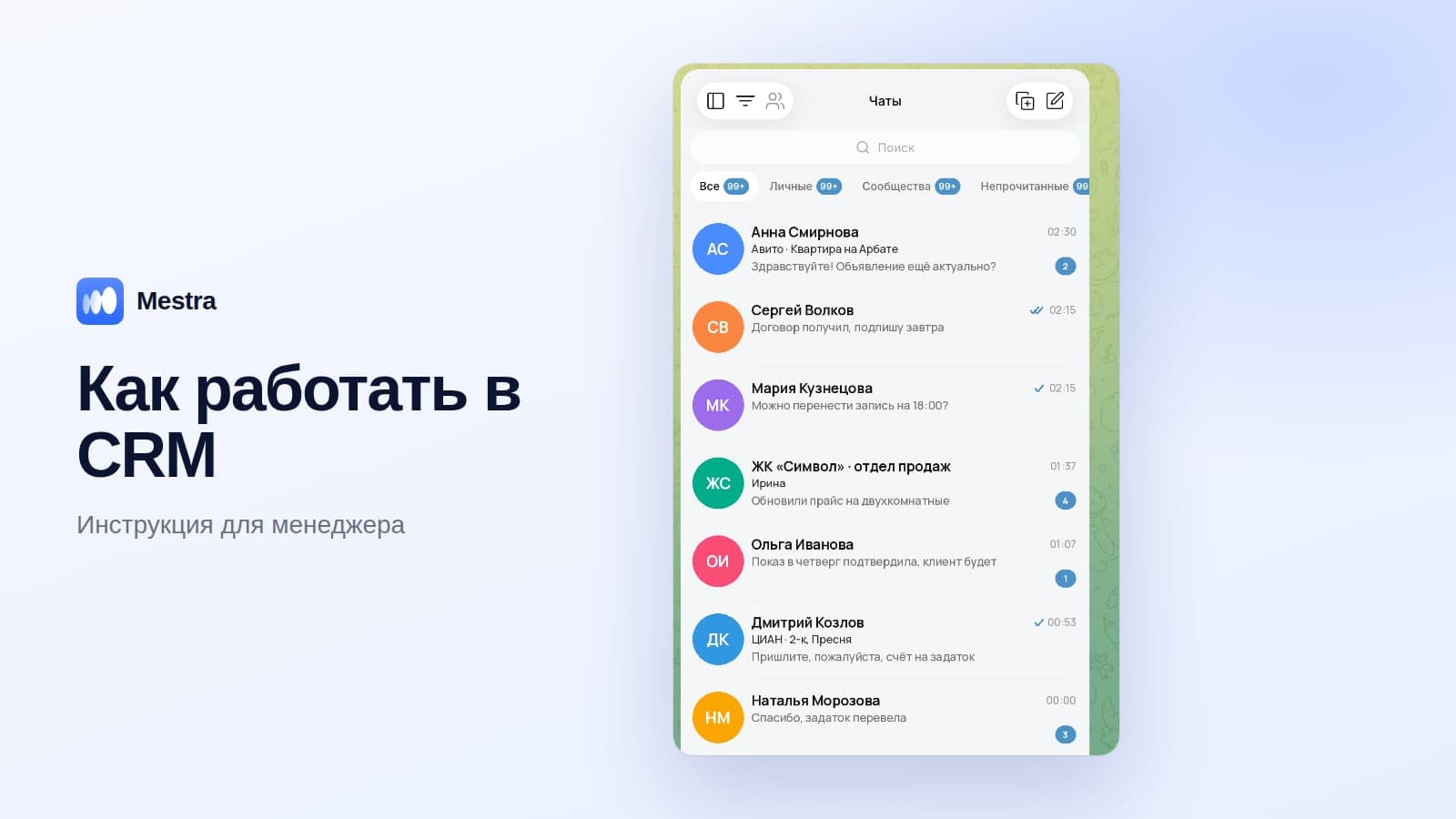
One number, but each employee has their own conversations, and the head sees everything. The messenger works alongside client cards, tasks and analytics.
What a system for teamwork needs
| Feature | Why |
|---|---|
| Conversation routing | It's clear who handles which client |
| Assigning a conversation to an employee | No double replies |
| Conversation history in the card | Nothing is lost when staff change |
| Other channels alongside | Clients also write in Telegram, MAX, VKontakte, on Avito |
| Visibility for the head | All conversations and each person's workload |
| Replies out of hours | An auto-reply or an AI assistant |
Why it's important to keep several channels in one place — in our article messengers for business.
How to move a team onto a shared number: 5 steps
- Choose the company's work number and connect it to a CRM.
- Connect the other channels: Telegram, MAX, VKontakte, Avito.
- Set up routing of new conversations among managers.
- Turn on the AI assistant for evenings and weekends.
- Agree the rules: every conversation is assigned, and replies go only through the CRM.
How it works in Mestra
Mestra is our product. A team on one number in Mestra:
- One number — the whole team. WhatsApp, Telegram, MAX, Instagram* and VKontakte connect to one window.
- Routing: the head assigns an operator to a conversation, or AI distributes clients taking specialisation, workload and schedule into account.
- Everyone sees their own conversations — no double replies.
- The head sees everything: conversations, workload and each employee's conversion.
- The AI assistant replies at night and at weekends and books meetings.
- The history stays in the card, even if an employee leaves.
- Scale: unlimited users, roles and detailed permissions, Enterprise for special requirements.

Messengers are included in every plan from 390 ₽ per user per month. 15 days free.
FAQ
Can you use one WhatsApp account on several devices?
Yes, the WhatsApp Business app lets you link one number to several devices. It has no conversation routing or reports.
How do you stop a client getting two replies?
Assign each conversation to a specific employee. In a CRM, this takes one action.
What happens to conversations if an employee leaves?
If work goes through a shared number in a CRM, the whole history stays in the card and is available to the new employee.
Do you have to pay to connect WhatsApp to a CRM?
In many CRMs, the messenger is connected through a paid connector service. In Mestra, messengers are included in every plan.
How many managers can work with one number in a CRM?
Unlimited: one channel account serves the whole team.
Bottom line
One WhatsApp number for the whole team only works if it's clear who handles which client.
Linked devices suit a couple of people, but a team needs a system where everyone sees their own clients and the head sees the whole picture. Try Mestra free for 15 days, no bank card.
*WhatsApp and Instagram are owned by Meta, which is recognised as extremist and banned in Russia.