MAX for Business in 2026: How to Connect Your Company, Get Verified and Manage Clients in One Window
Guides7 min read
How to connect a company to MAX for Business: who can, verification, a chatbot, a channel and managing MAX clients alongside Avito and Telegram in one window.

MAX for Business is a company account inside the national messenger: after a check, the organisation gets a "verified" badge, its own chatbot for messaging clients, a channel for news and mini-apps for bookings and orders.
LLCs, sole traders and self-employed people can set up an account: just enter your tax ID, verify the company via Gosuslugi or a bank and create a bot.
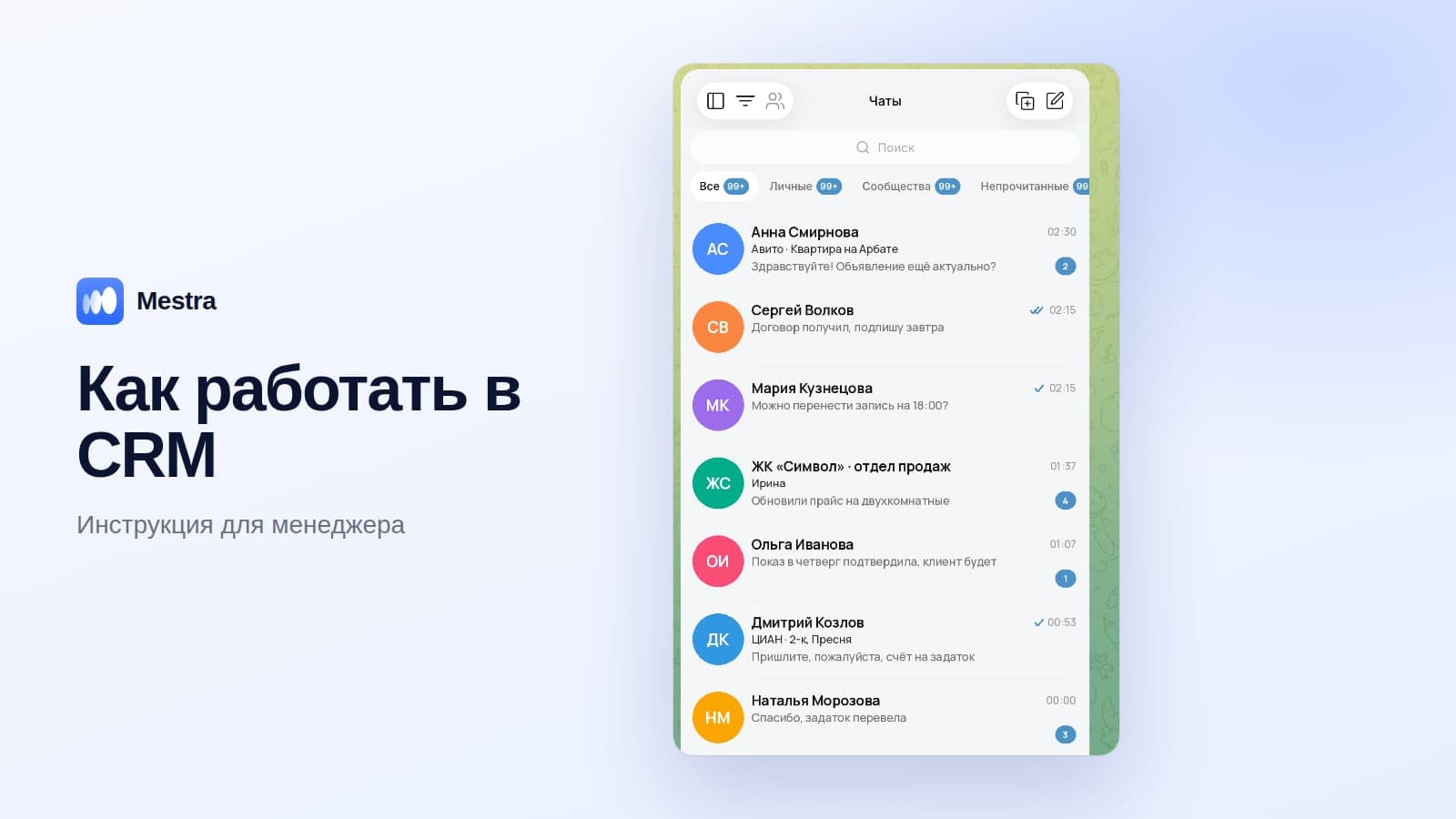
To keep MAX enquiries from getting lost among other channels, the bot is connected to a CRM — for example, Mestra, where MAX works in one window with Avito, Telegram, WhatsApp and VKontakte.
Connecting MAX in one minute: what to choose
- Need an official status and company profile? Register in MAX for Business and get verified.
- Clients message you personally? Create a company chatbot and connect it to a CRM.
- Want to share news and promotions regularly? Create an organisation channel — instructions in our article MAX channel.
- Enquiries also come from Avito, Telegram and VKontakte? Connect all channels to one CRM with an AI assistant.
What MAX for Business gives you
| Tool | What for | Who benefits |
|---|---|---|
| A verified organisation profile | The client sees they're writing to an official company | Everyone |
| A company chatbot | Personal conversations with clients, replies from the CRM | Sales and support |
| An organisation channel | News, promotions, useful content | Marketing |
| Mini-apps | Booking, a catalogue, ordering inside the messenger | Services and retail |
| CRM integrations | Conversations in the team's shared window | Teams of two or more |
Unlike an employee's personal number, this account belongs to the organisation: the buyer sees the verification badge, and conversations don't disappear along with a departing manager.
Who can connect
- Legal entities — LLCs, joint-stock companies.
- Sole traders.
- Self-employed people — according to the platform, from June 2026.
A private individual without business status can't create an organisation bot or channel.
How to connect your business to MAX: 4 steps
Step 1. Register your company
In the latest version of the app, go to your profile, find MAX for Business and fill in the organisation card: name, tax ID and the responsible employee.
Step 2. Get verified
Verification lets the platform confirm the company is real. The quickest way is via Gosuslugi or a partner bank — usually a few minutes.
After the check, a verification badge appears next to the company name, and access to bots and channels opens up.
Step 3. Create a chatbot
The bot is created in the platform's partner account: choose the organisation, come up with a name and a short description and upload an image. When moderation is complete, you'll receive a token — a secret key you paste into the CRM.
The platform allows up to five bots per company, so it's convenient to split sales and support across different bots. Detailed instructions are in our article how to create a bot in MAX.
Step 4. Connect the bot to a CRM
Replying to clients from the app itself is inconvenient: all conversations end up concentrated on one smartphone again.
Once the token is connected to the CRM, every new message lands in the team's shared feed, where the manager sees it and the assigned employee takes it on.
The main difficulty: MAX is yet another window
Many companies already have separate windows for Avito and CIAN, Telegram and VKontakte. With MAX, there are even more tabs, the manager has to keep switching, and clients wait longer for a reply.
Typical consequences:
- A reply in the morning instead of the evening — the client is already talking to a competitor.
- Two managers replied differently to the same client.
- A manager left — the conversations went with their phone.
- The head can't see how many enquiries came from each channel and how many became deals.
The answer isn't to choose a "main" messenger.
The client decides where it's convenient to write — the company's job is to gather all channels in one place. More in our article messengers for business.
How to work with MAX alongside other channels
In Mestra, MAX is connected together with Telegram, WhatsApp*, VKontakte, Instagram*, Avito, CIAN, Yandex Real Estate, Auto.ru, Wildberries and Ozon.
- All messages in one chat list. A client who responded on Avito yesterday and wrote in MAX today is one card with their full history.
- Every conversation is assigned to a manager. The head assigns an operator manually, or AI does it taking specialisation, workload and schedule into account.
- The AI operator replies 24/7: it knows your products and services, books meetings and creates a task for the manager. The mode is chosen for each chat: Auto, Suggestions or Off.
- The history stays with the company. Channels are connected to company accounts; a departing manager's clients can be passed to a colleague in a couple of clicks.
- Scale: unlimited users, roles and detailed permissions, Enterprise for special requirements.

What connecting MAX costs
The business section, verification and creating a bot are free. What you pay for is the tool you use to manage conversations.
Usually that means several separate bills: a CRM, a messenger connector, platform integrations, a chatbot service.
In Mestra, MAX and the other messengers are included in the plan from 390 ₽ per user per month, and with platforms and the AI operator from 1,090 ₽. Prices include VAT; the first 15 days are free.
Checklist: your business on MAX in one day
- Register the organisation in MAX for Business.
- Get verified via Gosuslugi or a bank.
- Create a sales chatbot — and a separate one for support if needed.
- Connect the bot to a CRM.
- Add a MAX link to your website, map listing, ads and email signature.
- Message your regular clients: "You can now find us on MAX".
- Set up an auto-reply or the AI operator for out-of-hours.
FAQ
Can you connect MAX for Business without being a sole trader or LLC?
According to the platform, from June 2026 the section is also available to self-employed people. A private individual without business status can't create an organisation bot or channel.
How long does verification take?
Via Gosuslugi or a partner bank — usually a few minutes.
How many bots can you create?
Up to five bots per organisation.
Do you need a developer to connect the bot to a CRM?
No. In a CRM with a ready integration, you just paste in the bot token; in Mestra, this is done in the channels section.
What about clients who write in WhatsApp and Telegram?
Keep working with them where it suits them, and connect all channels to one window so no conversations get lost.
How is conversation data protected in Mestra?
Personal data is processed in line with Federal Law No. 152-FZ, and access is restricted by employee permissions.
Bottom line
MAX for Business is a free way to get an official company status, a bot and a channel in the national messenger.
To stop the new channel becoming yet another window where requests get lost, connect it to a CRM along with Avito, Telegram, WhatsApp and VKontakte. Try Mestra free for 15 days, no bank card required.
*WhatsApp and Instagram are owned by Meta, which is recognised as extremist and banned in Russia.