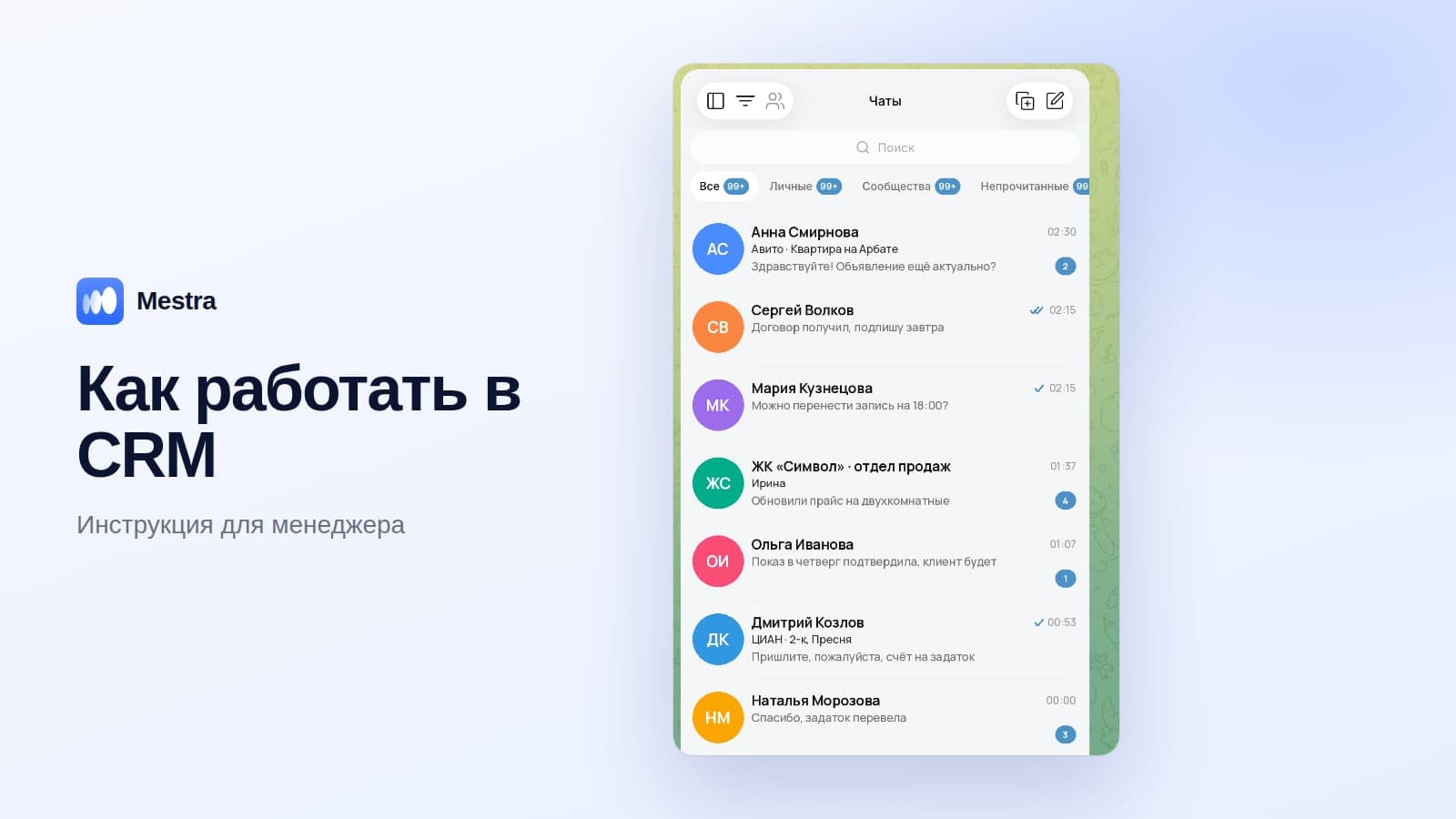
What a CRM System Is in Simple Terms: Why a Business Needs One, 7 Signs It's Time and How to Choose
Guides7 min read
What a CRM is in simple terms, the 5 tasks it solves, 7 signs a business needs one, why CRMs often fail to take root and how to choose a system.

A CRM system is software that stores all your work with clients: who wrote, what they were told, what stage the deal is at and what needs to happen next. The abbreviation stands for "customer relationship management".
A CRM is the company's shared memory of each client, independent of any one employee's memory.
Modern CRMs also gather messages from all messengers into one window, remind you about tasks, issue invoices and show where the company is losing money.
What a business looks like without a CRM
Overnight, clients sent 30 messages — in MAX, Telegram, WhatsApp*, by email and on Instagram*. Some were never seen, because each channel has to be checked separately.
A manager remembers the five clients they spoke to yesterday. Someone was promised a call back on Wednesday, but the agreement stayed in the head of an employee who's off sick today. Invoices are made by hand in Excel. Nobody knows for sure whether the client paid the last invoice. And the owner can't say how many deals are in progress.
When a manager leaves, the history of all their clients leaves with them — and sometimes the clients themselves.
What a CRM does: 5 main tasks
| Task | Without a CRM | With a CRM |
|---|---|---|
| All enquiries in one place | Each messenger is checked separately, messages get lost | Messages from all channels in one feed, every conversation has an owner |
| Client history | Lives in a manager's head | Conversations, deals, files and notes in the client card |
| Tasks and reminders | "We promised to call back and forgot" | The task is linked to the client, and the system reminds you of the deadline |
| Invoices and payments | An invoice in Excel, nobody tracks payments | An invoice from the client card, you can see who has paid |
| Analytics | Nobody knows how many deals are in progress | The pipeline, client sources, each employee's results |
The main result is order: a client wrote, they were seen, replied to, recorded and taken through to a result.
What kinds of CRM exist
- Operational — for day-to-day client work: conversations, deals, tasks.
- Analytical — for reports and sales analysis.
- Industry-specific — with ready set-ups for a niche: real estate, medicine, education.
- Cloud and on-premise — cloud CRMs work in the browser, on-premise ones are installed on the company's server.
For most companies, a cloud operational CRM with ready industry set-ups and built-in analytics is the right fit.
Who needs a CRM: 7 signs it's time
Any business where every enquiry can become a deal needs a CRM — from an owner working alone to a sales department of hundreds. If even one of these sounds familiar, you already need one:
- Clients write in several messengers, and you don't always manage to reply to everyone.
- Requests that arrive at night or at weekends are only handled on Monday.
- You don't know how many deals are in progress or what stage they're at.
- When an employee leaves, it's impossible to reconstruct the history of their clients.
- You can't see how managers talk to clients.
- Invoices are made by hand, and payments are checked against the bank statement.
- Clients bought once and never came back — and nobody reminded them about you.
"We don't have many clients, why would we need a CRM?" — this is exactly where it's needed most: the reason for slow growth is often inside the company. More in our article why a business has too few clients.
Why CRMs fail to take root
- Too complex. Dozens of modules for the whole company overload the sales team, and employees go back to messengers and Excel.
- Expensive not on the website but in total. Implementation, connecting messengers and classified sites, and AI are often paid for separately.
- A long launch. If the system takes weeks to set up, the team is disappointed before it even starts.
- Conversations outside the system. If messengers aren't connected, managers keep working on their phones.
How to choose a CRM: 6 questions before you buy
- Do your channels connect? MAX, Telegram, WhatsApp, VKontakte, Avito, CIAN — in one window.
- Is there a ready solution for your industry? So you don't start from a blank screen.
- How much does the system cost per year in total? Including implementation, integrations and AI.
- Can you pay monthly?
- Will your data transfer from Excel or an old CRM?
- Can you try it free and without a card?
A detailed checklist is in our article how to choose a CRM, a comparison of systems in the best CRM systems of 2026, and how to pick a system for your industry in CRM for business.
Example: how it works in Mestra
A real estate agency of 10 people. At 23:40, a client writes on Telegram: "Can I see the flat tomorrow morning?". The managers are asleep, but the AI assistant replies immediately, offers a time and books a viewing. In the morning, the manager sees the whole conversation in the card, the meeting in the calendar and the next step.
What else the owner gets:
- All channels in one window: MAX, Telegram, WhatsApp, VKontakte, Instagram, Avito, CIAN and others.
- Communication quality control: managers' conversations are visible to the head.
- Reasons for lost deals: when a deal is moved to "lost", the system requires a reason.
- Money in the same system: invoices from the client card, income, expenses and a monthly profit and loss report.
- The base stays with the company: roles and permissions for every section.
- Ready solutions for 23 business industries: launch in 5–10 minutes, data transfer from an old CRM.
- Any team size: unlimited users, standard plans for up to 300 people, Enterprise with custom implementation.

FAQ
How is a CRM different from Excel?
Excel is filled in by hand. A CRM collects conversations from messengers by itself, reminds you about tasks, issues invoices and builds reports.
Do you need a CRM if you have few clients?
Yes. When you have few clients, each one you lose is especially costly.
How much does a CRM cost?
The price is usually per user per month. Look at the full cost including implementation, integrations and AI. Mestra's plans start from 390 ₽ per user, and on Standard and Pro the AI assistant and classified sites are already included.
Is it hard to implement a CRM?
Systems with ready industry solutions launch in minutes: choose your industry, move your clients, connect your channels. More in our article CRM implementation.
What happens to the data if an employee leaves?
The client history stays with the company: conversations, deals and files are linked to the client, not the employee.
Is a CRM suitable for a large company?
Yes, if it has roles, permissions and no strict user limits. More in our article CRM for a large sales department.
Bottom line
A CRM brings order to client work: no enquiry gets lost, the history stays with the company, and the owner sees where money is being lost. Try Mestra free for 15 days, no bank card: choose your industry, move your clients and connect your messengers in 10 minutes.
*WhatsApp and Instagram are owned by Meta, which is recognised as extremist and banned in Russia.