CRM for a Large Sales Department: How a Team of 20 to 300+ Managers Works With Messengers
Reviews7 min read
Which CRM a sales department of 20 to 300+ people needs: roles and permissions, chat routing, quality control, analytics, AI and custom implementation.

A sales department of 20 to 300 managers or more needs a CRM with roles and detailed permissions, automatic request routing, conversation quality control and analytics for every employee.
If clients write in MAX, Telegram, WhatsApp and on Avito, all channels must work in one window — otherwise lost requests grow along with the team.
Mestra suits teams of any size: users can be added without limits, standard plans are designed for departments of up to 300 people, and for companies that need a system built around their own processes there's Enterprise with custom implementation.
What changes as a sales department grows
While there are three managers, the head knows every client by face. With 20, 50 or 200 employees, new challenges appear:
- Request routing. Who answers a new enquiry, and how to stop it being taken by two people — or by nobody.
- Data access. A newcomer shouldn't see the whole base, while a team lead should see their people.
- Quality control. It's impossible to read thousands of conversations a day by hand.
- Branches and divisions. Each unit has its own clients, plans and reports.
- Speed. The bigger the team, the more each minute of delay costs.
- Keeping the base safe. Employees come and go, but clients must stay with the company.
Must-have CRM features for a large team
Roles and permissions
Department head, team lead, manager, administrator, accountant — each role has its own set of permissions. It's important that permissions can be configured in detail: who sees which clients, who can export the base, change prices, delete records, see finance.
Request routing
New requests from all channels are assigned to a responsible person: manually by the lead, or automatically — taking into account staff specialisation, workload and schedule. The lead can reassign a conversation.
One window for all channels
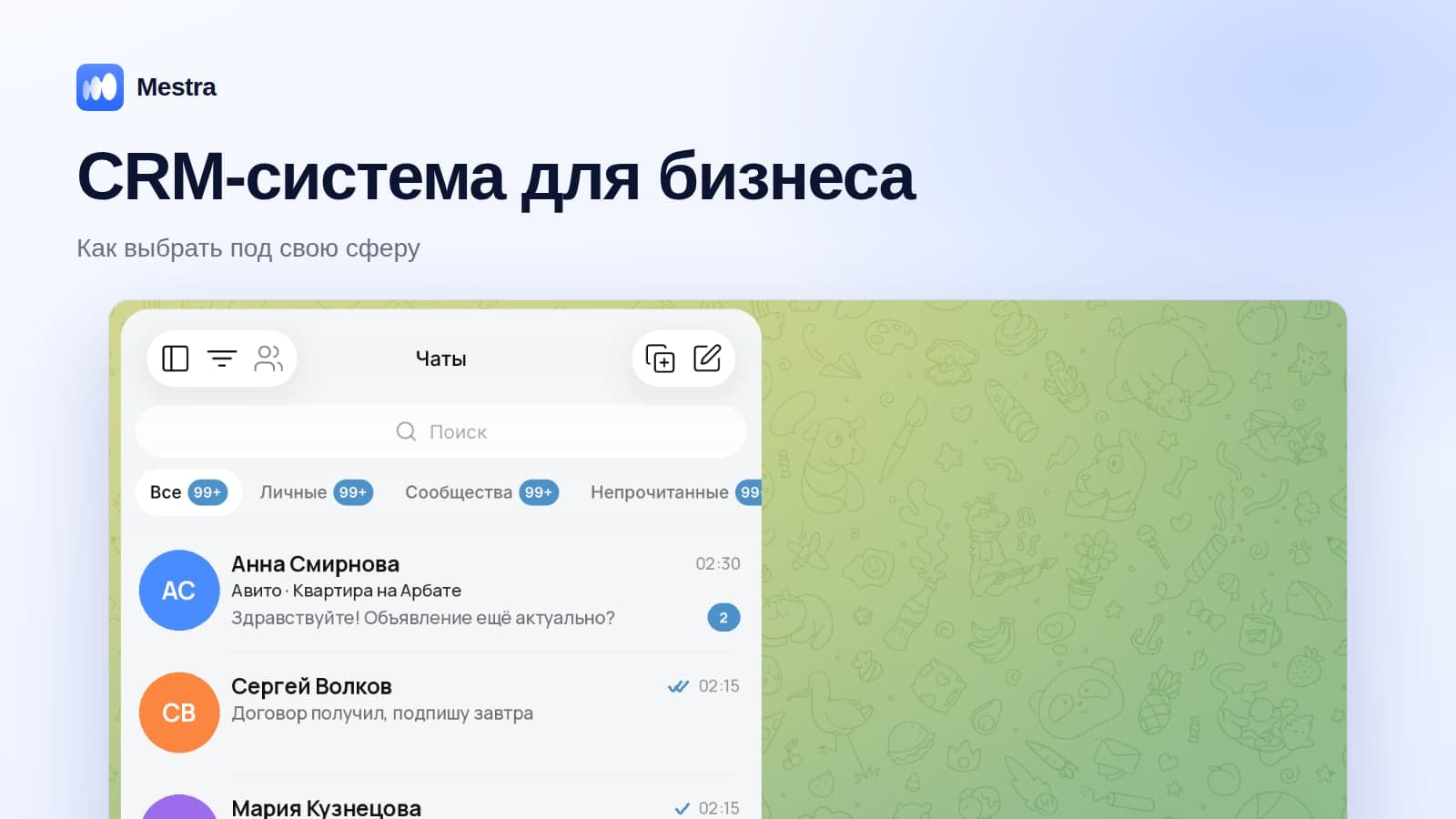
MAX, Telegram, WhatsApp, VKontakte, Avito, CIAN, marketplaces — in one feed. The reply goes to the client in the same channel they wrote from. Channels are connected to the company's numbers and accounts, not employees'.
Quality control and analytics
- First response time for each employee.
- Share of enquiries without a reply.
- Conversion and revenue by manager, team and source.
- Workload distribution: who has too many open conversations.
- Reasons for lost deals.
More on managing a team without micromanagement in our article how to manage sales managers.
AI assistant
In a large team, AI covers night-time and weekend enquiries, answers standard questions and suggests ready replies to managers. AI reduces the workload and evens out communication quality between experienced staff and newcomers.
Tasks, calendar and finance
Tasks for every client, a shared calendar of meetings and resources, invoices and payments in the client card — so the head can see a deal's path from the first message to the money.
Scaling without paying per channel
When messengers are connected to a CRM through intermediary services, each new line or number is an extra subscription. In a large team, this quickly becomes a noticeable expense.
Checklist for choosing a CRM for a department of 20+
| Criterion | What to check |
|---|---|
| Roles and permissions | Can you restrict access to clients, exports, finance and settings |
| Routing | How new enquiries are assigned to managers |
| Channels | Do all messengers and marketplaces work in one window |
| Analytics | Are there reports by employee, team and source |
| AI | Does the system answer clients 24/7 and give managers suggestions |
| Scale | Are there limits on users, and how does the price grow |
| Implementation | Can you start on your own, and is custom set-up available |
| Data | Does the system comply with Federal Law No. 152-FZ |
How to implement a CRM in a large sales department
- Start with a pilot group of 5–10 employees and one line of business.
- Set up roles and permissions before connecting the whole team.
- Connect channels to the company's numbers and accounts.
- Define routing rules and response time standards.
- Turn on the AI assistant in suggestions mode, then auto-replies for out-of-hours.
- Bring teams on board one by one with short training.
- After a month, compare the metrics: response speed, share of enquiries handled, conversion.
More on typical implementation mistakes in our article CRM implementation.
How it works in Mestra
Mestra is a CRM for companies that sell through messaging — from small teams to departments of hundreds of employees.
- Roles and detailed permissions — for clients, sections, finance, settings and actions.
- Users can be added without limits — you pay per user.
- One window: MAX, Telegram, WhatsApp*, VKontakte, Instagram*, Avito, CIAN, Yandex Real Estate, Auto.ru, Wildberries, Ozon.
- Conversation routing: manually or by AI, taking managers' specialisation, workload and schedule into account.
- The AI assistant answers clients 24/7, books meetings, creates cards and tasks, and gives managers suggestions.
- Analytics: employee conversion, workload distribution, lead sources, revenue.
- Tasks, calendar, finance and mailings to your base in one system.
Plans: Economy — 390 ₽, Standard — 1,090 ₽, Pro — 1,590 ₽ per user per month. Standard plans suit teams of up to 300 people.
Enterprise is for companies that need a system built around their own processes: the Mestra team designs and configures the solution to the client's requirements and carries out a custom implementation.

The first 15 days are free, no bank card needed.
FAQ
Is Mestra suitable for a team of 50–100 managers?
Yes. Users can be added without limits, and roles, permissions, conversation routing and analytics are designed for large teams. Standard plans suit departments of up to 300 people.
What is Mestra Enterprise?
A custom implementation for companies that need a CRM built around their processes: the Mestra team designs and configures the system to the client's requirements.
Can a manager's access be limited to their own clients?
Yes, permissions are configured in detail for each role.
Do you need an integrator to get started?
Not on the standard plans: you choose your industry at sign-up, and the CRM is set up for it. For complex scenarios, there's Enterprise.
Can you work from a computer and a phone?
Mestra works in the browser on any device. A mobile app is in development.
How is client data protected?
Personal data is processed in line with Federal Law No. 152-FZ, and access is restricted by role.
Bottom line
A large sales department doesn't need the most feature-packed CRM, but a system where roles, permissions, request routing, analytics and all channels work together — and where managers actually manage clients every day. Mestra covers roles, permissions, routing, analytics and all channels for teams of any size — from a few people to hundreds of employees — and for special requirements there's a custom Enterprise implementation.
*WhatsApp and Instagram are owned by Meta, which is recognised as extremist and banned in Russia.