CRM System for Business: Choose for Your Industry, Not Someone Else's Feature List
Reviews4 min read
How to choose a CRM system for your business in 2026: features by industry — sales, appointment-based services, real estate, retail with stock, branch networks.

A CRM system for business should match how the company works: if clients write in messengers, you need a single message feed; if you sell specialists' time, you need a calendar and reminders; if you have a warehouse, you need stock levels and minimums. The same CRM can be perfect for an agency and awkward for a clinic.
Below: which features different industries need, a selection checklist and a cost calculation.
Choosing in one minute
- Describe the client journey: where clients come from and what they buy.
- List your channels: messengers, marketplaces, website, calls.
- Decide whether you need a calendar, warehouse, branches, finance.
- Check that all of it is in one system.
- Calculate the annual cost for the whole team and test it during a trial.
Features different industries need
| Industry | Key features |
|---|---|
| Sales team | All channels in one window, pipeline, lead distribution, response speed, analytics by manager |
| Appointment-based services | Calendar by staff and place, reminders, repeat visits, staff commission |
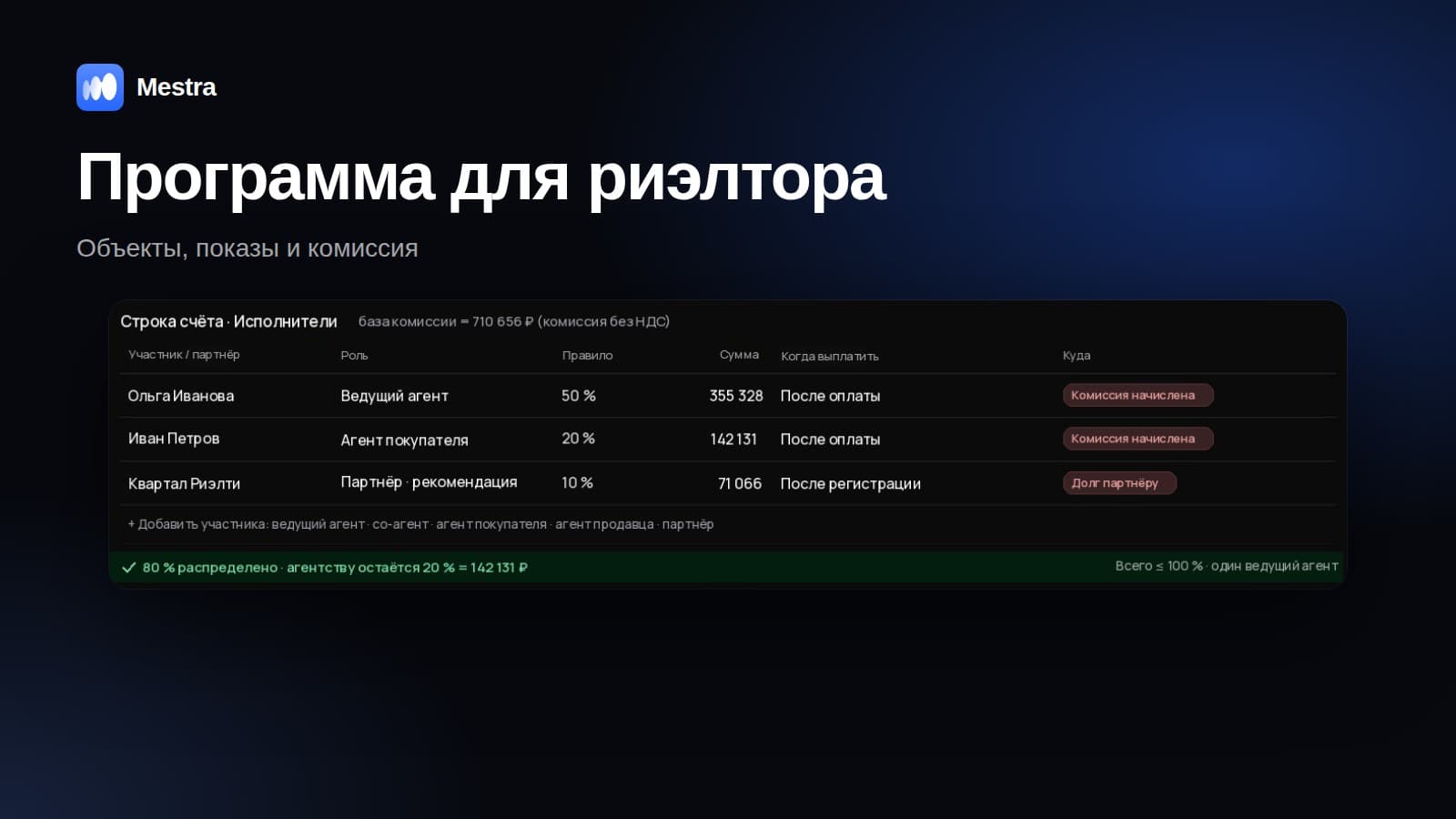
| Real estate | Properties and clients, matching, viewings, deposits, agent commission, Avito and CIAN |
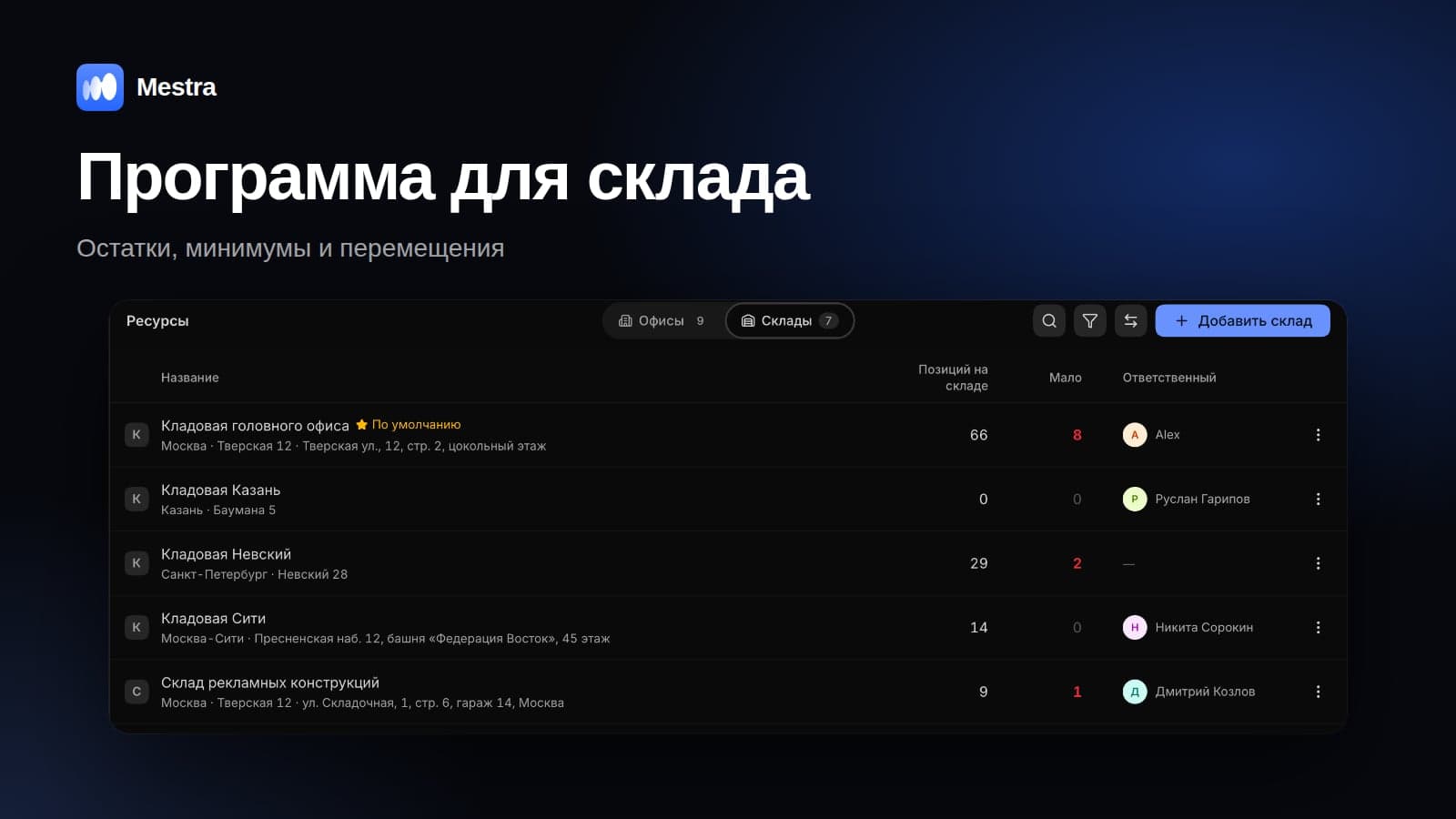
| Retail | Products with cost price, warehouses, minimum stock, marketplaces |
| Chains and franchises | Branches, access to one's own branch, branch comparison, royalties |
| Project work | Tasks as projects, stages, deadlines, kanban |
CRM selection checklist
- Messengers and marketplaces connect without integrators.
- An AI assistant answers clients at night.
- Roles and permissions can be configured precisely.
- Invoices, debts and a profit and loss report are included.
- Personal data is processed in line with Federal Law No. 152-FZ.
- Migration from your old system goes through Excel, not a months-long project.
- There is a trial period you can run with your own team.
Example: one CRM instead of four services
A company of 12 people pays separately for a CRM, a messenger connector, an online booking service and a finance app. Even if each service is cheap, four subscriptions, four logins and manual data transfer cost more than one system. Employees waste time switching tools, and client data drifts apart.
Mistakes when choosing
- Choosing by brand recognition. A popular system may require an integrator and months of setup.
- Buying a complex solution "to grow into". The team never learns it and goes back to messengers.
- Not checking channels. The messenger or marketplace that matters most to you may only connect through a paid third-party service.
- Not calculating the annual cost. The per-user price looks small; the total doesn't.
Related reading: how to choose a CRM, how much a CRM system costs, CRM systems on the Russian market.
How it works in Mestra

Profit and loss report in the same system
Mestra is a CRM system: clients, messengers and marketplaces, tasks, finance, analytics and an AI operator in one window.
- Channels. MAX, Telegram, VKontakte, Avito, CIAN, Wildberries, Ozon — no integrators needed.
- AI assistant. 24/7, with Auto, Suggestions and Off modes.
- Industry templates. During setup you choose one of 23 industries — from real estate to healthcare — each with its own process template.
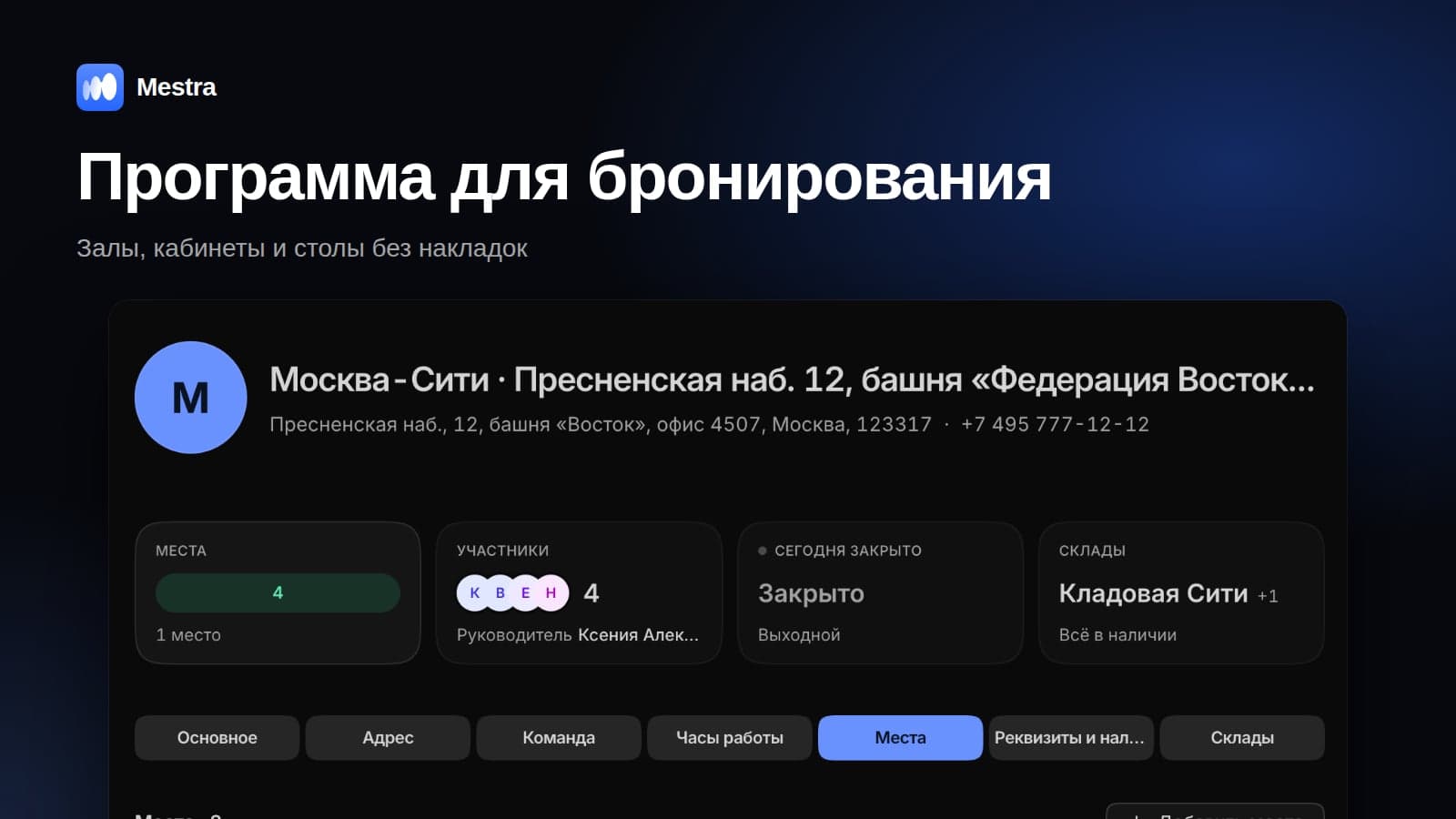
- Calendar and places. Bookings by employee and place, reminders for clients.
- Finance. Cost price in the product card, invoices, debts, commissions, a profit and loss report.
- Resources. Offices, places and warehouses with minimum stock levels.
- Unlimited users. From 390 ₽ per user per month incl. VAT, 15 days free.
FAQ
Which CRM should a business choose?
One that covers your client journey — channels, bookings, warehouse, branches, finance — in a single system without integrators.
How much does a business CRM cost?
It depends on the plan and the number of users. Mestra starts at 390 ₽ per user per month incl. VAT, with 2 months free on annual billing.
Can you switch from another CRM?
Yes: export your data to Excel and import it into Mestra — clients, deals, tasks and products are moved in minutes.
Do you need a CRM if you don't have many clients?
If clients write in messengers and come back for repeat purchases — yes: a CRM won't let you forget about them.
Bottom line
A business CRM system should match the way you sell and serve clients. Define your industry, channels and the modules you need, and look for a system where all of it works in one window. Try Mestra free for 15 days.