Managing remote employees: how to see your team's work, not just the outcome
Management7 min read
How to manage remote employees: 8 rules, a meeting rhythm, setting tasks, measuring results without surveillance and which tools you need for a remote team.

Managing remote employees means organizing the work of a team that doesn't sit in one office so that the manager sees how the work is going, not just the monthly result. The main difference from an office: you can't "walk in and look". So everything that is visible by itself in an office has to be made visible remotely through a system, tasks and regular meetings.
Remote management in a minute
| What you need | How to do it |
|---|---|
| Know who is doing what | All tasks in one system, with an assignee and a deadline |
| See workload | Open tasks, clients and conversations for each employee |
| Keep a rhythm | A short daily stand-up and one-on-one meetings every 1–2 weeks |
| Evaluate results | Plan, conversion, response speed, share of overdue items |
| Keep clients | Work messenger accounts and conversations belong to the company |
| Stay connected | A shared team chat, video at meetings |
The main mistake: carrying office-style control over to remote work
In an office, a manager sees who has arrived, who is at their computer, who is talking to a client. Remotely, people try to rebuild that picture with trackers, screenshots and a requirement to "be online from 9 to 18".
The problem is that such tools show activity, not work. Employees learn to wiggle the mouse and keep an "online" status. Strong people leave for places where they are trusted, and weak ones keep imitating busyness.
Managing remote work is more effective through three things: clear tasks, a transparent process and regular feedback.
8 rules for managing remote employees
1. One system for work
Tasks, clients, conversations and documents should be in one place, not in a dozen chats and spreadsheets. Otherwise the manager doesn't see the picture, and employees waste time searching for information.
2. Tasks with a result and a deadline
"Work with the client" is not a task. "Send the client a proposal with three options by Thursday, 2 p.m." is a task. More in the article on setting tasks for employees.
3. A meeting rhythm
| Meeting | Frequency | Duration |
|---|---|---|
| Stand-up | Every day or 3 times a week | 10–15 minutes |
| One-on-one | Every 1–2 weeks | 20–30 minutes |
| Monthly review | Once a month | 45–60 minutes |
4. Visible workload
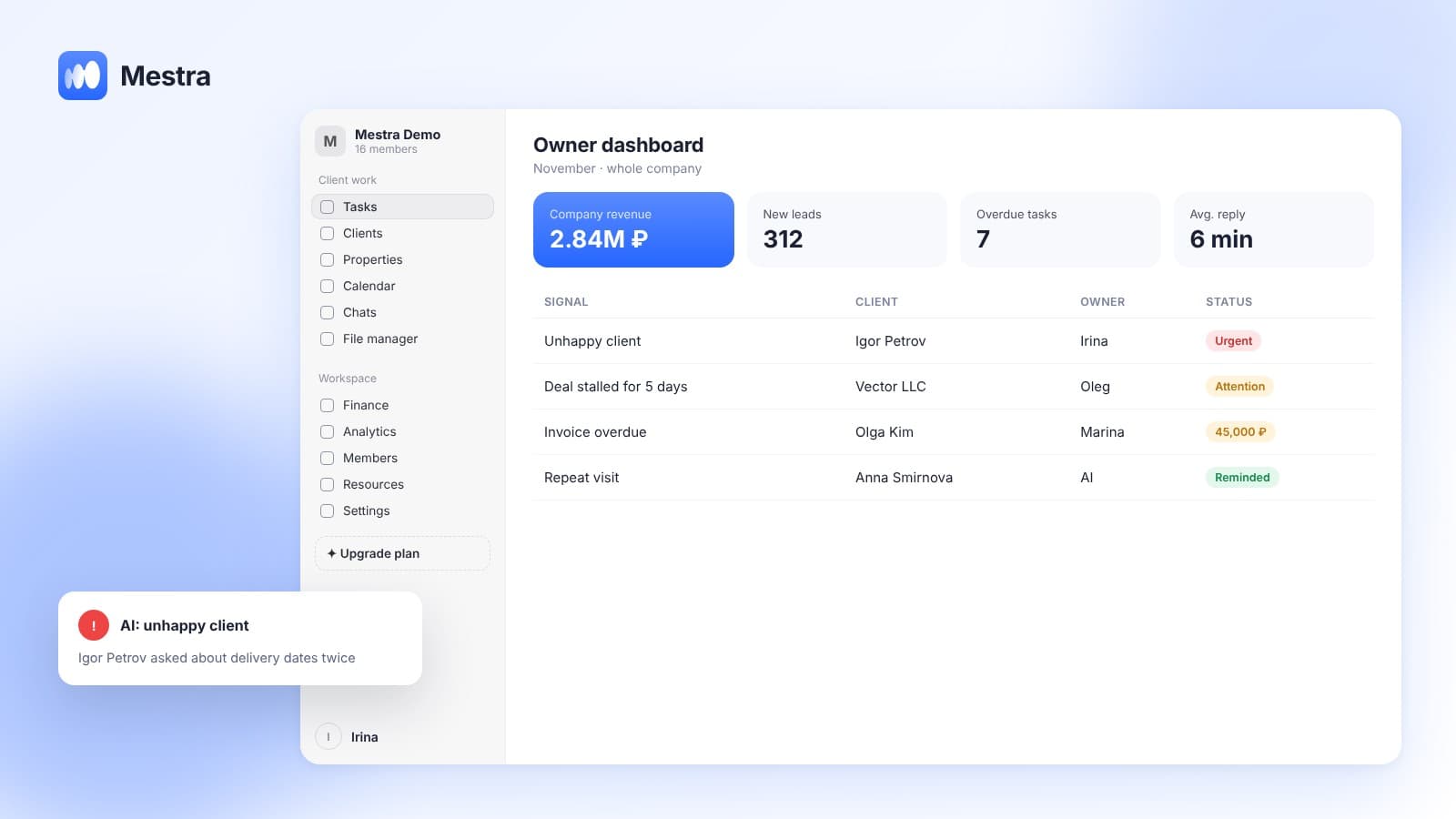
The manager should see how many open tasks, clients and overdue items each person has. When working remotely, overload is especially hard to notice: the person doesn't complain, they just start replying more slowly.
5. Metrics of results, not presence
For sales: plan, conversion, first response speed. For support: response time and resolved requests. For specialists: tasks completed on time and quality.
6. Clients belong to the company
If a manager works with clients through a personal WhatsApp, they take the conversations and contacts with them when they leave. Work messenger accounts should be connected to the company's shared system.
7. A written culture
Agreements are recorded in writing: in a task, a comment, a client card. Verbal decisions from a call get lost faster than in an office.
8. Human contact
Remote work isolates people. One-on-ones are not only about numbers but also about how the person is doing at work. A short informal chat at the start of a call is not a waste of time.
How to measure the work of remote employees
| Role | Key metrics |
|---|---|
| Sales manager | Plan completion, conversion, first response time, overdue tasks |
| Support agent | Response time, number of resolved requests, client rating |
| Booking administrator | Number of bookings, schedule fill rate, cancellations |
| Specialist (lawyer, designer, marketer) | Tasks on time, quality of results, workload |
| Team lead | Team results, turnover, team's overdue items |
A remote sales team: specifics
A noticeable share of communication with clients in remote teams goes through messengers. This is convenient but creates specific risks:
- The client writes to the manager's personal messenger — the company doesn't see the conversation.
- The manager replies with a delay, and it goes unnoticed until the client leaves.
- Agreements stay in the chat and don't turn into tasks.
- Several managers write to the same client or, conversely, nobody replies.
The solution is a shared inbox for messengers: all channels are connected to one system, each chat is assigned to a specific manager, and the manager sees all conversations. More in the article on messengers for business.
Common mistakes
- Trackers instead of tasks. Controlling activity instead of controlling results.
- Too many calls. Meetings for any reason eat working time and irritate people.
- No rhythm. The manager gets in touch only when something has broken.
- Everything in personal messengers. The company doesn't see its clients and loses them when an employee leaves.
- No feedback. An employee goes months without knowing whether they are doing well.
- The same expectations for everyone. Some work better in the morning, others in the evening. If the result is there, rigid hours aren't always needed.

How it works in Mestra
Mestra suits teams of any format — in the office, remote or mixed:
- All channels in one window. Telegram, WhatsApp, MAX, VK, Instagram and listing platforms connect to the shared system. The accounts belong to the company.
- A chat assigned to an operator. Each employee sees their own clients, the manager sees everyone's. Permissions are configured manually.
- Tasks from conversations. Agreements made in a chat automatically become tasks with a deadline.
- Workload-based distribution. AI gives new tasks to whoever has less work and is in right now.
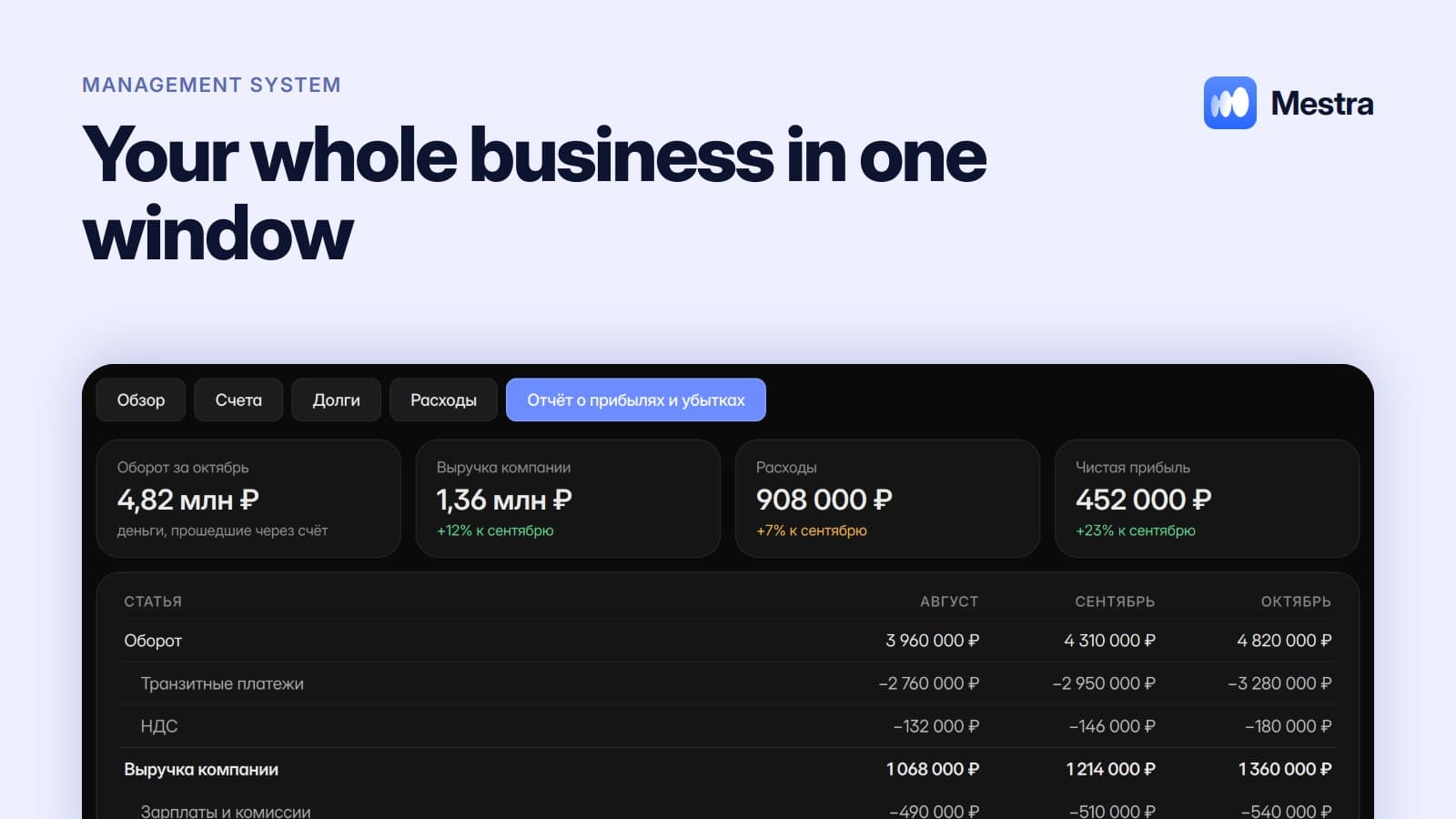
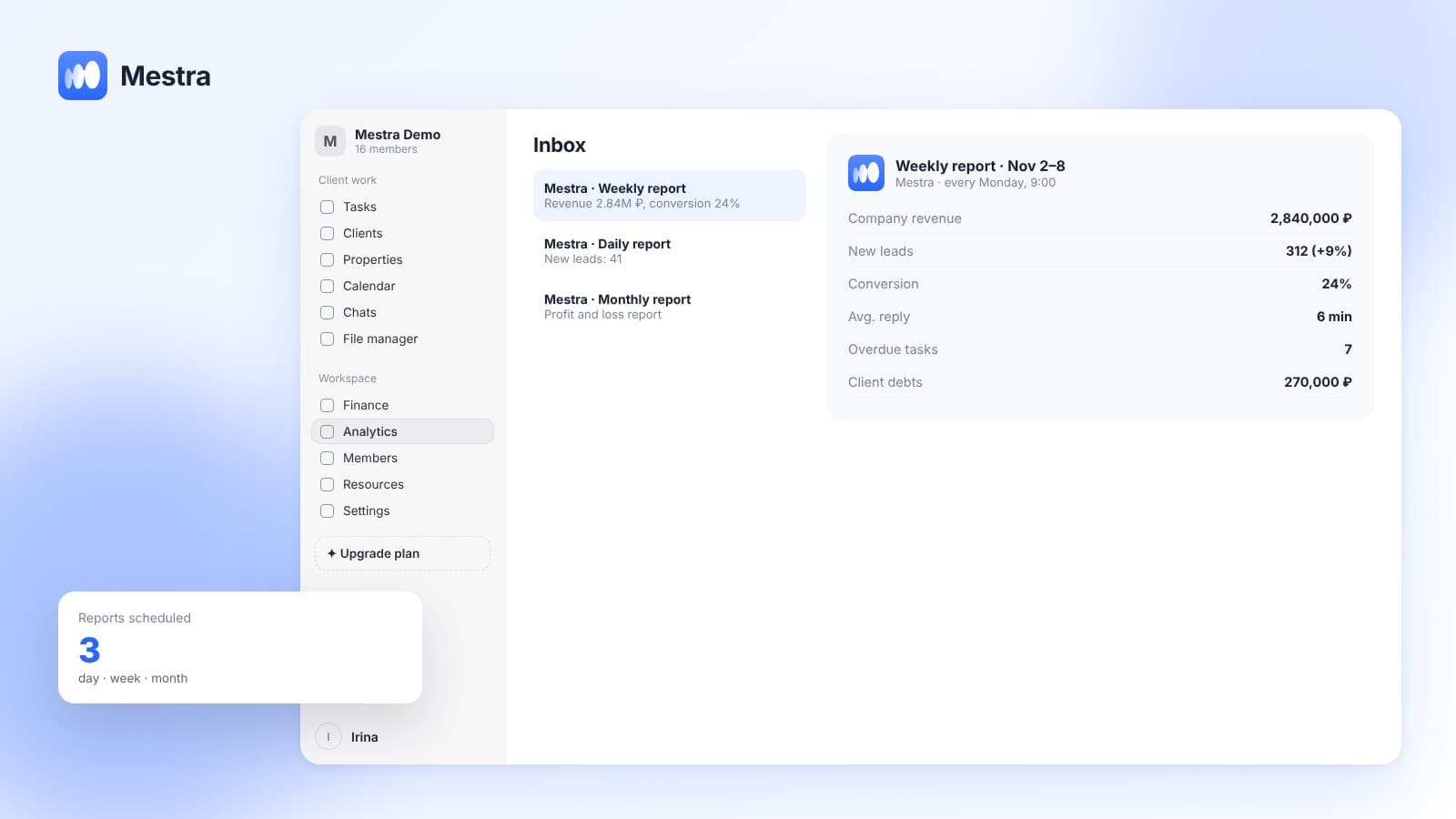
- Analytics per employee. Conversion, workload and response speed — you see how each person works, without screen trackers.
- Reply quality checks. AI flags weak spots in conversations and unhappy clients.
- Profile, schedule and status. Each employee has working hours, an "on site" status and vacations.
- Meetings in the calendar. Video calls in Yandex Telemost or Google Meet are created right from the calendar.
Frequently asked questions
How do I monitor remote employees without surveillance?
Through tasks with a clear result and deadline, results metrics (plan, response speed, overdue items) and regular meetings. Visibility of the work comes from a shared system, not from a program that captures the screen.
How often should I hold meetings with a remote team?
A short stand-up every day or several times a week, a one-on-one every one to two weeks, and a review of results once a month.
Can you manage a remote sales team?
Yes, if all client communication channels are connected to a shared system, chats are assigned to managers, and the manager sees conversations, tasks and analytics for each employee.
How do I avoid losing clients when a remote employee leaves?
Use work messenger accounts connected to the company's system. Then conversations, history and tasks stay with the company, and clients can be handed to a colleague.
What tools does a remote team need?
A system for tasks and clients, shared access to client messengers, a calendar with video meetings, a shared team chat and analytics. The fewer scattered services, the easier it is to manage.
Summary
Remote employees should be managed through results and a transparent process: one system for work, clear tasks with deadlines, a regular meeting rhythm, visible workload, and clients who belong to the company. Screen surveillance replaces none of these elements.
In Mestra, conversations, tasks, workload and analytics per employee are gathered in one window, and AI distributes work and creates tasks from conversations. Try Mestra free for 15 days at mestra.chat.