Overdue tasks: why they pile up and how to restore order without pressuring the team
Management6 min read
Overdue tasks: the main causes, how to calculate the overdue share, a weekly review, what to do with each task and how to cut down on missed deadlines.

Overdue tasks are tasks whose deadline has already passed but which are neither done nor closed. A few overdue items are normal. Dozens are a sign that tasks are being set incorrectly, people are overloaded, or nobody simply reviews the tasks.
Overdue tasks in a minute
| Question | Answer |
|---|---|
| What are they? | Tasks with a past deadline |
| What is a normal share? | Depends on the work; growth is a signal |
| Main causes | Overload, unrealistic deadlines, vague tasks |
| What to do? | Do it, reschedule with a reason, or close |
| How often to review? | Employee — daily, manager — weekly |
Why tasks become overdue
| Cause | How to recognize it | What to do |
|---|---|---|
| Overload | One employee has many times more tasks | Redistribute, distribute by workload |
| Unrealistic deadline | Overdue items of one task type across everyone | Revisit the norms |
| Vague task | "Sort out the client" hangs for weeks | Rephrase it with a result |
| Dependence on others | Waiting for a reply from a client or colleague | Note who we are waiting for and a check date |
| No longer relevant | The task lost its meaning long ago | Close it |
| Task assigned to no one | No assignee | Assign it |
How to calculate
Overdue share = overdue tasks / all open tasks.
| Employee | Open | Overdue | Share |
|---|---|---|---|
| Anna | 40 | 3 | 7.5% |
| Oleg | 52 | 18 | 35% |
| Maria | 31 | 2 | 6.5% |
Oleg has a problem — but not necessarily with Oleg. Perhaps he has more clients or harder tasks. The conversation starts with a question, not a reprimand.
What to do with each overdue task
- Do it today. If the task is still relevant and can be finished.
- Reschedule with a reason. A new deadline and a comment: "The client is on vacation until the 15th."
- Close it. If the task is no longer relevant — close it rather than keep it on the list.
- Hand it over. If the assignee has no time — to a colleague.
The main thing is not to leave a task overdue "for later": such tasks turn the list into noise, and the truly important ones get lost in it.
Weekly review
15–20 minutes a week is enough for a manager:
- look at overdue items by employee;
- find recurring types of overdue tasks;
- check whether there is overload;
- agree on decisions with the team.
How to cut down on overdue tasks
| Measure | Effect |
|---|---|
| Tasks with a result and a realistic deadline | Fewer "eternal" tasks |
| Distribution by workload | Less overload |
| Closing out the day every day | Overdue items don't pile up |
| Process templates with stage deadlines | Norms for typical work |
| Notifications about stuck tasks | A signal before it's too late |
More on assigning tasks in the article on assigning tasks to employees, and on planning the day in the article on the daily work plan.
Overdue items and clients
The costliest overdue items are those involving clients: the proposal wasn't sent, the call wasn't returned, the invoice wasn't issued. The client doesn't see the task list; they see that the company didn't keep its promise. Such tasks should be a priority.
How to talk to an employee about overdue items
- Start with the data. "You have 18 overdue out of 52 open — that's more than the others."
- Ask about the causes. What gets in the way: volume, complexity, dependence on others?
- Go through 3–5 specific cases. Often the cause is visible at once.
- Agree on actions. Redistribute some clients, revisit deadlines, close what's no longer relevant.
- Check after a week. Has the overdue share changed.
More on such conversations in the article on giving feedback to employees.
Common mistakes
- Punishing every overdue item. Employees start padding deadlines or rescheduling tasks in advance.
- Rescheduling without a reason. The task drifts for weeks.
- Not closing what's irrelevant. The task list turns into a dump.
- Not looking at workload. Overload looks like indiscipline.
- Deadlines of "yesterday". All tasks are urgent, which means none are.

How it works in Mestra
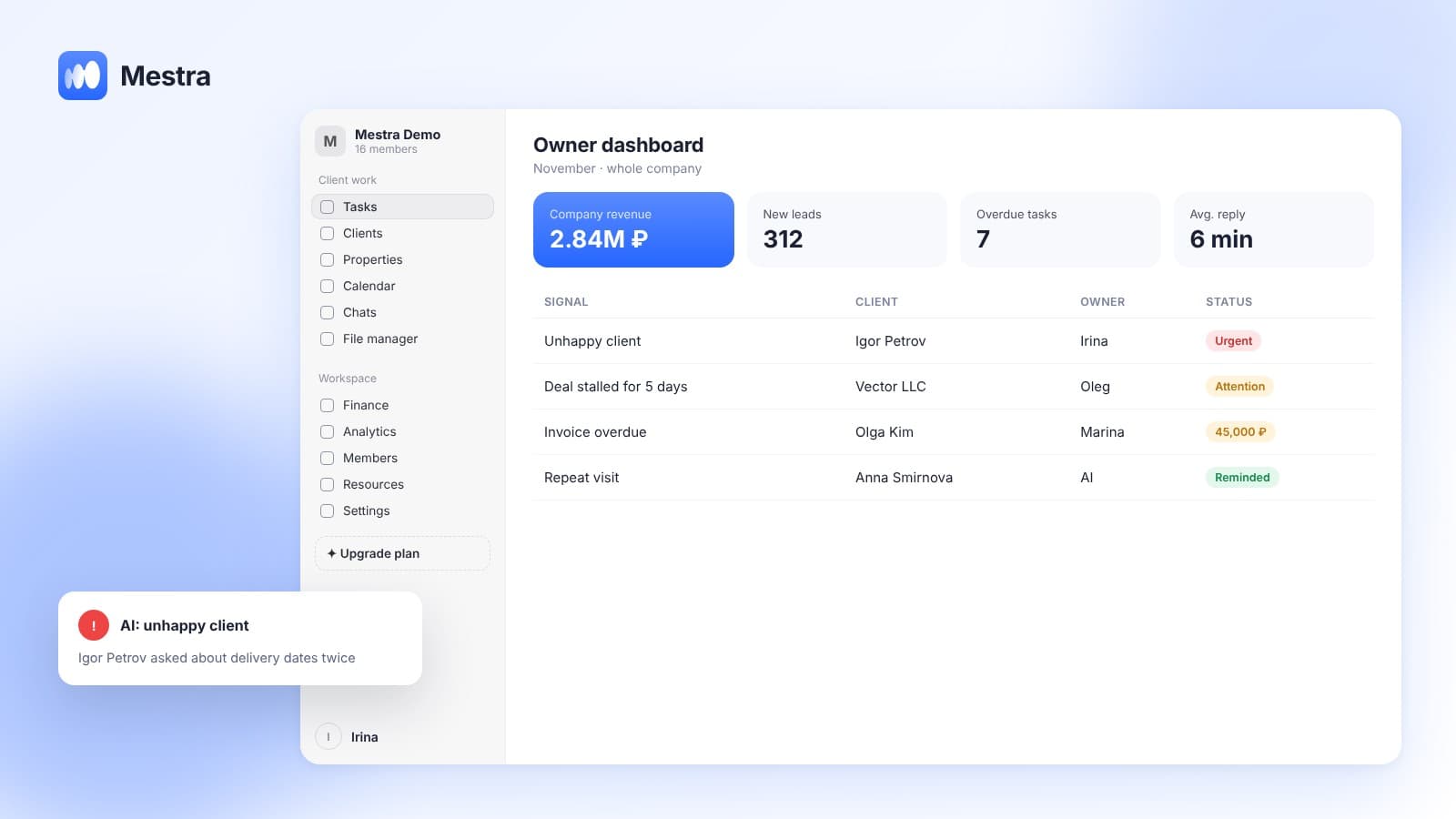
- Overdue items in plain sight. Tasks with a past deadline are visible in the list, on the kanban board and on the timeline.
- AI reports what is stuck. Mestra warns about overdue tasks and deals that are standing still.
- Distribution by workload. AI gives new tasks to those with less open work.
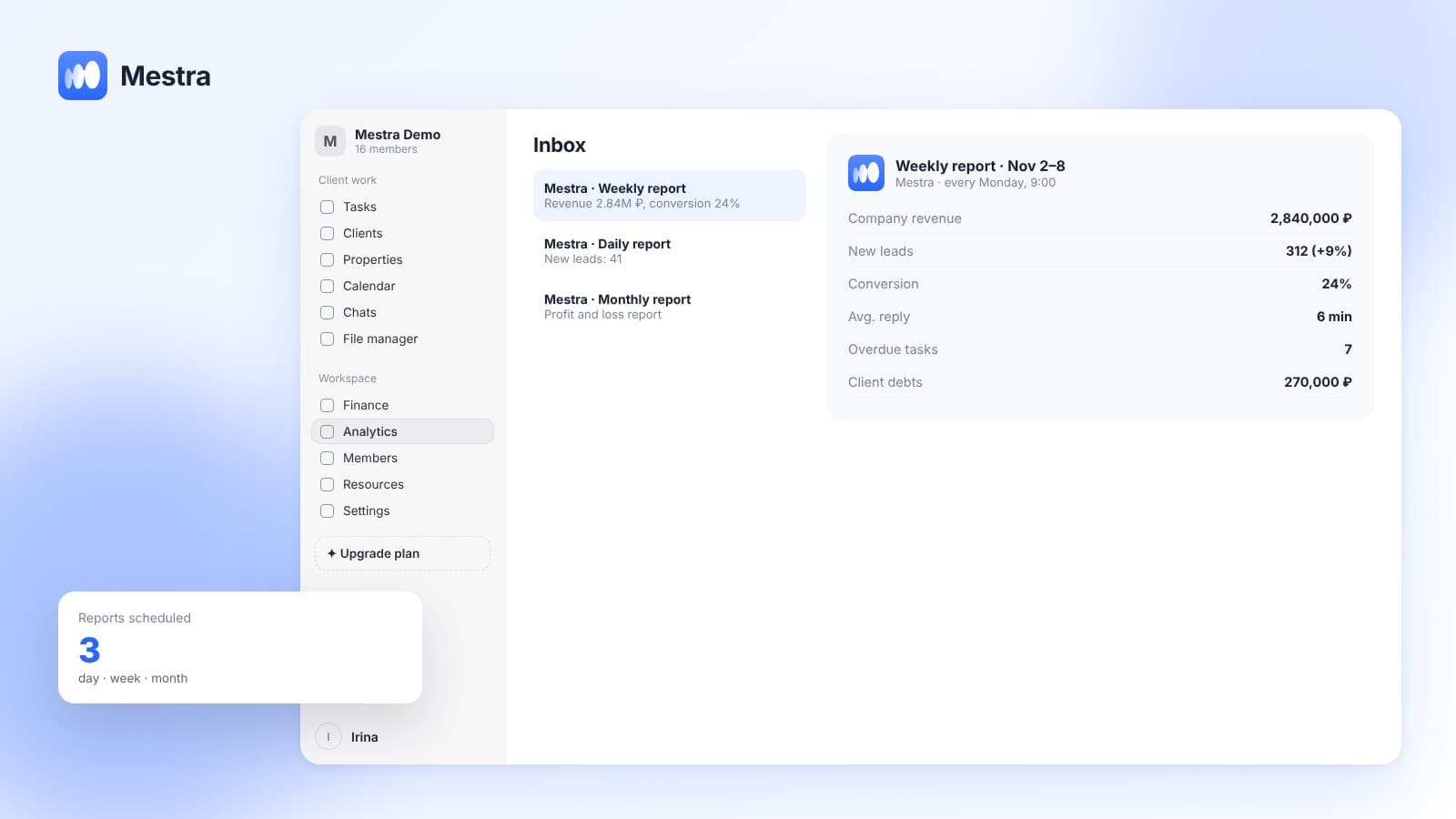
- Workload by employee. Analytics shows each person's open chats, leads, deals and tasks.
- Tasks from conversations with a deadline. An agreement with a client immediately becomes a task with a date.
- Process templates. The stages of typical work with deadlines and assignees.
- Comments. The reason for rescheduling is recorded in the task.
Frequently asked questions
Why do overdue tasks pile up?
Because of employee overload, unrealistic deadlines, vague wording, dependence on other people and irrelevant tasks that nobody closes.
How do you calculate the share of overdue tasks?
Divide the number of overdue tasks by the number of open tasks — for an employee or for the team.
What should you do with an overdue task?
Do it, reschedule it with a new deadline and a reason, hand it to a colleague, or close it as no longer relevant.
Should you punish overdue items?
It is better to look into the causes. Punishment makes people hide problems and pad their deadlines.
How often should you check overdue tasks?
An employee — every day, a manager — once a week across the whole team.
Summary
Overdue tasks are a signal of overload, poor task setting or forgotten work. Closing out the day daily, a weekly review, distribution by workload and honest rescheduling with a reason keep the task list in order.
In Mestra, overdue items are visible in the list, on the kanban board and on the timeline, and AI reports stuck tasks and distributes new work by workload. Try Mestra free for 15 days at mestra.chat.