The daily team meeting: how to run short meetings that don't annoy your team
Management9 min read
The daily team meeting in plain words: why you need it, a 15-minute structure, which numbers to discuss, what to avoid, a sample script and remote meetings.

A team meeting is a short, regular get-together where the team checks results, plans and obstacles. Its job is, in 10–15 minutes, to make sure everyone knows what to do today and that problems are visible before they become urgent. A good meeting saves time; a bad one eats it for the whole team.
In this article: Why you need a team meeting · Types of team meetings · The structure of a 15-minute daily meeting · Which numbers to show at the meeting · A sample script for a sales team meeting · Team meetings in different departments · What to avoid · Team meetings for remote teams · How to tell the meeting works · Case study: what a meeting costs and how to shorten it · A 15-minute meeting timetable · 30-day plan
A team meeting in a minute
| Part | Time | Question |
|---|---|---|
| Numbers | 3 minutes | What happened yesterday and where are we against the plan? |
| Plans | 5 minutes | What is everyone doing today? |
| Obstacles | 4 minutes | What is in the way and who needs help? |
| Decisions | 2–3 minutes | Who does what, and by when? |
Why you need a team meeting
When everyone works in their own chat and their own spreadsheet, the team loses the big picture. A team meeting solves three problems:
- Alignment. Everyone knows what their colleagues are working on and what the team's priorities are.
- Early problem detection. A stuck client, an overloaded employee or a missed deadline become visible today, not at the end of the month.
- Rhythm. A daily checkpoint helps keep the pace and stops important things from being put off.
Types of team meetings
| Type | Frequency | Duration | Who it's for |
|---|---|---|---|
| Morning | Every day | 10–15 minutes | Sales, support and service teams |
| Weekly | Once a week | 30–45 minutes | Department heads, project teams |
| Monthly | Once a month | 60–90 minutes | Month results, plan for the next one |
| Ad hoc | As needed | 10–20 minutes | An urgent issue, a launch, an incident |
The structure of a 15-minute daily meeting
1. Numbers — 3 minutes
The manager shows the key numbers: plan completion, new leads, deals, overdue tasks. No discussion — just facts.
2. Plans — 5 minutes
Each participant answers in 30–60 seconds: "What is my main work today?" They don't list every task, but name the 1–3 most important ones.
3. Obstacles — 4 minutes
Each person says what is in their way: a client isn't responding, the warehouse hasn't replied, access is missing. Obstacles are written down but not solved on the spot.
4. Decisions — 2–3 minutes
For each obstacle — who solves it and by when. If an issue needs a long discussion, it moves to a separate meeting with the right people.
Which numbers to show at the meeting
| Department | Numbers |
|---|---|
| Sales | Plan completion, new leads, meetings, deals, overdue tasks |
| Support | Open requests, average response time, overdue requests |
| Clinic, salon | Today's bookings, free slots, cancellations, repeat visits |
| Service | Open orders, deadlines, field visits today |
| Agency | Viewings, deals at the contract stage, expected payments |
The main rule: don't collect the numbers by hand before the meeting. If the manager spends 30 minutes every morning on a summary spreadsheet, that is a sign reporting needs to be automated. We covered which reports are really needed in the article on CRM analytics.
A sample script for a sales team meeting
09:30. The manager opens the home screen: 8 tasks overdue, 6 meetings today, 62% of the monthly plan done with 55% of the month gone.
09:33. Reps go in turn:
- Anna: "Two meetings today and a proposal for a big client. Blocker: no answer from the warehouse on delivery times."
- Dmitry: "I'm pushing three stalled deals to close, one has been overdue since yesterday."
- Olga: "New leads from the website, five since morning. Blockers: none — everything's fine."
09:41. Decisions: the manager gets the warehouse's answer for Anna by 12:00 today; Dmitry closes the overdue task before lunch; two of Olga's new leads go to Igor, who has a lighter workload.
09:44. Done.
Team meetings in different departments
| Department | What to talk about | Which numbers to look at |
|---|---|---|
| Sales | New leads, deals at the final stages, stalled deals | Yesterday's leads, response time, payments |
| Service and support | Open requests, dissatisfied clients | Response time, overdue requests |
| Production or field work | The day's plan, technician workload, materials | Today's tasks, overdue items |
| Office and administration | Suppliers, documents, payments | Invoices to pay, tasks |
What to avoid
- Solving one person's problems in the meeting. Everyone else waits and loses time. Long questions go after the meeting.
- Dressing people down. Public criticism turns the meeting into something everyone dreads. Go over mistakes one-on-one.
- Listing every task. One to three top items for today are enough.
- Dragging on. A meeting that regularly runs 40 minutes stops being a stand-up.
- Holding it without numbers. Without facts, the meeting becomes an exchange of feelings.
- Not recording decisions. If a decision isn't written down and has no owner and deadline, it won't happen.
Team meetings for remote teams
For a distributed team the meeting matters even more: it is often the only point where everyone sees each other.
- Video is a must. A voice call without cameras quickly turns into background noise.
- Numbers on a shared screen. The manager shares a screen with tasks and analytics.
- A fixed time. Account for time zones if the team is in different cities.
- An asynchronous option. If a call isn't possible, everyone posts three items in a shared chat: yesterday's result, today's plan, obstacles.
More on distributed teams in the article on managing remote employees.
How to tell the meeting works
- after the meeting everyone can name their main task for the day;
- obstacles get resolved during the day rather than piling up;
- there are fewer overdue tasks;
- the meeting fits in its allotted time;
- employees don't see it as a punishment.
If none of this is happening, try changing the format: shorten the time, drop reports done "for show", and move problem discussions to one-on-ones.

Case study: what a meeting costs and how to shorten it
A hypothetical example: a team of eight people.
| Format | Duration | Team hours per day | Hours per month (21 working days) |
|---|---|---|---|
| A "talk about everything" meeting | 40 minutes | 8 × 40 ÷ 60 ≈ 5.3 | ≈ 112 |
| A short meeting | 15 minutes | 8 × 15 ÷ 60 = 2 | 42 |
| Difference | ≈ 70 hours a month |
Seventy hours a month is almost nine working days of employee time freed from unnecessary discussions.
A 15-minute meeting timetable
| Block | Time | What we discuss |
|---|---|---|
| Yesterday's results | 4 minutes | What was done, in numbers |
| Today's plan | 5 minutes | Main tasks and priorities |
| Blockers | 4 minutes | What's in the way, who needs help |
| Wrap-up | 2 minutes | Who does what, recording decisions |
Move detailed discussions to a small group after the meeting: the others don't need to listen to what doesn't concern them.
30-day plan
| Week | What to do |
|---|---|
| 1 | Time your current meetings and find out where the time goes |
| 2 | Introduce the structure and a time limit |
| 3 | Start recording decisions and tasks in the system right away |
| 4 | Assess: has the time gone down and are there fewer missed deadlines |
How it works in Mestra
Mestra helps you run the meeting on facts, not from memory:
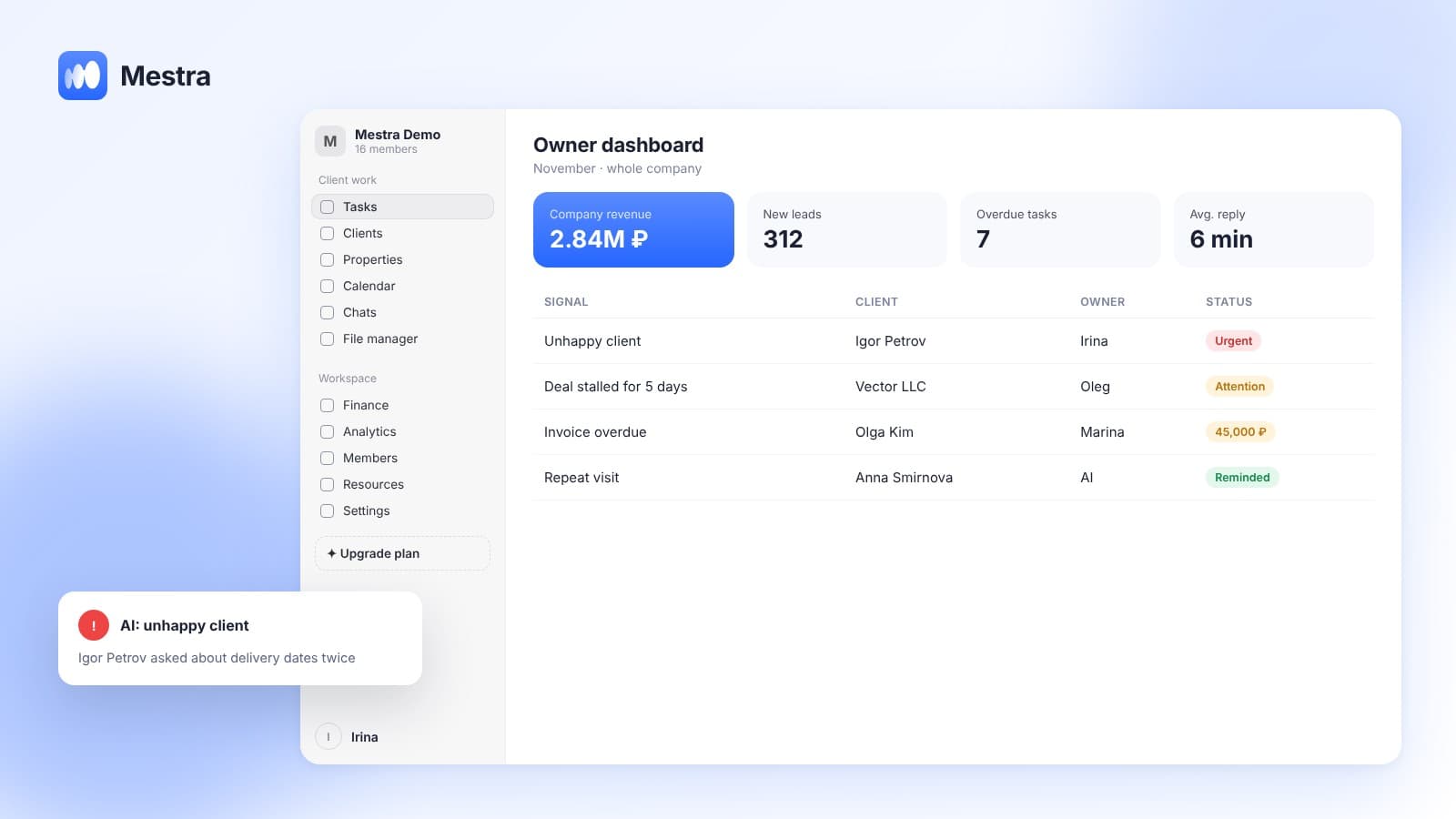
- A home screen for today. How many tasks are due today, how many are overdue, how many open tasks each person has and which events are in the calendar. Plus client events: birthdays and contract end dates.
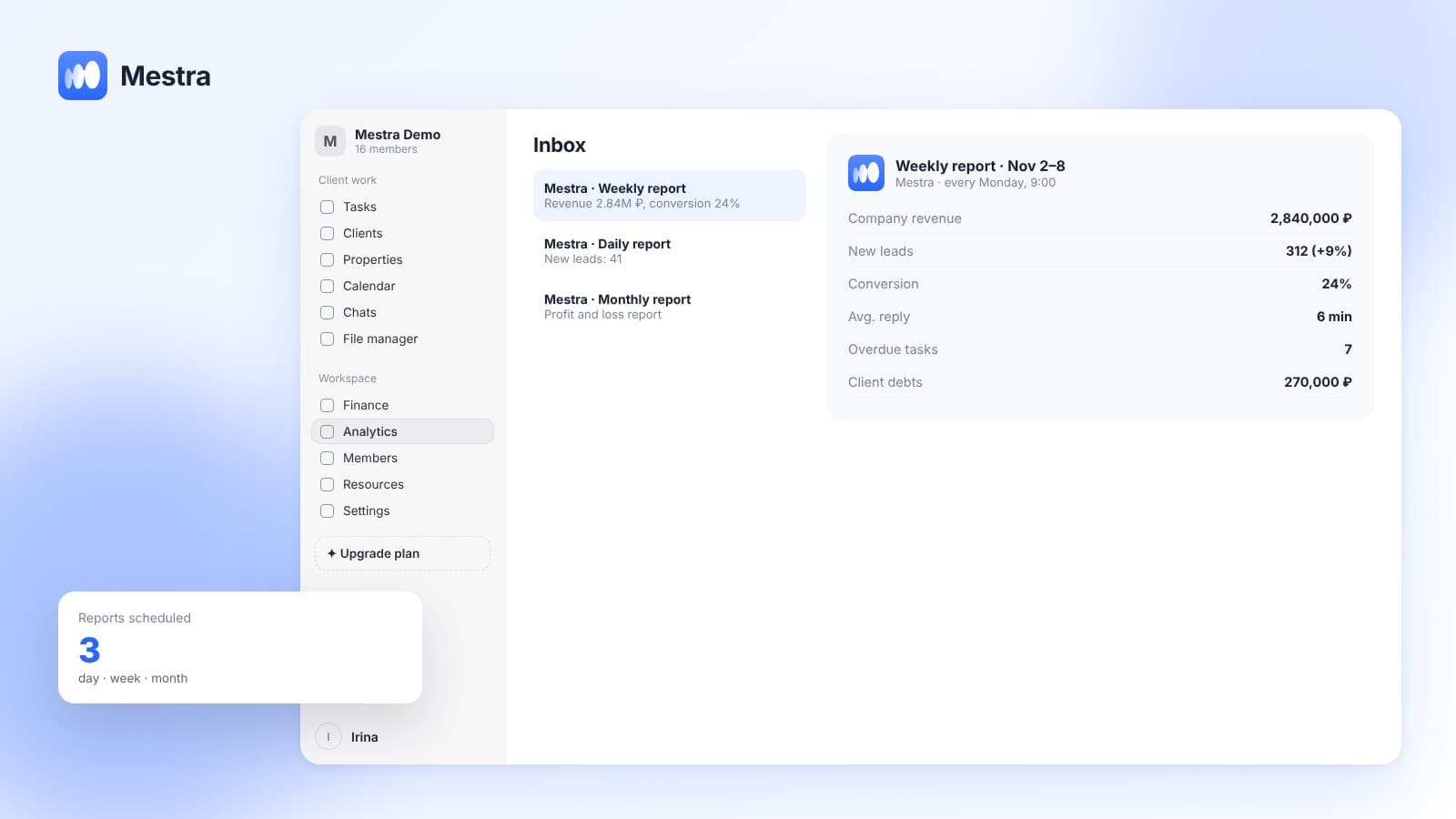
- Analytics without preparation. New leads, conversion, turnover, revenue forecast and workload distribution — for the selected period, in one click.
- Tasks with owners and deadlines. Decisions from the meeting immediately become tasks with an assignee and a date.
- Workload rebalancing. AI gives new tasks to people with less work — at the meeting you only check that everything is distributed correctly.
- Meetings in Telemost or Google Meet. For a remote meeting, the event is created in the calendar with a video call link.
Frequently asked questions
How long should a team meeting last?
A daily one — 10–15 minutes. A weekly one — 30–45 minutes. If a daily meeting regularly runs longer than 20 minutes, it is handling issues that should go to separate meetings.
Does a team of 3–5 people need a daily meeting?
For a team of 3–5, a short meeting 2–3 times a week or an asynchronous report in a chat is often enough. The daily format is useful when work moves fast and there are many incoming tasks.
Who should run the meeting?
The head of the department or team. In mature teams, any participant can lead in turn — it helps get everyone involved.
What should you do if employees don't want to attend the meetings?
Ask why. The reasons are usually that it drags on, there are dressing-downs, or it isn't useful. Shorten the time, drop the public criticism and show that the meeting's decisions are actually carried out.
How do you run a team meeting remotely?
With the same structure: numbers, plans, obstacles, decisions. With video, a shared screen with the numbers and a fixed time. If a call isn't possible — an asynchronous three-item report in a chat.
Summary
A good team meeting is 15 minutes with a fixed structure: numbers, plans, obstacles and decisions. It helps the team stay aligned and spot problems earlier, provided the numbers aren't collected by hand and decisions turn into tasks with owners and deadlines.
In Mestra, the home screen and analytics show everything you need for the meeting without preparation, and decisions immediately become tasks. Try Mestra free for 15 days at mestra.chat.