Micromanagement: how to tell you're getting in your team's way, and what to do instead
Management9 min read
Micromanagement in plain words: 10 signs, how it harms a company, why managers slide into it and how to replace total control with transparency.

Micromanagement is a management style in which the manager controls not the result but every action of an employee: how an email is worded, in what order the steps were done, why the client was answered that way. Usually the manager does it with the best of intentions — so as not to miss anything. But in the end the team stops making decisions, and the manager becomes a bottleneck.
In this article: 10 signs of micromanagement · How micromanagement harms · Why managers slide into micromanagement · How to stop micromanaging: 7 steps · Control without micromanagement: an example · Analysis: the delegation scale · Example: what to change in the first week · 30-day plan
Micromanagement in a minute
| Micromanagement | Healthy control |
|---|---|
| Checks every action | Checks the result and key points |
| Asks "how's it going?" five times a day | Sees the task status in the system |
| Redoes the employee's work | Gives feedback and sends it back for revision |
| Demands approval of trivia | Defines what the employee decides alone |
| Keeps all information to themselves | Makes the process visible to the whole team |
10 signs of micromanagement
- You ask to be copied on every email to a client.
- You have to approve decisions an employee could make on their own.
- You often redo the team's work instead of explaining what's wrong.
- You ask for the status of a task before its deadline has arrived.
- Employees don't start work until you give instructions.
- You don't go on vacation because "everything will fall apart without me".
- You spend most of your day on checking, not on strategy and people.
- There is little initiative in the team: everyone waits for you to say.
- Strong employees leave saying "I want more independence".
- You know the details of every client better than the rep who handles them.
If more than three apply, it is worth reviewing your management style.
How micromanagement harms
The team
- Initiative drops. Why think if the manager will redo it anyway?
- Anxiety rises. Constant checks feel like distrust.
- Strong people leave. They need independence. Those who stay are the ones comfortable having decisions made for them. More on what each departure costs in the article on employee turnover.
The manager
- Overload. You can't control every action of ten people and still work on development.
- A bottleneck. Work stands still until the manager looks at it.
- No time for what matters. Strategy, hiring and key clients get postponed.
The business
- Slower processes. Every approval is a delay.
- No scaling. The company can't grow larger than the manager can personally control.
- Fragility. If the manager is ill or on vacation, work slows down or stops.
Why managers slide into micromanagement
It is important to understand the reasons — without that you can't simply "just stop".
| Reason | What is really happening | What helps |
|---|---|---|
| No transparency | The manager can't see the status of work and checks by hand | One system with tasks, stages and deadlines |
| A bad experience | An employee let them down once, and now everything is checked | Control at key points instead of every step |
| An unclear result | It's not clear what counts as "done well" | A described result and criteria in the task |
| A former top performer | The manager used to do this work better than anyone | Switching to the role of mentor |
| Fear of accountability | An employee's mistake = the manager's mistake | Clear boundaries for where the employee decides alone |
The most common reason is the first. The manager can't see what is going on and tries to rebuild the picture with questions and checks. If you make the process visible, most micromanagement disappears on its own.
How to stop micromanaging: 7 steps
1. Describe the result, not the steps
Instead of "first call, then write, then send the proposal" — "the client should receive a proposal with three options by Thursday". How exactly is up to the employee.
2. Define zones of independence
What the employee decides alone, what they get approved, what they do only on instruction. For example: a rep gives a discount up to 5% on their own, up to 10% they clear with the manager, above that only with the owner.
3. Make the process visible
Tasks, stages and deadlines in one system that the manager can see. You don't need to ask for a status if you can look it up.
4. Control the key points
Not every step, but 2–3 important moments: for example, the proposal sent and the meeting scheduled. The rest is at the employee's discretion.
5. Give feedback instead of redoing
If the result isn't satisfactory, explain what exactly is wrong and send it back for revision. Work redone for an employee teaches them nothing. More in the article on assigning tasks to employees.
6. Hold one-on-one meetings
A regular conversation once or twice a week removes the need for constant checks: the manager knows how things are going, and the employee knows what is expected of them.
7. Tolerate imperfection
An employee may do it differently from how you would. If the result is achieved, that's fine.
Control without micromanagement: an example
Before: the head of sales asks reps in the chat every two hours who they called, reads all outgoing emails and approves every proposal.
After:
- all clients and conversations are in the CRM, and the manager sees them when needed, without asking in the chat;
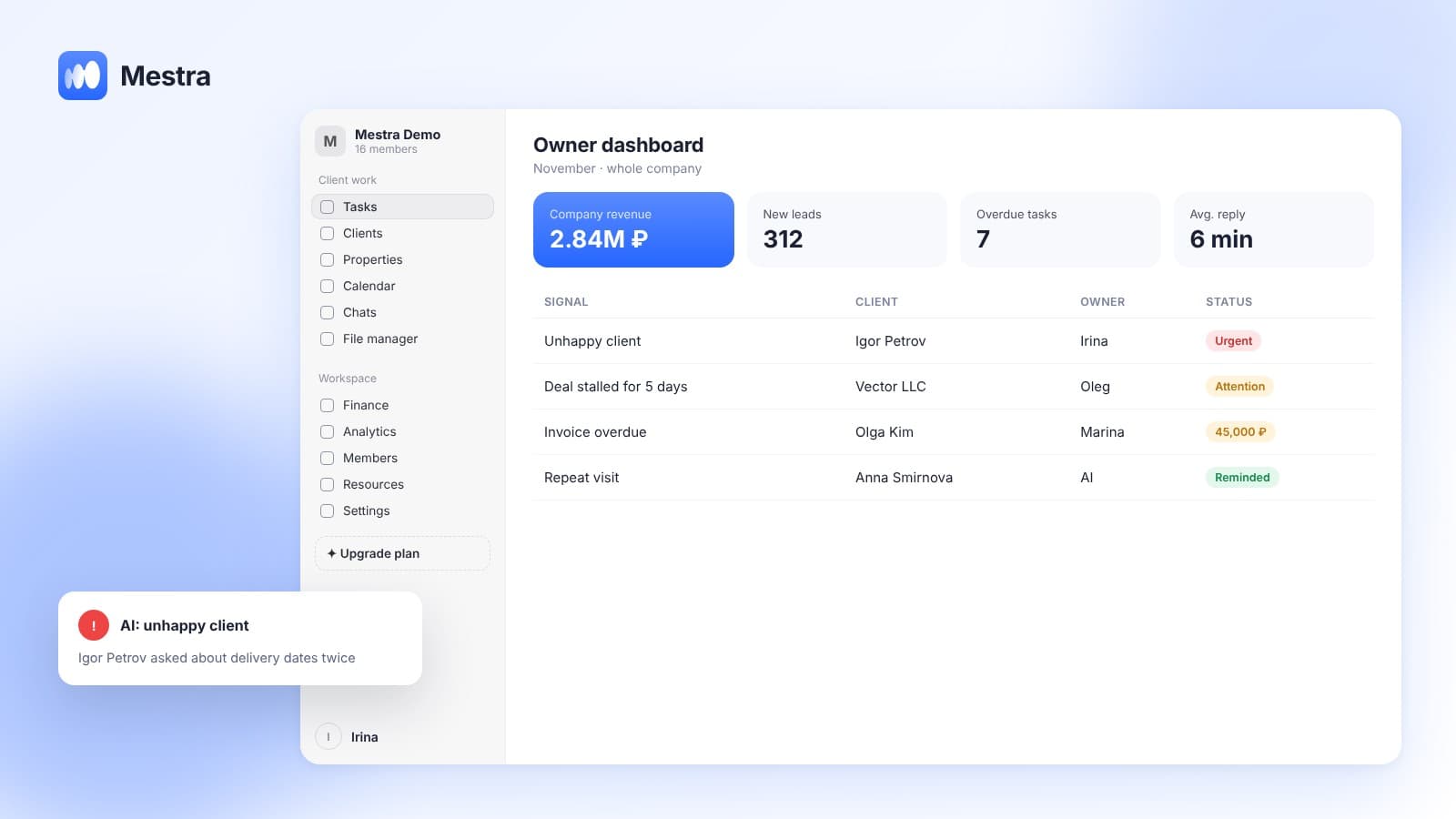
- every deal has stages and deadlines, and overdue tasks show on the main screen;
- a proposal is approved only for deals over 500,000 ₽;
- AI flags conversations with unhappy clients — the manager steps in selectively;
- once a week, a one-on-one on numbers and tough cases.
There is no less control. What changed is how it is organized: the manager sees everything but intervenes only where it is really needed.

Analysis: the delegation scale
Micromanagement often arises because a manager delegates all or nothing. Try these levels:
| Level | What the employee does | What the manager does |
|---|---|---|
| 1 | Gathers information | Makes the decision alone |
| 2 | Proposes options | Chooses and explains |
| 3 | Recommends a decision | Approves or changes it |
| 4 | Decides, but informs before acting | Can stop it |
| 5 | Decides and informs afterwards | Receives a report |
For a new employee or a complex task, start at level 2–3. For an experienced person and clear tasks, move to 4–5. The main thing is to agree on the level in advance and write it down.
Example: what to change in the first week
A head of sales checks every email the reps send. How to move to control by results:
- Define 3–4 indicators that show the result: number of contacts, stage conversion, response speed, deal value.
- Agree on goals and deadlines with the reps.
- Replace checking every email with checking the indicators once a week.
- Step in only on deviation: a deal stalls, an indicator drops, a client complains.
30-day plan
| Week | What to do |
|---|---|
| 1 | List the tasks you control most often, and determine a delegation level for each |
| 2 | Agree with the team on result criteria and the reporting rhythm |
| 3 | Switch to control by indicators, stop checking every little thing |
| 4 | Hold a conversation with the team: what got better, what needs work |
How it works in Mestra
Mestra helps replace micromanagement with transparency:
- Tasks with a result, deadline and owner. The status of each task is visible without asking in the chat; overdue tasks are on the main screen.
- Process stages. Process templates with steps, deadlines and assignees — the manager sees which stage the work is at.
- Conversations visible to the manager. All channels in one window; the manager can look at a conversation when needed instead of asking for screenshots.
- Signals instead of checks. AI flags unhappy clients, stalled deals and weak replies — the manager steps in selectively.
- Roles and access rights. You can set precisely what each employee sees and can do — these are the zones of independence in the system.
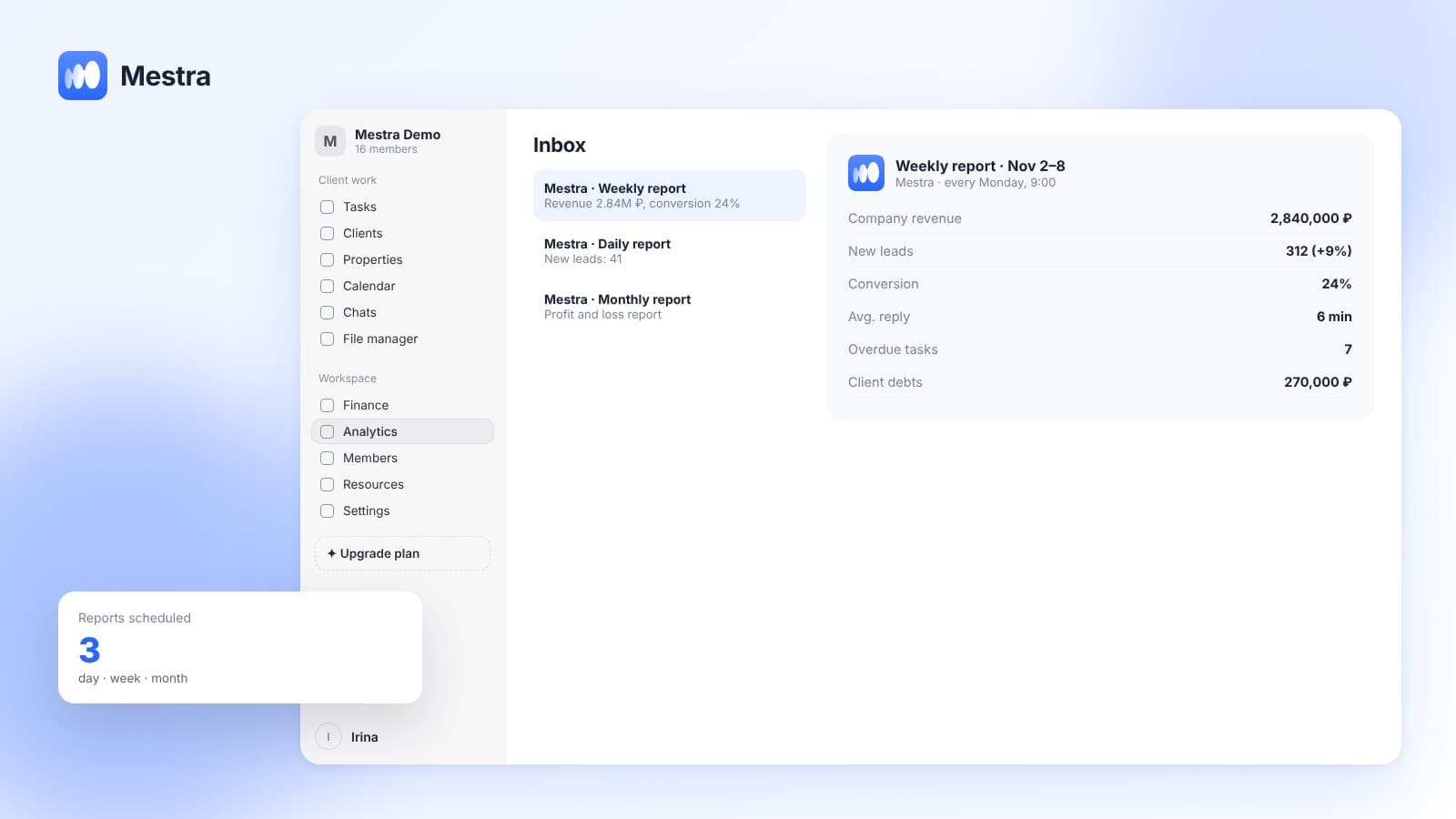
- Analytics per employee. Conversion, workload and overdue items — evaluation by result, not by the number of questions.
Frequently asked questions
What is micromanagement in plain words?
It is when a manager controls not the result but every action of an employee: checks every email, demands approval of trivia and redoes other people's work.
How is micromanagement different from control?
Control checks the result and key points and leaves the employee freedom in how to reach the goal. Micromanagement interferes in every step.
Is micromanagement always bad?
Sometimes close control is justified: with a newcomer in the first weeks, in a critical situation or after a serious mistake. The problem is when it becomes a permanent management style.
How do I know if I'm a micromanager?
If you constantly ask for status, redo employees' work, can't go on vacation and spend most of your day on checking — most likely yes.
How do I work with a micromanaging boss?
Get ahead of the questions: share status regularly, put agreements in writing, propose checkpoints. Micromanagement often eases when the boss starts seeing the progress of work without asking.
Summary
Micromanagement harms the team, the manager and the business: initiative drops, strong employees leave, and work stands still waiting for checks. Most often it arises not from character but because the manager can't see how work is going. The solution is to describe the result, define zones of independence, make the process visible and control the key points.
In Mestra, tasks, stages, conversations and analytics for each employee are visible in one window, and AI signals where intervention is really needed. Try Mestra free for 15 days at mestra.chat.