How to Calculate 22% VAT: Add It, Extract It From an Amount and Remove It
Finance5 min read
How to calculate 22% VAT in 2026: adding and extracting VAT, 22/122 for advances, the 10%, 5% and 7% rates, the 20 million ₽ threshold, with examples.

You can calculate 22% VAT in two moves: if your price is net, multiply it by 0.22 and add the result; if the price already includes tax, divide it by 1.22 — the difference from the original amount is the tax. Everything else is a special case of these two actions.
Below: how this looks on real invoices from an agency, a salon and a shop, what changes with prepayments, and the mistakes most often left in templates after the rate change.
One-minute calculation
- Check the contract: is the price stated "including VAT" or "plus VAT"?
- If "plus VAT", multiply the price by 1.22; the difference from the original amount is the tax.
- If "including VAT", divide the amount by 1.22 — that's your income without tax.
- The difference between the invoice amount and the income without tax is what goes to the budget.
- Check the kopecks: income without tax plus tax must equal the invoice amount exactly.
Three invoices, three calculations
| Who issues it | How the price is written | What the invoice shows |
|---|---|---|
| Marketing agency, ad management | 250,000 ₽ "plus VAT" | 250,000 + 55,000 tax = 305,000 ₽ |
| Real estate agency, commission | 867,000 ₽ "incl. VAT" | 710,655.74 ₽ income and 156,344.26 ₽ tax |
| Shop, prepayment for a batch | 61,000 ₽ advance | 11,000 ₽ tax on the advance, 50,000 ₽ without tax |
The real estate agency in this example earns not 867 thousand but 710 thousand: the rest is the state's money that merely passes through the company's bank account.
If the client pays upfront
Tax on a prepayment is calculated the same way as for a price "incl. VAT": divide the amount by 122 and multiply by 22. The shop received 61,000 ₽ for a batch it will ship in two weeks — 11,000 ₽ of that prepayment is owed to the budget. When the goods ship, this tax is deducted and tax is charged on the shipment instead, so you don't pay twice.
Rates in effect in 2026
- 22% — almost all goods and services.
- 10% — certain foods, children's goods and medical products on the Tax Code list.
- 0% — exports and a number of special transactions.
- 5% and 7% — reduced rates that a company on the simplified tax system that has become a VAT payer may choose, but without the right to deductions.
The threshold for simplified-system companies is being lowered gradually: 20 million ₽ of income for 2025, then 15 million ₽, and 10 million ₽ from 2028. If the threshold is exceeded mid-year, VAT appears on invoices from the first day of the following month. Check the exact conditions for your company with your accountant.
Where people go wrong after the rate increase
- The invoice template still says 20% out of habit, and the client pays less than they should.
- Tax is calculated as 22% of a price "incl. VAT" — an overpayment of almost four percentage points.
- The contract was signed in 2025, but the goods shipped in 2026: in that case the new rate already applies.
- The management report shows revenue including tax, so profitability looks better than it is.
Related reading: how to issue an invoice, revenue vs turnover, pricing.
How it works in Mestra

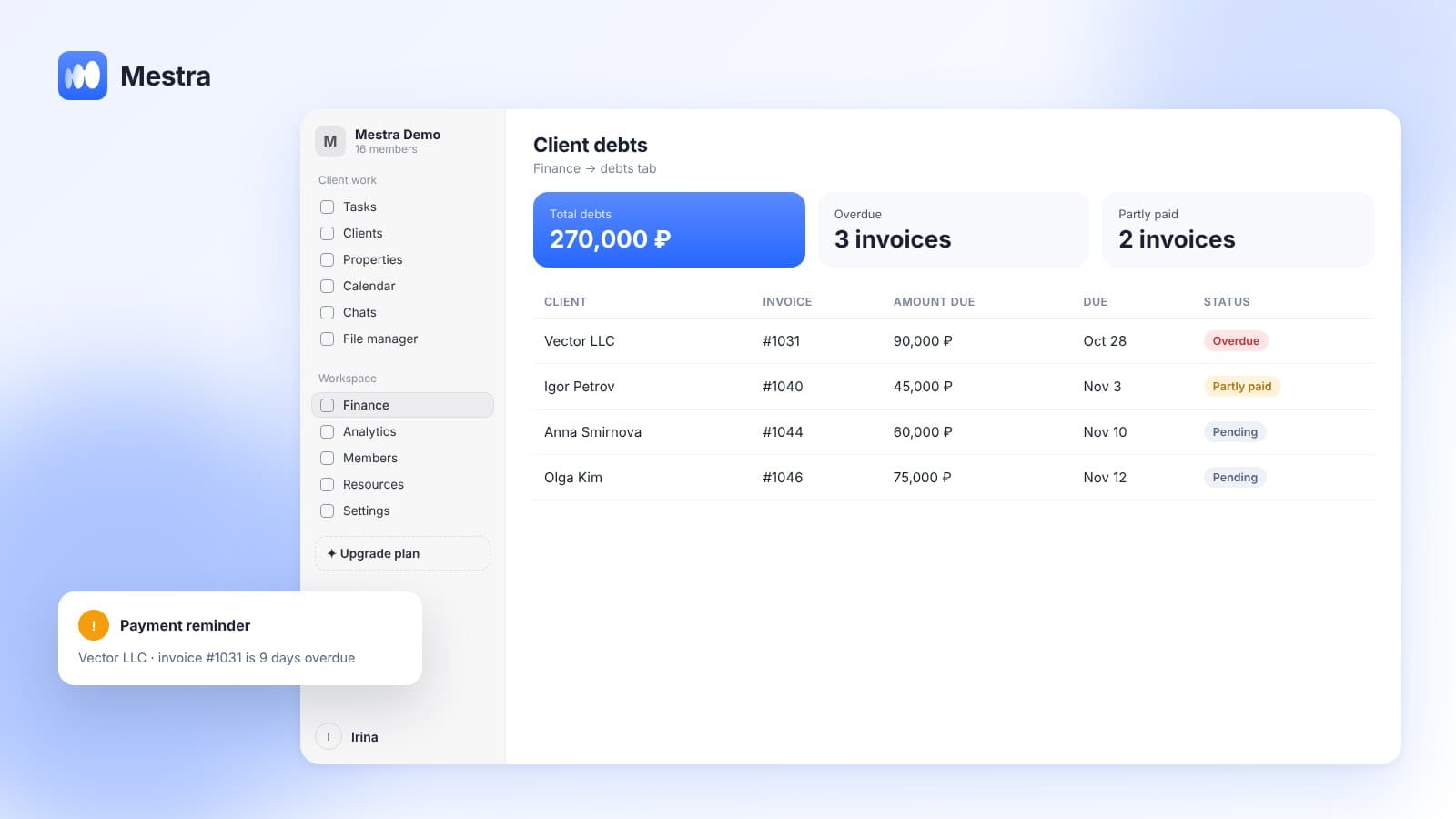
Payment schedule on an invoice
Mestra is a CRM system: clients, messengers and marketplaces, tasks, finance, analytics and an AI operator in one window.
- A rate on every invoice line. One invoice can have items at 22% and at 10% — the total is calculated correctly.
- Preview. Before sending, you can see what goes on the printed form and what stays internal.
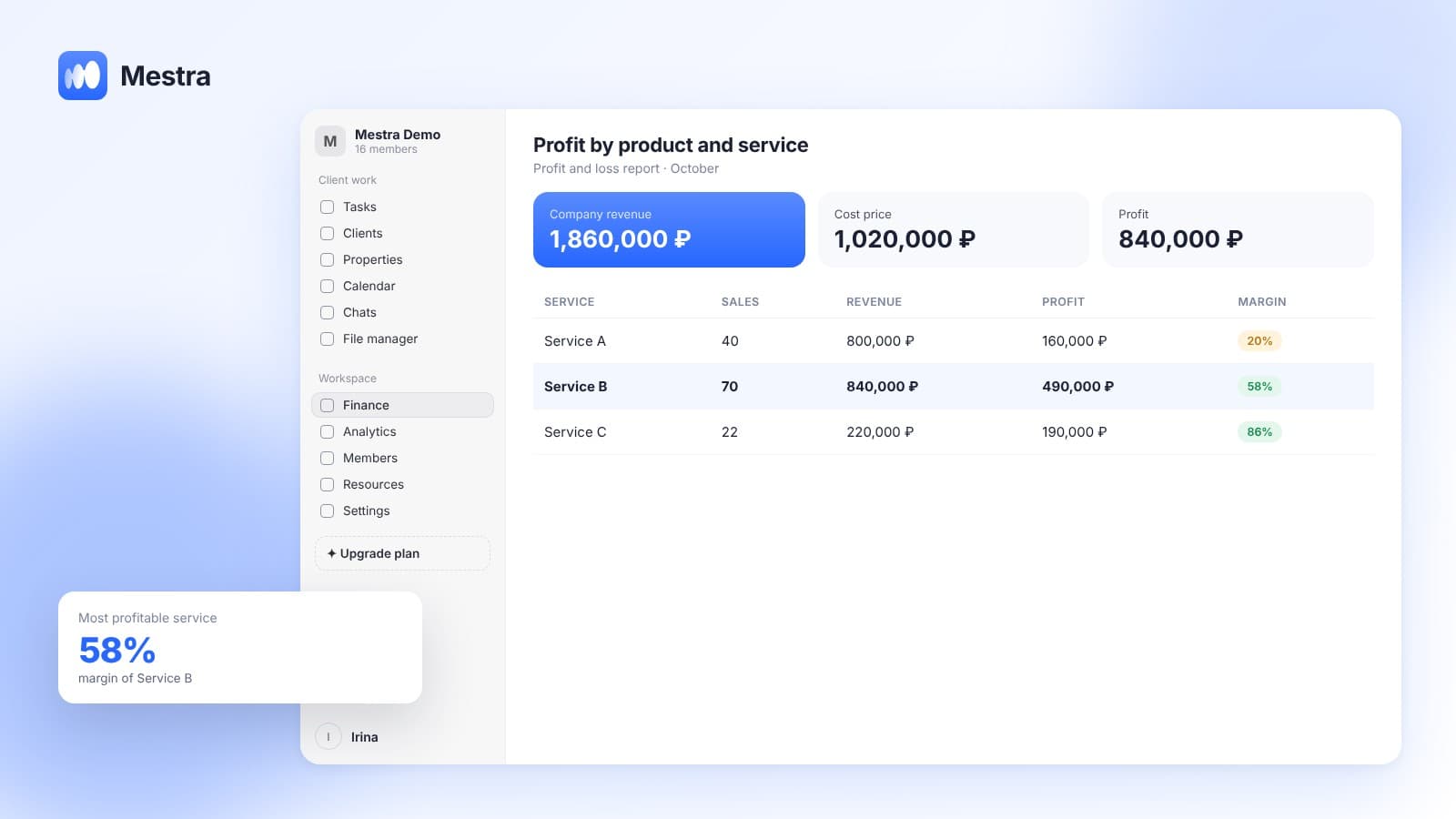
- Revenue without tax. The profit and loss report shows the company's income, with tax on a separate line.
- Pass-through money kept apart. Third-party money and tax don't mix with earnings.
- Plans include VAT. Mestra's prices include VAT: Economy 390 ₽, Standard 1,090 ₽, Pro 1,590 ₽ per user per month.
FAQ
How much tax is in an amount of 122,000 ₽?
22,000 ₽: divide 122,000 by 1.22 to get 100,000 ₽ without tax; the rest is VAT.
How do you get the client price from a price without tax?
Multiply it by 1.22. For example, a service costing 80,000 ₽ without tax costs the client 97,600 ₽.
Do contracts signed before 2026 need to be changed?
Shipments in 2026 are taxed at the new rate. Check how the price is worded — "including" or "plus" tax — and discuss it with a lawyer.
Which simplified-system companies pay VAT in 2026?
Those whose 2025 income exceeded 20 million ₽, and those who exceed that threshold during the year.
Bottom line
Calculating 22% VAT comes down to two actions: multiply a net price by 1.22, or divide a price with tax by 1.22. Review your invoice templates, prepayments and reports after the rate change. In Mestra, the rate is set on each invoice line and never mixes with revenue — try it free for 15 days.