How to Price a Product or Service: Pricing Basics From Cost to Profit
Finance3 min read
How to calculate the price of a product or service: cost-based, market-based and value-based methods, a worked example and a check that price covers all expenses.

Prices are often set "the same as competitors" or "so as not to be above the market".
The problem is that competitors have different costs. Their price may be a loss-making one for you.
One-minute calculation
- Calculate the full cost per unit.
- Price = cost / (1 − target margin).
- Compare with competitors' prices and the value to the client.
- After a month, check profit and conversion.
Step 1. Calculate full cost
Raw materials or purchase price, delivery, advertising per sale, the manager's pay, fees and a share of overheads. This is the floor. More in our article full cost.
Step 2. Add the target margin
Price = cost / (1 − target margin)
Cost is 700 ₽ and you need a 30% margin → price = 700 / 0.7 = 1,000 ₽.
Why not "cost + 30%"? That's markup, not margin. The difference is explained in our article markup and margin.
Step 3. Check against the market and value
| Method | Question | What it gives |
|---|---|---|
| Cost-based | What does a sale cost us? | The minimum price |
| Market-based | What do competitors charge? | A reference point for the client |
| Value-based | What will the client pay for the result? | The price ceiling |
If your calculated price is above the market, look for ways to cut costs or explain to the client what they're paying more for. If it's below, you may be undervaluing your service.
Step 4. Test on real data
A month after changing a price, look at the product's profit, number of sales and conversion. A price that raised the margin but killed sales is not a win.

Free pricing is the general rule in Russia: the seller sets the price (Article 424 of the Russian Civil Code). The state regulates prices only for certain categories of goods and services.
How it works in Mestra
- Cost in the product card: purchase price or materials, the executor's share, delivery and packaging are set once and flow into every invoice automatically.
- Costs of a specific sale — such as property advertising or a site visit — are added to the invoice line, and you see the profit after all costs.
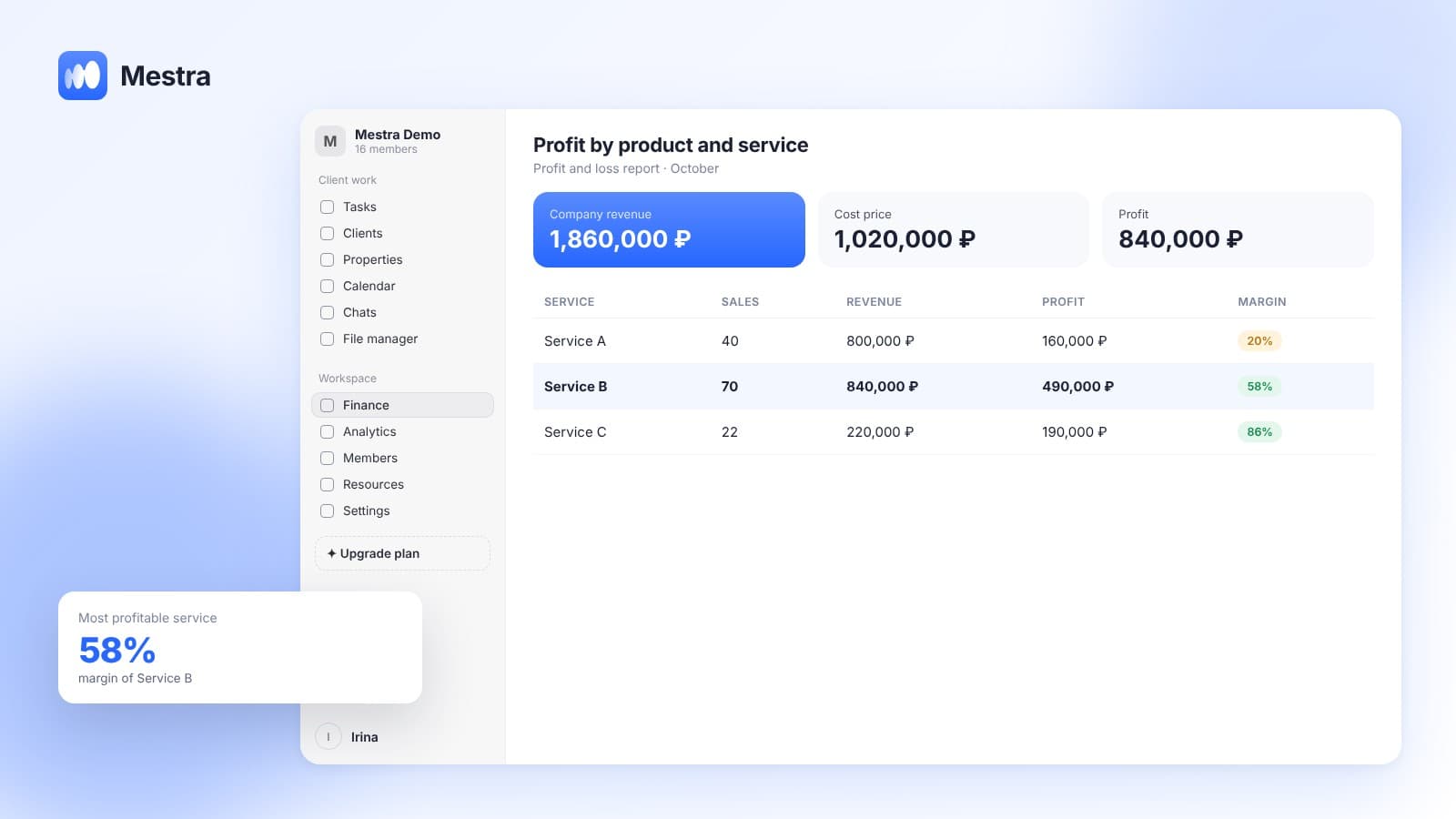
- Profit for every item — you instantly see whether the price covers the costs.
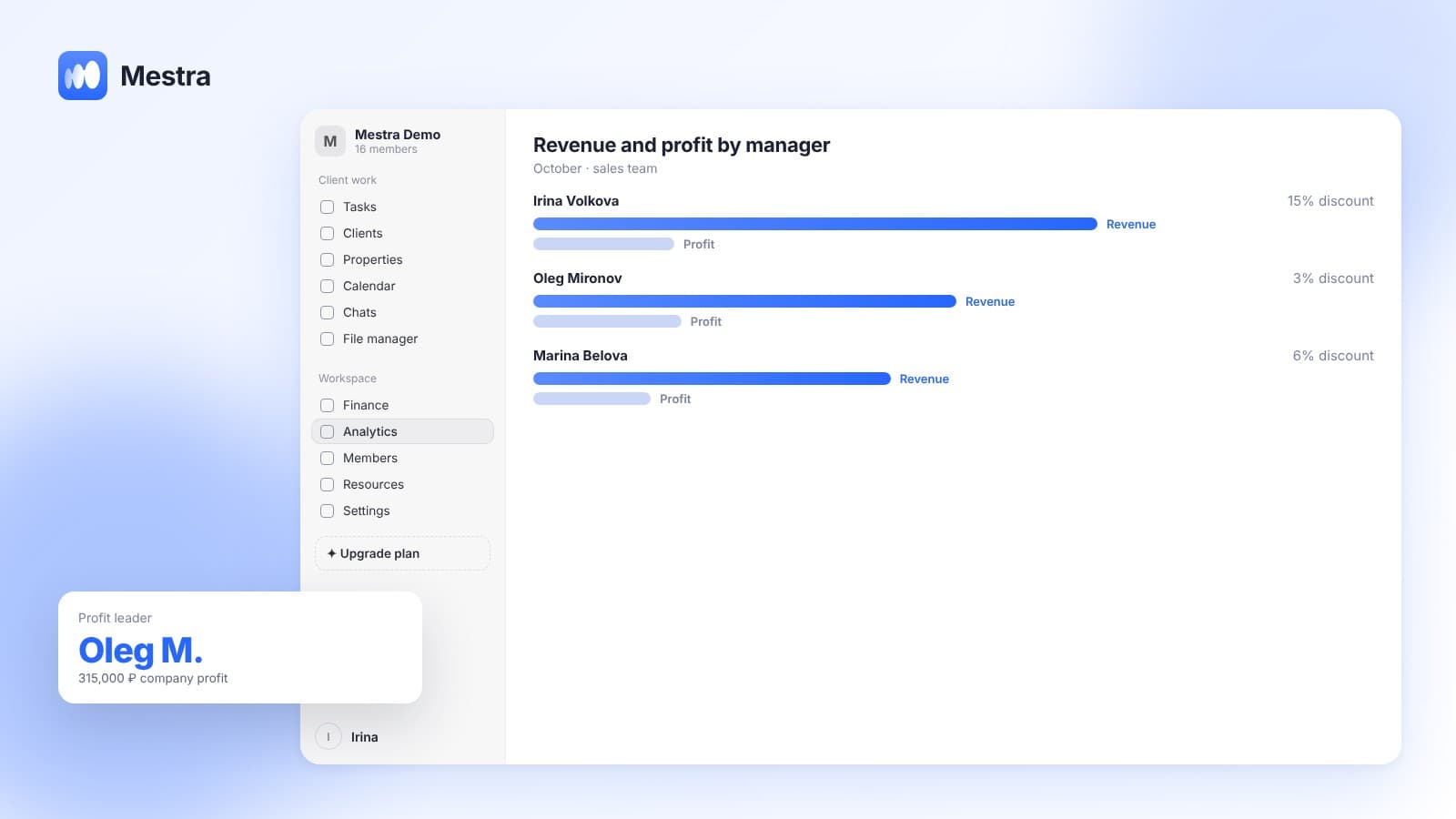
- Analytics by employee, channel and client source: requests, conversion, revenue, response speed.
- Profit and loss report and detailed financial reports.
FAQ
Can you price below cost?
Only deliberately and temporarily — for example, on a product that brings clients in for other purchases. Never permanently.
How often should prices be reviewed?
Check costs monthly. Review prices when costs have risen noticeably or the margin has fallen below target.
How do you raise prices without losing clients?
Warn regular clients in advance, explain the reason and add value — service, a guarantee, speed.
Bottom line
A good price sits between cost and value to the client. Cost is the floor you must not go below.
When the cost and profit of every product are visible in one system, you can check prices with numbers rather than gut feeling.