How to calculate profit for every client, product and service — without Excel
Finance4 min read
How to find out which client and which product actually make money: cost price, cost of sale and the profit and loss report in a CRM, using Mestra as the example.

Profit per client is revenue from that client minus the cost of what was sold and the expenses spent on that client specifically. Mestra collects this automatically from invoices and transactions, so the profit and loss report shows not just the total but the contribution of each product, client and manager.
The one-minute math
A company sells two services.
| Service A | Service B | |
|---|---|---|
| Price | 20,000 ₽ | 12,000 ₽ |
| Cost price | 14,000 ₽ | 4,000 ₽ |
| Cost of sale | 2,000 ₽ | 1,000 ₽ |
| Profit per sale | 4,000 ₽ | 7,000 ₽ |
| Margin | 20% | 58% |
Service A is pricier and looks like the main one. But each sale of B brings almost twice as much money. Without per-product profit, the company would keep investing in the wrong direction.
Why total profit isn't enough
Unprofitable clients hide in the average. A big client with large discounts and endless revisions can eat the profit of a dozen small ones.
Hidden products drag you down. A high-price, high-cost item looks good in revenue and weak in profit.
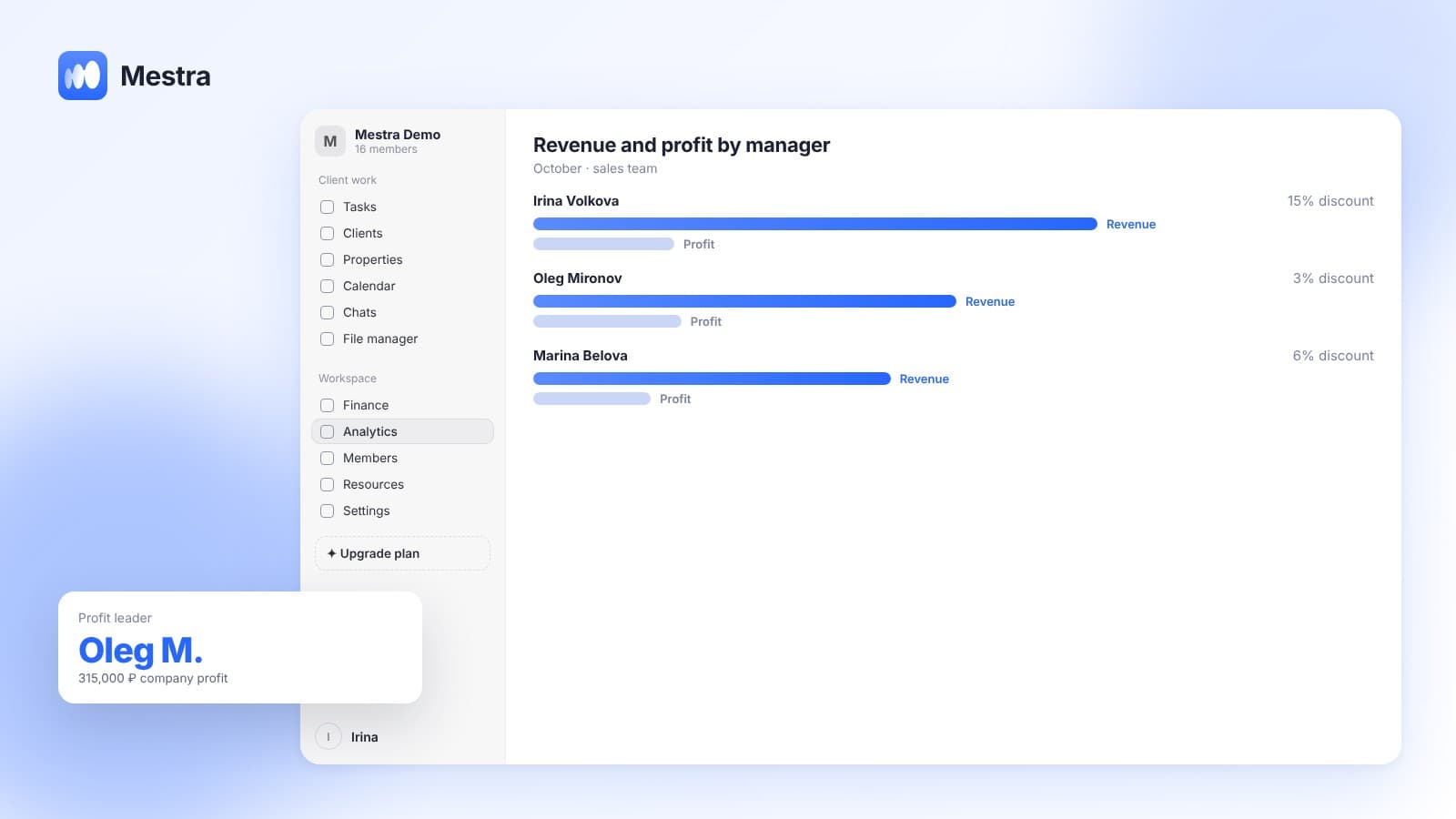
Unclear whom to reward. One manager sells a lot but with discounts. Another sells less but with healthy margin.
What profit per client is made of
- Revenue — the client's paid invoices excluding VAT and pass-through amounts.
- Cost price — what a unit of product or service costs you.
- Direct cost of sale — delivery, commission, consumables for a specific order.
- Staff and partner commissions — if they accrue on this deal.
Cost calculation is covered in detail in «Cost calculation».
How it works in Mestra

- Unit cost is entered once in the product or service card and applied to every sale.
- Costs of a specific sale go directly on the invoice line: delivery or a discount, for example.
- Expenses are linked to an object. Any transaction can be assigned to a product, client or employee. Ad budgets aren't distributed automatically — you assign them where you think is right.
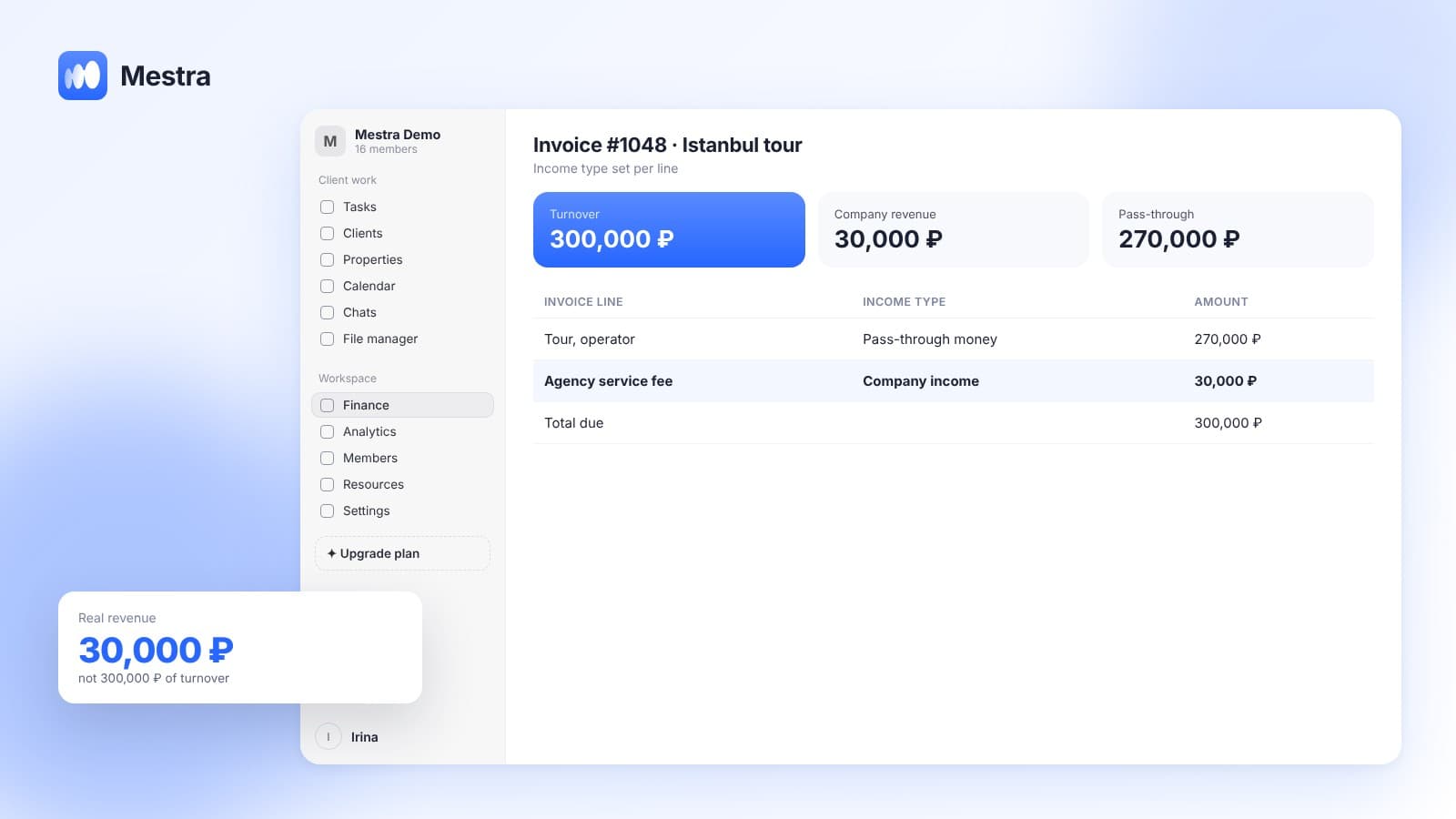
- Income type. Each service is marked as company income, a percentage commission or pass-through money, so turnover isn't mixed with revenue.
- Seven expense groups keep the cost structure clear.
- Invoice status follows real payment. Profit is calculated on money received, not invoices issued.
The profit and loss report shows which products, clients and employees generate most of the profit. More on the report in «Profit and loss statement», and on turnover vs revenue in «Turnover and revenue».
What to do with the result
- Revisit discounts for low-profitability clients.
- Promote high-margin items: in ads, in AI suggestions to managers, in mailings.
- Change incentives: pay bonuses on profit, not revenue.
- Drop or reprice items that don't pay off.
How to calculate product margin
Product margin uses a simple formula: (price − cost) ÷ price × 100%. If a service costs 12,000 ₽ and costs you 5,000 ₽, the margin is 58%.
Client profitability works the same way, except you take all of the client's paid purchases for a period and all expenses related to them.
Profit by product and profit by client are two sides of one table. The first shows what to sell, the second — to whom.
FAQ
How do I calculate profit per client?
Take paid revenue from the client and subtract the cost of goods sold, direct costs and commissions on their deals. Mestra does this automatically from invoices and transactions.
Where do I enter product cost price?
In Mestra — in the product or service card. You only need to enter it once.
Can I link an expense to a specific client?
Yes. Any transaction in «Finance» can be linked to a client, product or employee.
Does Mestra distribute the ad budget across clients?
No, not automatically. You assign ad expenses to the right object yourself.
Is the profit and loss report on the basic plan?
Yes. Finance and the profit and loss report are on every Mestra plan from Economy.
Summary
Total profit answers «did we make money». Profit per client and product answers «on what». Mestra (Местра) tracks cost price, direct costs and commissions in every sale and shows where the company earns and where it loses. Try it free for 15 days.