AI for Business in 2026: 15 Tasks by Department, Costs and a 30-Day Implementation Plan
Reviews10 min read
How businesses use AI in 2026: 15 tasks in sales, service, marketing and management, what implementation costs, the risks and a step-by-step 30-day plan.

AI for business in 2026 is a set of concrete tools: neural networks answer clients at night, book meetings, suggest replies to managers, write texts, analyse conversations and prepare reports.
It pays to start with the tasks where the company is losing money: slow replies to requests, evening enquiries left unanswered and forgotten repeat sales.
Decisions on deals and difficult negotiations stay with people.
What AI for business is in simple terms
Artificial intelligence in business means neural-network programs that understand ordinary text and speech, answer, analyse and take actions.
Three formats matter most for companies:
- General-purpose neural networks — GigaChat, Alice, DeepSeek. They write texts, answer questions and analyse documents.
- AI inside working systems — assistants in a CRM, email, spreadsheets. They work with your data: clients, catalogue, calendar.
- AI agents — carry out a chain of actions themselves: replied to a client, created a card, set a task. More in our article AI agents for business.
An overview of specific services is in neural networks for business.
15 tasks businesses give to AI
Sales
1. Answering requests 24/7. A client writes at 23:00 and gets a reply straight away, not in the morning when they've already agreed with a competitor. Response speed is the main growth lever in almost any niche.
2. Qualifying the client. AI finds out the budget, timing and need, and the manager receives an already "warm" buyer.
3. Draft replies for managers. The employee sees a ready version, edits it and sends it. Newcomers reply confidently from day one.
4. Handling objections. A suggested response to "too expensive" or "I'll think about it" right in the conversation window. The method is in our article handling objections.
5. Preparing an invoice and a commercial proposal based on the conversation.
Client service
6. Booking meetings, viewings or appointments. The neural network confirms a convenient time and puts the event in the calendar itself.
7. Answering standard questions — price, timing, address, availability — from your catalogue and rules.
8. Repeat purchase reminders — professional cleaning, servicing, a haircut, a subscription ending — with a ready message text.
Marketing
9. Texts: posts, product descriptions, Avito listings, emails. Leave the final edit to a person.
10. Ideas and a content plan for the month ahead.
11. Images for posts and listings via image generators.
Management and finance
12. Summaries and reports: a weekly sales summary, analysis of a long conversation, analysis of an expense spreadsheet.
13. Communication quality control: AI helps find conversations where the client wasn't answered or was answered rudely.
14. Documents: drafts of contracts, regulations and instructions. Legal texts are checked by a specialist.
HR
15. Hiring: vacancy texts, initial screening of applications, replies to candidates.
Where AI isn't needed yet
- Difficult negotiations and large deals — experience and trust matter here.
- Decisions on discounts and exceptions — a person should be accountable.
- Medical, legal and financial advice to clients — specialists only.
- Tasks without data. If the company has no price list, service descriptions and rules, AI will answer in generalities.
How to choose an AI solution: 7 criteria
- Task. First define exactly what the AI should do: answer clients, write texts or prepare reports. Different tasks need different tools.
- Access to your data. To work with clients, the neural network must see the catalogue, prices, schedule and conversation history.
- Channels. If clients write in MAX, Telegram, WhatsApp and on Avito, the assistant must work in all channels at once, not just one.
- Actions. Can the AI book meetings and create tasks and invoices — or does it only reply in text.
- Control. Is there a suggestions mode, handover to a person and tone settings.
- Data handling. Where clients' personal data is processed and whether this complies with Federal Law No. 152-FZ.
- Cost at scale. What it will cost for the whole team every day, not just during the trial.
What data to prepare: a knowledge base checklist
- A price list with current prices and discount terms.
- A description of each service or product: what's included, timing, who it suits.
- Payment, delivery, warranty and return terms.
- Addresses, opening hours, how to get there and where to park.
- 20–30 frequent client questions with correct answers.
- Rules: what the AI must not talk about and when to hand the conversation to an employee.
- Examples of good replies from your best managers — the AI will learn the right style from them.
The more detailed the base, the less often the assistant says "I'll check with a manager" and the more enquiries it closes itself.
What AI for business costs
| Option | Cost | What you get |
|---|---|---|
| Free versions of neural networks | 0 ₽ | Texts and ideas, with limits |
| Paid neural network subscriptions | A few hundred to a couple of thousand ₽ a month | Higher limits and more features |
| An AI assistant in a CRM | Usually included in the CRM plan | Answers to clients, bookings, tasks, invoices |
| Custom development | From hundreds of thousands of ₽ | Unique scenarios, needs maintenance |
For comparison: a night-shift administrator costs tens of thousands of rubles a month, while an AI assistant in a CRM costs the price of the plan.
How to implement AI in a business: a 30-day plan
Week 1. Find where you're losing
Count how many enquiries come in the evening and at weekends, how fast they're answered, and how many conversations go unanswered.
Week 2. Build a knowledge base
Price list, service descriptions, payment and delivery terms, answers to frequent questions, opening hours. The fuller the base, the more accurate the answers.
Week 3. Suggestions mode
The AI suggests replies; managers check and send them. Note mistakes and add to the knowledge base.
Week 4. Auto-replies for standard conversations
When the quality is right, the assistant replies on its own and hands complex questions to a person. Compare the numbers with week one: response speed, share of requests handled, number of bookings.
Risks and how to reduce them
- Wrong answers. Limit the AI to your knowledge base and leave the final word on complex questions to a person.
- Personal data. Choose solutions that comply with the requirements of 152-FZ on processing clients' data.
- A "robotic" tone. Adjust the style to your audience — formal or friendly.
- Inflated expectations. AI won't fix a bad product or a lack of requests — it helps you not lose those who have already written.
Examples: how AI works in different niches
| Niche | Task | Result |
|---|---|---|
| Beauty salon | Answers and bookings in the evening | Bookings arrive overnight; in the morning, stylists see a ready schedule |
| Real estate agency | Answering requests from Avito and CIAN | The client gets a reply first and books a viewing |
| Dentistry | Professional cleaning reminders | Repeat visits without relying on the front desk's memory |
| Car service | Price answers and booking a bay | Evening requests turn into morning bookings |
| Online store | Questions about stock and delivery | Less routine for managers |
How to measure the effect of AI
To understand whether it pays off, compare metrics before and after launch:
| Metric | How to calculate | What should change |
|---|---|---|
| First response time | Average time from the client's message to the reply | Drop to minutes, including at night |
| Share of enquiries handled | Conversations with a reply / all conversations | Approach 100% |
| Bookings and meetings | Number of bookings per week | Rise thanks to evening and weekend requests |
| Conversion to sale | Deals / enquiries | Rise thanks to fast and accurate answers |
| Managers' time on routine | Hours on standard questions | Decrease |
If the numbers haven't changed after a month, check the knowledge base and how the assistant is configured: often AI is turned on in only some channels, or answers too generally.
How it works in Mestra
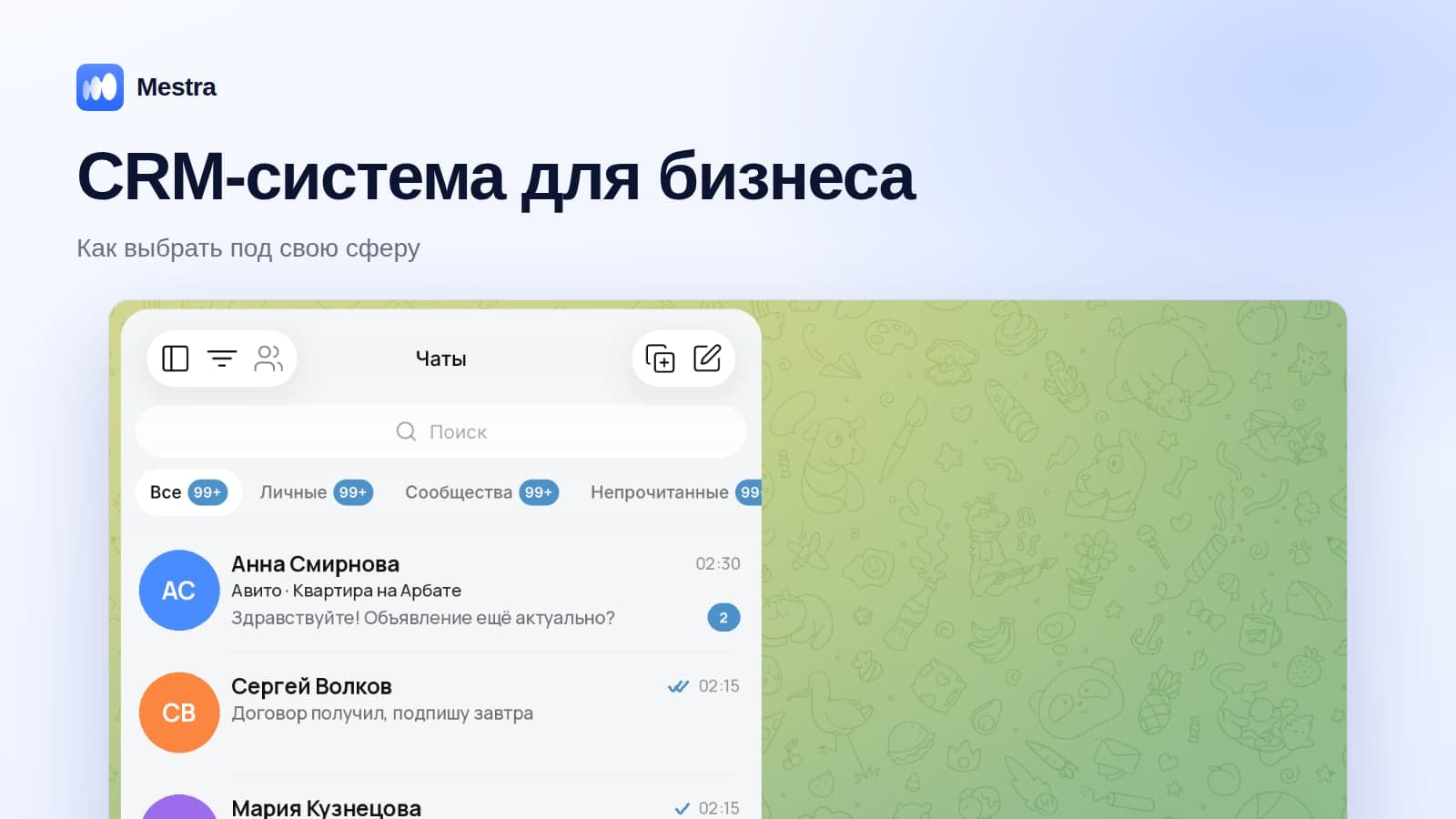
Mestra's AI assistant is built into the message feed, where MAX, Telegram, WhatsApp*, VKontakte, Avito and CIAN are gathered:
- Three reply modes: Auto — replies itself, Suggestions — offers a draft to the manager, Off. The mode is set for all chats or for a specific conversation.
- Knows your business: answers from the Products section, uploaded PDFs and your website.
- Works with the CRM: creates client cards and tasks, books meetings in the calendar, prepares and sends invoices.
- Hands the conversation to a person when a question goes beyond its knowledge.
- Tone and level of detail are configured in the AI assistant section.

The AI assistant is included in the Standard plan — 1,090 ₽ per user per month together with the CRM, all messengers and marketplaces. The first 15 days are free.
FAQ
Will AI replace sales managers?
No. AI takes over routine work and covers night hours, while negotiations, difficult objections and discount decisions stay with people.
How much does it cost to implement AI in a business?
From zero for free versions of neural networks to the price of a CRM plan with a built-in assistant. Custom development starts from hundreds of thousands of rubles.
Where should you start implementing AI?
With one task where money is being lost — most often, answering evening and weekend requests.
Which neural network is best for business?
Any popular model will do for texts. For client communication, access to your data matters more: the catalogue, schedule and client history.
Is it safe to let AI answer clients?
Yes, if you limit it to your knowledge base, start in suggestions mode and set up handover of complex conversations to a person.
Do you need a developer to implement AI?
Not for ready-made services and AI in a CRM. A developer is only needed for custom development.
Bottom line
AI for business in 2026 pays off fastest where the company loses clients: night-time requests, slow replies, forgotten repeat sales.
Start with one task, build a knowledge base, launch suggestions mode, check the result in numbers — and only then expand. And if clients write in several messengers, connect the assistant directly in the CRM so it knows everything your team knows.
*WhatsApp is owned by Meta, which is recognised as extremist and banned in Russia.