Booking Software: How to Manage Bookings for Halls, Rooms and Tables Without Clashes
Reviews4 min read
Booking software for halls, meeting rooms, treatment rooms, tables and accommodation: a calendar by place, capacity, clashes, reminders and bookings from messengers.

Booking software is a calendar where every place has its own occupancy, capacity and booking length, and the system warns about overlaps. Anyone who sells time needs it: halls, meeting rooms, clinics, restaurants, small hotels, studios.
While bookings are kept in a notebook or a shared spreadsheet, clashes are inevitable: two front-desk staff answer two clients at the same moment. Below: what the software should do and how to measure its value.
Choosing in one minute
- List your places: halls, rooms, tables, accommodation.
- Check whether each place can have a capacity and a booking length.
- Check for clash and over-capacity warnings.
- Make sure a booking can be created from a messenger and a website form.
- Check for client reminders before the visit.
What booking software should do
| Feature | Why |
|---|---|
| Places with capacity | A hall for 40 won't be booked for 60 |
| Default length | The end of the booking is set automatically |
| Calendar by place | Free slots are visible for every hall |
| Clash warnings | No double bookings |
| Recurring bookings | Weekly classes as one series |
| Client reminders | Fewer no-shows |
| Booking form | Requests from the website without a call |
| Link to the client | Prepayment and booking history |
Where booking software is needed
- Business centres and coworking spaces — meeting rooms and halls by the hour.
- Clinics — ultrasound rooms, treatment rooms, chairs.
- Restaurants — tables and banquet halls.
- Small hotels and holiday parks — rooms and cabins.
- Studios and schools — classrooms, halls, photo studios.
- Car services — bays and lifts.
Example: what one clash costs
A banquet hall rents for 60,000 ₽ an evening. The administrator confirms two banquets for the same Saturday. One client leaves, taking with them a 15,000 ₽ prepayment that has to be refunded — and a review the next clients will see. If this mistake happens once a quarter, that's 240,000 ₽ in lost revenue a year.
Bookings from messengers and the website
Clients increasingly book in conversations: they write in the evening and expect an immediate reply. If a booking can be created straight from the chat, and a form request lands in the system with the client card, the administrator doesn't retype data or lose requests.
Related reading: meeting room booking, CRM for hotels and events, CRM for restaurants, restaurant table booking.
How it works in Mestra

Bookings in the calendar by day
Mestra is a CRM system: clients, messengers and marketplaces, tasks, finance, analytics and an AI operator in one window.
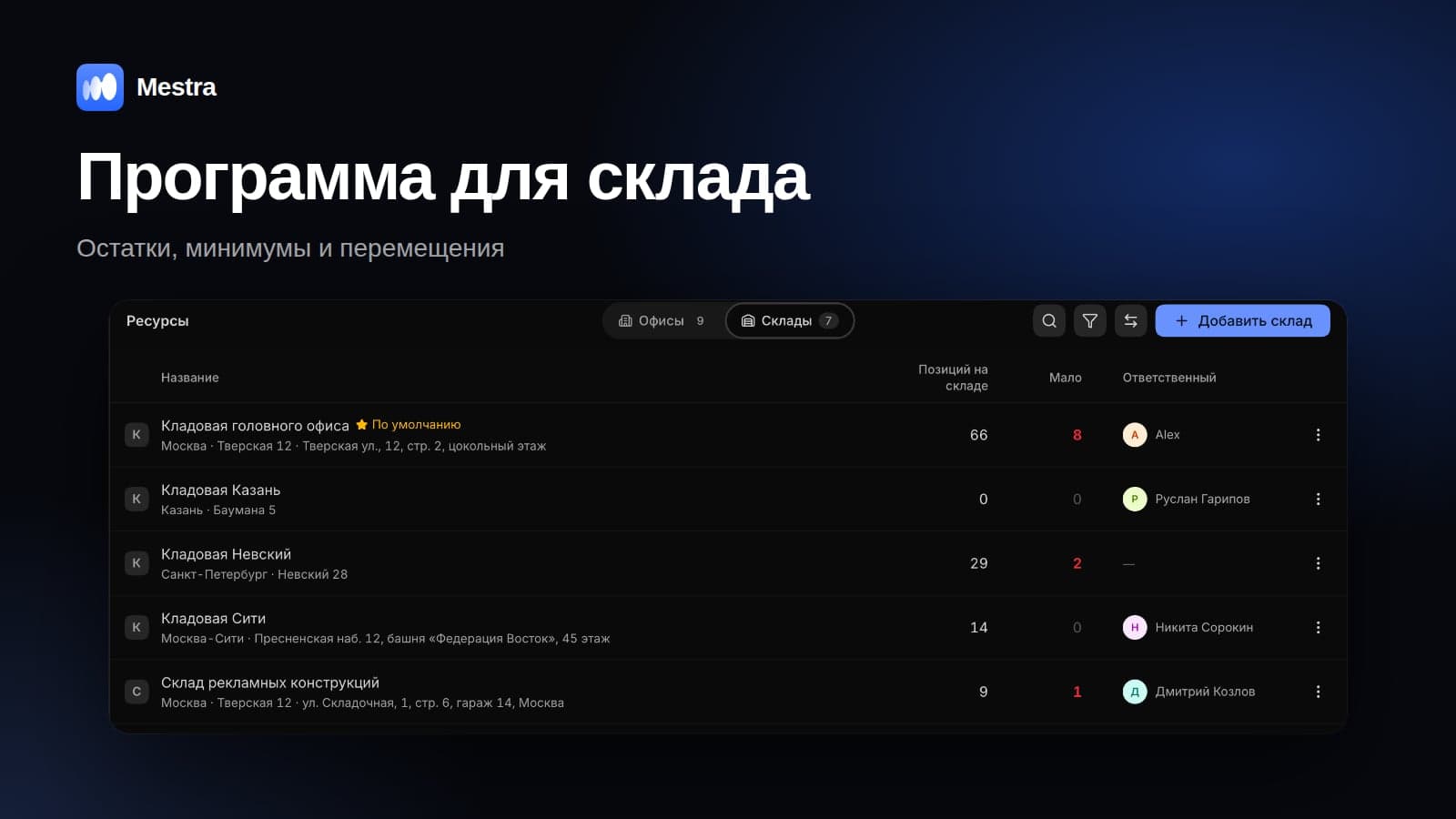
- Office places. In the Resources section, each office has a Places tab: type, capacity and default length. A place can be temporarily disabled.
- Calendar by place. Bookings are grouped by place or by employee.
- Warnings. The calendar warns about clashes and over-capacity.
- Recurring bookings. A series of events as a single entry.
- Reminders. To the client 24 and 2 hours before — with confirmation or rescheduling.
- Booking form. The form builder has a calendar field; the request arrives in Mestra with the client card.
- AI assistant in messengers. Answers clients 24/7 and books meetings.
- Linked bookings. A calendar event is linked to a client, service, task, office and place, and a prepayment invoice is issued from the client card.
FAQ
How is booking software different from an ordinary calendar?
A calendar stores events; booking software stores places with capacity and overlap checks.
Is it suitable for hotel room bookings?
For small hotels and holiday parks — yes: rooms are set up as places. Large hotels with sales channels usually need a specialised property management system.
Can bookings be taken through the website?
Yes, through a form with date and time selection. The request lands in the system and the administrator confirms the booking.
How do you reduce no-shows?
Send reminders a day and 2 hours before, and take a prepayment for expensive bookings.
Bottom line
Booking software eliminates clashes and shows how busy each place is. Look for places with capacity, a calendar by place, warnings, reminders and booking intake from messengers and the website. In Mestra, all of this works together with clients and invoices — try it free for 15 days.