AI Agents for Business in 2026: What They Are, Use Cases and the Top Solutions
Reviews10 min read
What an AI agent is in simple terms, how it differs from a chatbot, 7 business examples, how to implement one and a 2026 ranking of AI agents with prices.

An AI agent is a neural-network program that doesn't just answer questions but takes actions itself: creates a client card, sets a task, books a meeting, issues an invoice.
The main difference from a chatbot is that an agent understands free text and decides for itself what to do next.
For businesses of any size, AI agents are most useful on the front line of client communication. The best choice for companies that sell through messengers is an agent built into the CRM.
Which AI agent to choose in one minute
- You sell through messengers and marketplaces? An agent inside the CRM — for example, Mestra: clients, calendar and invoices are already at hand.
- Corporate processes and data kept inside the company perimeter? GigaChat Business.
- You have developers and need your own agent? Yandex AI Studio or Cloud.ru Agents Space.
- Voice calls? Tomoru or Just AI.
- Connecting several services without code? Albato.
What an AI agent is in simple terms
Imagine a new administrator who has been given the price list, the schedule and access to the CRM. They read a client's message, understand what the client wants, reply and take the necessary actions in the system. A neural network works the same way, only around the clock and with dozens of clients at once.
Such a system has three components:
- The model — a neural network that understands text and formulates replies.
- Knowledge — your catalogue, prices, rules and FAQ base.
- Tools — access to actions: calendar, tasks, client cards, invoices.
How an AI agent works: a 4-step cycle
- Understand. The system reads the message and identifies the intent: find out a price, book, complain.
- Plan. It decides what to do: reply, clarify, check the schedule.
- Act. It uses tools: checks the calendar, creates a card, sets a task.
- Check and reply. It tells the client the result, or hands the conversation to a person if the task is beyond its remit.
How an AI agent differs from a chatbot and an assistant
| Button chatbot | AI assistant | AI agent | |
|---|---|---|---|
| Understands free text | No | Yes | Yes |
| Answers from your data | Only pre-written replies | Yes | Yes |
| Takes actions in systems | By a rigid script | Partly | Yes, chooses the step itself |
| Hands complex questions to a person | Rarely | Yes | Yes |
The line between an assistant and an agent is blurred: many modern CRM assistants can already take actions. More on the difference from button bots in our article chatbots for business.
7 examples of AI agents for business
- Booking administrator. Answers questions about prices, offers free times and books into the calendar.
- Front-line manager. Finds out the need and budget, creates a card and a task for the salesperson.
- Repeat sales agent. Finds clients due for a repeat service and prepares messages.
- Invoice helper. Prepares an invoice based on the conversation and sends it to the client.
- Support agent. Answers questions about orders, delivery and warranty from the knowledge base.
- Analyst. Produces a weekly summary of sales and enquiries.
- Recruiter. Replies to candidates, asks screening questions and books interviews.
The top AI agents and platforms for business in 2026
1. Mestra — the best AI agent for selling through messengers
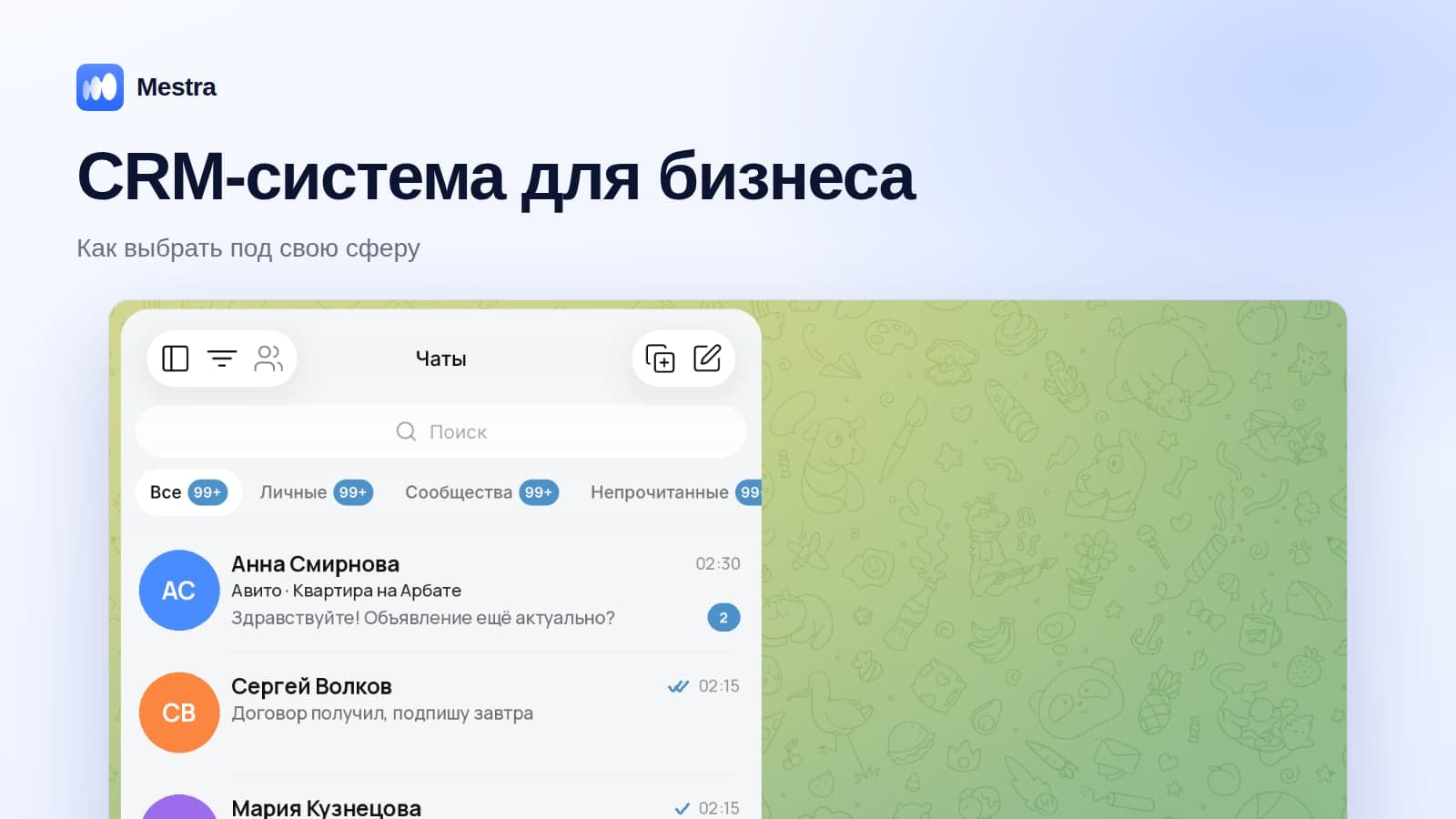
Mestra's AI assistant works as an agent right in the message feed, where MAX, Telegram, WhatsApp*, VKontakte, Avito and CIAN are gathered. It needs no integrations: clients, catalogue, calendar and invoices are already in one system.
- Answers from the Products section, PDFs and your website.
- Creates client cards and tasks, books meetings, prepares and sends invoices.
- Hands the conversation to a person when needed.
- Auto, Suggestions and Off modes — for all chats or a single conversation.
- Who it's for: companies of any size — from small teams to departments of hundreds — that sell through messengers and marketplaces.
Mestra plans: the AI assistant is included in the Standard plan — 1,090 ₽ per user per month together with the CRM and all channels. 15 days free.
2. GigaChat Business (Sber)
A no-code AI agent builder for corporate clients, launched in 2026 and based on GigaChat models. Suits internal and client-facing scenarios with requirements to store data in Russia. Pricing on request.
3. Yandex AI Studio
A platform for developers: Yandex models and open models, agent building, working with documents. Pay-as-you-go. Suits companies with a technical team.
4. Alice AI for Business
Answers based on the company's documents and knowledge base. According to public data, about 1,199 ₽ per employee per month.
5. Just AI
A platform for chatbots and AI agents, strong in contact centres and voice scenarios. The Aimylogic builder starts from 990 ₽ a month according to public data; the corporate platform is priced on request.
6. Albato
A no-code automation platform with AI agents that connect services to each other.
7. Cloud.ru Agents Space
A platform with ready-made agents and a builder based on GigaChat.
8. Tomoru
Voice AI agents for calls: outbound dialling and handling inbound calls.
9. Nodul
A low-code platform for corporate automation and multi-agent scenarios.
Prices are based on public data as of October 2026 and may change — check with the developers.
Comparison
| Solution | Type | Who it suits | Developer needed | Price from |
|---|---|---|---|---|
| Mestra | Agent inside a CRM with messengers | Any team size, selling through messengers | No | 1,090 ₽ / user with CRM |
| GigaChat Business | Corporate builder | Medium and large businesses | No | On request |
| Yandex AI Studio | Developer platform | Tech teams | Yes | Usage-based |
| Alice AI for Business | Document assistant | Office teams | No | ~1,199 ₽ / employee |
| Just AI | Bot and agent platform | Contact centres | Partly | 990 ₽ / month |
| Albato | No-code automation | Businesses with several services | No | By plan |
| Cloud.ru Agents Space | Agent platform | Companies with IT resources | Partly | On request |
| Tomoru | Voice agents | Outbound calling and call centres | No | On request |
| Nodul | Low-code platform | Corporations | Partly | On request |
Free AI agents: what you can get without paying
| Option | What's free | Limitations for business |
|---|---|---|
| General-purpose assistants (GigaChat, Alice AI, DeepSeek) | Answers, texts, document analysis | No access to your clients, calendar and messengers |
| Free plans and platform demos | Testing scenarios | Limits, set-up required |
| Open-source builders you install yourself | The tool itself | Needs a developer and a server |
| A CRM trial with AI | Full access during the trial | After the trial — by plan; in Mestra — 15 days |
Free agents are good for understanding the possibilities. For client work they lack the main thing — access to your data and actions: catalogue, calendar, client cards and messengers.
How to implement an AI agent: 5 steps
- Choose one task where money is being lost: night-time requests, slow replies, forgotten repeat visits.
- Prepare the knowledge: price list, service descriptions, payment and delivery terms, answers to frequent questions.
- Give access to actions — calendar, tasks and cards. Without them, it becomes a help desk.
- Start in suggestions mode: the system proposes replies, and staff check them.
- Switch standard conversations to automatic mode and measure the result: response speed, number of bookings, share of requests handled.
What an AI agent costs
| Option | Cost | Who it suits |
|---|---|---|
| Custom development | From hundreds of thousands of rubles plus maintenance | Large companies with unique processes |
| Builder platforms | Subscription plus usage fees | Companies with a technical specialist |
| An agent built into a CRM | Included in the CRM plan | Companies that sell through messengers — from small teams to large departments |
Risks and how to reduce them
- Wrong answers. Limit the neural network to your knowledge base and set up handover of complex questions to a person.
- Unwanted actions. Start in suggestions mode and only then allow automatic actions.
- Client data. Choose solutions that comply with Federal Law No. 152-FZ.
- Scattered systems. The more integrations an agent needs, the higher the risk of failure — which is why an agent inside the CRM is more convenient for sales.

More implementation ideas in our article AI for business: 15 tasks.
FAQ
Are an AI agent and an AI assistant the same thing?
Not quite. An assistant primarily answers and suggests; an agent also takes actions. In modern CRMs, these roles are often combined.
Which AI agent is best for business?
For selling through messengers — an agent inside a CRM, such as Mestra. For complex corporate scenarios — GigaChat Business, Yandex AI Studio or Just AI.
Do you need a developer to launch an AI agent?
For an agent built into a CRM — no. For developer platforms — yes.
Can an AI agent replace an employee?
An AI agent takes over routine work and night hours, but negotiations and decisions on discounts stay with people.
Are there free AI agents?
There are free versions of general-purpose services, but for client work they lack access to your data and actions.
Is it safe to trust an agent with client data?
Yes, if the solution complies with Federal Law No. 152-FZ on personal data.
Bottom line
An AI agent is the next step after a chatbot: it understands the client, answers from your data and takes the necessary actions itself.
For selling through messengers, the best choice is an agent inside the CRM that needs no integrations. Start with one task, give it knowledge and access to the calendar and tasks, check the result in suggestions mode — and only then move standard conversations to automatic mode.
*WhatsApp is owned by Meta, which is recognised as extremist and banned in Russia.