CRM for a Restaurant or Café: Table Bookings, Banquets, Delivery and Regular Guests
Reviews6 min read
CRM for a restaurant or café: tables and halls, guests with allergies and a favourite table, recipe cards with cost, stock write-offs and banquets with prepayment.

A CRM for a restaurant or café is a system where a guest has a history of visits and orders, a favourite table and allergies; every dish has a recipe card with cost; and a banquet has guests, a menu, a prepayment and a final payment. The manager sees hall occupancy, dish margins and regular guests.
Bookings are taken by phone into a notebook, banquet requests arrive in a manager's WhatsApp*, and cost is calculated in Excel once a quarter. Here's what data about guests, dishes and banquets a restaurant should keep, and how it looks in Mestra.
One-minute check
- Are all tables and halls visible on one layout with bookings?
- Does the host know a guest's favourite table and allergies?
- Does each dish have a recipe card with cost?
- Are ingredients written off from stock with each order?
- Is the banquet prepayment kept separate from revenue?
The guest card
| Field | What it gives you |
|---|---|
| Guest type | Regular, corporate, event organiser, tourist |
| Status | New, regular, VIP — based on visit history |
| Preferences | Cuisine, allergies, favourite table |
| Source | Yandex, Avito, VKontakte, Instagram*, website |
| Payment | Cash, card, online |
The host sees preferences when booking: for a guest with a nut allergy, the waiter warns the kitchen in advance, and a regular guest is offered their table by the window.
Tables, halls and bookings
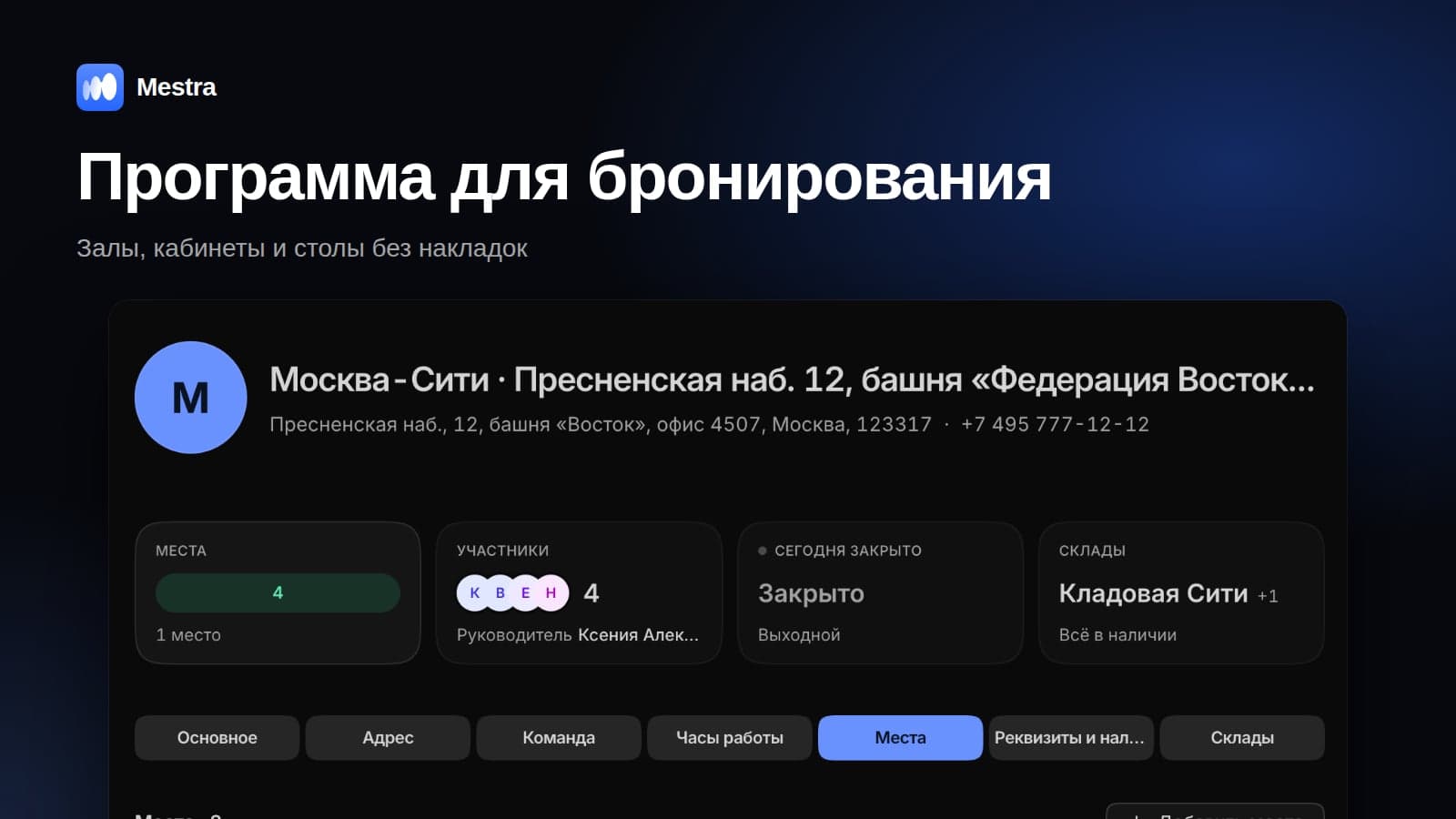
Tables, zones and banquet halls are kept in the Resources section as places with capacity. The calendar shows bookings by table or by hall and warns about overlaps and exceeding capacity. A booking form with a calendar field is embedded on the website: the guest chooses the date, time and number of guests. More in our article table booking.
The menu and recipe cards
A menu item specifies:
- type: dine-in, takeaway, delivery, catering, event;
- category: starters, mains, desserts, drinks;
- preparation time, price, price as part of a set or banquet menu;
- allergens and labels such as "vegetarian", "vegan", "gluten-free", "halal";
- a photo and description.
The key element is the recipe card: the dish's ingredients with the quantity of each and the cost. When the purchase price of butter went up, the cost of every dish with butter is recalculated, and you can see which items have become loss-making. With each order, ingredients are written off from stock according to the recipe card, and when stock falls below the minimum, a purchasing task is created. How to calculate cost — in our article dish cost calculation.
Guest history
Every visit, delivery order, banquet and catering job is a separate record: date, type, dishes, amount, tip. Six months later you can see that a corporate client orders catering every quarter, and a guest celebrates their birthday at the restaurant every year — you can offer them a hall in advance.
Banquets and catering
A banquet for 60 guests at 4,500 ₽ each is 270,000 ₽. A 50% prepayment is made a month ahead, and the balance on the day of the event. In Mestra, the prepayment is recorded as an advance and becomes revenue on the banquet date. The payment schedule is set on the invoice, and the client gets a reminder before the balance is due.
For catering, kitchen capacity is taken into account: an order for 150 people is planned so it doesn't disrupt normal service.
Tips and payment
A guest leaves a tip via QR code, and it's saved in the payment history. Delivery, bookings and payments live in one database: you can see a guest's full spend for the year, not just their dine-in visits.
The process template
New order or booking → confirmation → preparation → service or delivery → payment and review. Banquets have a separate template with menu approval. A rule like "the day after a banquet, send the guest a thank-you and ask for a review" is set up without a developer.
Example: the margin on one dish
Seafood pasta costs 890 ₽. According to the recipe card, the ingredient cost is 310 ₽ — 35% of the price. If prawns go up by 20%, the cost rises to 360 ₽, and the share exceeds 40%. A restaurant that sees this immediately changes the portion or the price before losing margin on hundreds of servings.
Requests from all channels
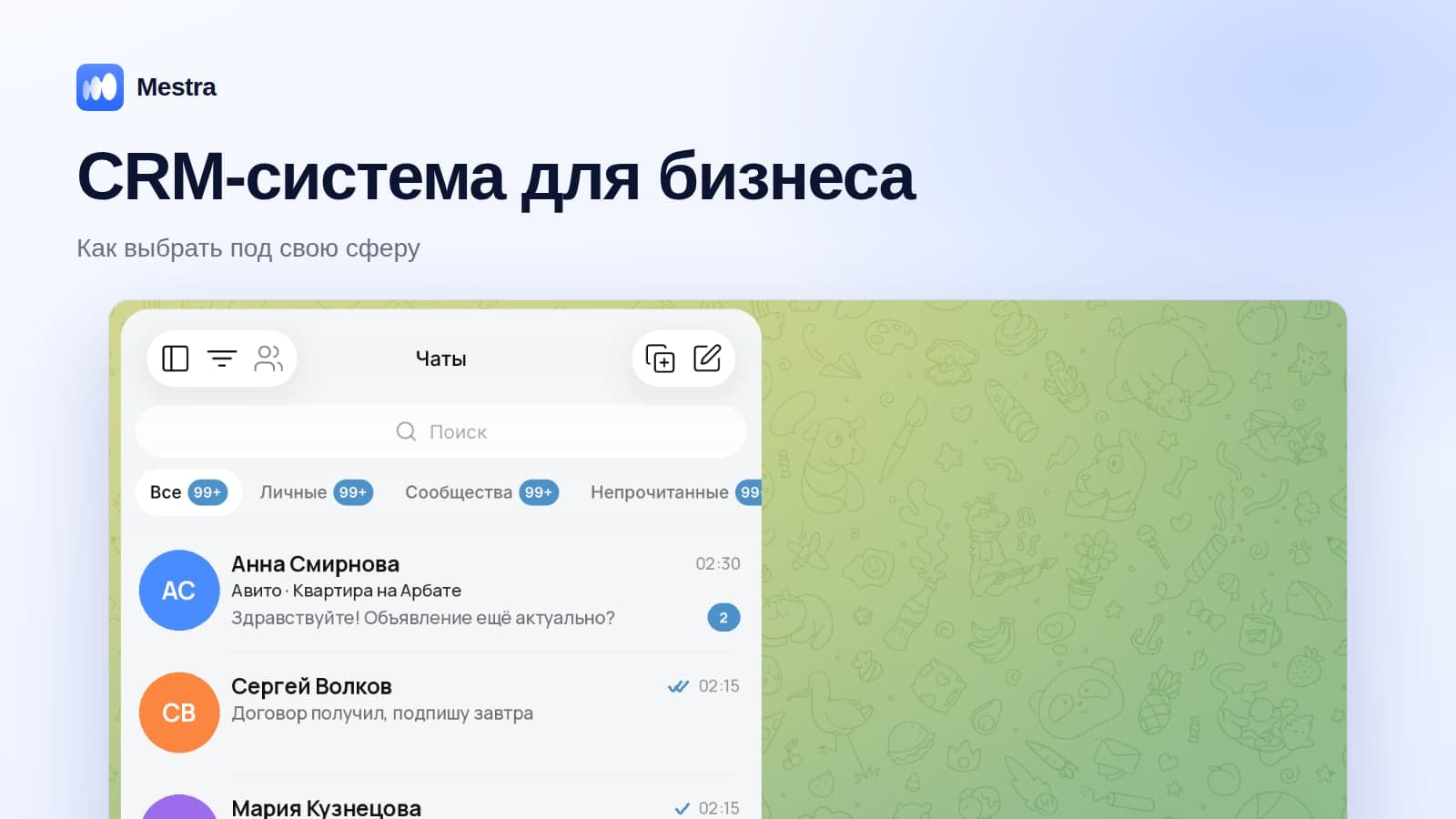
Guests write in MAX, Telegram, VKontakte, Instagram* and WhatsApp* — the host replies to them from one feed. The AI assistant answers questions about the menu and free tables around the clock and takes bookings, passing banquet requests to a manager. A restaurant chain is managed as branches, each with its own halls, stock and revenue.
Related reading: cost price, markup and margin.
How it works in Mestra
At sign-up, choose the "Restaurants and cafés" industry — tables and halls, the guest card, a menu with allergens and recipe cards, banquets and templates appear straight away. The Economy plan costs 390 ₽ per user per month incl. VAT; the AI assistant comes from the Standard plan.

FAQ
Will Mestra replace a restaurant's POS system?
Mestra handles guests, bookings, banquets, recipe cards, stock and analytics. The till system that issues fiscal receipts in the hall stays separate.
Is the CRM suitable for a coffee shop or bakery?
Yes. The menu, recipe cards, stock and a regular guest programme work for any format.
Can you manage several locations?
Yes. Each location is a branch with its own tables, stock and revenue, and the chain manager compares them in analytics.
Bottom line
A restaurant loses money on forgotten guests, unaccounted costs and unpaid banquets. A CRM where the guest, the recipe card and the prepayment are linked solves all three. Enter your menu and recipe cards in Mestra: the first 15 days are free, no card needed.
WhatsApp and Instagram are owned by Meta, which is recognised as extremist and banned in Russia.