Business Process Automation in Simple Terms: 12 Examples With AI and No Developers
Automation7 min read
Business process automation in simple terms: what to hand to the system and AI, 12 examples for a company, implementation stages and a calculation of time saved.

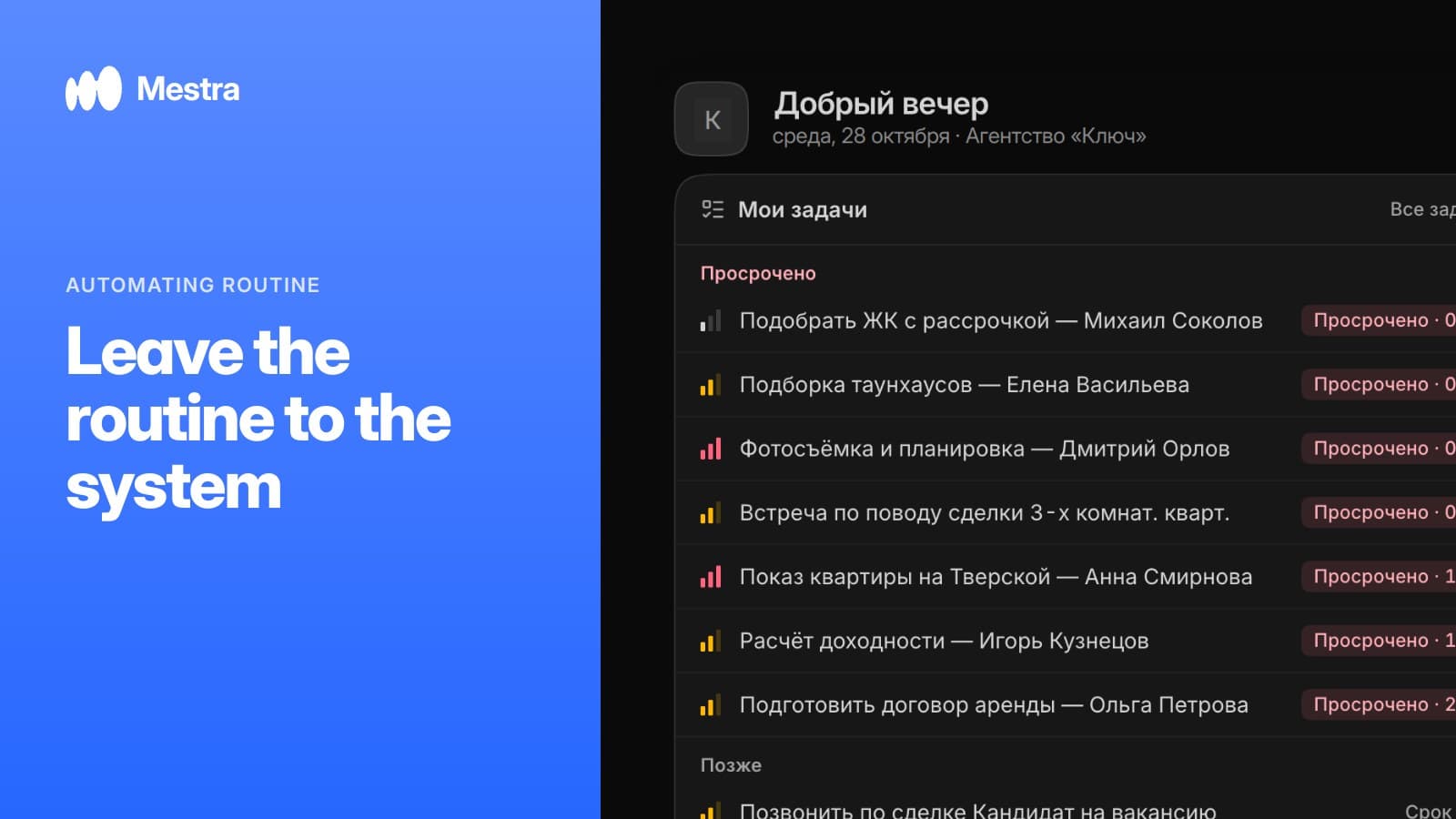
Business process automation is when the system, not an employee, does the repetitive work: sends a reminder, creates a task, assigns an owner. People spend their time on clients and decisions rather than on trying not to forget anything.
The word "automation" scares many owners: it seems to require a separate project, developers and six months of implementation. In practice, most of the value comes from a dozen simple actions the company already performs every day — just by hand.
One-minute check: what to automate first
- List the actions employees repeat more than ten times a week.
- Mark the ones where a mistake or forgetfulness costs money: a missed call, an unpaid invoice, a cancelled meeting.
- Split the list into two columns: "always the same" and "depends on the conversation with the client".
- Give the first column to system rules and the second to AI.
- After two weeks, check how much time came back and what else can be handed over.
Two kinds of automation: rules and AI
| Rule-based | AI-based | |
|---|---|---|
| Triggered by | An event: a new stage, a date, an amount | The meaning of a conversation or a person's command |
| Example | Deal moved to the Contract stage → assign a lawyer | Client wrote "let's talk on Thursday" → a Thursday task |
| Strong at | Predictable, identical actions | Live conversation with no template |
| Risk | Doesn't react to non-standard situations | Important steps need human review |
Ordinary automation works like an alarm clock: it goes off when a condition is met. AI-based business process automation works like an attentive assistant: it reads the conversation and understands what needs doing next.
12 examples of business process automation
| No. | Process | What the system does | Triggered by |
|---|---|---|---|
| 1 | Routing enquiries | Passes the chat to an employee by specialisation, workload and schedule | AI |
| 2 | Replying to a client at night | The AI operator replies from the product and service base | AI |
| 3 | Client card | AI moves budget and wishes from the chat into fields | AI |
| 4 | Tasks from agreements | AI creates a task with a deadline after the conversation | AI |
| 5 | Launching a process | AI creates a process from the industry template with stages and owners | AI |
| 6 | Stage transition | Sends a message, sets a task, changes the owner | Rule |
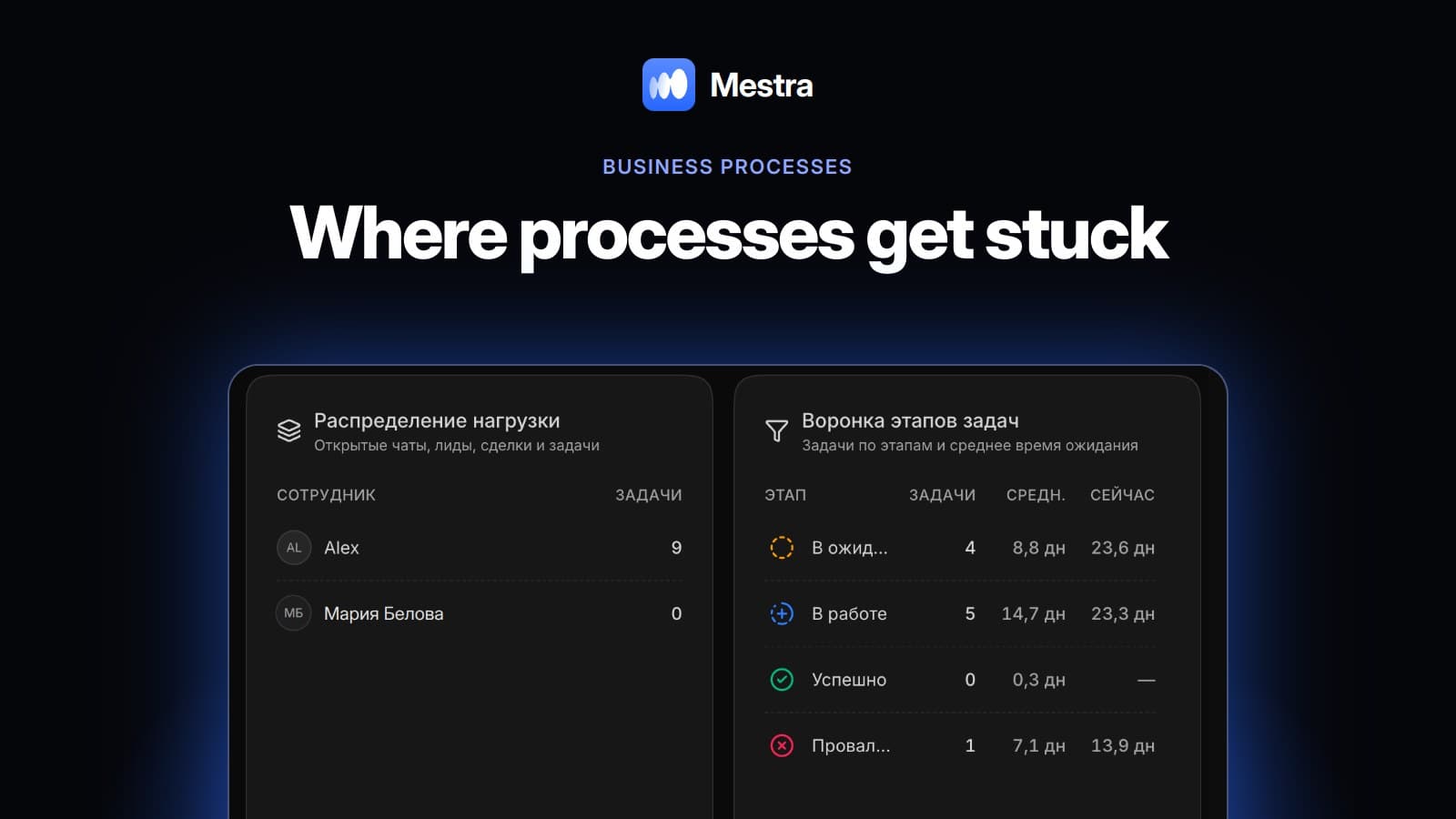
| 7 | Stalled case | Raises a signal if a case hasn't moved or a task is overdue | Rule |
| 8 | Meeting | Reminds the client and sends a Yandex Telemost link | Rule |
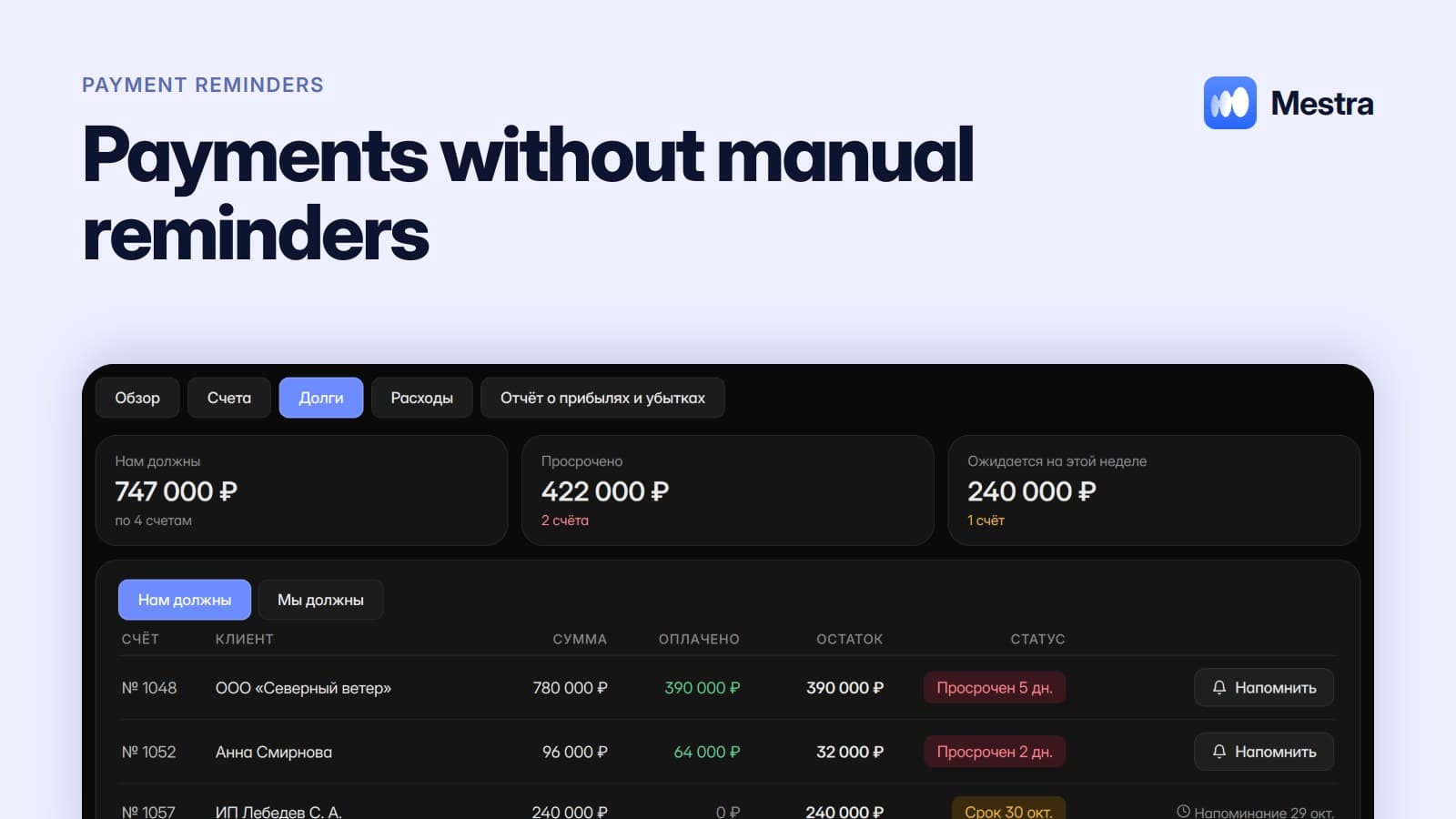
| 9 | Payment | Reminds the day before, on the due date and three days after | Rule |
| 10 | Winning a client back | Reminds about a birthday, renewal or repeat visit | Rule |
| 11 | Warehouse | At minimum stock, creates an "Order from supplier" task | Rule |
| 12 | Reports | Sends reports on a schedule or on request in the Telegram bot | Rule and AI |
Response speed deserves a separate mention. Research published in Harvard Business Review showed that companies that contacted a potential customer within an hour were about seven times more likely to reach a qualified conversation than those that waited longer. An auto-reply and instant routing of the request close exactly this gap.
An example calculation: a salon with three administrators
One-minute calculation:
- The salon has 30 bookings a day, and each needs a confirmation message: about 2 minutes per client.
- 30 × 2 = 60 minutes a day on reminders alone.
- Over a month of 22 working days, that's 22 hours.
- Another 15 minutes a day goes on finding clients who are due a repeat treatment: about 5.5 hours a month.
- In total, almost 28 hours a month — three and a half working days of one administrator.
After automation, reminders go out by themselves, and the system prepares the "time to come back" list in advance together with the message text. The administrator just clicks Send.
What's still better left to people
Automating a company's business processes doesn't mean people can be removed from them. Price negotiations, difficult complaints, discount decisions and large deals need a real employee. A good system doesn't try to replace them — it frees them from everything else. We covered this boundary in sales in detail in our article sales automation with AI.
Stages of business process automation
- Describe the process as it is. Who does what, from the first enquiry to payment.
- Find repetition and losses. Where actions are identical and where clients are lost.
- Start with three rules. Routing enquiries, a meeting reminder, a payment reminder.
- Connect AI to conversations. First in suggestions mode, then automatically wherever it copes.
How it works in Mestra
In Mestra, automation is set up in the interface, without developers. You create process stages and templates for your industry yourself, and link an action to each stage: a message to the client, a task or an owner. Processes are visible on a kanban board — more on this in our article kanban and tasks in a CRM.
The AI operator replies to clients 24/7 in MAX, Telegram, WhatsApp*, VKontakte, Instagram* and on Avito, creates clients and tasks itself, and passes important conversations to a manager. The system prepares client reminders — about meetings, payments, renewals and repeat visits — by itself, and sending one takes a single click. We looked at how these messages work in our article client reminders.
Rules and reminders are available on all plans, and AI from the Standard plan (1,090 ₽ per user per month incl. VAT).
Read also: assigning tasks to employees, request routing, payment reminders, automating routine tasks, company business processes.

FAQ
What is business process automation in simple terms?
It's when the system itself performs actions employees used to repeat by hand: reminders, tasks, routing enquiries, reports.
Do you need a developer for automation?
Not for standard processes. In Mestra, stage rules, reminders and AI modes are switched on in the settings without code.
How is AI automation different from ordinary automation?
Ordinary automation fires on a predefined condition. AI understands the meaning of a conversation: it can create a task from a client's phrase or fill in a card from their message.
Where should a company start with automation?
With the three actions most often forgotten: replying to a new enquiry, a meeting reminder and a payment reminder.
Which processes shouldn't be automated?
Negotiations, discount decisions and handling complex complaints. There, an employee's experience matters more than speed.
Bottom line
Business process automation starts not with an expensive project but with the question "what do we do by hand every day?". Give repetition to rules and conversations to AI, and leave clients and decisions to people. Mestra is a CRM where clients, tasks, finance and an AI operator are brought together in one window. Try it on your own processes: 15 days free, no card required.
*WhatsApp and Instagram are owned by Meta, which is recognised as extremist and banned in Russia.