Automating Routine Tasks: What to Hand to the System and AI If You're Not a Programmer
Automation4 min read
Automating routine tasks without code or Python: how to find the routine, what to hand to the system and AI today, and how many hours a month it saves.

Automating routine tasks means handing the system actions that employees perform the same way many times. For a business, it isn't about Python scripts but about rules inside your working system: an event happens, and the action is performed by itself.
If you search for "automating routine", most of the material is about programming. That's useless to a company owner: they need the administrator to stop sending reminders by hand and the manager to stop retyping data from chats. No code is needed for that.
Which tasks count as routine
| Task | Why it's routine | How to automate it |
|---|---|---|
| Confirming a booking or meeting | The same text every time | A reminder based on the meeting time |
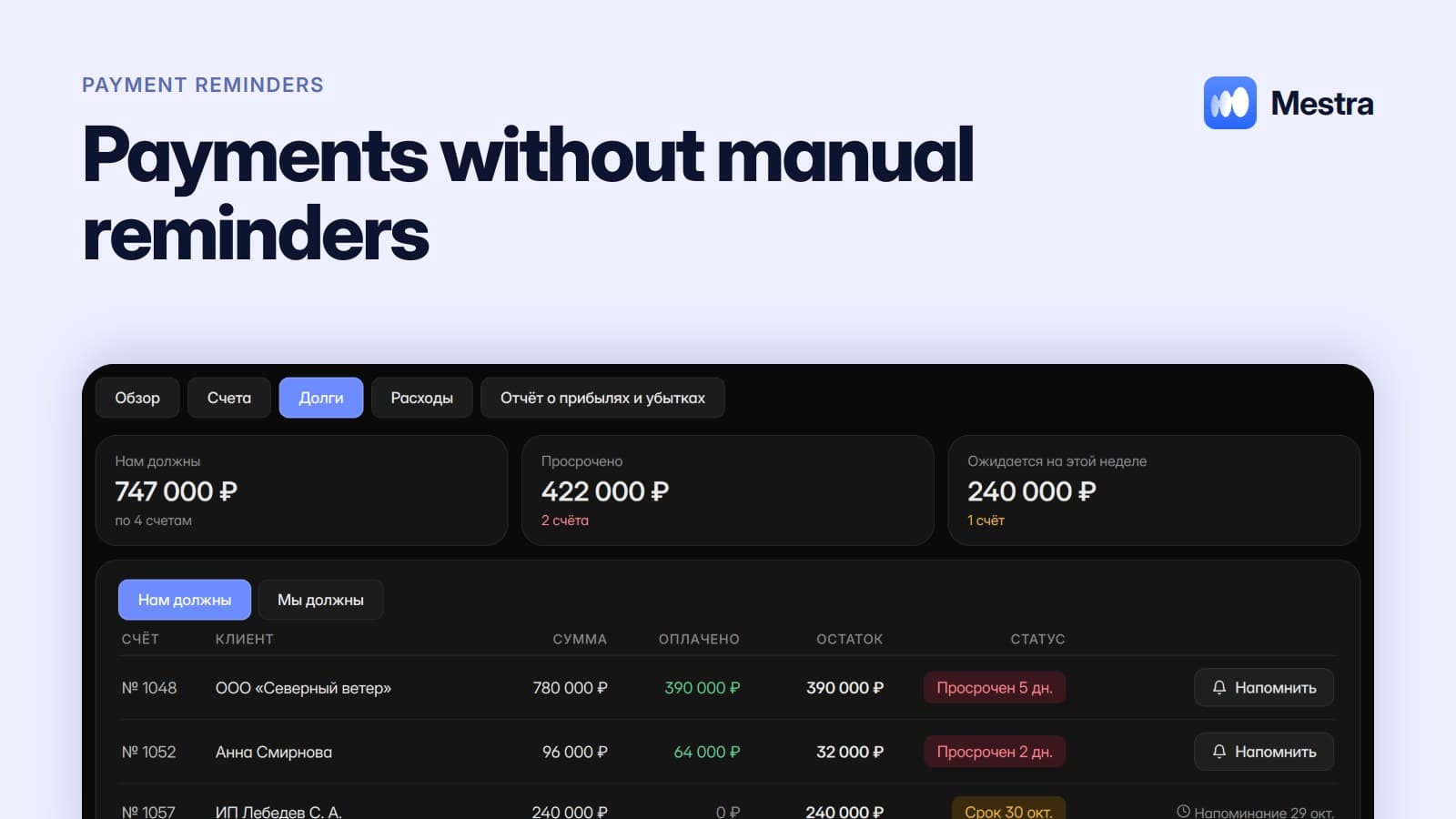
| Payment reminder | Depends only on the date | A message based on the invoice due date |
| Routing enquiries | The same rules | Assignment by specialisation and workload |
| Moving data from conversations | Mechanical copying | AI fills in the card |
| A task for the next contact | Repeats after every conversation | AI creates a task from the agreement |
| A report for the owner | The same numbers every week | A report on a schedule |
| Ordering from a supplier | Triggered by one condition | A task at minimum stock |
Find the routine in one minute
- Ask each employee to note the actions they repeat for a week.
- Keep those that happen more than ten times a week.
- Write down how many minutes each one takes.
- Mark which ones don't require decisions and which require understanding a conversation.
- Give the first to rules and the second to AI.
Why routine is more dangerous than it seems
Routine actions take little time individually, so nobody notices them. But they create two problems. The first is time: dozens of hours a month across the team. The second is mistakes: repetitive actions are exactly where people most often forget and skip things, because attention dulls.
A forgotten meeting reminder means a client no-show. A forgotten call task means a lost deal. Automation removes not only the workload but this risk too.
An example in numbers
One-minute calculation:
- A department of five managers, each handling 20 conversations a day.
- Moving data from a chat into a card takes about 3 minutes: 20 × 3 = 60 minutes a day per person.
- Setting a task for the next contact takes another minute or so: 20 minutes.
- That's 80 minutes a day per manager, 400 minutes for the department — almost 7 hours every day.
- Over a month of 22 working days, that's about 147 hours — almost a full-time position.
What to leave to people
Automating routine doesn't mean people can be removed. Negotiations, discount decisions, difficult complaints and non-standard requests need real experience. The goal is for employees to spend their time on those rather than on copying and reminders.
How it works in Mestra
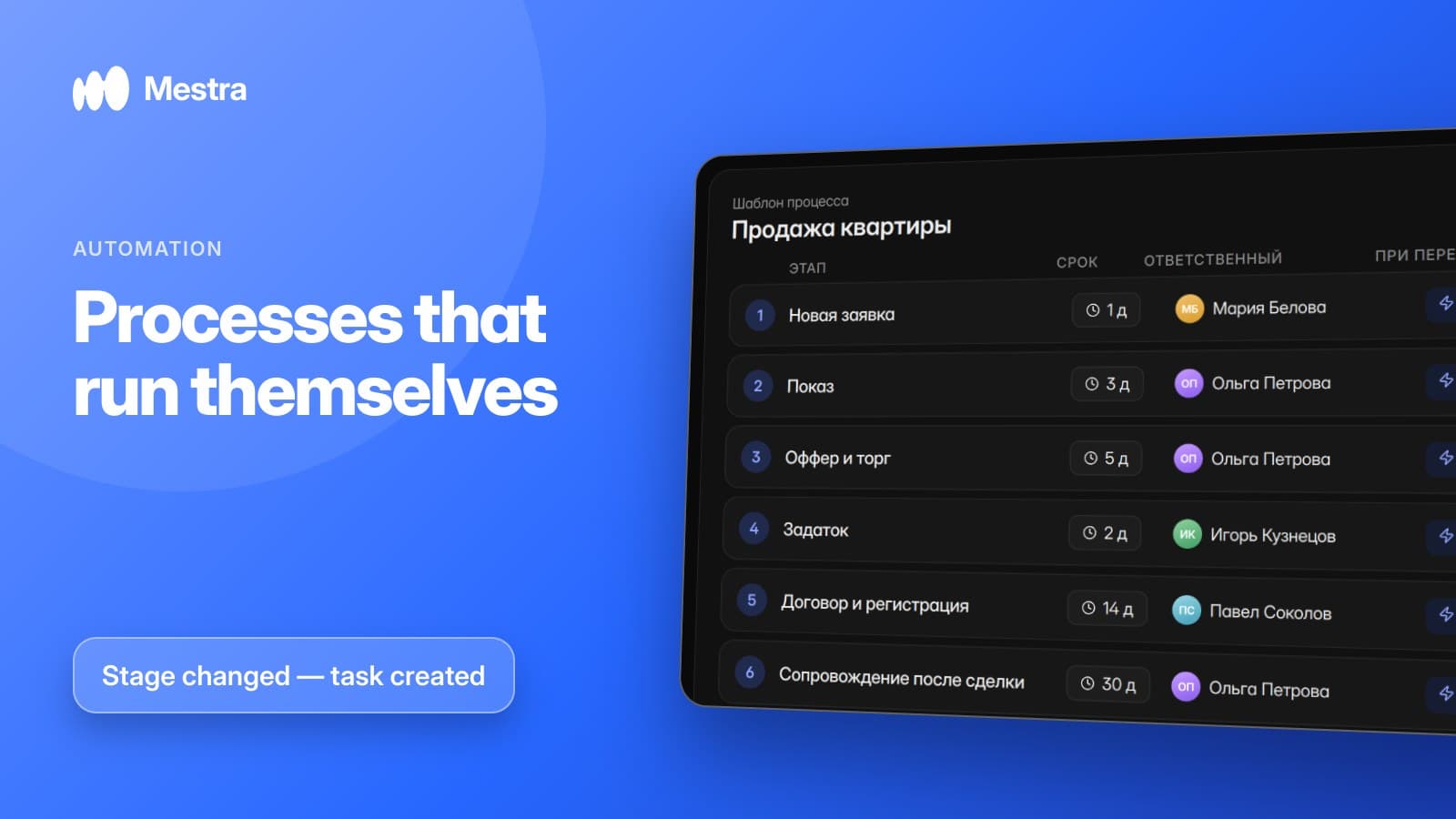
In Mestra, routine is automated in the interface, without code. Reminders about meetings, payments, renewals and repeat visits are prepared by themselves. Enquiries are routed by specialisation, workload and schedule. AI moves data from conversations into the card, creates tasks from agreements and launches processes from templates. Reports arrive on a schedule or on request in the Telegram bot.
A full breakdown with examples — in our article business process automation. About automating sales specifically — in sales automation with AI.

FAQ
What is routine task automation?
Handing the system repetitive actions — reminders, routing, moving data, reports — so employees don't perform them by hand.
Do you need to program to automate routine?
Not for standard business tasks. Rules and AI are set up in the CRM interface.
Where should you start automating routine?
With the actions that repeat most often and where a mistake costs money: meeting and payment reminders, routing enquiries.
How much does automation cost in Mestra?
Rules and reminders are available on all plans, from 390 ₽ per user per month incl. VAT; AI from the Standard plan (1,090 ₽).
Bottom line
Routine is invisible piece by piece, but in total it eats weeks of the team's work. Mestra takes it on without programmers — try it free for 15 days, no card required.