Warehouse Software: The Features You Actually Need and How to Choose
Reviews5 min read
Warehouse software: stock at every location, minimum stock, transfers, a movement log and write-off on sale. A selection checklist and a comparison of approaches.

Warehouse software is a system that stores stock for each warehouse, updates it on receipt, sale and transfer, and warns you when an item is running low. If the software isn't linked to sales, stock has to be reconciled manually, and tracking is always several days behind.
Below: which features you really need, what approaches to inventory exist and how to choose software for your company.
Choosing in one minute
- Count your warehouses and storage points: offices, storerooms, field employees' vehicles.
- Decide where sales are recorded — the warehouse should update from the same place.
- Check for minimum stock and an alert when it's reached.
- Check transfers between warehouses and the movement log.
- Make sure branch staff only see their own warehouse.
Features warehouse software needs
| Feature | Why | Without it |
|---|---|---|
| Stock per warehouse | You can see where goods are | Goods "exist" but in the wrong place |
| Minimum stock | Order before the item runs out | Shortages and urgent purchases |
| Write-off on sale | Stock is always current | Manual reconciliation once a week |
| Receipts and returns | Incoming goods are tracked | Stock figures drift apart |
| Transfers | Moving goods between locations without "shortages" | Discrepancies between warehouses |
| Movement log | Who changed stock, when and why | Hunting for whoever is to blame |
| Warehouse owner | It's clear who is responsible | A warehouse nobody owns |
| SKU search | Find an item quickly | Scrolling through long lists |
Three approaches to inventory
- Spreadsheet. Free and quick at the start, but stock is updated manually, and with two warehouses confusion sets in.
- Accounting software. Strong on accounting and documents, but separate from sales: a manager can't see stock while talking to a client.
- CRM with warehouses. Warehouse, clients and invoices in one system: the manager sees availability, and a sale writes off the goods immediately.
Accounting software is still needed for statutory reporting. For day-to-day sales and purchasing, a warehouse inside the CRM is more convenient.
Example: what a minimum stock level changes
A shop sells 8 filters a day, and delivery takes 3 days. The minimum is set at 30: 8 × 3 = 24 for the delivery period plus 6 in reserve. When stock drops to 30, the responsible person gets a reorder task. Without a minimum, the order is placed when 5 are left, and the shop spends two days selling "to order".
Free warehouse software: what to look for
Free options work while you have one warehouse and few products. Limits usually appear in the number of warehouses, users and the link to sales. Before choosing, check whether you can export your data to Excel in case you need to switch systems.
Related reading: supplier orders, multi-warehouse inventory, CRM for online stores.
How it works in Mestra

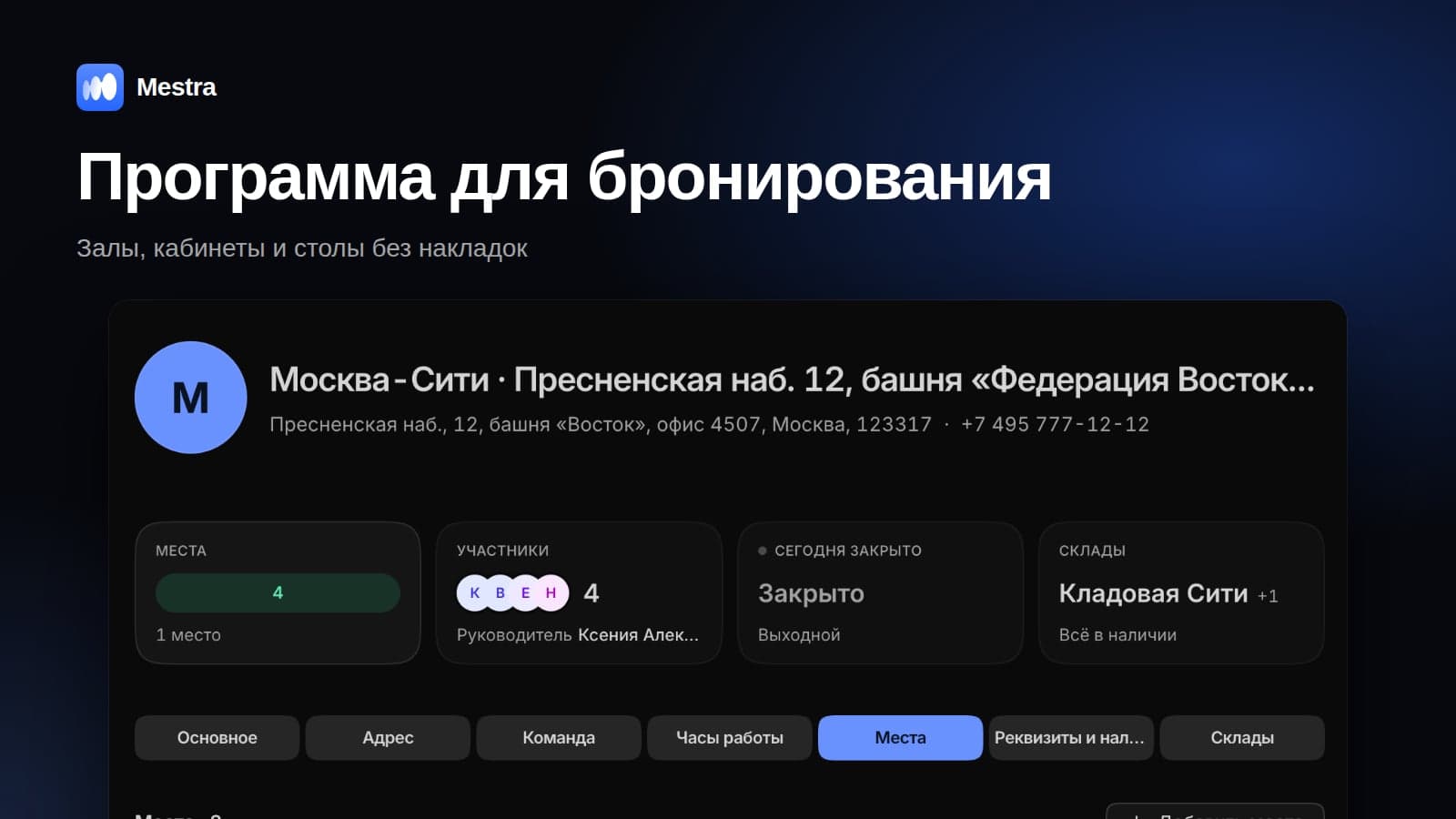
Warehouse card: stock, below minimum, movement log
Mestra is a CRM system: clients, messengers and marketplaces, tasks, finance, analytics and an AI operator in one window. Warehouses are in the Resources section.
- Warehouse list. Address, office, number of items, how many are below minimum, responsible person.
- Default warehouse and archive. Unused warehouses are archived along with their history.
- Warehouse card. Stock, items below minimum, products with quantities and minimums, search by name and SKU.
- Write-offs and receipts. Stock decreases on a sale or visit and increases on receipt or return.
- Minimum stock. When the threshold is reached, an "Order from supplier" task appears and the responsible person is notified.
- Transfers and movement log. Moving goods between warehouses with a comment, and a full change history.
- Cost price in the product card. Purchase, delivery and packaging flow into every invoice — the profit on each sale is visible.
FAQ
Do you need separate warehouse software if you have a CRM?
If the CRM has warehouses with stock, write-offs and minimums — not for daily work. Accounting can be kept separately in accounting software.
Is warehouse software useful for service businesses?
Yes. Clinics, salons and car services keep a stock of consumables: gloves, hair dye, oil, spare parts.
How do you move from a spreadsheet to software?
Export your product list with stock to Excel, upload it to the new system, then reconcile against a physical count once.
How many warehouses should you set up?
As many as there are places where goods are stored and issued separately: offices, storerooms, vehicles.
Bottom line
Warehouse software pays off when stock is current at every location and goods are reordered before they run out. Look for stock per warehouse, minimums with alerts, transfers and a link to sales. In Mestra, warehouses work together with clients, invoices and tasks — try it free for 15 days.