Finding Candidates for a Vacancy: How to Speed Up the Search With a CRM and AI
CRM5 min read
Candidate search without sifting through CVs by hand: how a CRM matches your database to vacancy requirements, tracks stages and reminds the recruiter of next steps.

Candidate search means matching a vacancy's requirements with people who meet them and are open to a move. The faster a recruiter finds matches in their own database, the sooner the client gets the first candidates — and the less often the vacancy goes to a competing agency.
Most agencies store thousands of CVs but search them by hand: filters, notes, the recruiter's memory. As a result, a strong candidate who fitted a vacancy a month ago stays invisible, and the recruiter goes back to external job sites.
Candidate search in one minute: where time is lost
- The recruiter gets a vacancy and scrolls through the database by hand.
- A suitable candidate is found, but their contacts and salary expectations are written in a chat, not in the card.
- After a call, the candidate asks you to "get back to them on Monday" — the agreement lives in someone's head.
- The client asks for a status update, and the recruiter pulls it together from three places.
- While the interview was being arranged, the candidate accepted another offer.
Each step eats time, but the biggest loss is the first: searching a database the agency has already built.
Manual search vs search in a CRM
| Stage | By hand | In a CRM with matching |
|---|---|---|
| Searching the database | Filters and the recruiter's memory | The system shows candidates who fit the vacancy |
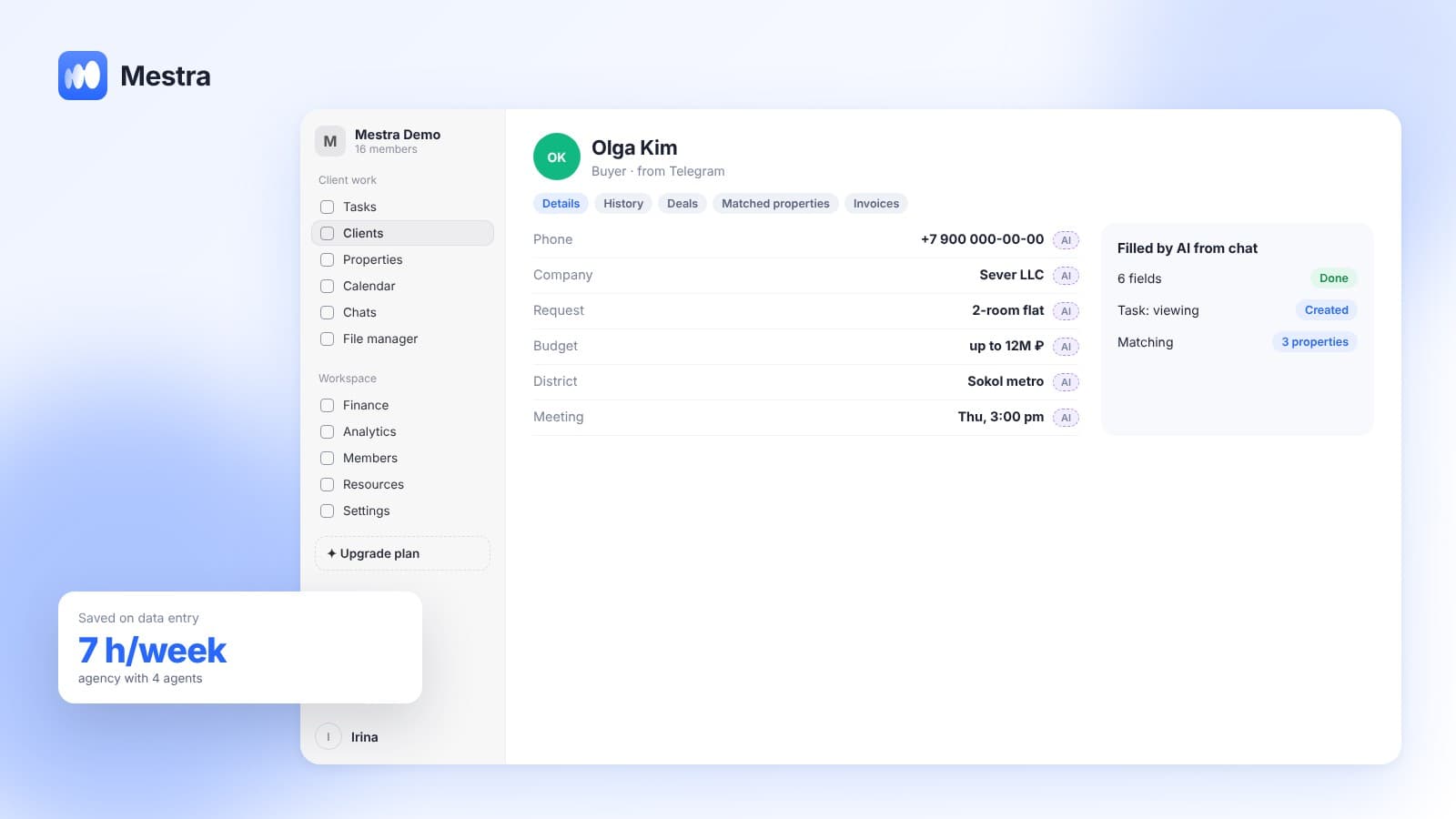
| Candidate data | Copied from the chat | AI fills in the card from the conversation |
| Next contact | A note or memory | A task with a deadline and an owner |
| Status for the client | Assembled by hand | Visible by stage on the board |
| Reusing the database | Rarely happens | Candidates resurface for new vacancies |
How a CRM matches candidates to a vacancy
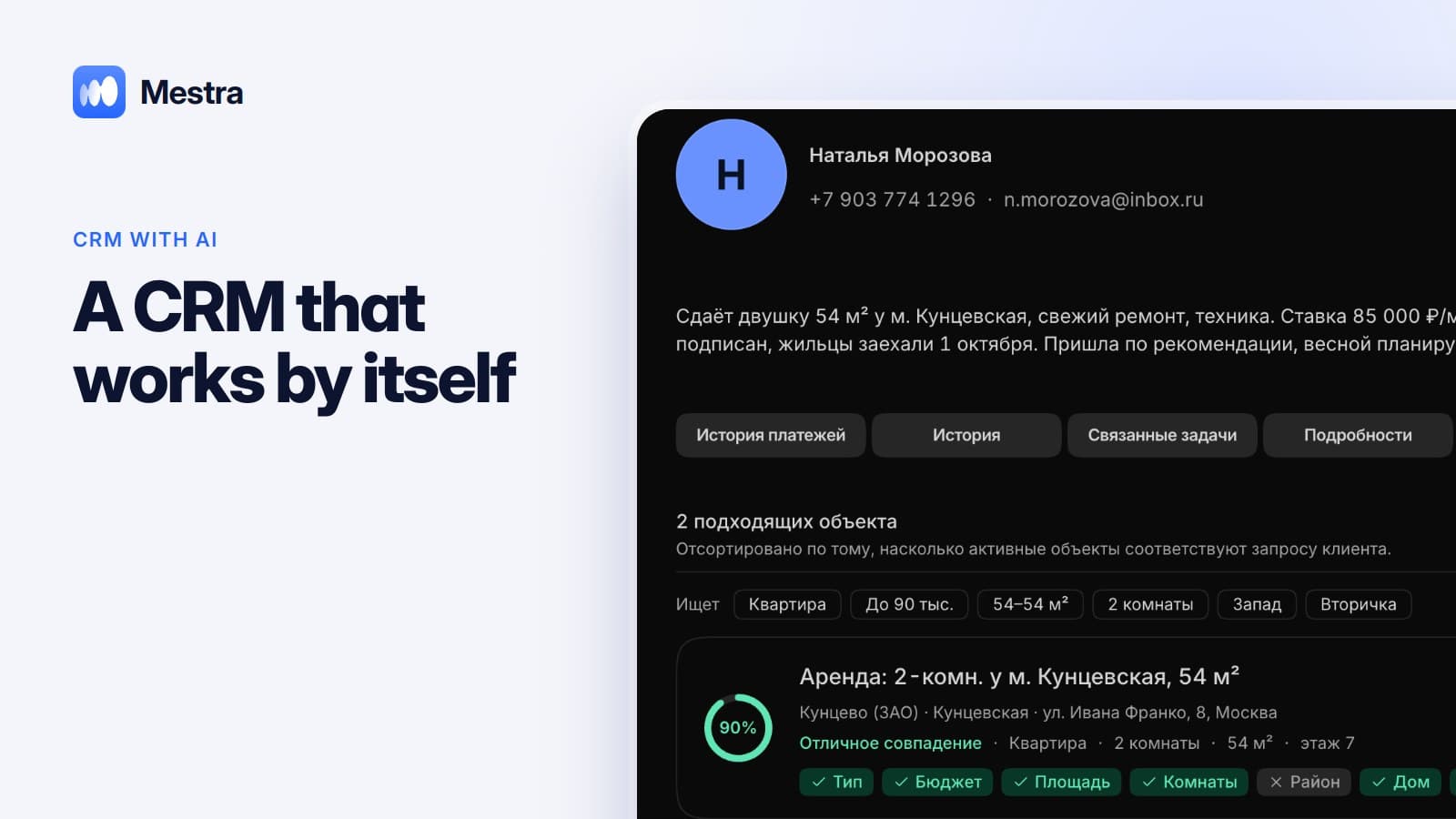
The vacancy's requirements — experience, skills, city, salary range, work format — are filled in once. The system then compares them with the database and shows matches in the vacancy card. The recruiter doesn't search but picks the best from those already found.
This changes the agency's economics. A database that took years to build starts working: a candidate who didn't get one position automatically appears in the shortlist for the next.
What AI does in a recruiter's work
- Fills in the card. The candidate writes about their experience, expectations and start date — AI moves this into the fields.
- Sets tasks. "Let's talk after lunch on Friday" becomes a Friday task.
- Launches a process. A new vacancy gets stages from a template: screening, interview, test task, final round, start.
- Suggests the next step and prepares a draft email to the client with a list of candidates.
- Flags stalls if a candidate has been stuck at a stage longer than usual.
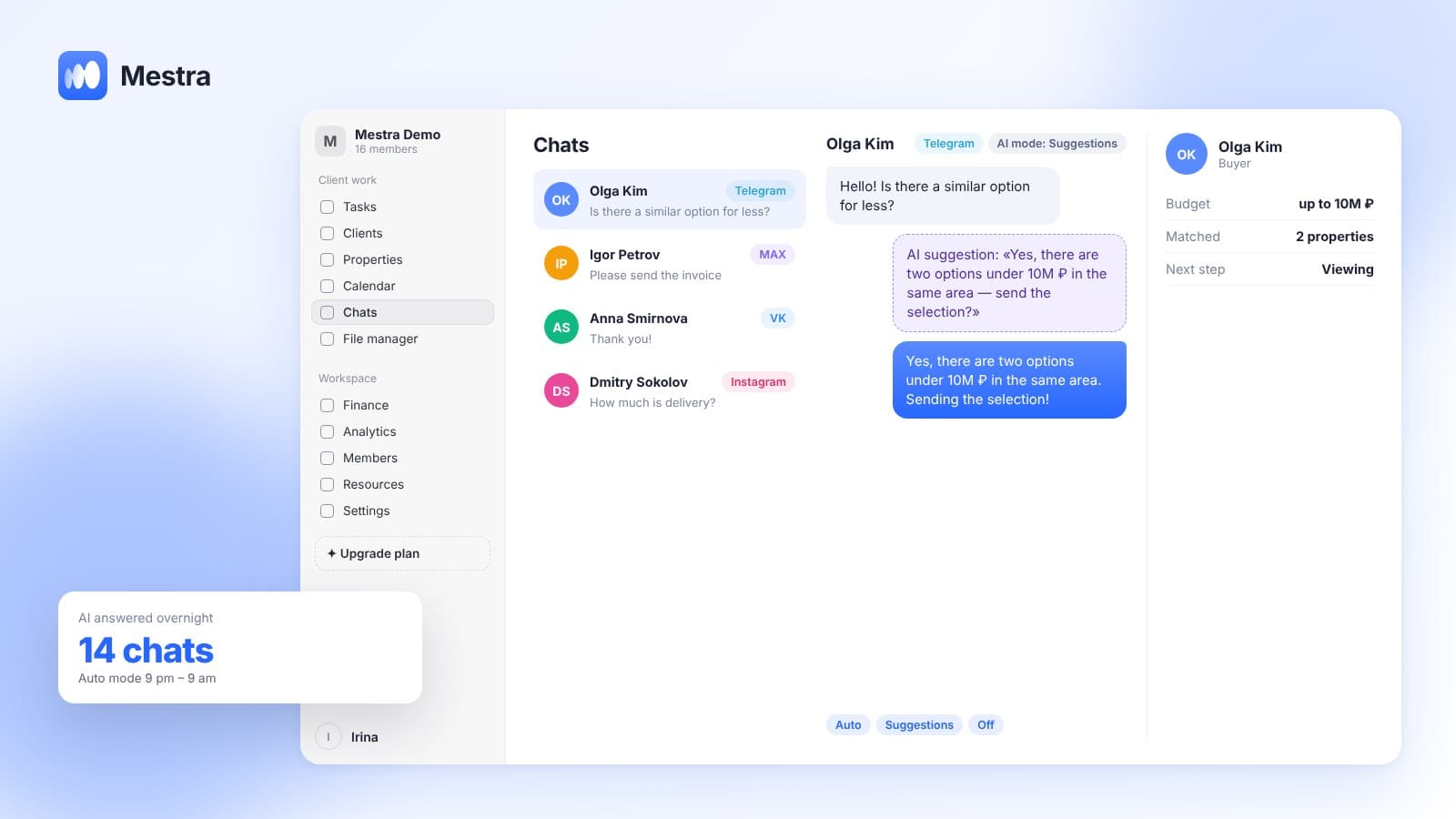
You choose the mode: AI can just make suggestions and leave sending to the recruiter.
An example in numbers
One-minute calculation:
- An agency handles 15 vacancies a month, each taking an average of 20 minutes of manual database search.
- 15 × 20 = 300 minutes — five hours on initial search alone.
- Another 3 minutes to move a candidate's data from the conversation: with 200 candidates a month, that's 600 minutes, or 10 hours.
- In total, about 15 hours a month on actions the system performs by itself.
- That's almost two working days of a recruiter, which can go into interviews and talking to clients.
How it works in Mestra
At sign-up, choose the recruitment industry — candidate cards, vacancies and process stages are set up for recruiting. Channels for talking to candidates are gathered in one window: MAX, Telegram, VKontakte, Avito and others. Clients and candidates are managed separately, and permissions are configured by role.
More on how a CRM with AI works with data instead of simply storing it — in our article CRM with AI. About stages and the task board — in kanban and tasks in a CRM.

FAQ
What is candidate search?
It's finding people who meet a vacancy's requirements: experience, skills, salary expectations and work format.
How can you speed up candidate search?
Start with your own database: a CRM that matches the vacancy to candidates by itself cuts the initial search to minutes.
Is a CRM suitable for a small recruitment agency?
Yes. Mestra has no limit on users, the Economy plan costs 390 ₽ per user per month incl. VAT, and AI is available from the Standard plan.
Can you move a candidate database from a spreadsheet?
Yes, via import under Settings → Data → Import.
Bottom line
Candidate search speeds up not because of new job sites but because of a database that works by itself: showing matches, keeping agreements and reminding you of the next step. Mestra does this for recruitment agencies and HR teams — try it free for 15 days, no card required.