How AI fills in the client card from the chat and frees managers from manual entry
AI3 min read
Managers dislike filling in the CRM, so cards stay empty. How AI pulls name, phone, budget and request from the conversation and fills the client card in Mestra.

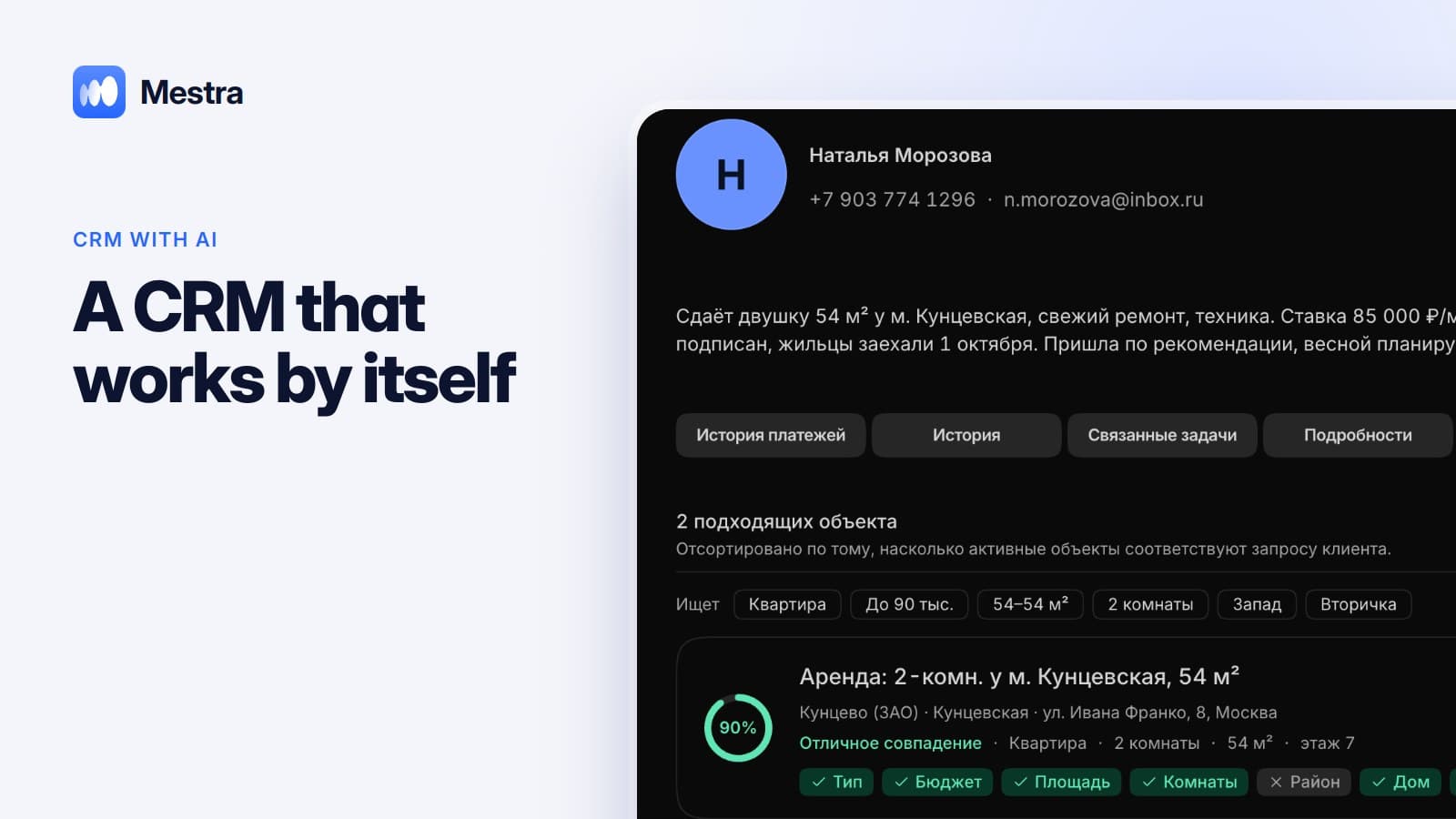
Mestra's AI fills in the client card straight from the conversation: it extracts name, contacts, request and other details and enters them into the right fields. The manager spends no time on data entry, and the owner gets a CRM that actually has data in it.
The one-minute math
- Filling in one card by hand takes about 4 minutes.
- An agency with four agents gets about 25 new inquiries a week each — 100 cards.
- That's almost 7 hours a week on data entry alone.
- If AI fills the cards, those hours go to sales.
Why CRMs stay empty
No time. While the manager fills in a card, three more people write.
Unclear benefit. The employee doesn't see the point of fields if the client is «already in the phone».
Inconvenient. You switch between the chat and a form, copying data.
The result — the owner sees an empty base and can't analyze anything.
What AI extracts from the chat
| From the client's message | Where it goes |
|---|---|
| «My name is Olga» | Name |
| «My number is +7 …» | Phone |
| «Looking for a two-bedroom up to 12M near metro …» | Search criteria, budget, district |
| «I need a consultation on Thursday» | Task or meeting |
| «We're from Sever LLC» | Company |
Fields depend on the industry: budget and property criteria in real estate, service and doctor in a clinic, vacancy and experience in recruitment.
How it works in Mestra

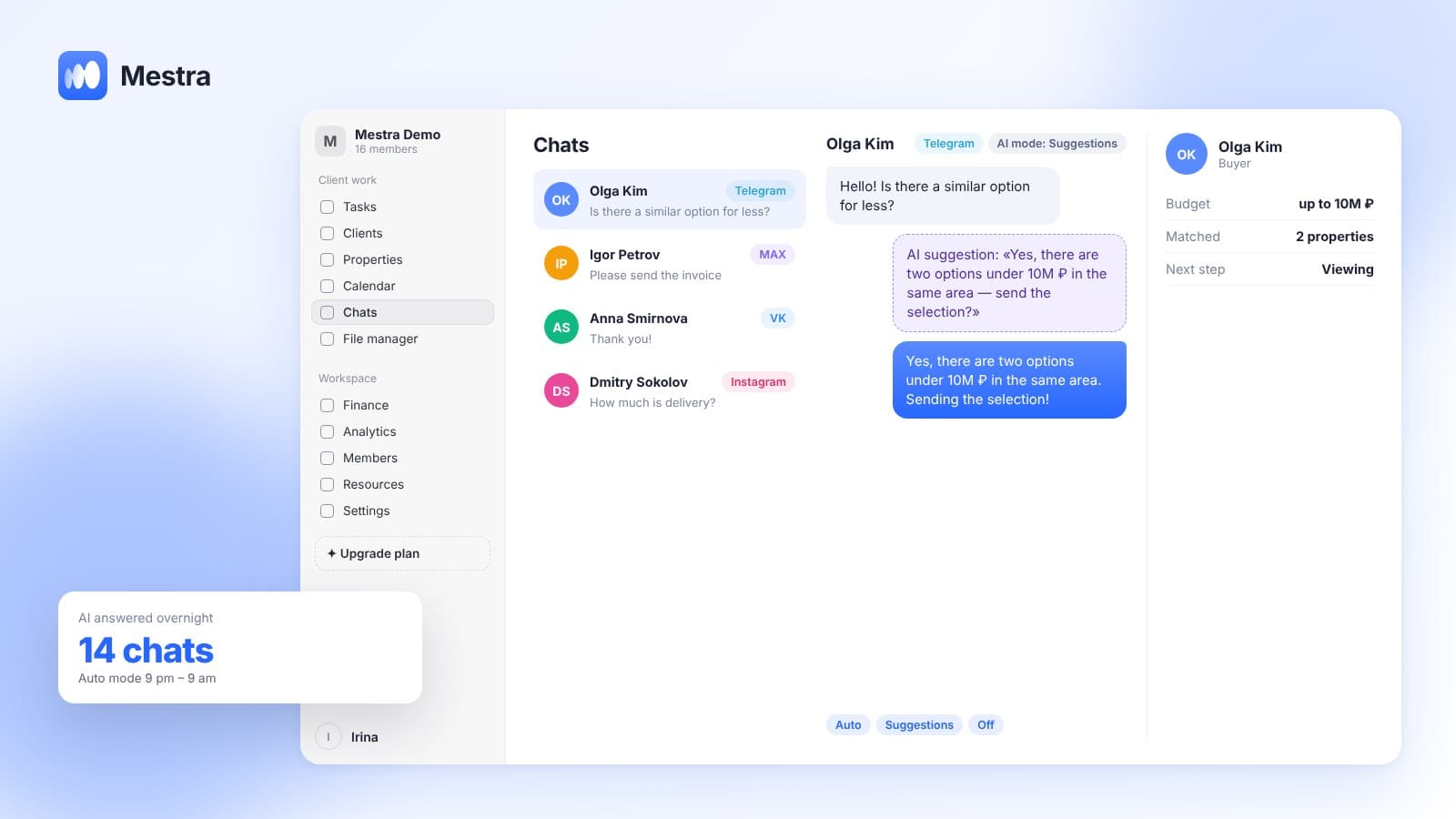
- The client writes in any connected channel: MAX, Telegram, VK, WhatsApp*, Instagram* or from portals.
- AI reads the conversation and fills the client card.
- Creates tasks with deadlines if the chat contains an agreement.
- Matches products: properties, cars, tours, candidates — to the client's request.
- Suggests the next step to the manager.
- Logs actions. All AI actions are visible in the history, and the manager can correct data.
On card structure see «Client card»; on all AI features — «CRM with AI».
How to roll it out
- Turn on AI in Suggestions mode — cards get filled while the manager still sends replies.
- Check the first 20–30 cards and adjust fields if needed.
- Tell the team that manual entry is no longer required.
Why managers don't fill in the CRM
Managers don't fill in the CRM not because they're lazy. Filling in a card takes time, and the benefit isn't immediate.
AI in the CRM changes the balance: data appears on its own, and the manager gets a ready client card with the request, budget and next step.
An AI-powered CRM helps the owner too: analytics run on complete data, not on whatever someone managed to enter.
FAQ
Can a CRM fill in the client card itself?
Yes. Mestra's AI fills in the client card from the conversation.
What data does AI enter?
Name, contacts, company, request and fields important to your industry, such as budget and search criteria.
Can I correct what AI entered?
Yes. All AI actions are logged, and the manager can change any field.
Does autofill work in every messenger?
Yes. AI works with chats from all connected channels.
Which plan includes autofill?
Standard and Pro.
Summary
A CRM is useful only when it has data. Mestra (Местра) fills in client cards itself — from the conversation, without manual entry. Try it free for 15 days.
* Meta Platforms Inc. (owner of WhatsApp and Instagram) is recognized as an extremist organization; its activities are banned in Russia.