Connecting MAX to a CRM: one QR code instead of an integrator
Messengers4 min read
Step by step: how to connect the MAX messenger to a CRM with a QR code, what changes for managers and clients, and why you don't need an integrator. Mestra guide.

To connect MAX to Mestra, open channel settings, choose MAX and scan the QR code with the phone that holds the company account. A couple of minutes later, chats appear in the CRM and the whole team can work with them.
The one-minute math
| Item | Via an integrator | In Mestra |
|---|---|---|
| Setup | several days or more | a few minutes |
| Channel fee | monthly, per number | 0 ₽, included in the plan |
| Who connects it | a specialist | any employee with access |
| Employees per number | depends on connector plan | unlimited |
Example: a team of five on the Economy plan pays 5 × 390 ₽ = 1,950 ₽ a month. MAX, Telegram and VK are already included.
Why connect MAX now
MAX is Russia's national messenger, actively promoted by government services and large companies. Clients increasingly install it next to their usual apps. If a business doesn't answer where the client is comfortable, the request goes to whoever answers first.
The second reason is order. When every messenger lives on its own phone, the owner sees half the conversations. Connecting to a CRM puts all channels into one feed.
Step-by-step
- Open Mestra and go to channel connections.
- Choose MAX. A QR code appears.
- Scan it in the MAX app on the phone with the company account.
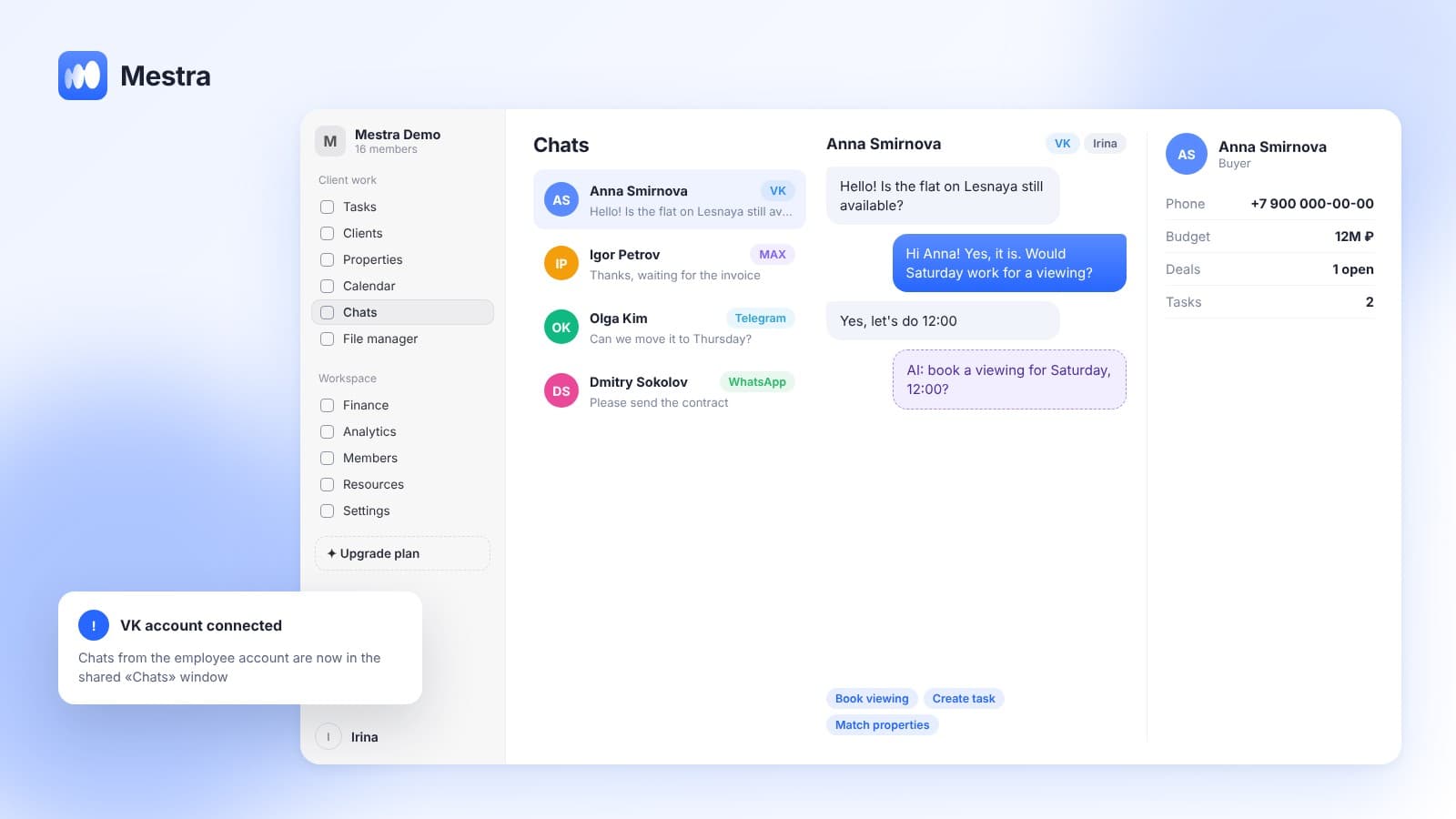
- Wait for sync. New chats start arriving in «Chats».
- Assign operators. Choose who answers in MAX, or let AI distribute chats.
- Turn on the AI assistant in Suggestions mode so it drafts replies for managers.
The whole process takes a couple of minutes. If something goes wrong, Mestra support works 24/7 and helps remotely.
What changes after connecting
For the manager. No more switching apps. A MAX message looks the same as a Telegram one: client card, deals, tasks and files alongside.
For the owner. You see who replies and who doesn't, time to first response and stalled chats. This data goes to «Analytics».
For the client. They write where it suits them and get a fast answer — even at night if AI is in Auto mode.
How it works in Mestra

- MAX is a full channel in the unified inbox.
- One connected account per company, usable by every employee who needs it.
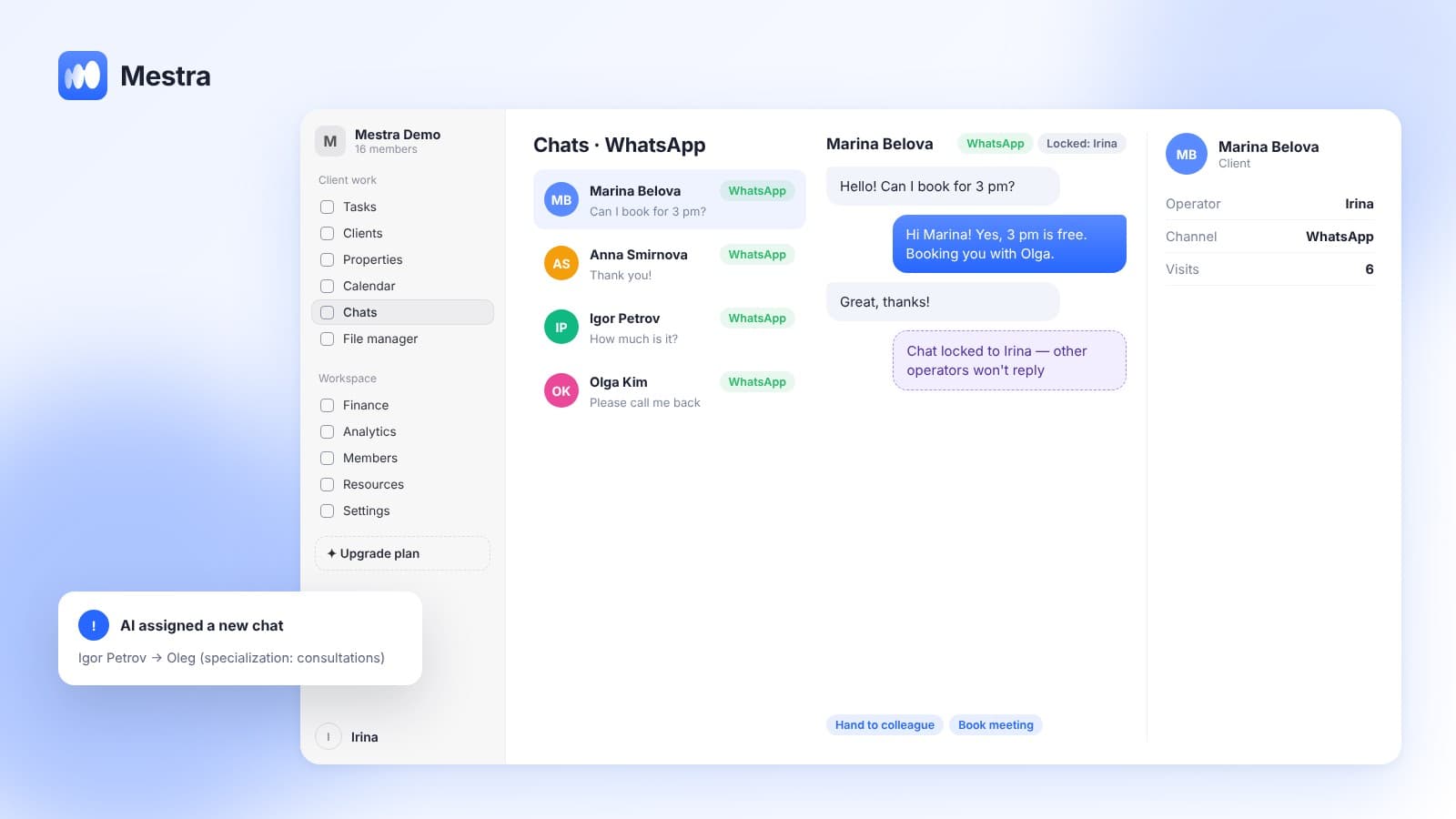
- A chat is locked to one operator, so two people never answer at once.
- From a chat you can create a task, book a meeting, issue an invoice and save a file to the client card.
- The account belongs to the company: history stays when an employee leaves.
Compare MAX with other channels in «MAX for business», and see how to keep chats in order in «Personal VK account in a CRM».
MAX business account vs CRM: the difference
A MAX business account makes the company look official: name, description, channel. But on its own it doesn't show which employee replied or how the conversation ended.
Connecting MAX to a CRM solves this. MAX chats land in a shared feed, every conversation has an owner, and the client is saved in the base.
If you're figuring out how to connect the MAX app for a team, start with one work number. It's enough for the whole team to reply from one window.
FAQ
Do I need an integrator to connect MAX to a CRM?
No. In Mestra, MAX is connected by scanning a QR code, without intermediaries or separate connectors.
How much does connecting MAX cost?
MAX is included in every Mestra plan from Economy at 390 ₽ per user per month. No separate channel fee.
How many employees can reply from one MAX number?
As many as you need. The number is connected once, and access to chats is shared across the team.
Does AI work in MAX?
Yes, on the Standard and Pro plans. AI answers from your knowledge base or suggests replies to the manager.
What if the QR code won't scan?
Refresh the code on screen and make sure MAX on the phone is up to date. If that doesn't help, contact support — it works 24/7.
Summary
Connecting MAX to a CRM today is as simple as logging into a messenger's web version: one QR code and the chats are in the shared window. Mestra (Местра) brings MAX, VK, Telegram, WhatsApp* and Instagram* together with clients, tasks and finances. Try it free for 15 days.
* Meta Platforms Inc. (owner of WhatsApp and Instagram) is recognized as an extremist organization; its activities are banned in Russia.