Double replies to clients: how to lock a chat to one operator
Messengers4 min read
When several employees work in a shared messenger, the client gets two different answers. How to lock a chat to one operator and distribute conversations in Mestra.

To stop double replies, each conversation must be locked to one employee. In Mestra a chat is locked to an operator: others see that it's taken and don't step in. New chats are distributed manually or by AI — by specialization, workload and schedule.
The one-minute math
- Four admins work in a shared messenger; 80 messages arrive a day.
- If 10% of chats get a double reply and 10% get none, that's 16 problem chats a day.
- Over a month, about 350 clients got confusion instead of help.
What happens without locking
Double reply. Two admins answer differently at once: «Free at 3 pm» and «Fully booked today».
No reply. Everyone assumes a colleague will answer.
Unclear who promised. One promised a discount, another issued the invoice — without it.
No owner. If the client is unhappy, it's unclear whom to go to.
How to distribute chats
| Method | When it fits |
|---|---|
| Manually by the manager | Low volume, key clients |
| By specialization | Different services or lines of business |
| By workload | Uneven flow, avoid overloading people |
| By schedule | Shift work, different time zones |
| AI | High volume, instant distribution needed |
How it works in Mestra

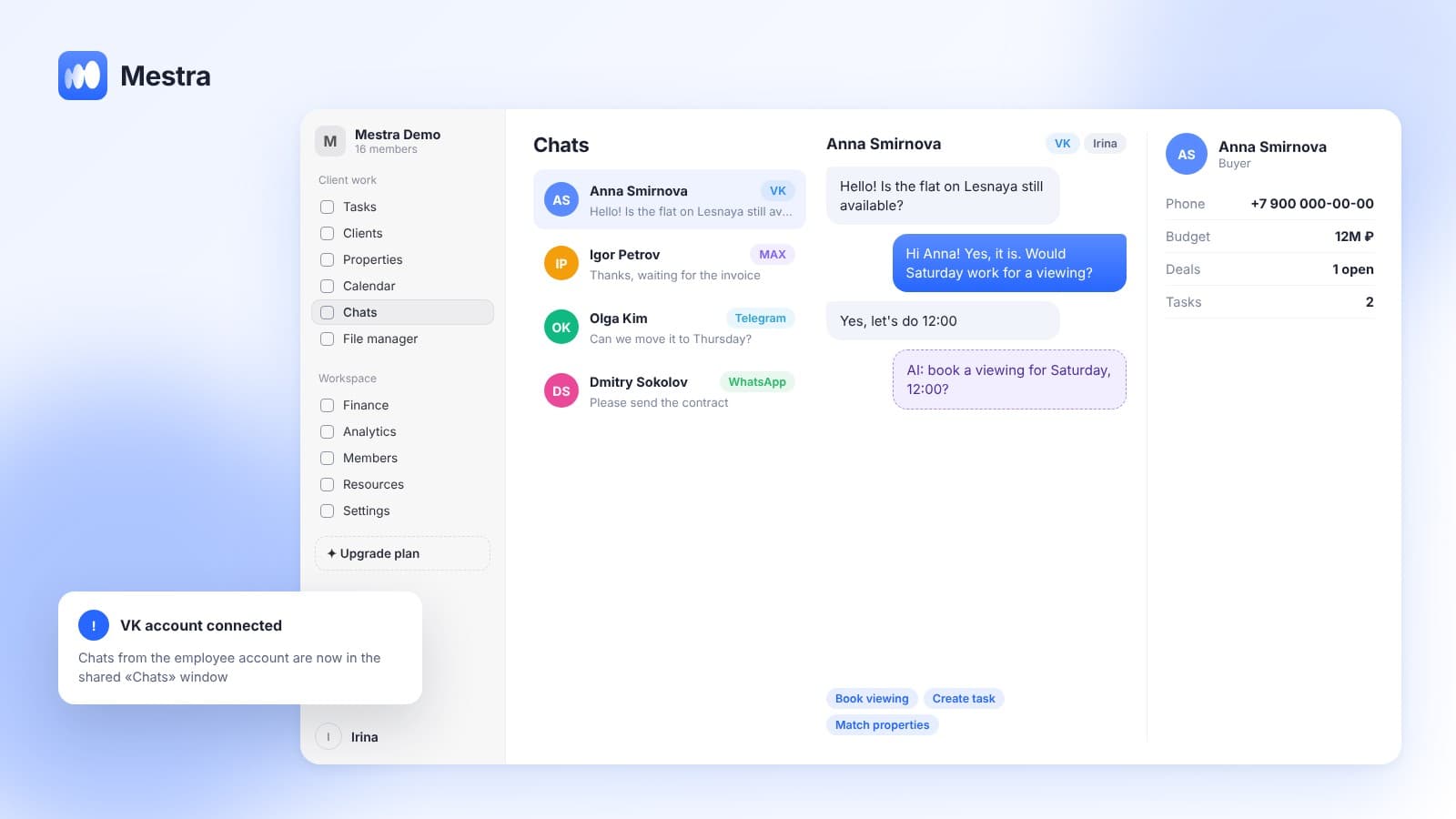
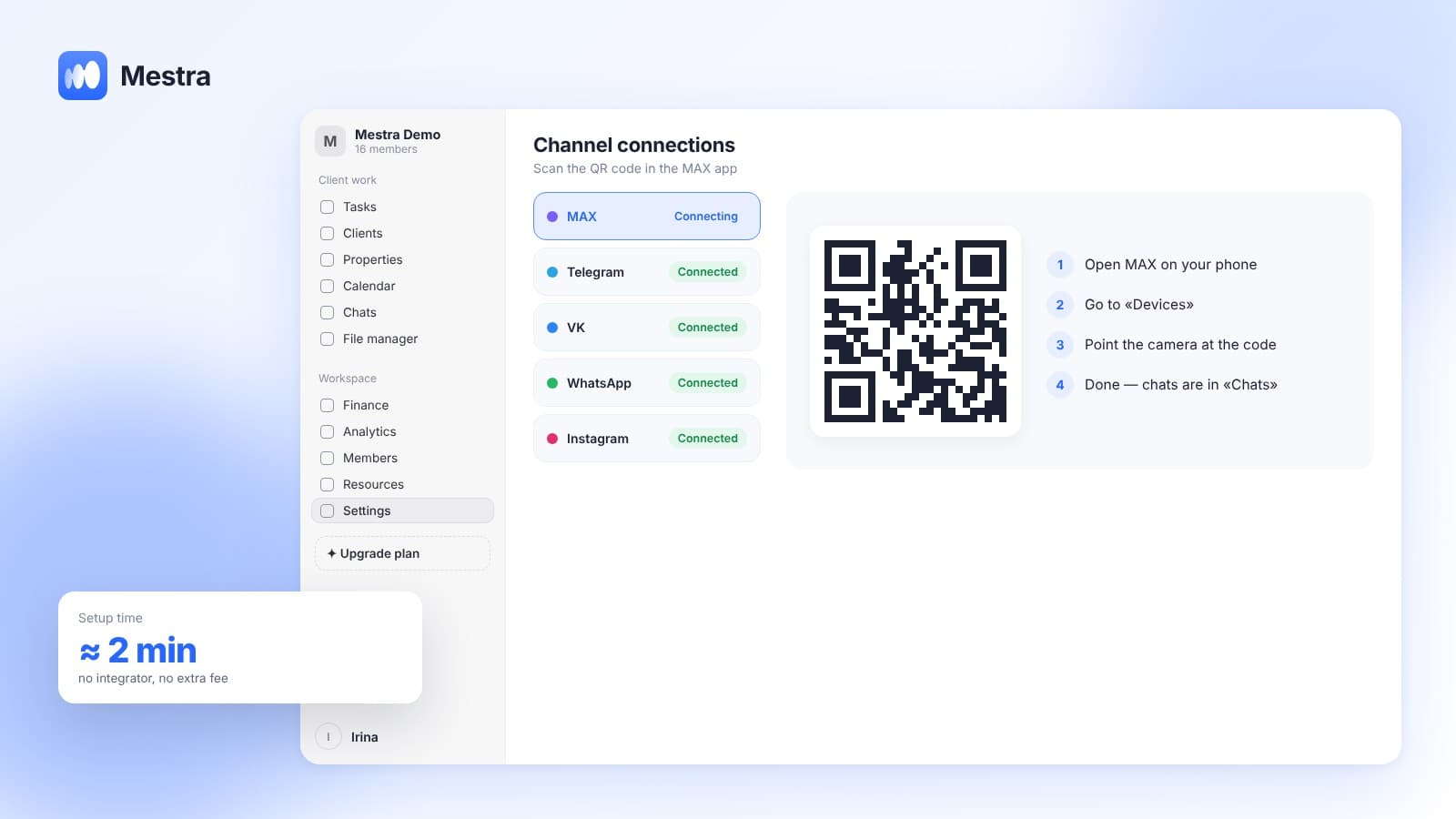
- All channels for every operator. An employee works with MAX, Telegram, VK, WhatsApp* and Instagram* in one window.
- Chat locking. A conversation belongs to one operator — no double replies.
- Everyone sees their own. An operator sees their clients, the owner sees all.
- Distribution. The manager or AI assigns an operator by specialization, workload and schedule.
- Handover. A chat can be reassigned in a couple of clicks, with history kept.
- AI alongside. In Suggestions mode AI drafts a reply; in Auto it answers itself — at night, for example.
- One number, whole team. One connected account per channel, usable by everyone who needs it.
More on distribution in «Distributing leads», and on team workload in «Employee workload».
Team rules
- A locked chat is handled only by its operator.
- When an operator ends a shift, they hand over open chats.
- Tricky questions go through the internal team chat, not the client conversation.
- A promise to the client is recorded as a task or on the card.
A CRM with messengers vs a shared number
A shared messenger number seems simple: everyone sees every message. In practice it causes chaos — it's unclear who replies and who promised what.
A CRM with messengers adds what a shared phone lacks: an owner for each chat, client history and chat distribution.
All messengers in one window isn't just convenience but order: every conversation is recorded and assigned to someone.
FAQ
Can several employees work from one messenger number?
Yes. In Mestra an unlimited number of employees can work on one connected account.
How do I avoid double replies to a client?
Lock each chat to one operator. In Mestra this happens automatically on assignment.
Can AI distribute chats among employees?
Yes. From the Standard plan AI assigns an operator by specialization, workload and schedule.
Does an operator see other people's chats?
Not if you configure it that way. Each operator sees their own clients, the owner sees all.
How do I hand a chat to a colleague?
Reassign it in the chat's context menu. History stays.
Summary
One client, one owner. This simple rule removes confusion and double replies. Mestra (Местра) locks a chat to an operator, distributes conversations with AI and lets the whole team work from one number. Try it free for 15 days.
* Meta Platforms Inc. (owner of WhatsApp and Instagram) is recognized as an extremist organization; its activities are banned in Russia.