AI for Commercial Proposals: How to Write a Proposal With AI That Gets Read
Sales4 min read
How to create a commercial proposal with AI: the proposal structure, what to give the AI as input, common mistakes and why a proposal made inside a CRM is sharper.

AI for commercial proposals is a way to get a draft quickly, which the manager then checks and sends. It works best when it knows exactly what the client asked — which is why a proposal based on the real conversation is almost always stronger than one from a generic template.
A typical mistake is to open a chatbot, type "write a commercial proposal for our services" and send the result to the client. You get text that fits any company and answers none of this particular client's questions.
The structure of a proposal people read to the end
| Block | What goes in it |
|---|---|
| The client's problem | In their own words: what they want to get |
| The solution | What exactly you're offering for this problem |
| Why you | One or two arguments relevant to their situation |
| Price and contents | Clear, with no small print |
| Timing | When the client will get the result |
| Next step | What to do now: a call, payment, a meeting |
A proposal with AI in one minute: what to give it as input
- The client's request in their own words — from the conversation or a call.
- The specific product or service you're offering, with a price.
- The timing and terms you're ready to commit to.
- Objections the client has already raised.
- The next step you want.
Without this data, the AI fills the gaps with generic phrases — and the proposal turns into an advertising brochure.
Common mistakes
- Too long. The client reads the first lines and looks for the price. Two pages is already a lot.
- About the company, not the client. The founding story and mission don't help sell.
- Unchecked numbers. AI may invent a discount, a deadline or a guarantee — check every promise.
- No next step. A proposal without a call to action often goes unanswered.
Why a proposal written inside a CRM is sharper
When AI works inside a CRM, it already has everything it needs: the client's request from the conversation, parameters from the card, the company's products and services, and past purchase history. The manager doesn't need to copy anything into a chatbot — the draft is prepared from real data, and all that's left is to check it.
An example in numbers
One-minute calculation:
- A manager prepares 10 proposals a week, each taking about 30 minutes.
- 10 × 30 = 300 minutes — five hours a week.
- With an AI draft, checking and editing takes about 10 minutes: 100 minutes.
- The saving is more than three hours a week per manager.
- For a department of five, that's almost two working days a week.
How it works in Mestra
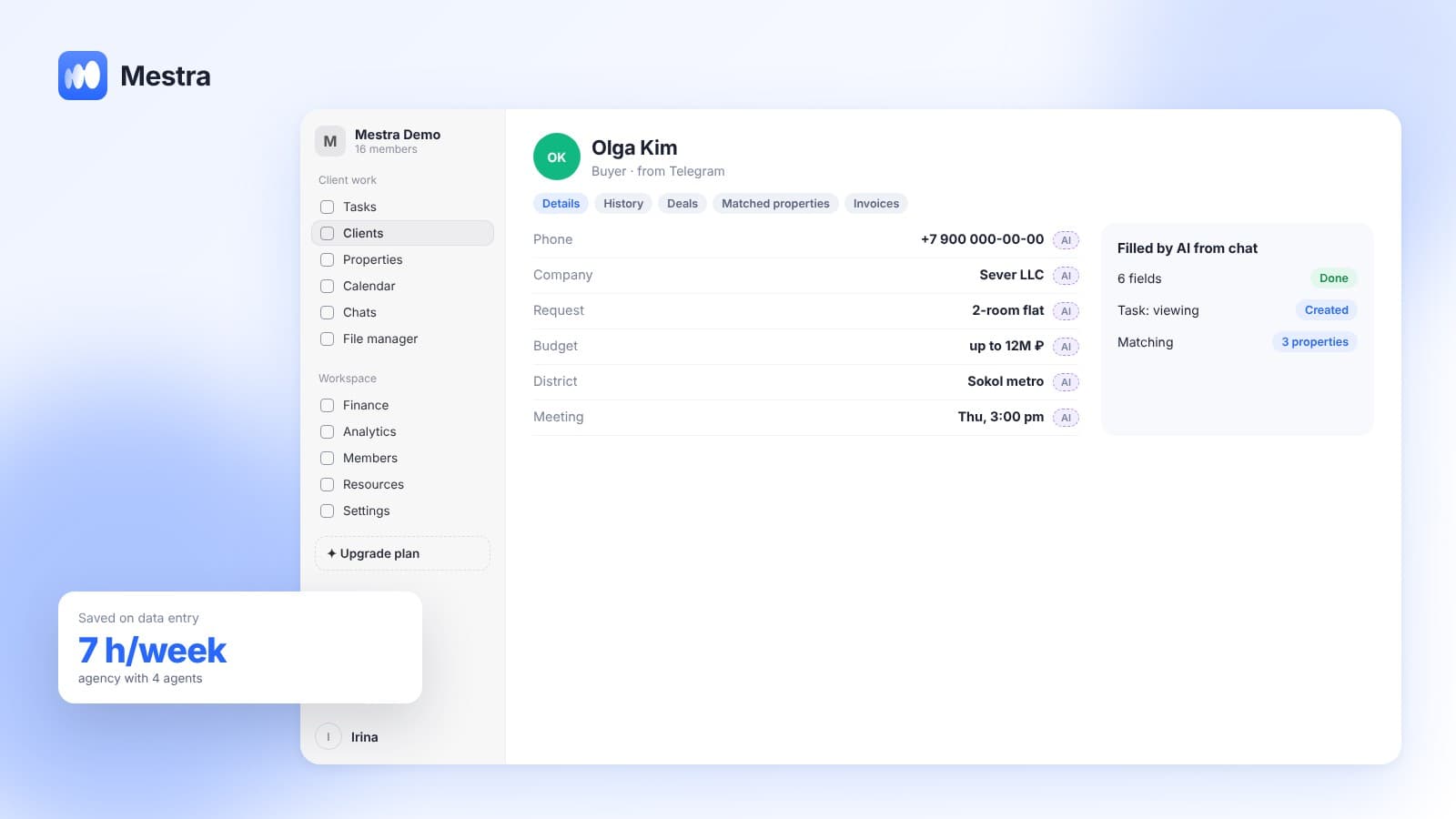
In Mestra, AI prepares a draft commercial proposal or email in the client card, based on the conversation, the client's request and your products and services. The manager edits the text and sends it. AI also suggests the next step after sending and creates a task if the client promised to think it over by a certain day.
How a CRM with AI takes over a manager's routine — in our article CRM with AI. How to take a client from proposal to decision — in how to close a client.

FAQ
Can you write a commercial proposal with AI?
Yes, as a draft. A person always checks the prices, timing and promises in the text.
Which AI should you use for proposals?
Any that receives real data about the client. It's more convenient when the AI is built into the CRM and sees the conversation and the catalogue.
How long should a proposal be?
The shorter the better: the client's problem, the solution, the price, the timing and the next step usually fit on one page.
How much does AI for proposals cost in Mestra?
AI is available from the Standard plan — 1,090 ₽ per user per month incl. VAT.
Bottom line
AI saves time on proposals if it knows what the client needs. Mestra prepares the draft based on the real conversation — try it free for 15 days, no card required.