How to Sell on Ozon: 7 Steps From Registration to First Payout
Marketplaces9 min read
How to start selling on Ozon in 2026: who can become a seller, documents, the FBO, FBS and realFBS models, fees after 28 August and how to calculate profit per product.

To sell on Ozon, register as a sole trader, an LLC or a self-employed person, sign up in the Ozon Seller account, choose an operating model, create product cards, deliver or ship the first batch, and keep an eye on stock and payouts. Below is each step in order, plus the calculation it's risky to launch without.
In a minute: what you need before you start
- Status: sole trader, LLC or self-employed.
- A current account at a Russian bank — for sole traders and LLCs.
- Product documents: a certificate, declaration or exemption letter if the category requires one.
- Data Matrix labelling codes — for goods subject to mandatory labelling.
- A unit economics calculation: how much is left from one sale.
- A decision on where to store the goods: in an Ozon warehouse or with you.
Who can sell on Ozon
The platform registers three types of sellers: legal entities, sole traders and self-employed people. A private individual without a status can't sell.
| Status | What you can sell | Restrictions |
|---|---|---|
| Self-employed | Only goods you make yourself | Income up to 2.4M ₽ a year, no reselling of other people's goods |
| Sole trader | Any permitted goods, including resale | A current account and electronic document exchange (EDI) are required |
| LLC | Any permitted goods | A current account and EDI are required |
The platform's commission is the same for all three statuses.
If you resell purchased goods, self-employment won't work: register as a sole trader or an LLC. For your own production with modest turnover, self-employment is the fastest start.
Step 1. Calculate the economics before registering
The main beginner mistake is buying stock first and only then finding out how much the platform will take. According to figures discussed in August 2026, the marketplace's commission and logistics averaged 47.8% of the base product price in the second quarter.
A seller's costs come in five parts:
- the platform's sales fee — the percentage depends on the category and price;
- logistics to the buyer;
- storage — on the FBO model;
- payment processing and handling returns;
- the product's cost price and your tax.
Products cheaper than 300 ₽ follow a separate logic: from 28 August 2026 the fee is 20% for goods up to 100 ₽ and 26% for goods from 101 to 300 ₽.
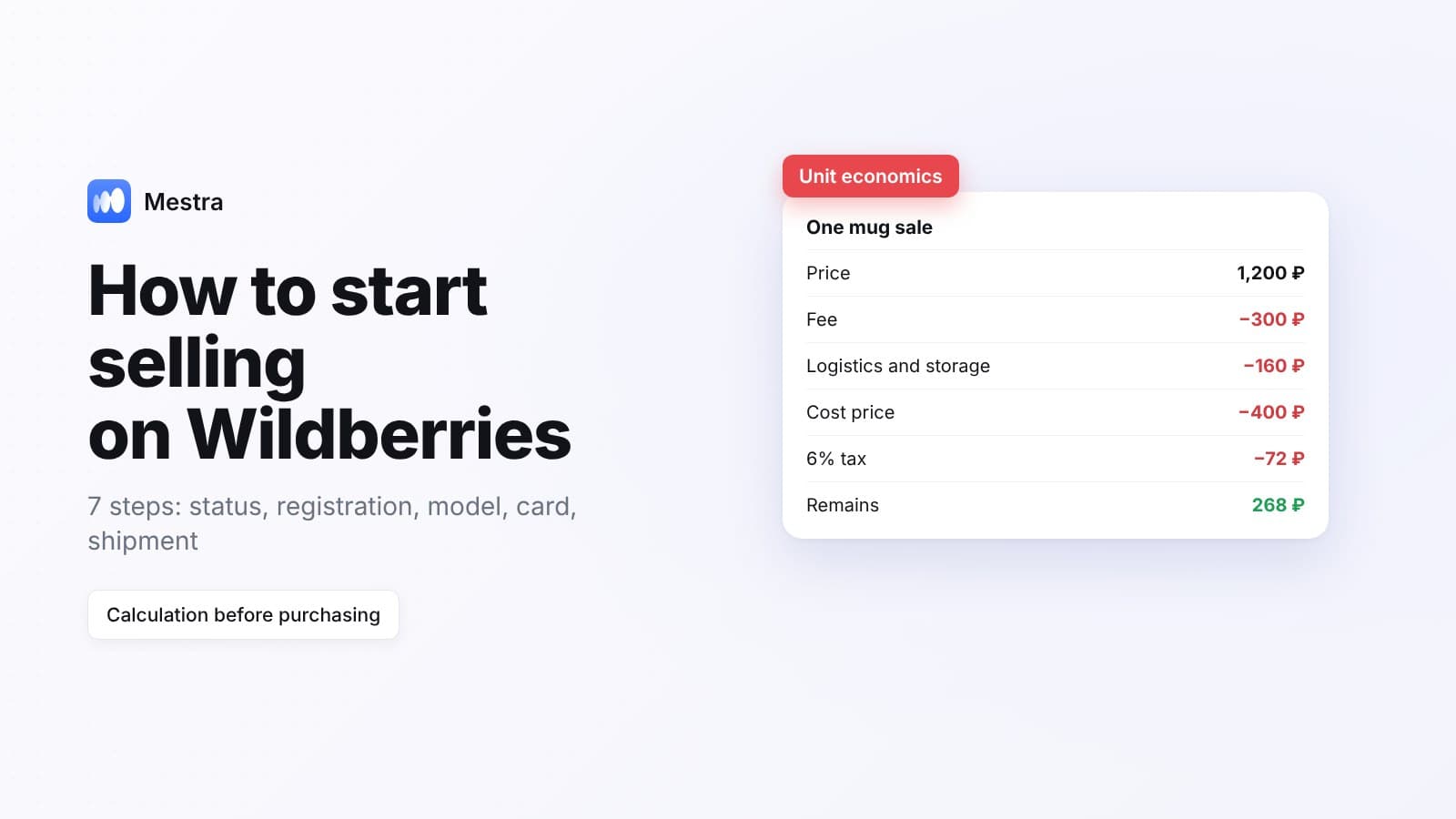
One-minute calculation
The example is illustrative: plug in your own figures from the calculator in the seller account.
| Item | Amount |
|---|---|
| Selling price | 1,500 ₽ |
| Platform commission and logistics (say 45%) | −675 ₽ |
| Product cost price | −500 ₽ |
| USN "Income" tax 6% of the price | −90 ₽ |
| Left from one sale | 235 ₽ |
235 ₽ is 15.7% of the price. If advertising on the platform takes another 10%, profit drops to 85 ₽. More on the calculation in the articles on unit economics and cost price.
Step 2. Register in Ozon Seller
Registration is done at seller.ozon.ru.
- Click "Start selling" and log in with your phone number.
- Enter your name, email, country and business form.
- Fill in your details: TIN, OGRN or OGRNIP registration number, tax system, VAT rate and current account.
- Wait for verification and accept the offer agreement — the contract with the terms, commissions and seller obligations.
Sole traders and LLCs must connect electronic document exchange: acts, reports and closing documents arrive through it. Self-employed people can work without it.
Before submitting, check your TIN and OGRN against the tax service database: a mismatch in one digit is a common reason for rejection.
Step 3. Choose a model: FBO, FBS or realFBS
| Model | Where goods are stored | Who picks the order | Who delivers | Who it suits |
|---|---|---|---|---|
| FBO | In the marketplace's warehouse | The marketplace | The marketplace | Demand is clear, fast regional delivery is needed |
| FBS | With the seller | The seller | The marketplace | Small batches, bulky or slow-selling goods |
| realFBS | With the seller | The seller | The seller or their delivery service | You have your own logistics, or the goods can't go through the marketplace's warehouses |
The models can be combined: keep part of the range in the platform's warehouse and part with you.
From 28 August 2026, the difference in sales fees between models has almost disappeared for most categories above 300 ₽. So the model is now chosen not by commission but by where storage is cheaper and how fast delivery needs to be.
Step 4. Create product cards
The buyer decides from the card, so fill it in completely:
- a title with the main word people search for;
- 5–10 photos on a light background, including photos of the product in use;
- every attribute: size, material, composition, contents;
- a description that answers the buyer's questions;
- quality documents if the category requires them.
The platform hides products without uploaded quality documents from the storefront, so upload certificates straight away.
Step 5. Prepare labelling and documents
If a product is on the mandatory labelling list, every unit must carry a Data Matrix code from the Chestny Znak system. Labelled goods can't be sold without it.
Check in advance:
- whether your category needs labelling;
- which document is required: a certificate, a declaration or an exemption letter;
- the document's validity and whether its data matches the card.
Step 6. Ship the first batch
On FBO you create a shipment request and take the goods to the chosen warehouse. On FBS you pick each order yourself and hand it in at a drop-off point. On realFBS you deliver to the buyer yourself.
Keep the first batch small: that way you test demand and don't freeze money in goods that don't sell.
Step 7. Watch stock, orders and payouts
After launch, a seller does three things every day:
- Checks stock so the product doesn't run out at peak demand.
- Handles orders and returns on time.
- Reconciles the platform's payouts with their own records.
Once you have more than a dozen products and sales also go through a website, messengers or other marketplaces, keeping it all in a spreadsheet gets hard. That's the next section.
Common launch mistakes
- Buying stock before calculating unit economics.
- Self-employment while reselling other people's goods.
- Empty attributes in the card — the product is harder to find in search.
- No stock buffer: when stock hits zero, the product disappears from sale.
- Records only in the seller account, without your own figures for cost price and profit.
How it works in Mestra
Mestra is a CRM where products, orders, warehouses and finance live in one workspace. Three things matter for marketplace sellers.

One card, several platforms. A product is added to Mestra once and published straight from its card to Ozon, Wildberries and Yandex Market. Orders from the platforms come into Mestra. Marketplace integrations are available from the Standard plan at no extra cost.
Stock by warehouse. In the "Resources" section you can set up several warehouses, see stock in each, move goods between them and view a movement log. When stock falls below the minimum, Mestra creates a restocking task. More in the articles on warehouse stock and multiple warehouses.
Profit per product. The cost price is set once in the product card, and sale expenses in the invoice. The profit and loss report shows how much each product earned, not just total turnover. How to calculate it is covered in profit by product.
FAQ
Can I sell on Ozon without registering as a sole trader?
Yes, if you're self-employed and sell goods you make yourself. Annual income must not exceed 2.4M ₽. Reselling purchased goods requires a sole trader or LLC registration.
How much does registering on Ozon cost?
Seller registration is free. The marketplace deducts its charges from sales: the sales fee, logistics, storage and other services.
Which model should a beginner choose?
If you have little stock and demand isn't tested yet, start with FBS: the goods stay with you. When sales are stable and fast regional delivery matters, switch to FBO or combine the models.
What percentage does Ozon take?
It depends on the category, price and logistics. From 28 August 2026 the sales fee is 20% for goods up to 100 ₽ and 26% for 101–300 ₽. Higher-priced goods have a rate per category: check the current table in the Ozon knowledge base.
Is electronic document exchange required?
For sole traders and LLCs, yes — acts and reports arrive through EDI. Self-employed people can work without it.
Can I sell on several marketplaces at once?
Yes. The key is to keep shared stock records so the same item isn't sold twice.
Bottom line
Selling on Ozon starts with a calculation, not a purchase: work out how much is left from a sale after commission, logistics, cost price and tax. Then come the status, Ozon Seller registration, the choice of model, cards, labelling and a small first batch.
If you sell on several platforms and want to see products, orders, stock and profit in one place, try Mestra — 15 days free, no bank card required.
Sources: Ozon seller knowledge base (seller-edu.ozon.ru); Ozon announcements on tariff changes from 28 August 2026 (new-retail.ru, 26.08.2026; secrets.tbank.ru); Moyo Delo — EDI requirements; T-Bank Business Secrets — Data Matrix labelling.