From conversation to deal: turning messenger chats into clients, tasks and payments
Sales6 min read
How to turn messenger conversations into deals: a client card from a chat, tasks for agreements, selections and invoices in the chat, reply control and AI.

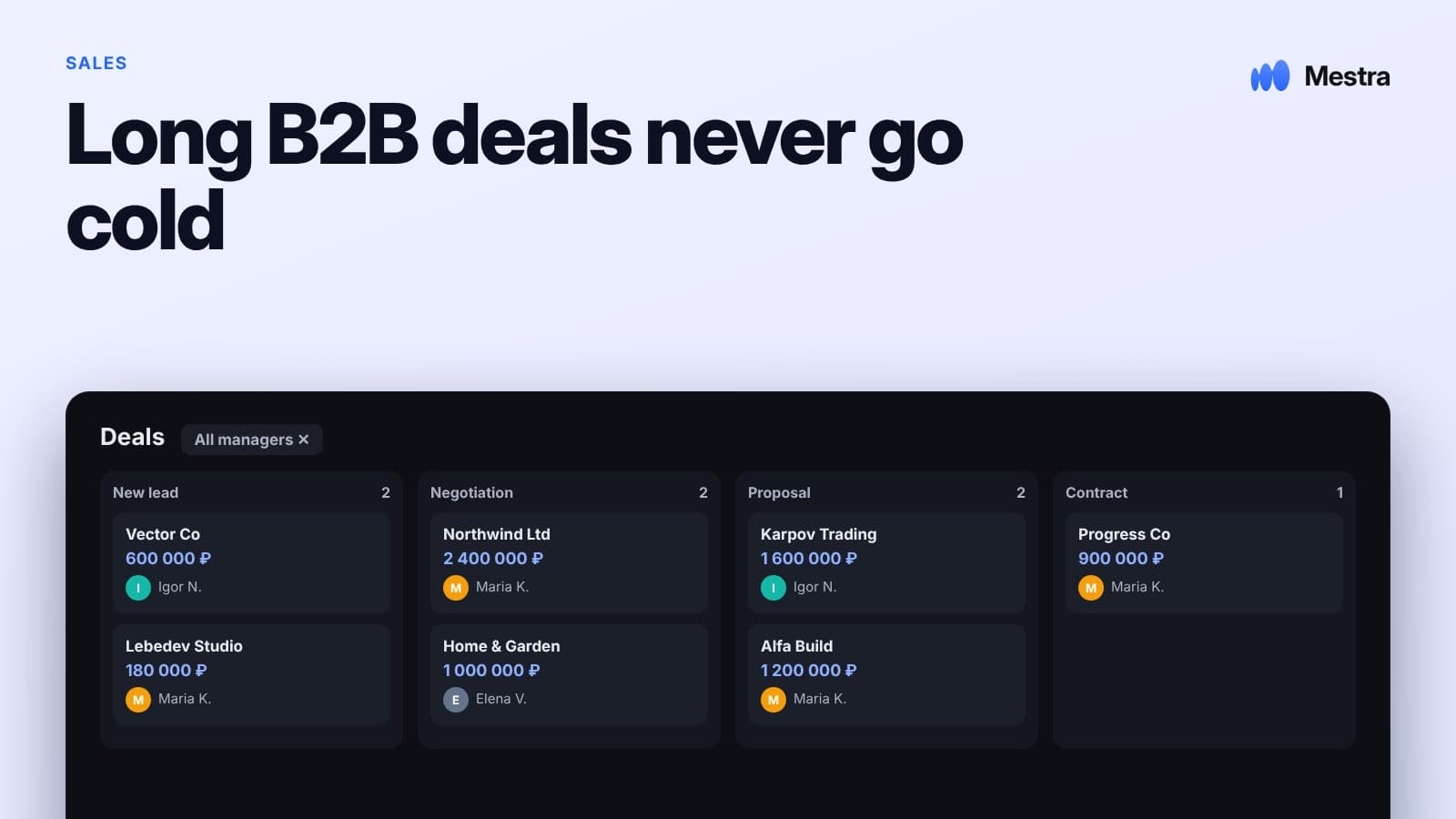
From conversation to deal is a way of working in which a client's message in a messenger immediately becomes a client in the system, and agreements made in the chat become tasks, offers and invoices. This makes sales through conversation manageable: you can see who the client is, what stage they are at and what they were promised.
The path from chat to deal in a minute
| Step | What happens |
|---|---|
| Message | The client writes in a messenger or on a platform |
| Card | A client is created with contact details and their request |
| Owner | The chat is assigned to a sales rep |
| Task | The next step, with a date |
| Offer | A selection or proposal sent right in the chat |
| Invoice | The invoice is sent to the chat |
| Payment | The invoice status changes when it is paid |
Why messenger sales get lost
- messages arrive in different apps on different phones;
- the sales rep replies from a personal account, so the company can't see the conversation;
- the agreement "let's talk on Thursday" stays in the chat instead of becoming a task;
- the client's details — budget, timing, wishes — are not recorded anywhere;
- the invoice is made in another program and forwarded as a file.
Step 1. All channels in one window
The first condition is that all messengers and platforms are connected to one system. The rep doesn't switch between five apps, and the manager sees every conversation. More in the article on a messenger aggregator.
Step 2. A client card from the chat
From a client's first messages you can usually tell the name, request, budget and timing. This data should go into the card, not stay in the conversation. More in the article on the client card.
| Client's message | Card field |
|---|---|
| "Looking for a 2-bedroom in Strogino" | Request: 2-bedroom, Strogino district |
| "Up to 13 million" | Budget: 13,000,000 ₽ |
| "We want to move by summer" | Deadline: by June |
| "We'll be taking a mortgage" | Tag: mortgage |
Step 3. Agreements become tasks
| In the conversation | Task |
|---|---|
| "Call me back on Thursday after 3 PM" | Call the client, Thursday, 3:00 PM |
| "Send me some options" | Send a selection, today |
| "I'll think it over until Monday" | Follow up, Monday |
Step 4. Offer and invoice in the chat
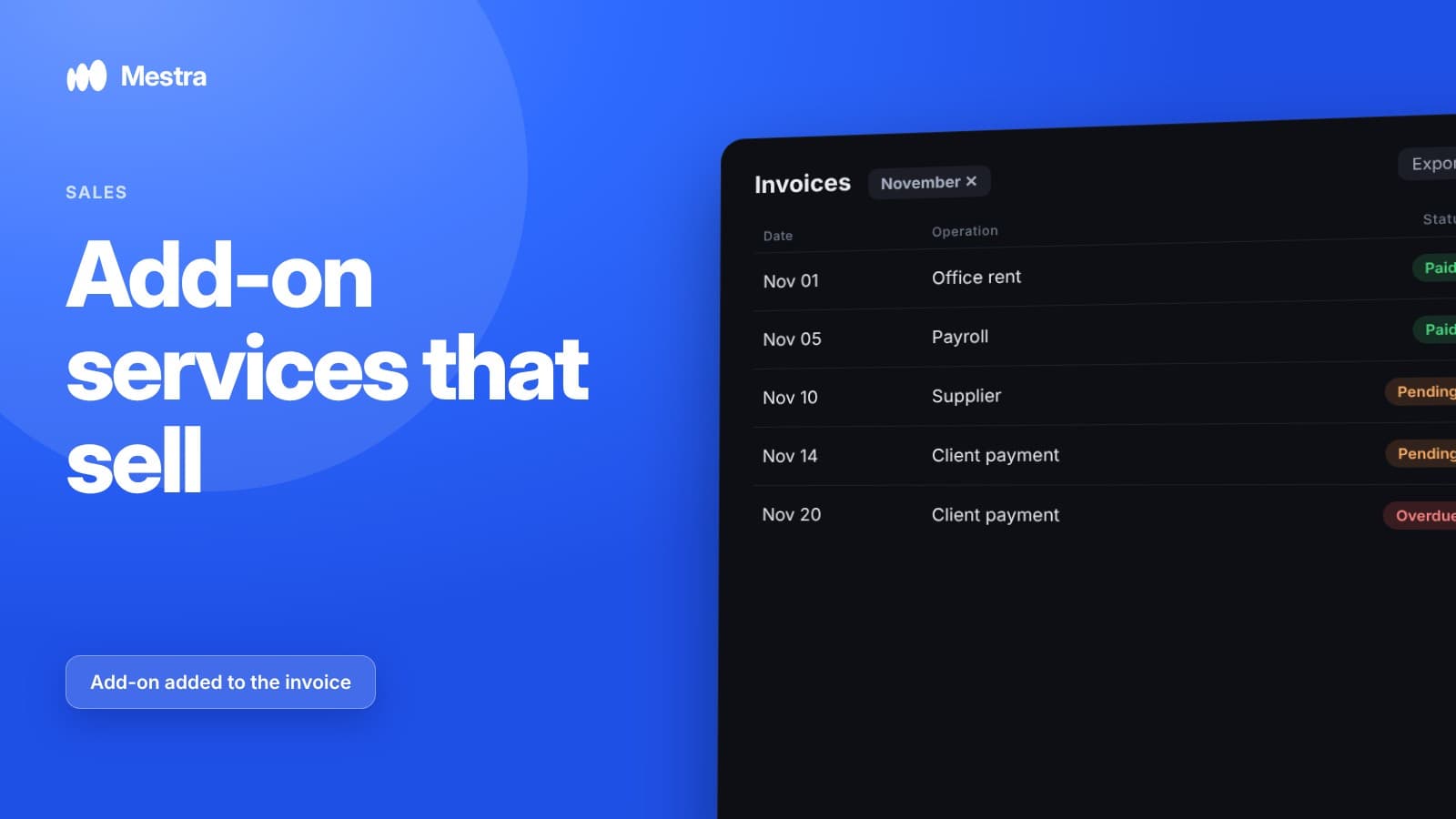
A selection of products, services or properties and the invoice are sent right into the conversation. The client doesn't have to open their email, and the rep doesn't have to switch to another program. More in the article on how to issue an invoice for payment.
Step 5. Control
| What to control | Why |
|---|---|
| First response time | Messenger clients write to several companies |
| Chats with no reply | Lost leads |
| Uncompleted tasks | Broken promises |
| Unpaid invoices | Money that hasn't arrived |
| Quality of replies | Reps' weak spots |
Example: what it looks like
- A client writes in Telegram: "Hello, I need my carpets and sofa cleaned, when can you come?"
- The system creates the client and assigns the chat to the administrator.
- AI prepares a draft reply with questions about sizes and the address.
- The client replies, and the details go into the card.
- The administrator offers a time, and AI creates the task "Visit, Saturday 11:00 AM".
- The invoice is sent to the chat, and its status changes once it is paid.
Common mistakes
- Reps' personal accounts. The company can't see the conversation and loses it when the rep leaves.
- Copying data by hand. Slow, error-prone and often simply not done.
- Agreements without tasks. Promises to the client get forgotten.
- Invoice in another program. Extra steps and delays.
- No reply control. Slow replies go unnoticed until clients leave.

How it works in Mestra
- All channels in one window. Telegram, WhatsApp, MAX, VKontakte, Instagram, Avito, CIAN and Yandex Real Estate.
- AI fills in the card from the conversation. Name, request, budget and other details go into the fields on their own.
- Tasks from agreements. AI creates tasks with deadlines based on what was agreed in the chat.
- From a message in a couple of clicks. A task, client, meeting or invoice is created right from the chat.
- Selection matched to the request. AI picks products, services or properties from the catalog.
- Invoice to the chat. AI puts together an invoice from the name of a product or service, and the status changes on actual payment.
- AI modes. For each chat — auto-reply, suggestions or off; AI hands the conversation to a rep along with its history.
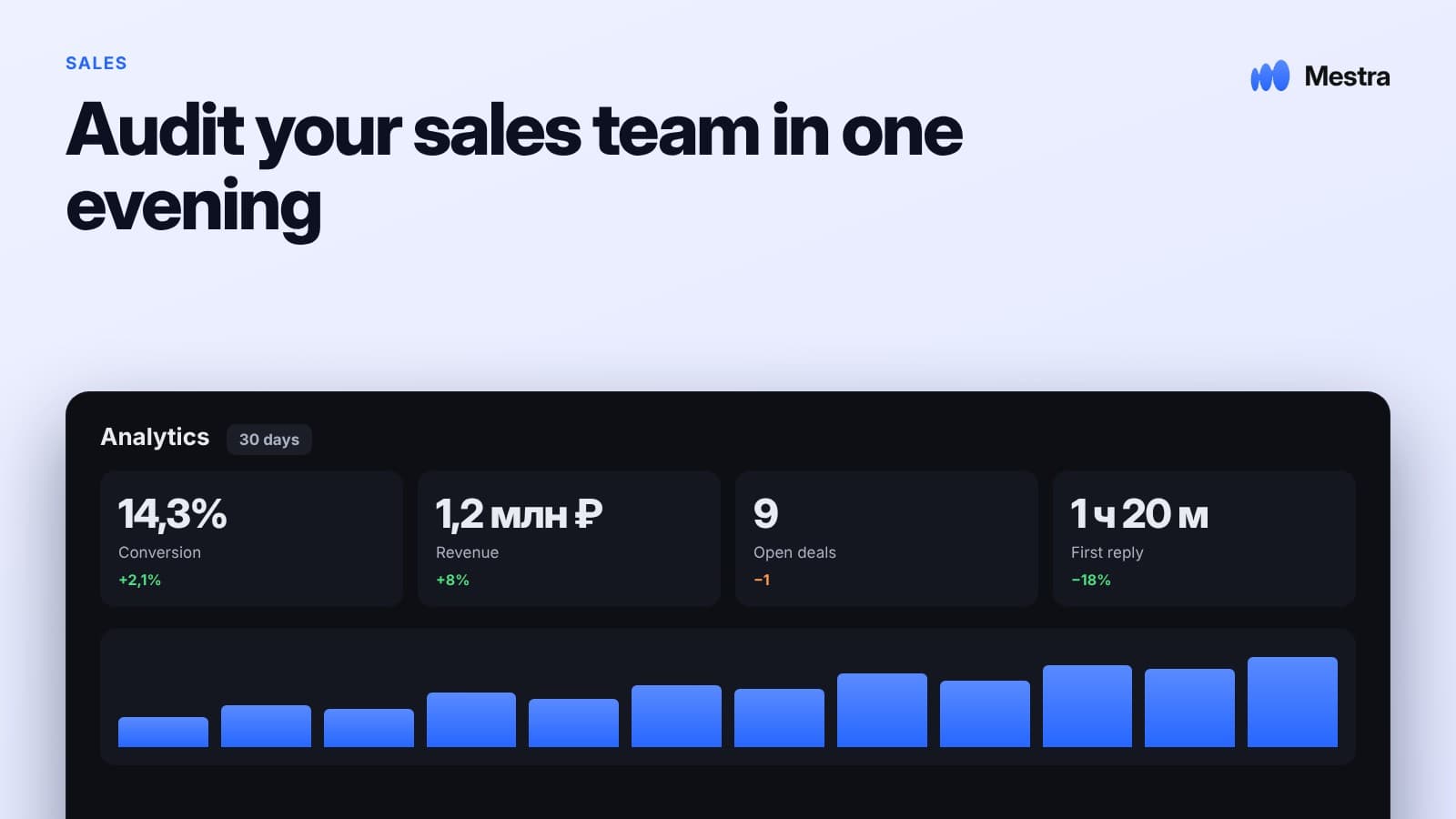
- Quality control. AI flags weak replies and unhappy clients.
Frequently asked questions
How do I turn a messenger conversation into a deal?
Connect your messengers to a single system, create a client card from the chat, record agreements as tasks and send offers and invoices right into the conversation.
Do I need to copy client data from the chat by hand?
Not necessarily: in systems with AI, data from the conversation goes into the card automatically, and the rep only checks it.
How do I stop losing agreements made in conversations?
Turn every agreement into a task with a date — by hand or automatically with AI.
Can I issue an invoice right in a messenger?
Yes, if the system supports sending an invoice to the chat; that way the client doesn't have to open their email.
How do I control sales in messengers?
Look at first response time, chats with no reply, uncompleted tasks, unpaid invoices and the quality of reps' replies.
Summary
Sales through conversation become manageable when a message immediately turns into a client, an agreement into a task, and the offer and invoice are sent right to the chat. The less manual copying, the fewer losses.
In Mestra, all channels are collected in one window, and AI fills in the client card, creates tasks, picks options and puts together an invoice from the conversation. Try Mestra free for 15 days at mestra.chat.