CRM for a Contact Centre and Support Team: Requests, SLA, Escalations and Client Reports
Reviews5 min read
CRM for a contact centre: all channels in one queue, SLA with escalation, operator cover, FCR, AHT and CSAT, per-request rates and a monthly report for the client.

A CRM for a contact centre is a single queue of requests from all channels, where every request has an SLA, an assigned operator and an escalation rule, and every client has a schedule, a knowledge base, rates and a monthly report with key metrics. The manager sees breaches the moment they happen.
Operators reply in Telegram, VKontakte, MAX and on the website in different tabs, overdue requests are found by chance, and the client report takes two days to compile by hand. Let's look at the queue, escalation rules and monthly client reporting using Mestra as an example.
One-minute check
- Do all channels arrive in one queue?
- Does a request go to the supervisor if the operator doesn't reply in time?
- Are requests passed to another operator if the assigned one is unavailable?
- Are FRT, FCR, AHT and CSAT calculated automatically?
- Is the client invoiced automatically based on request volume?
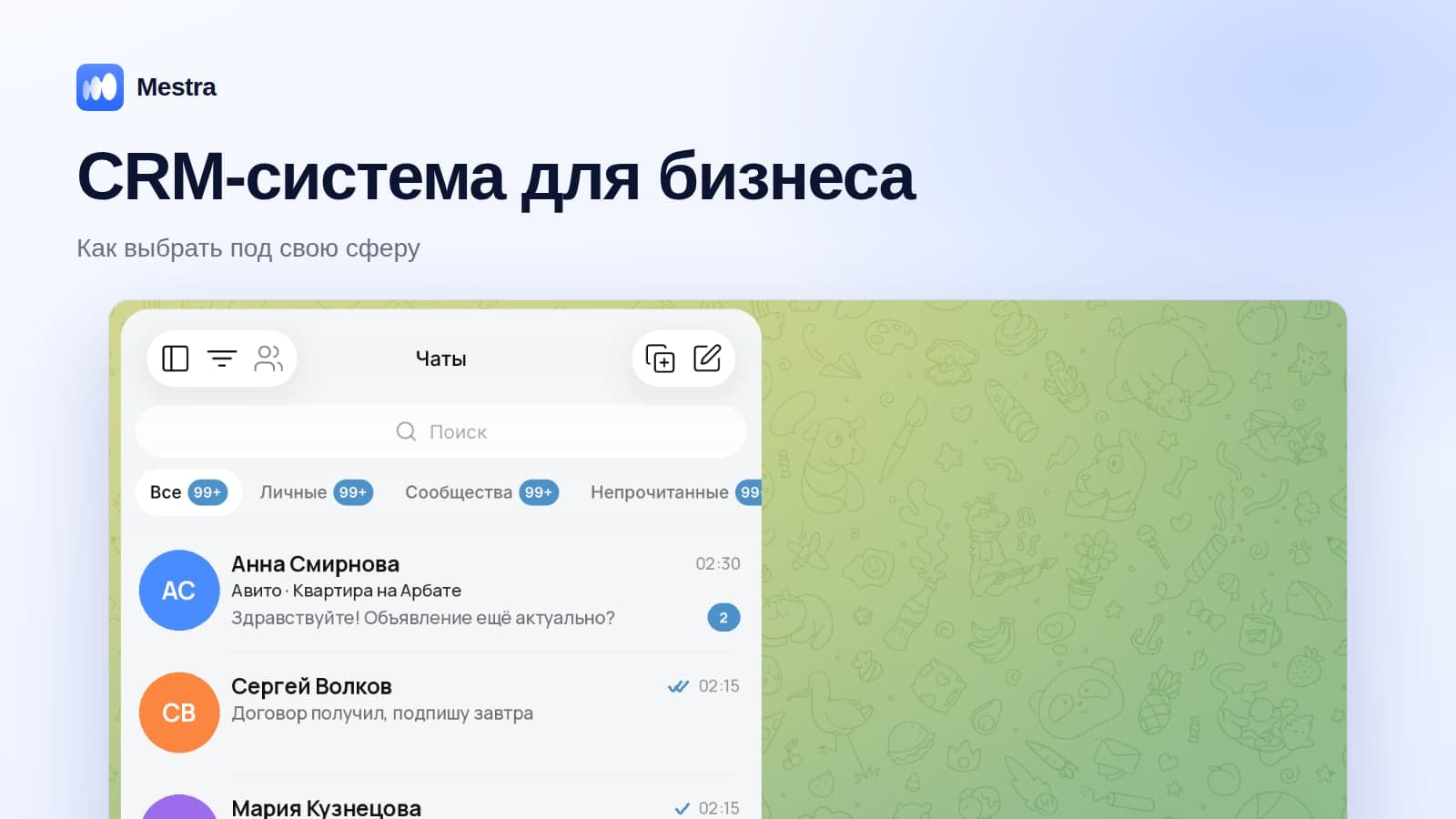
A single queue
Requests from Telegram, MAX, VKontakte, WhatsApp*, Instagram*, the website and marketplaces join a shared queue. Each chat is assigned to one operator — there are no double replies. Requests are distributed manually or by rules: by operators' specialisation, workload and schedule. UIS and Mango Office telephony is connected on the Pro plan, and calls are saved in the same client card.
If an operator goes off shift or falls ill, their requests are automatically passed to a cover operator. The client doesn't wait for someone to notice.
SLA and escalation
The client's service defines the SLA and an escalation rule: "if there's no reply within 5 minutes, pass to the shift supervisor". The escalation is recorded in the client's history: the time, the request and who it went to. At the end of the month, you can see how many breaches there were and why.
The outsourcing client
| Field | What it gives you |
|---|---|
| Client type | Full outsourcing, partial, one-off project |
| Tax ID | Contract and invoice |
| Head of support | A linked contact at the client |
| The client's knowledge base | A link or file — operators and AI answer from it |
Client history
| Record | What it captures |
|---|---|
| Monthly report | Number of requests, FRT, FCR, AHT, CSAT, SLA breaches — and an automatic invoice |
| Escalation | The time, the request, who it went to |
| Script change | What changed and when |
The metrics explain to the client what they're paying for:
- FRT — first response time;
- FCR — the share of requests resolved on first contact;
- AHT — average handling time per request;
- CSAT — clients' rating after the conversation.
Rates and payment
| Field | Options |
|---|---|
| Payment model | Per request, per minute, per hour, retainer |
| Overage rate | For example, a retainer for 5,000 requests and 45 ₽ for each one above that |
| Schedule | The line's days and hours: 24/7, weekdays, custom |
| Languages | Support languages |
Example. A client pays 250,000 ₽ a month for 5,000 requests. In October there were 5,800 — 800 above the volume at 45 ₽ each, or 36,000 ₽. The monthly report calculates this automatically, and the invoice is issued for 286,000 ₽.
If the contract includes a penalty for SLA breaches, it's recorded as a refund and reduces revenue — the profit and loss report shows the project's real result. Operators' pay on the project is recorded as cost of sales.
The process template
Project launch: brief → pilot → scripts and knowledge base → training → testing → live operation → monthly report. Each stage has its own deadline and owner.
An in-house support team
If the contact centre works within the company, the client is the company itself. The single queue, SLA, escalations, routing by specialisation and the metrics work the same way. Analytics shows each operator: number of requests, response speed, client ratings.
The AI operator
From the Standard plan, the AI assistant answers standard questions from the knowledge base around the clock and hands the conversation to an operator when a person is needed. The night shift only gets complex requests, and clients don't wait until morning. More in our article AI assistants for business.
Related reading: managing sales managers, sales manager KPIs.
How it works in Mestra
At sign-up, choose the "Call centres" industry — the single queue, SLA, escalations, reports and the project launch template appear straight away. The Economy plan costs 390 ₽ per user per month incl. VAT; the AI assistant comes from the Standard plan, and telephony on the Pro plan.

FAQ
Is Mestra suitable for a call centre with outbound calls?
Yes. UIS and Mango Office telephony is connected on the Pro plan, and calls and conversations are saved in the client card.
Can you manage several clients with different SLAs?
Yes. Each client has its own service with an SLA, schedule, rates and knowledge base.
How do operators find answers?
The client's knowledge base is stored in their card, and the AI assistant answers from it automatically.
Bottom line
A contact centre earns when it meets its SLA and can prove it with numbers. A CRM with a single queue, escalations and automatic reports makes service measurable. Build your queue in Mestra in an evening — 15-day trial, no card payment required.
WhatsApp and Instagram are owned by Meta, which is recognised as extremist and banned in Russia.