CRM for a Franchise and a Branch Network: Candidates, Locations, Royalties and the Ad Fund
Reviews6 min read
CRM for franchising: candidates and franchisees, locations with statuses, royalties and the ad fund from revenue reports, non-overlapping territories and KPIs.

A CRM for franchising is a system where every franchisee has a contract with dates, individual terms, a territory and a list of locations with statuses; every location has a monthly revenue report and an automatic invoice for royalties and the ad fund; and the network has a clear picture of the franchisor's revenue, separate from money that simply passes through it.
Candidate requests come from trade shows and the website, royalties are calculated in Excel from reports that franchisees send in different formats, and nobody can immediately name the ad fund balance. We look at the building blocks of franchise network accounting and where each of them lives in Mestra.
One-minute check
- Does each franchisee have a list of locations with statuses and opening dates?
- Is the royalty invoice created automatically from the revenue report?
- Is the ad fund kept separate from the franchisor's revenue?
- Does the system warn about overlapping territories?
- Do KPIs have target values?
The franchisee card
| Field | What it gives you |
|---|---|
| Client type | Franchisee, candidate, network owner |
| Tax ID | Contract and invoices |
| Contract from … to … | Dates; the "Expired" status is set automatically |
| Individual terms | Their own royalty and ad fund percentages |
| Territory | A list of cities and districts with a warning about overlapping exclusivity |
Locations
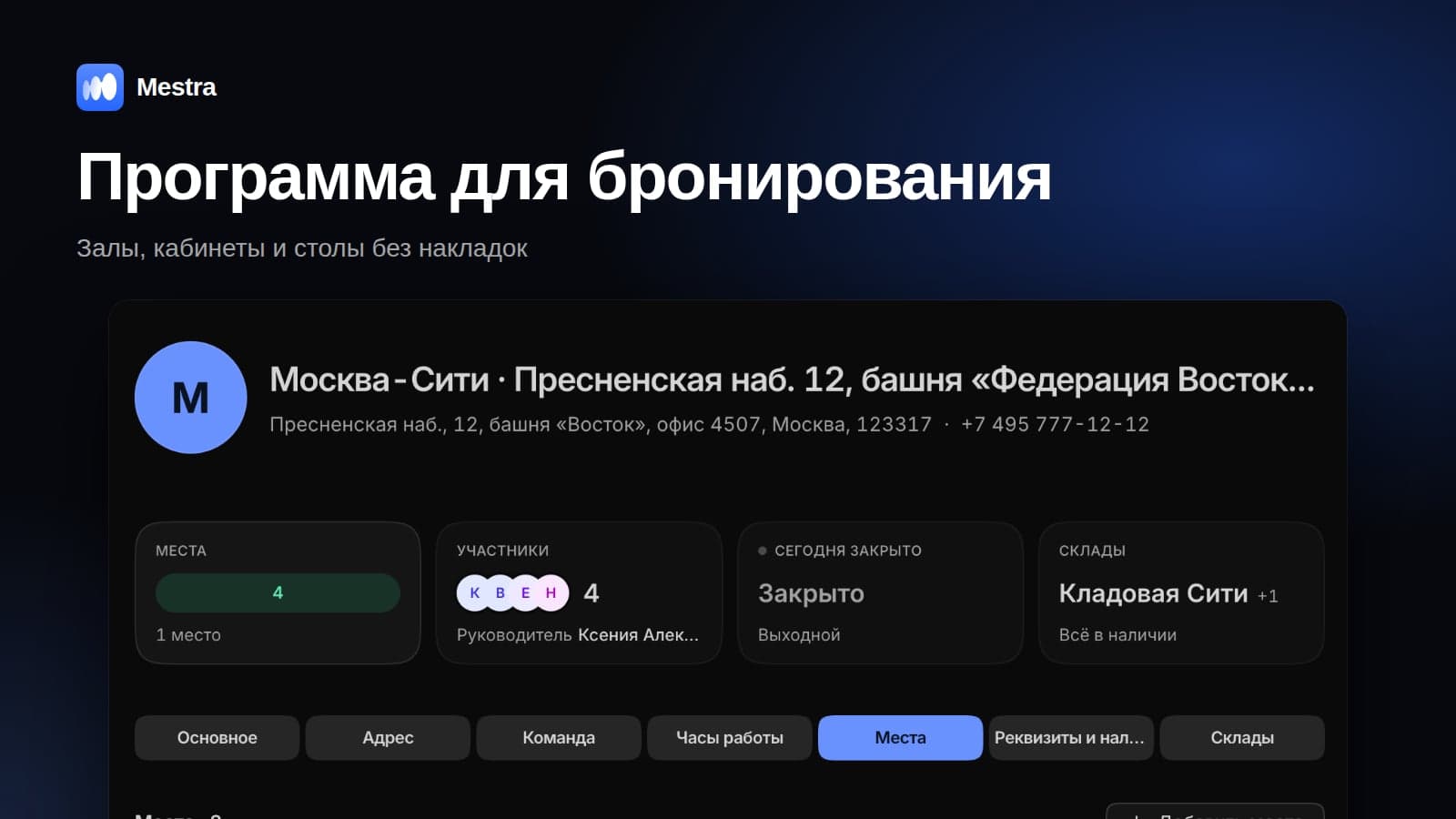
The franchisee card has a Locations block: address, opening date, status (searching for premises, under repair, operating, closed) and manager. For example: "Kazan, 5 Baumana St — operating since 01.03.2026", "Kazan, 12 Pushkina St — under repair, opening 01.12.2026".
The company's own locations are kept as a separate client with the "Own network" type. All locations — own and franchised — are visible in Resources → Offices with the statuses Franchise, Under repair, Searching for premises and Closed, and can be filtered in tasks, clients, the calendar and finance. More in our article branch accounting.
Franchisee history
| Record | What it captures |
|---|---|
| Revenue report | Location and monthly revenue → royalties and the ad fund are calculated, and the invoice is created automatically |
| Audit | Score, violations, deadline for fixing them |
| Location opening | Launch stages |
| Training | Who completed it and when |
Royalties and the ad fund
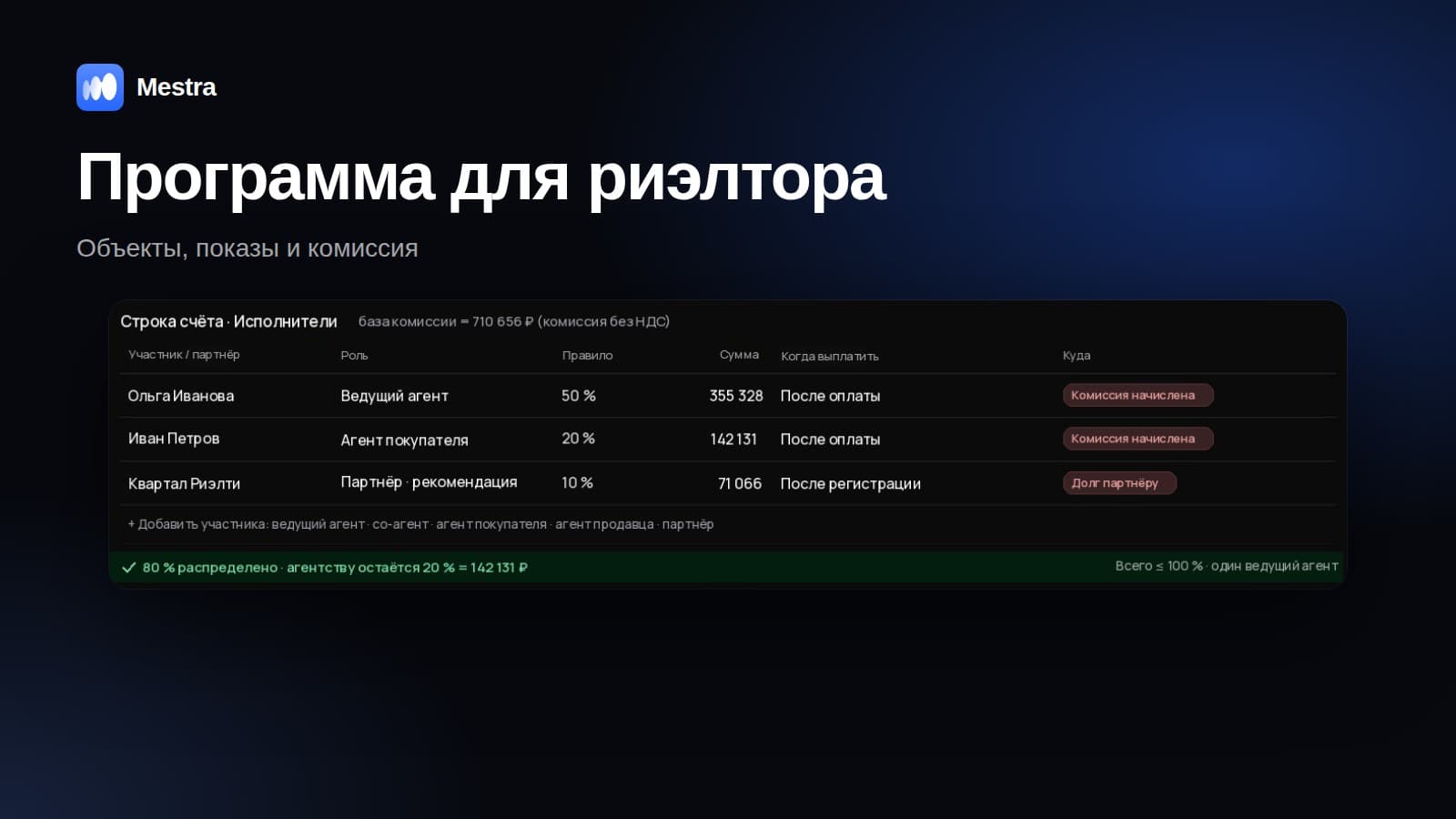
The Kazan location reported revenue of 1,000,000 ₽ for October. Terms: 5% royalty, 2% ad fund. Mestra creates a two-line invoice:
- royalty 5% = 50,000 ₽ — commission, the franchisor's revenue;
- ad fund 2% = 20,000 ₽ — pass-through, not income.
When the franchisor spends the fund on brand-wide advertising, the expense is recorded as a pass-through payment in the Ad fund category. Analytics has a separate block: collected this year 2,400,000 ₽, spent 1,950,000 ₽, balance 450,000 ₽. Franchisees see a transparent report, and many contracts require one. How to calculate royalties is covered in our article franchise royalties.
The initial fee and start-up investment
The candidate sees the total investment in the proposal: an initial fee of 1,500,000 ₽ and start-up investment of 3,500,000 ₽ — 5,000,000 ₽ in total. But the franchisor's revenue is only the initial fee.
The franchise settings specify whether the start-up investment passes through the franchisor. If the franchisee pays suppliers directly, the amount doesn't enter the franchisor's books. If the money goes through the franchisor, it's recorded as pass-through and paid out to suppliers. In the profit and loss report, revenue consists of the initial fee, royalties and support fees.
KPIs with targets
On the Standards tab, each KPI has a name and a target: monthly revenue ≥ 1,500,000 ₽, NPS ≥ 60, average bill ≥ 450 ₽. The revenue report is compared with the target, and you can see which locations are falling behind. Audits record breaches of standards with deadlines for fixing them.
Process templates
- Selling a franchise: request → document pack → meeting → candidate check → preliminary agreement → contract → location opening → support.
- Opening a location: searching for premises → renovation → training → launch.
Example: what controlling reports delivers
A network has 40 locations with average revenue of 1,200,000 ₽ and a 5% royalty. If 4 locations submit their report a month late, the franchisor misses 240,000 ₽ on time every month. A reminder to franchisees to submit their report and an automatic invoice reduce cash gaps.
Candidate requests
Requests from the website, trade shows, VKontakte, Telegram and MAX arrive in one feed. The AI assistant answers candidates about investment, payback and terms and books meetings. Meetings in Yandex Telemost are created with a link for the candidate.
Related reading: cash gap, reports for a business owner.
How it works in Mestra
At sign-up, choose the "Franchises" industry — the franchisee card, locations, revenue reports, royalties, ad fund, KPIs and templates appear straight away. The Economy plan costs 390 ₽ per user per month incl. VAT. Branches, warehouses and places are available on every plan.

FAQ
Is the CRM suitable for a network of own branches without franchising?
Yes. Own locations are kept as branches with "own branch only" access, and the manager compares them in analytics.
Can franchisees work in Mestra themselves?
Yes. Franchisees get access only to their own locations and reports, while the franchisor sees the whole network.
How do you handle individual terms?
The royalty and ad fund percentages are set in a specific franchisee's card and used when calculating their invoices.
Bottom line
A franchisor loses control when royalties, the ad fund and franchisees' investment are mixed into one sum. A CRM where every ruble has its own type, and every location has a report and KPIs, makes the network manageable. Connect your network to Mestra and work free for the first 15 days, with no card required.