A Real Estate Listing Database for an Agency: How to Run It and Match Options to Clients
Real Estate4 min read
How to run a real estate listing database in an agency: which fields you need, how to avoid duplicates and how a CRM matches listings to buyers and tenants itself.

A real estate listing database is the information an agency collects about flats, houses and commercial premises available for sale or rent. Its value isn't its size but how quickly an agent finds an option for a specific client in it.
Many agencies spend years collecting hundreds of listings and thousands of contacts, yet matching still happens by hand: the agent opens a spreadsheet or the listings, tries to remember what came in recently, and asks colleagues in the chat. The bigger the database, the slower the search.
Which fields a listing card needs
| Group | Fields |
|---|---|
| Basics | Property type, deal type (sale or rent), address, district |
| Parameters | Area, rooms, floor, condition, year built |
| Price | Price, room for negotiation, agency commission |
| Owner | Contact, terms, conversation history |
| Status | For sale, deposit taken, deal, withdrawn |
| Media | Photos, floor plan, documents |
Parameters are the most important group. They're what the system uses to match a listing to a client's request.
The listing database in one minute: check whether it works
- Can an agent find three suitable options for a request in under a minute?
- Is each owner handled by only one agent?
- Can you see which listings have already been shown to a specific client?
- Is the client's request recorded in the same parameters as the listings?
- Is a new listing shown straight away to the clients it suits?
How a CRM matches listings to a client
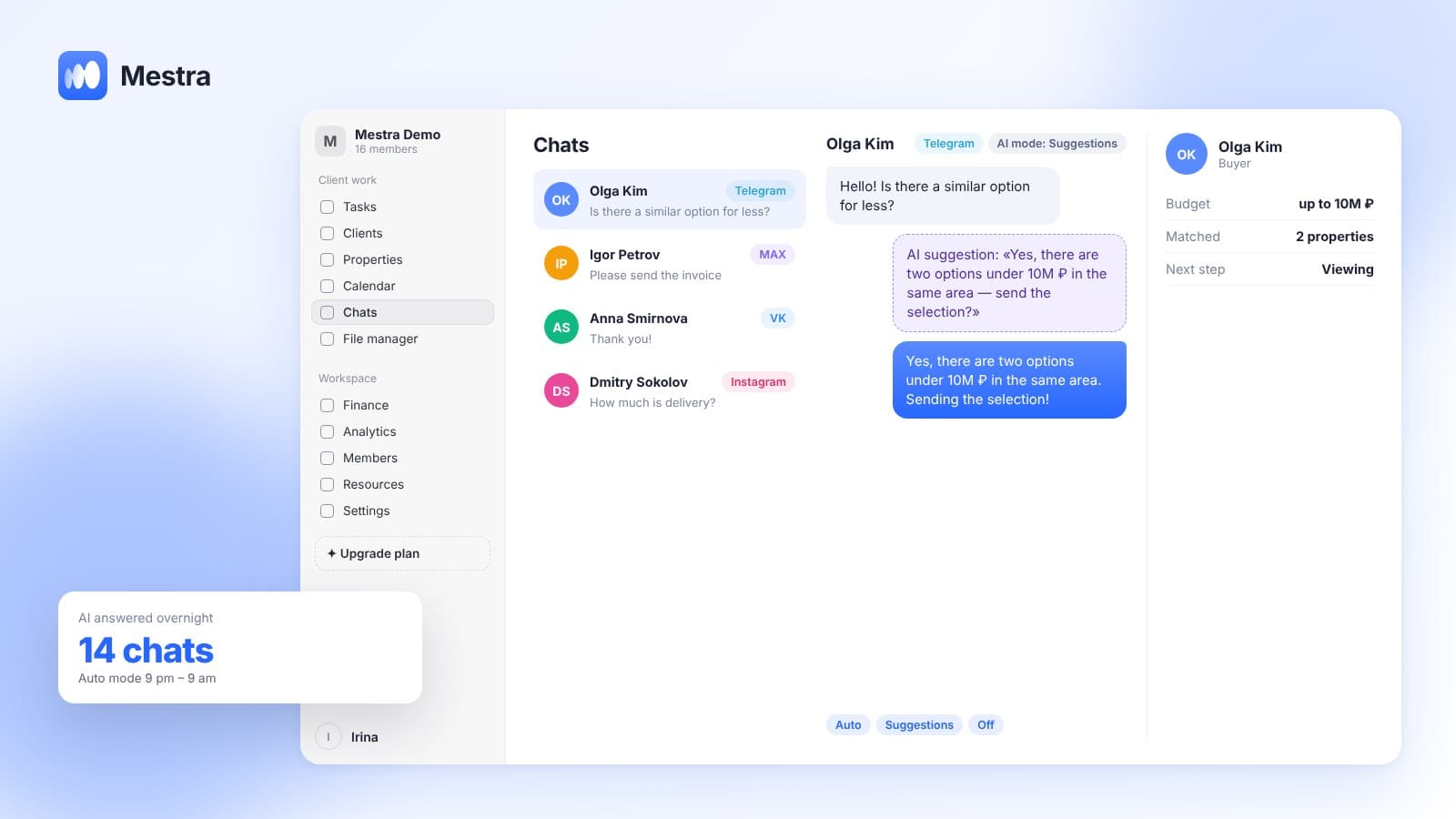
The client's request — budget, district, area, deal type — is recorded in their card. The system compares these requirements with the database and shows the matches on a separate tab. The agent doesn't search — they see straight away what they can offer.
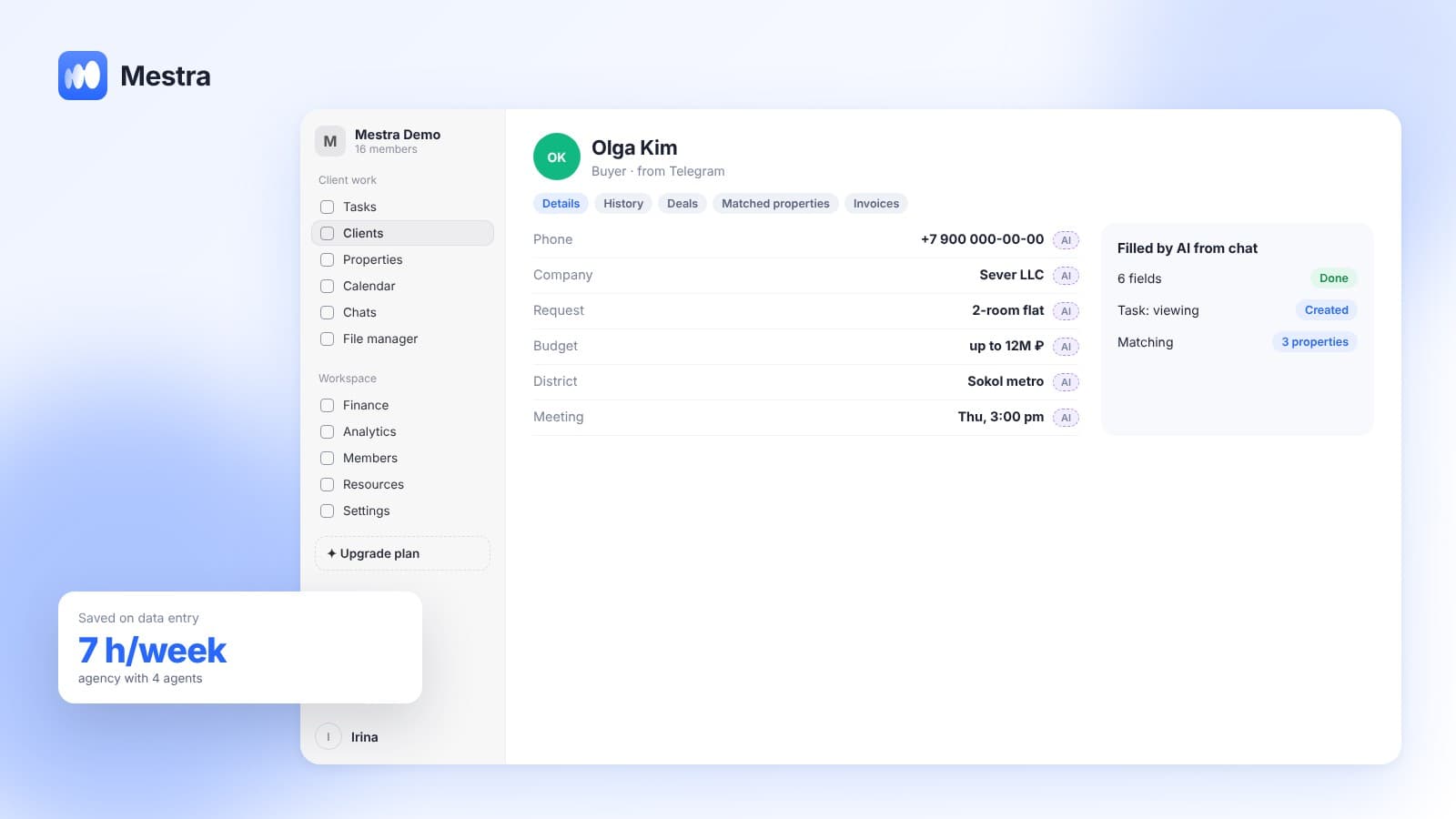
Importantly, the request doesn't need to be typed in by hand. The client writes in a messenger: "Looking for a two-bedroom up to 12 million near the metro" — and AI moves the budget, type and wishes into the card fields. Matching starts by itself.
Duplicates: the database's silent enemy
One owner posts on several platforms and calls the agency twice, and two cards appear in the database. Two agents call the same person with different terms — and the agency looks unprofessional. The system should find such repeats and merge them, keeping the whole history.
An example in numbers
One-minute calculation:
- An agency with four agents gets about 100 new requests a week.
- Searching the database by hand takes about 10 minutes per request: 1,000 minutes a week.
- That's almost 17 hours — more than two working days of one agent.
- With automatic matching, the agent spends a minute choosing from ready matches: 100 minutes.
- The saving is about 15 hours a week, which go into viewings and negotiations.
How it works in Mestra
In Mestra, listing and client cards are set up for real estate: deal type, parameters, statuses, owner, deposit and commission. The client card has a Matching listings tab, duplicate clients are found and merged, and responses from Avito and CIAN arrive in the shared feed together with conversations.
Why a CRM should work with data rather than just store it — in our article CRM with AI. The agency's whole process, from enquiry to deposit, is described in CRM for a real estate agency.

FAQ
Where should you keep a real estate listing database?
In a CRM where listings are linked to clients and conversations. A spreadsheet stores data but doesn't match listings to requests.
How do you avoid duplicates in the database?
Use a system that finds repeated cards and merges them while keeping the history.
Can you move a database from a spreadsheet?
Yes, via import under Settings → Data → Import.
How much does a CRM for an agency cost?
In Mestra — from 390 ₽ per user per month incl. VAT; AI and the CIAN connection come with the Standard plan (1,090 ₽).
Bottom line
A listing database makes money when it works by itself: showing the agent matches, catching duplicates and remembering what was offered to whom. Mestra does this for real estate agencies — try it free for 15 days, no card required.