Customer refunds: how to process, record and keep both the client and your reputation
Finance6 min read
Refunding a customer: the steps to follow, how to talk to the client, how to record the refund in finance without distorting revenue, and how to reduce refunds.

A customer refund is a payment back to the client of the full or partial amount they paid, when a service wasn't delivered, a product was returned or a contract was terminated. Three things matter for a business: comply with the law and the contract, keep the relationship with the client, and reflect the refund correctly in finance.
Legal requirements for refunds depend on the type of product or service and the terms of the contract. For specific situations, check with a lawyer and with consumer protection law.
Paying the client back in a minute
| Step | What we do |
|---|---|
| 1 | Log the client's request |
| 2 | Check the grounds and the contract terms |
| 3 | Agree the amount: full or partial |
| 4 | Refund in the same way the client paid |
| 5 | Tell the client about the refund |
| 6 | Record the refund as a separate transaction |
| 7 | Write down the reason |
When clients get refunds
| Situation | Example |
|---|---|
| Service not delivered | The client paid for a course but cancelled before it started |
| Service partly delivered | The project was stopped halfway |
| Product returned | The product didn't fit or was defective |
| Booking cancelled | A tour, event or appointment |
| Payment error | The client paid twice |
How to talk to the client
- Reply fast. Even if the decision takes time, confirm that you received the request.
- Name the timeframe. "We'll refund 15,000 ₽ to your card within 5 business days."
- Explain the calculation. For a partial refund, what was withheld and why.
- No pressure. Trying to talk them out of it is irritating.
- Report completion. "The refund was sent today, the money will arrive within …".
Sample message:
Hello Anna! We received your refund request for the course. Under the contract, if you cancel before the start, we refund the full amount — 32,000 ₽. We'll send the money to the card you paid with by Friday. We'll let you know as soon as the refund is sent.
For more on handling unhappy clients, see the article on customer complaints.
How to record a refund
A common mistake is to delete the payment or edit the income amount. Then the history is lost: there were 10 sales, the report shows 9, and it's unclear why.
| What not to do | What to do |
|---|---|
| Delete the payment | Create a "Refund" transaction |
| Reduce the income amount | Income stays, the refund is separate |
| Record it as an ordinary expense | A separate transaction type linked to the client and account |
That way reports show revenue, payouts to clients and their share.
Partial refunds
| Example | Calculation |
|---|---|
| Course 32,000 ₽, 3 of 8 sessions attended | 32,000 × 5/8 = 20,000 ₽ to refund |
| Renovation: advance 100,000 ₽, work done worth 40,000 ₽ | 60,000 ₽ to refund |
The calculation should be based on the contract and be clear to the client.
Analyzing refunds
| Metric | What it shows |
|---|---|
| Refunds as a share of revenue | The scale of the problem |
| Refunds by reason | What most often dissatisfies people |
| Refunds by service and product | Which items are problematic |
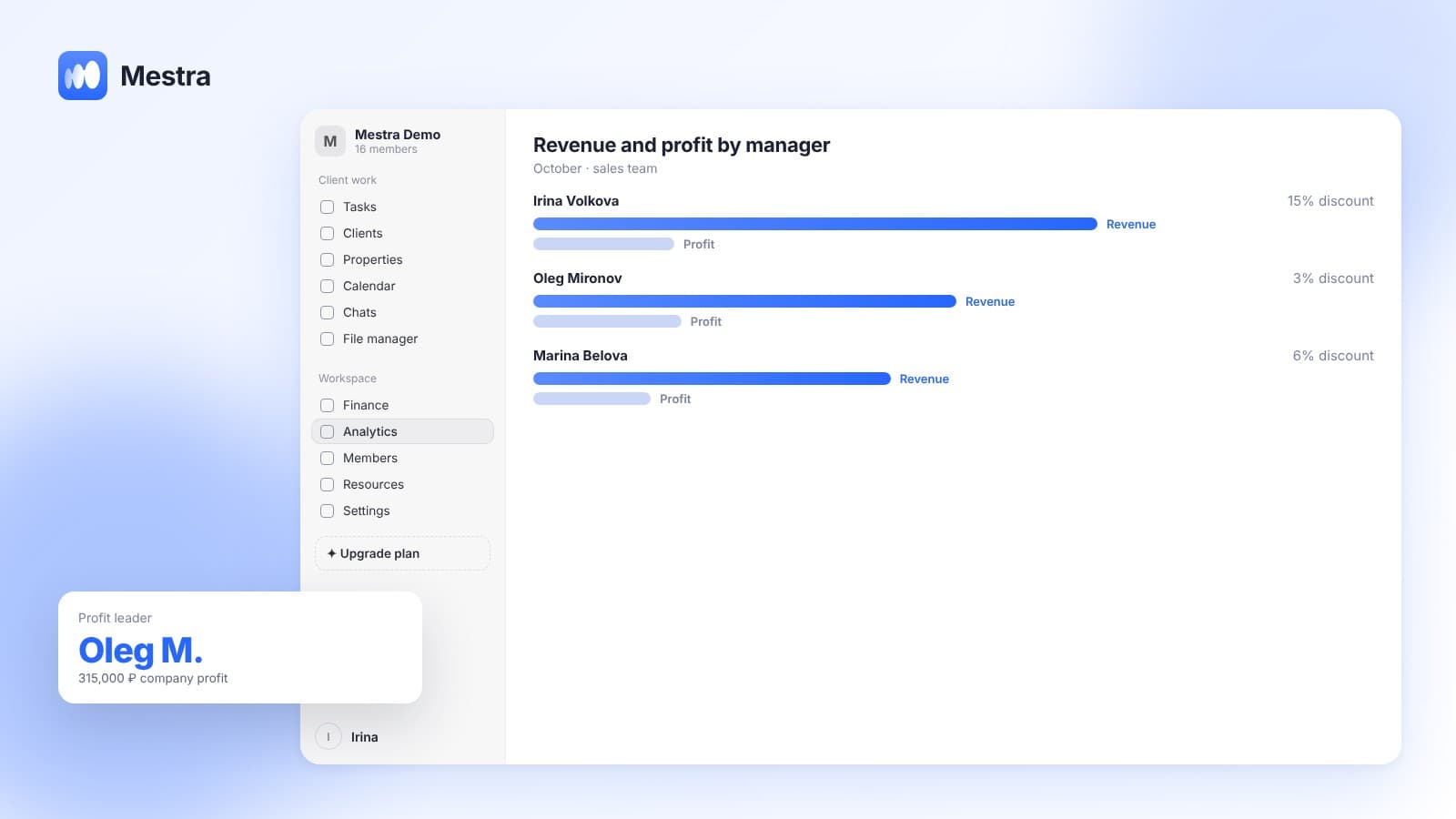
| Refunds by manager | Whether clients are being over-promised |
| Time to refund | How quickly the company returns money |
If there are many refunds for one service, the problem is the service or how it is sold.
How to reduce the number of refunds
| Reason for refunds | What to do |
|---|---|
| The client expected something different | Describe more precisely what the service or product includes |
| The manager over-promised | Communication standards and conversation review |
| Missed deadlines | Realistic planning, task control |
| Low quality | Checklists and a check before handover |
| The client changed their mind before the start | A reminder and an introduction before the service begins |
Many reasons are visible in the conversation already: the client asks questions that went unanswered, or hesitates while the manager pushes for payment. For how to notice such signals, see the article on assessing service quality.
Common mistakes
- Delaying the refund. The client writes complaints and reviews.
- Deleting the payment from the books. History and reports break.
- No reason recorded. It's impossible to see what to fix.
- An unclear partial refund calculation. Conflict with the client.
- Refunding by another method without the client's consent. Extra questions and risks.

How it works in Mestra
- A "Refund" transaction. Finance has a separate transaction type alongside income, expense and transfer.
- Linked to the client and account. A refund appears in the client's payment history and on the company account.
- Different currencies. A refund is made in the currency of the original payment.
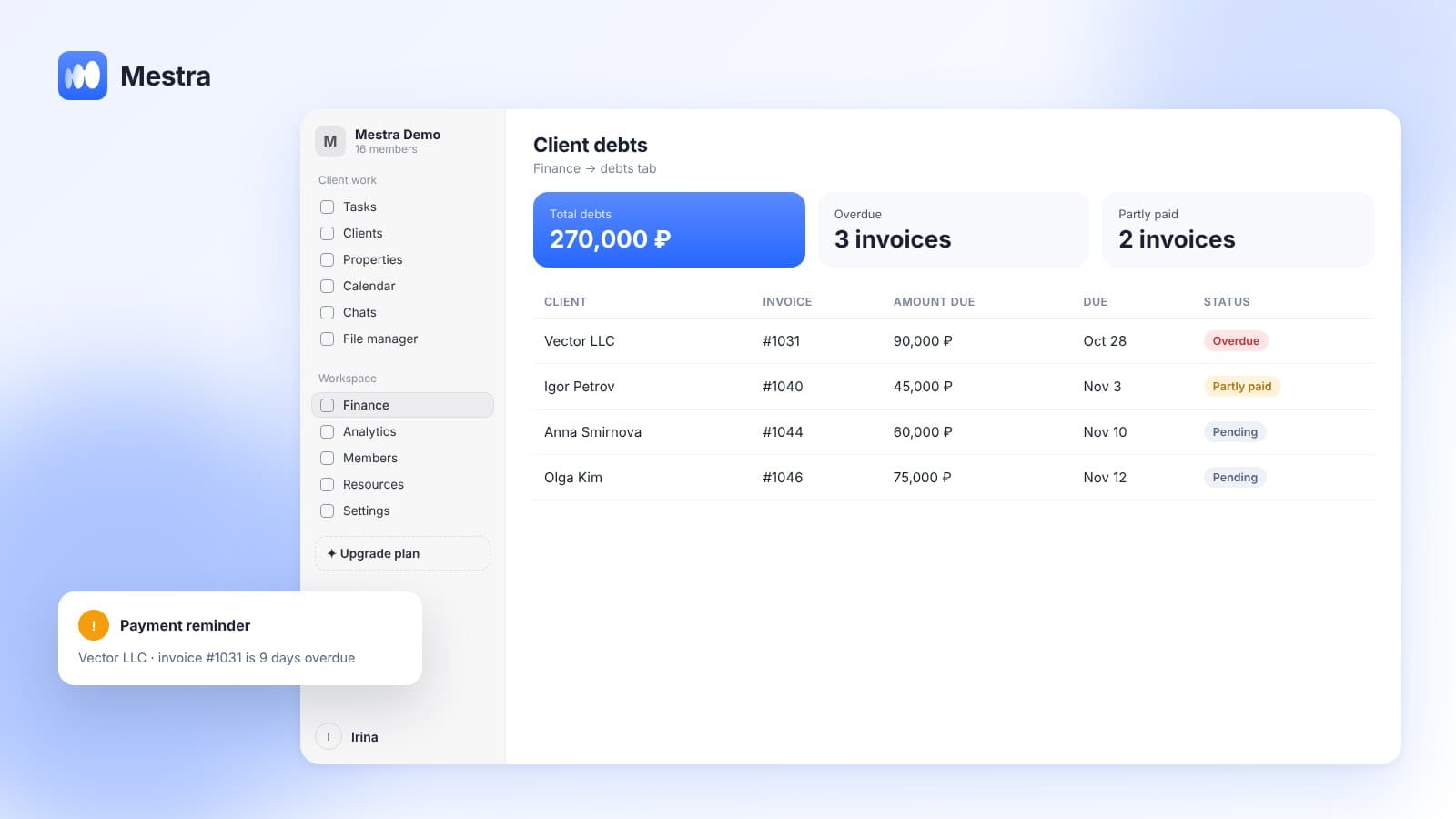
- Invoice status based on actual payments. You can see what was paid and what was refunded.
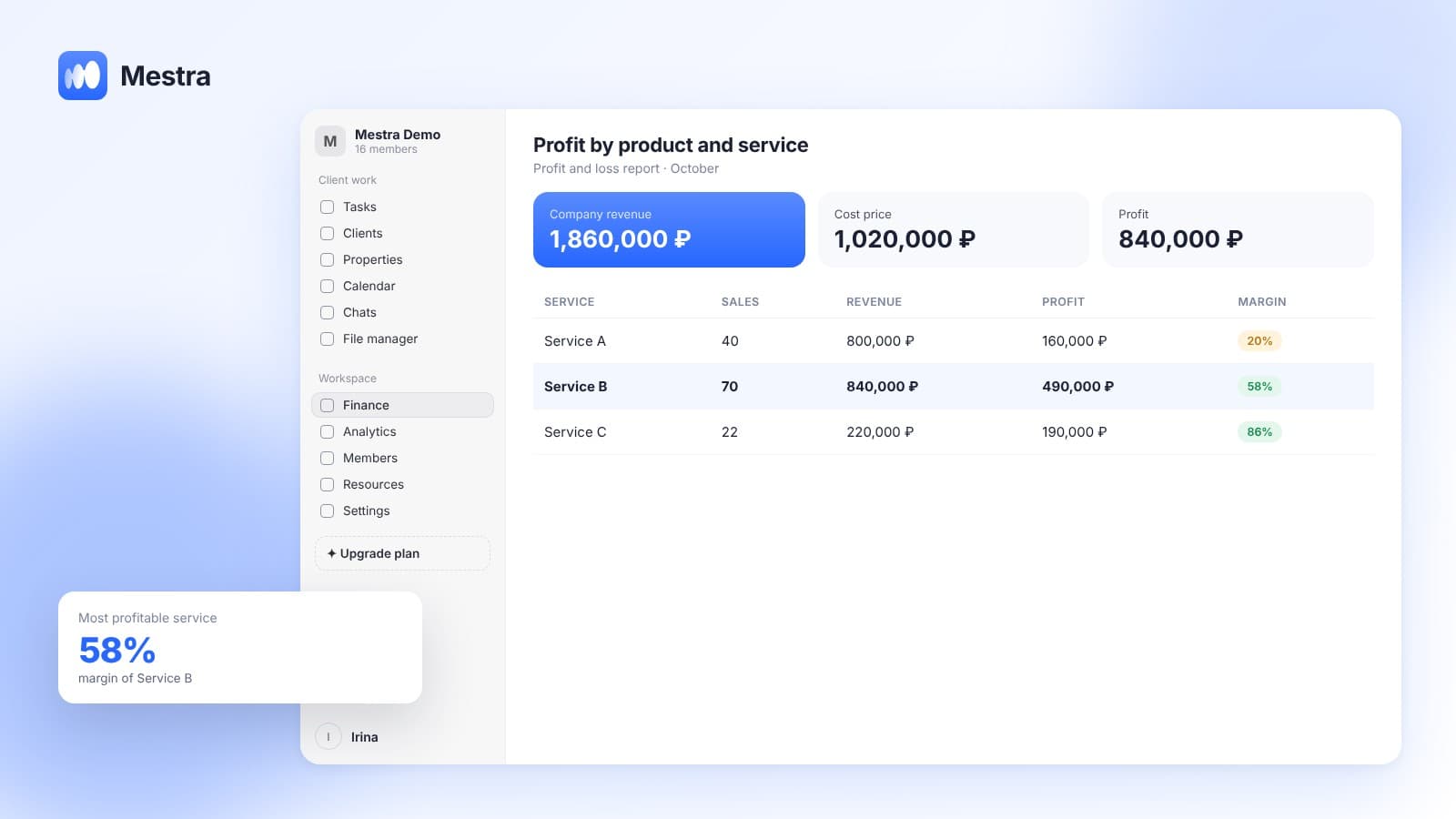
- Profit and loss statement. Refunds are not lost and don't distort revenue.
- Conversation and tasks. The client's request and the refund deadline are in the client card, with an owner and a task.
Related reading: warranty card: sample.
Frequently asked questions
How do I process a refund to a client?
Log the request, check the grounds under the contract, agree the amount, refund in the same way the client paid, tell the client, and record the refund as a separate transaction.
How should I record a refund in finance?
As a separate "Refund" transaction linked to the client and account, rather than deleting or changing the original payment.
How do I calculate a partial refund?
According to the contract terms: usually the cost of the undelivered part of the service or the work not performed is refunded.
What is the deadline for refunding money?
Deadlines depend on the law and the contract. For the client's convenience, it is better to refund as fast as possible and name the deadline in advance.
Why analyze refunds?
To see problematic services, products and manager promises, and to reduce refunds in the future.
Summary
Refunds are part of normal business. Fast, clear processing protects your reputation, a separate transaction in your books keeps reports honest, and analyzing reasons helps reduce refunds.
In Mestra, a refund is processed as a separate transaction linked to the client, account and currency, and appears in the payment history and reports. Try Mestra free for 15 days at mestra.chat.