Management Accounting in Excel or a CRM: When Spreadsheets Stop Working and What to Choose
Finance3 min read
Pros and cons of management accounting in Excel and Google Sheets, 6 signs it's time to switch, and how to keep a profit and loss report in a CRM.

Almost every business starts its accounting in a spreadsheet. That's normal.
Problems begin when there are five spreadsheets and the monthly report takes a week to compile.
One-minute check
- Count how many spreadsheets are involved in your accounting.
- Time how long the monthly report takes to compile.
- Compare revenue in the spreadsheet with revenue in the CRM.
- If at least two items look "bad", it's time to switch.
Excel: pros and cons
| Pros | Cons |
|---|---|
| Free | Everything is entered manually |
| Flexible | One formula error breaks the report |
| Familiar | Sales data is transferred from another system |
| Quick to start | No access control for specific data |
6 signs it's time to replace spreadsheets
- There are more than three spreadsheets, and they reference each other.
- The profit and loss report takes more than a day to compile.
- Sales figures in the spreadsheet and the CRM don't match.
- Product costs haven't been recalculated for several months.
- Salaries are calculated in a separate file.
- Employees can see financial data they don't need.
What accounting in a CRM gives you
- Sales flow into the accounts by themselves — no manual transfer.
- Cost and profit are calculated automatically.
- Permissions — only authorised people see finances.
- One source of truth instead of several versions of a file.

Requirements for storing clients' personal data, including data in spreadsheets, are set by Federal Law No. 152-FZ. A spreadsheet that's forwarded by email and messengers is a common point of leakage, so access to financial and client data is better restricted.
How it works in Mestra
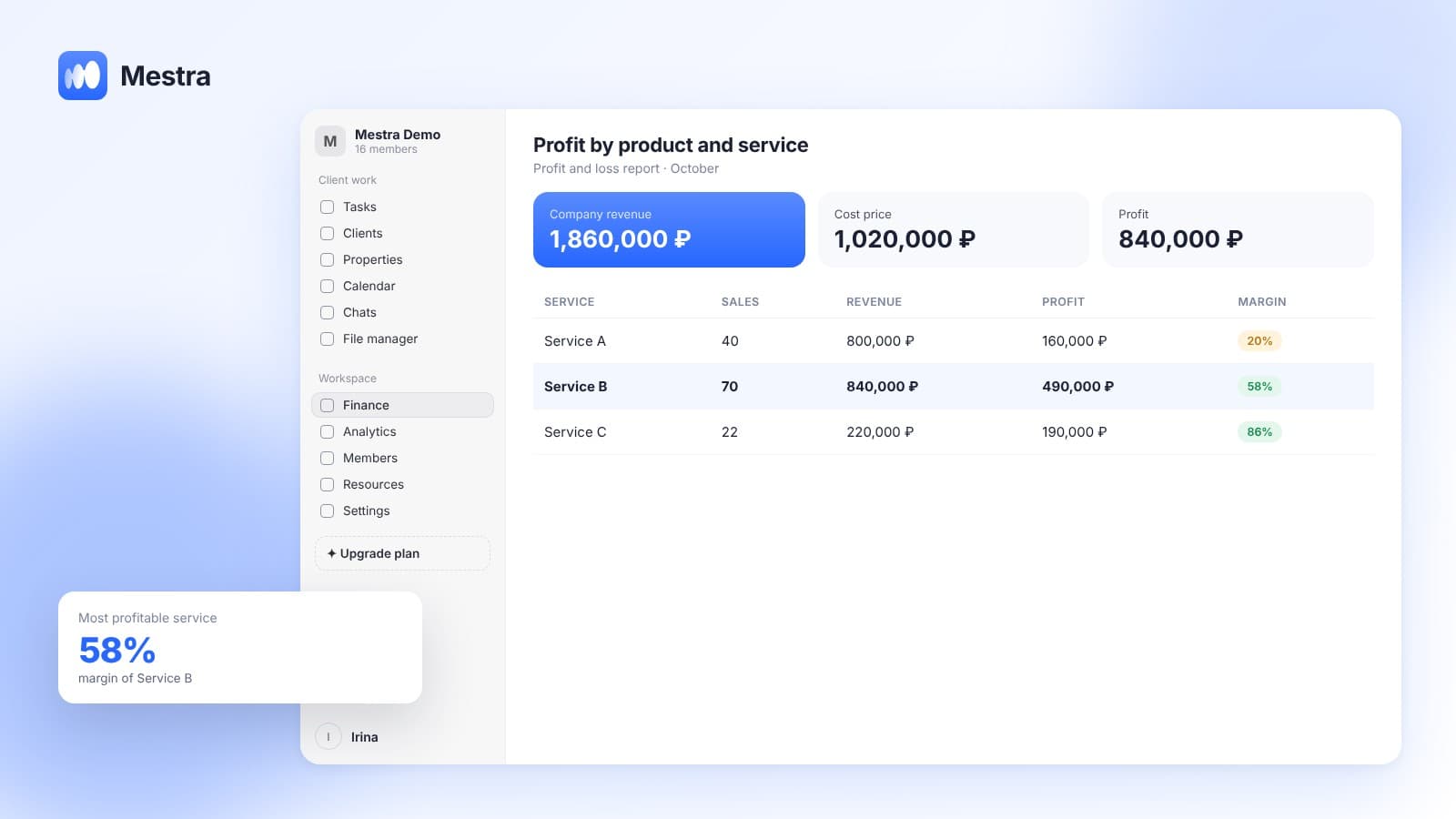
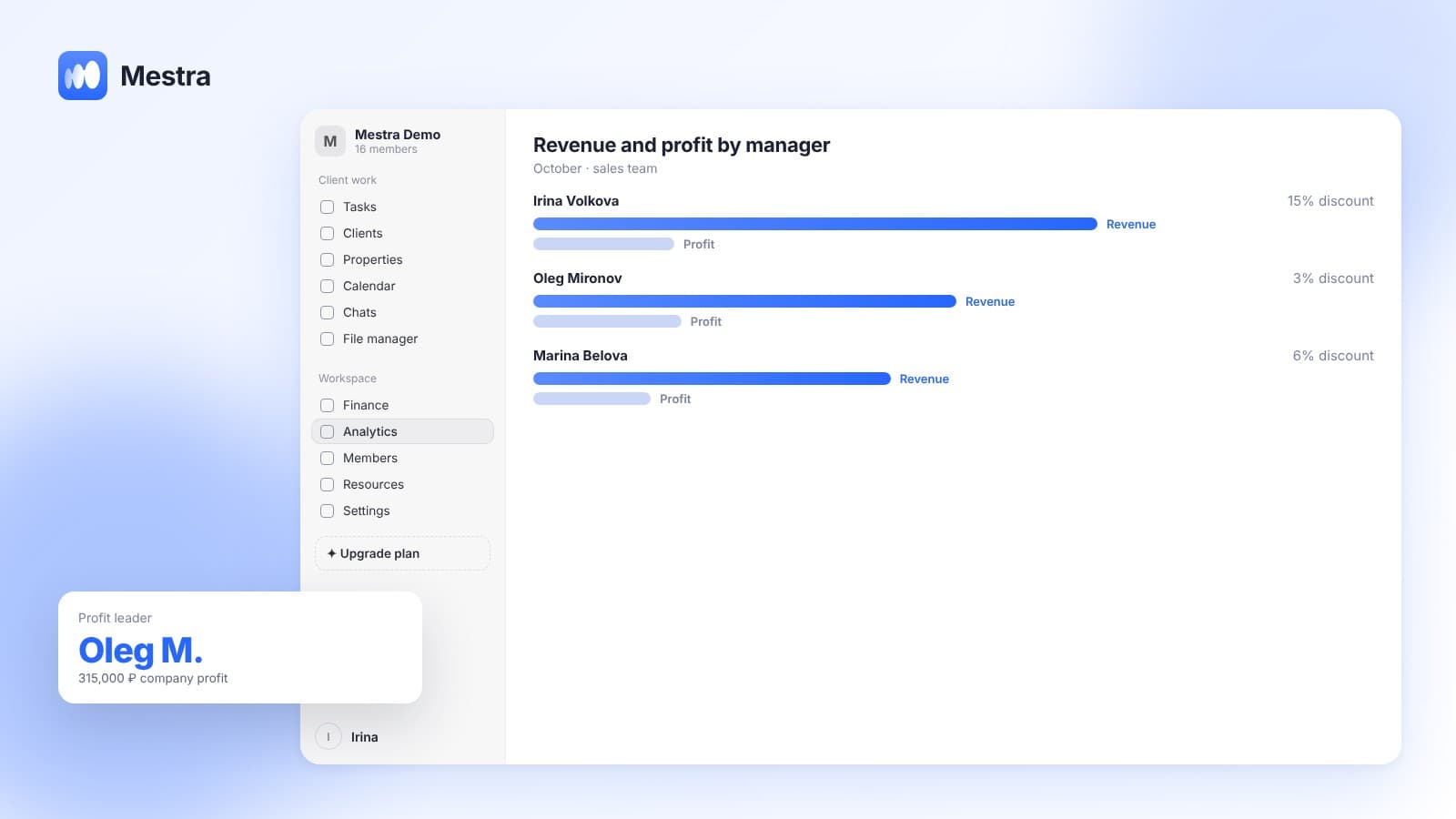
- Profit and loss report and detailed financial reports.
- Cost in the product card: purchase price or materials, the executor's share, delivery and packaging are set once and flow into every invoice automatically.
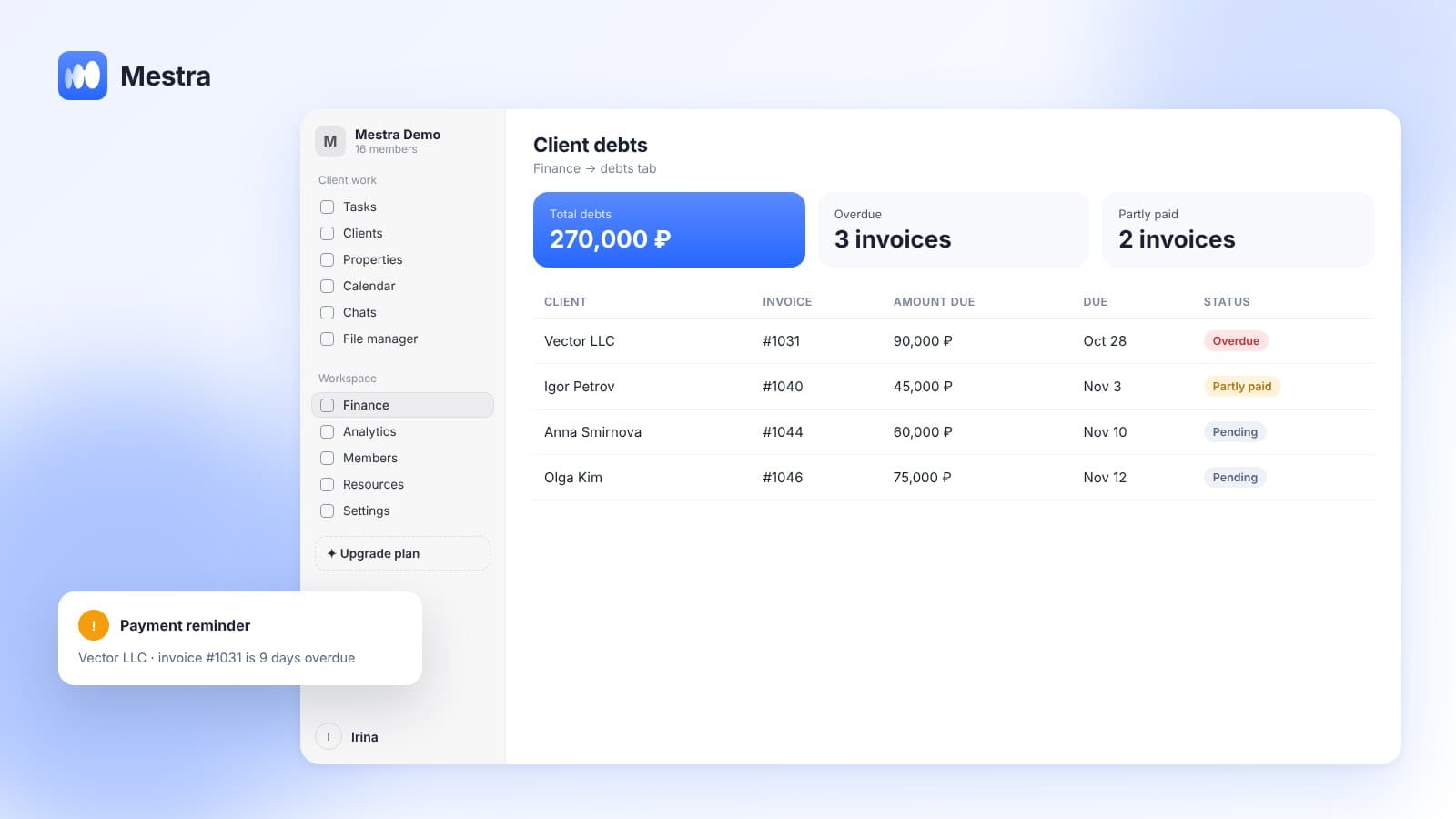
- Every receipt and payment is recorded with a date, account and category — you can see where the money went.
- Several accounts and cash desks: bank, cash and cards, in rubles, dollars and euros; transfers between accounts with fees.
- Import from Excel: clients, deals and products can be uploaded as a file — see switching to Mestra via Excel.
Plans incl. VAT: Economy — 390 ₽, Standard — 1,090 ₽, Pro — 1,590 ₽ per user per month, Enterprise — custom.
FAQ
Can you combine Excel and a CRM?
Yes, during the transition. But it's best to settle on a single data source as soon as possible.
What should be moved from spreadsheets first?
Clients, products and expense categories. History from past months can be kept in an archive file.
How long does the switch take?
Uploading data takes seconds to minutes. Setting up expense categories and costs takes a day or two.
Bottom line
Excel is good at the start and bad as you grow. When the report takes longer to compile than the decision takes to make, it's time to switch.
Accounting in a CRM links sales and money automatically. In Mestra, the profit and loss report and product costs are in the same system as your clients.