Payment Link: How to Get Paid in Messengers and by Email
Finance5 min read
How to create a payment link for a client: via acquiring, SBP or a payment service. What it costs, whether a 54-FZ receipt is needed, how to send it and not lose the payment.

A payment link is a personal address for a payment page with a set amount and purpose. The seller sends it in a chat, email or SMS, the client pays in a convenient way, and the money reaches the current account with a notification.
Example: a cushion workshop on Telegram
Anna sews decorative cushions and sells them through a Telegram channel. Clients used to transfer money to her personal card — until the bank froze the transactions "pending clarification". Anna registered as a sole trader, connected payment acceptance and now sends a link once an order is agreed. Let's see how to set it up.
When a link is most convenient
- The order was agreed in a chat, and the client is ready to pay straight away.
- You need prepayment for a service, a booking or a reservation.
- You have no website with a cart and don't need one.
- The client is in another city and has to pay before shipping.
- An invoice for a private individual who finds paying by bank details awkward.
How to create one
| Tool | How the client pays | What it costs | What you need |
|---|---|---|---|
| Bank online acquiring | Card, SBP, sometimes e-wallets | Cards 2–3.5%, SBP cheaper | A current account and a contract |
| Payment service | Card, SBP, instalments | Per the service's tariff | A contract with the service |
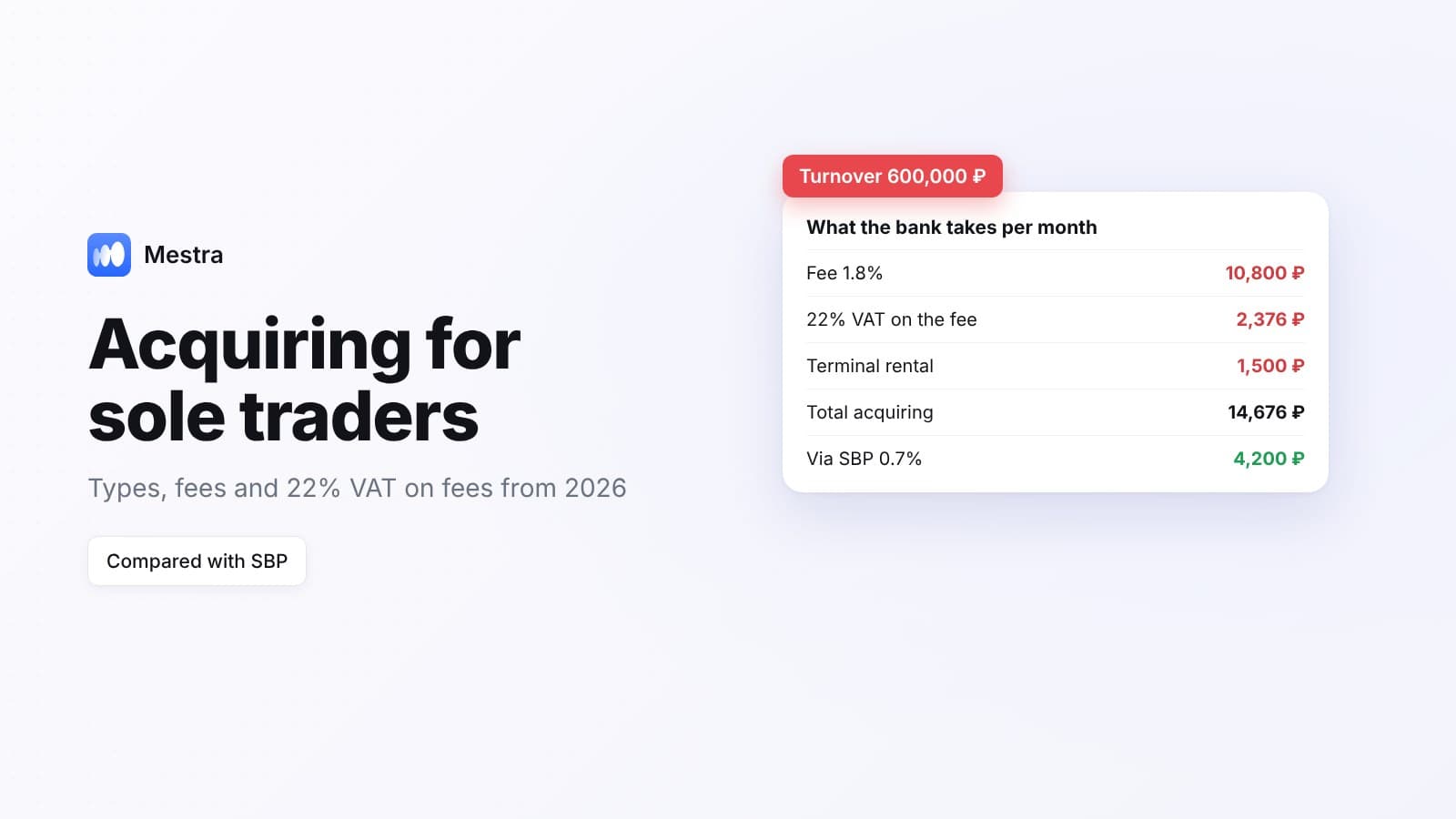
| SBP link | The buyer's banking app | 0.4–0.7%, no more than 1,500 ₽ | SBP payment acceptance enabled |
An SBP link is the cheapest; acquiring and services are the most flexible, with cards and SBP on one page. More on SBP codes and links in QR code for SBP payments.
How Anna issues a payment request
- She connected payment acceptance at her bank.
- She switched on a cloud till so the receipt is sent automatically.
- She creates a link for the order amount, with the order number and valid until the end of the day.
- She sends it with a short caption: what, how much and until when.
- She marks the order as paid as soon as the notification arrives.
About the receipt
Payment by link is a settlement with a buyer, and Law No. 54-FZ requires a receipt. For online payment it's sent to the client's email or phone. Banks and services usually offer a cloud till that does this automatically. Self-employed people generate the receipt in "Moy Nalog".
One-minute calculation: how much goes on fees
| Order | SBP link 0.7% | Card via link 2.5% |
|---|---|---|
| 3,000 ₽ | 21 ₽ | 75 ₽ |
| 15,000 ₽ | 105 ₽ | 375 ₽ |
| 250,000 ₽ | 1,500 ₽ (cap) | 6,250 ₽ |
A transfer to a personal card looks free, but in the end it can cost you a blocked account and additional tax.
How to caption the link
Bad: "Here's the link."
Good: "Irina, here's the payment link for order No. 1048 — two cushions, 7,400 ₽. Valid until the end of the day. I'll send the tracking number once you've paid."
The amount, contents and deadline in one message remove extra questions, and clients "forget" to pay less often.
Mistakes that cost money
- A link with no amount or purpose — later you can't tell who paid for what.
- A link with no expiry — the payment arrives a month later at the old price.
- No reminder — some clients put it off and forget.
- Payment marked in a spreadsheet, not in the order — the manager can't see the money has arrived. How to set up statuses is covered in order tracking.
How it works in Mestra
In Mestra an invoice is created from the client or order card: items, details, parties, payment schedule and payment methods, including SBP and a QR code. Until the money arrives, the invoice shows in finance as awaiting payment.

- Payment schedule — in full, in instalments or by stage.
- Review before sending — profit, margin and VAT on the invoice.
- Chat — discuss the invoice in the same window as the conversation in Telegram, VK or MAX.
- YooKassa — integration on the Pro plan.
FAQ
Can I create a link for free?
Creating one is usually free; you pay a fee on each payment. For SBP it's lower than for cards.
Do I need a website?
No. The payment page is hosted by the bank or service, and the link can be sent anywhere.
How long is a link valid?
The seller or service sets the period — from a few minutes to several days. For fixed-price orders, 24 hours is convenient.
Can a sole trader accept payment by link?
Yes, with a current account and payment acceptance enabled. The receipt is issued by an online till if the sole trader is required to use one.
Bottom line
A payment link turns an agreement in a chat into money in the account within a couple of minutes. Choose SBP if the fee matters and acquiring if clients pay by card. Tie every link to an amount and an order, send the receipt and mark the payment where you manage the client.
Mestra — 15 days free, no bank card required: create your first invoice and see what expected payments look like.
Sources: Bank of Russia (SBP tariffs for business), Federal Law No. 54-FZ "On the Use of Cash Registers".