QR Code Payments via SBP: How to Connect, What It Costs and How to Accept Them
Finance6 min read
How a business in Russia accepts QR code payments via SBP: static and dynamic codes, the till link, the 0.4–0.7% fee, setting it up at the bank and the 54-FZ receipt.

QR code payment via SBP, Russia's Faster Payments System, is the cheapest legal way to take non-cash money: the buyer pays from their banking app, the seller gets the money in their current account within seconds and pays the bank less than one percent.
Example: a vegetable stall at a market
Sergey has a stall at a covered market in Krasnodar. He never bought a terminal: the signal is poor and card fees seemed high. Buyers asked to "transfer to your card" — a risk of account blocks and questions from the tax service. Sergey connected SBP: he hung a sticker with the code above the scales, and issues wholesale clients an invoice with a code for the exact amount.
How payment works
- The bank enables SBP payment acceptance for the seller.
- The seller shows the code — a sticker, a till screen or a link.
- The buyer opens their banking app and scans it.
- The recipient and amount fill in automatically; they just confirm.
- The money reaches the seller's account almost instantly, with a notification.
Types of code
| Type | What it looks like | Amount | Who it suits |
|---|---|---|---|
| Static | One sticker for good | Entered by the buyer | A stall, a fair, mobile trading |
| Dynamic | A new code for each purchase | Already embedded | A till, an online store, an invoice |
| Till link | A reusable code on a display | Filled in for each sale | A store with an online till |
| Payment link | A link instead of an image | Already embedded | Chats, email, social media |
Sergey got started fastest with the sticker, but buyers sometimes got the amount wrong. For wholesale clients he moved to one-off codes with the amount built in.
What it costs
The maximum tariffs are set by the Bank of Russia:
| Sector | Seller's fee |
|---|---|
| Most goods and services | 0.4–0.7% |
| Certain socially significant payments, e.g. utilities | Up to 0.2% |
| Cap per purchase | 1,500 ₽ |
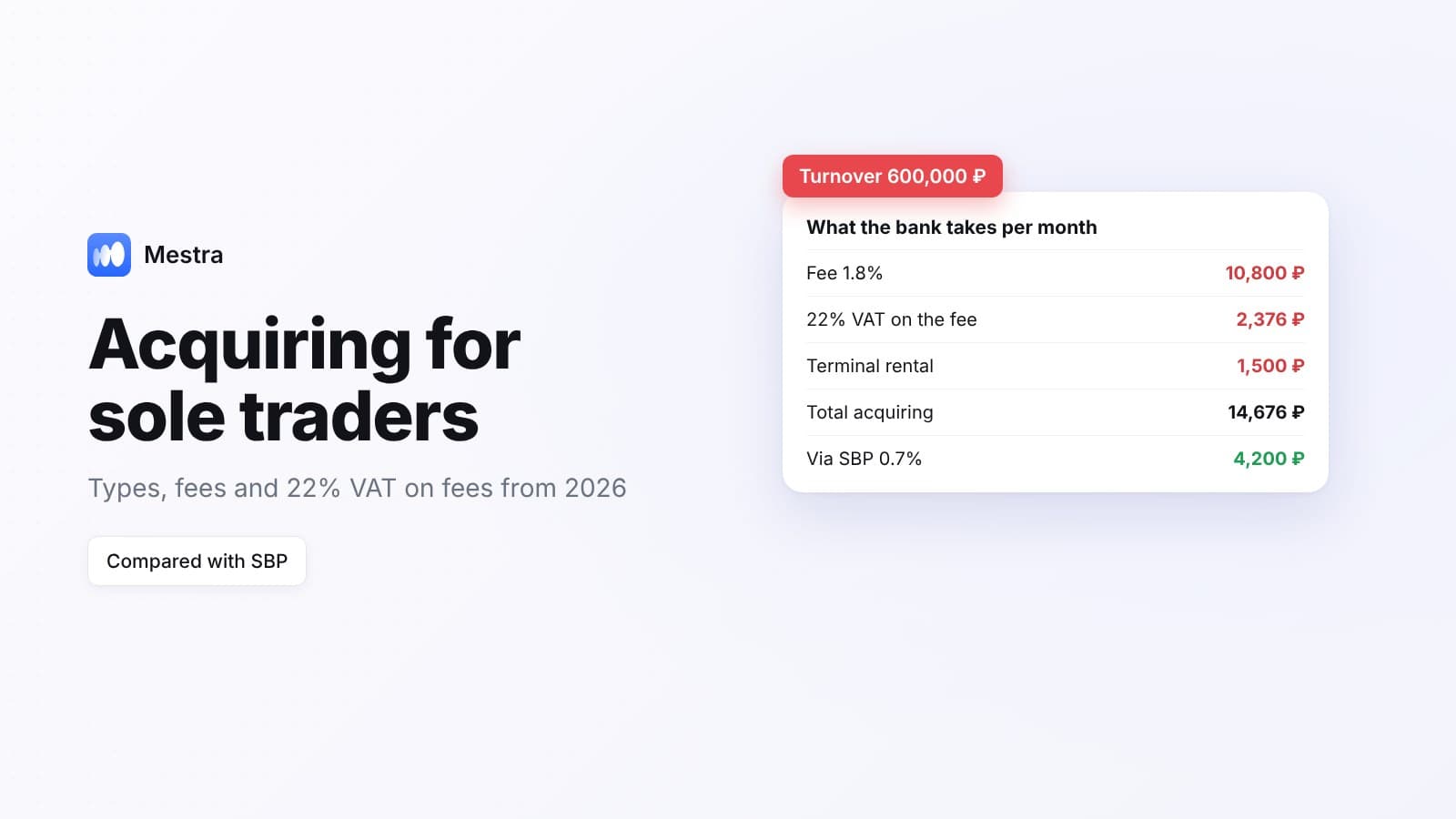
For cards, sole traders usually pay 1–3.5% plus the cost of a terminal. More in card acquiring for sole traders.
One-minute calculation: what switching to SBP gives you
| Turnover 1M ₽ a month | Rate | Fee |
|---|---|---|
| Cards | 2% | 20,000 ₽ |
| SBP | 0.7% | 7,000 ₽ |
| Difference | 13,000 ₽ a month, 156,000 ₽ a year |
Even if only half of buyers switch to the QR code, that's about 78,000 ₽ a year.
How to connect
- A current account. Sole traders and LLCs can't do without one; banks offer separate products for the self-employed.
- An application in online banking to accept SBP payments.
- Choose a format: a sticker, the till or links for online.
- The till. Check whether your online till can issue a receipt for SBP payments.
- A test payment for a small amount and a short briefing for sellers.
Receipts and refunds
An SBP payment is a settlement with the buyer just like cash or a card, so a receipt under Law No. 54-FZ is mandatory. Self-employed people generate it in the "Moy Nalog" app. A refund goes back to the account the money came from, via online banking or the till, with a separate refund receipt.
Advantages and limitations
Advantages: a low fee, money straight away, no terminal, works anywhere with a signal.
Limitations: the buyer needs a smartphone with a banking app; a static code allows mistakes in the amount; if the code isn't tied to an order, payments have to be reconciled by hand.
How not to get confused by incoming payments
- For orders, use a one-off code or a link with the amount.
- Put the order number in the payment reference.
- Mark the payment in the order itself, not in a separate spreadsheet — how to set this up is covered in order tracking.
How it works in Mestra
The Mestra invoice wizard covers items, details, parties and the payment schedule — in full, in instalments or by stage — and SBP and a QR code can be chosen among the payment methods. The "Review" step shows profit and margin, and the client receives an "Invoice" PDF.

- Finance: receipts by account, "awaiting payment" status, profit and loss report.
- Client card with payment history.
- YooKassa — integration on the Pro plan.
FAQ
Can I accept QR code payments without a current account?
Sole traders and companies accept SBP only into a current account. Self-employed people have separate bank products and issue receipts in "Moy Nalog".
Do I need a till?
Yes, if your tax regime and type of activity require one. SBP doesn't exempt you from issuing a receipt.
Who pays the fee?
The seller. Payment is free for the buyer.
Why is SBP better than a transfer to a personal card?
A transfer to a personal card for goods risks account blocks and tax claims. SBP payment to a current account is legal, cheaper than cards and immediately visible in the statement.
Bottom line
An SBP QR code is the cheapest legal way to take non-cash payments: 0.4–0.7% versus 1–3.5% for cards, money straight away, no terminal. To avoid confusion over incoming payments, issue a code for each specific order and mark payment where you manage the order. Other options are covered in payment link.
Mestra — 15 days free, no bank card required: issue an invoice with SBP as the payment method and see how orders and money are linked.
Sources: Bank of Russia (SBP tariffs for business), Federal Law No. 54-FZ "On the Use of Cash Registers".