Order Tracking: How to Bring Order From Lead to Payment
Sales6 min read
How to track client orders: which fields to record, order statuses, spreadsheet or software, monitoring deadlines and payments. A step-by-step scheme and typical mistakes.

Order tracking is a system where every order is recorded as soon as the client gets in touch and moves through clear statuses to payment and fulfilment. Good tracking answers three questions at any moment: what was ordered, what stage the order is at and who is responsible for it.
Why orders get lost
Most often an order is lost not through laziness but because of a gap between channels. The client wrote in a messenger, the manager replied from their phone, they agreed by voice, and nobody put it in the spreadsheet. Typical causes:
- leads arrive in different messengers, social networks and email;
- there's no single place where all orders are visible;
- only the person handling an order knows its status;
- payment is seen in the bank but not linked to the order;
- deadlines are kept in someone's head, not in a calendar.
Which fields to record
| Field | Example | Why it's needed |
|---|---|---|
| Number and date | No. 1048, 14.11 | Find the order quickly |
| Client and contact | Anna, Telegram | Get in touch and see the history |
| Channel | Website, messenger, marketplace | See where orders come from |
| Contents and amount | 2 items, 7,400 ₽ | Calculate revenue and average ticket |
| Status | In progress | See the stage |
| Deadline | Ship by 18.11 | Keep the promise |
| Owner | Manager Olga | Know who's responsible |
| Payment | 50% paid | Control the money |
Order statuses: a working scheme
- New — the lead is recorded, the client hasn't had a reply yet.
- Clarifying — agreeing contents, timing, delivery.
- Invoice issued — waiting for payment.
- Paid — money received in full or in part.
- In progress — picking, production or booking the service.
- Shipped / delivered — the client has received the goods or service.
- Completed — closed, review requested.
- Cancelled — with a mandatory reason: too expensive, timing, went to a competitor, no answer.
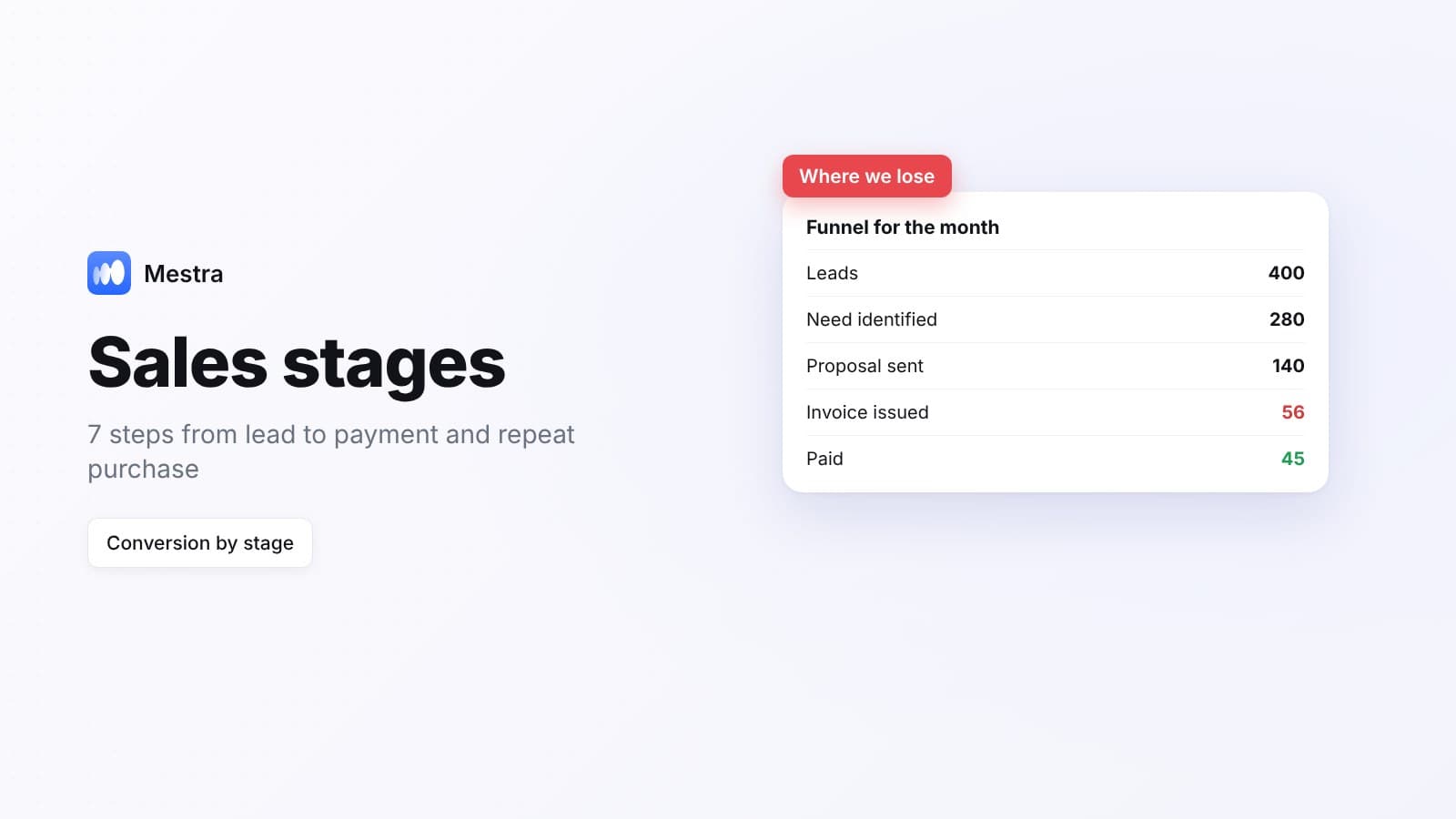
The cancellation reason is the most valuable field. A month later it shows where you're losing money. More on building stages in sales stages.
Spreadsheet or software
| Spreadsheet | Software | |
|---|---|---|
| Getting started | Immediate and free | Needs setting up |
| Several channels | Copied by hand | Leads arrive automatically |
| Several employees | Editing conflicts | Roles and change history |
| Deadline reminders | No | Tasks and notifications |
| Link to payment | Manual | Invoice and payment status in the order |
| Analytics | Formulas and pivot tables | Ready-made reports |
The rule is simple: if there are more than 10–15 orders a day, or two or more people handle them, a spreadsheet starts costing more than software because of errors.
How to set up tracking in a week
- Day 1. Describe statuses and mandatory fields. No more than 8 statuses.
- Day 2. Bring every channel leads come from into one list.
- Day 3. Move open orders across. Closed ones — only for the last month.
- Day 4. Agree with the team: an order not recorded in the system doesn't exist.
- Day 5. Set up reminders for deadlines and payments.
- End of the week. See how many orders have had no movement for more than two days.
One-minute calculation: what lost orders cost
If 300 leads arrive a month, the average ticket is 5,000 ₽, and 5% of leads are lost to chaos, that's 15 orders and 75,000 ₽ of revenue a month. Over a year — 900,000 ₽. Order tracking pays for itself in the first month if it recovers even a third of the losses.
Metrics worth watching
- New orders by day and channel.
- Average ticket — total orders divided by their number.
- Conversion from lead to payment.
- Cancellation rate and the reasons.
- Time to first reply — the shorter it is, the higher the conversion. More in SLA: what it is.
How it works in Mestra
In Mestra, orders are run as tasks with stages: as a list, on a kanban board or on a timeline. Messages from Telegram, WhatsApp*, Instagram*, MAX and VK arrive in one section, and an order with the client can be created straight from the chat.

- Client card. Order and payment history, linked tasks and files.
- Invoice from the order. Items, details, payment schedule — in full, in instalments or by stage — and an "Invoice" PDF.
- Loss reason. When an order is closed without payment, the system asks for the reason.
- Analytics. New leads, conversion, average ticket, loss reasons and response time by employee.
FAQ
How do I track orders in Excel?
Create a sheet with the columns from the table above, a drop-down list of statuses and a filter by owner. Keep a separate payments sheet and link it by order number.
How many order statuses do I need?
Six to eight. With more, employees stop switching them and the picture becomes inaccurate.
What do I do with orders that sit without movement for a long time?
Set a rule: if an order hasn't changed status for more than two days, the owner gets a reminder and the manager sees such orders as a separate list.
Should orders that didn't happen be recorded?
Yes. Cancelled orders with a reason show why clients leave: price, timing, slow replies or the range.
Bottom line
Order tracking rests on three rules: every lead goes into one list, every order has a status and an owner, and every cancellation has a reason. A spreadsheet is fine to start with, but as channels and the team grow, a system where orders, clients and payments are linked is more reliable.
Mestra — 15 days free, no bank card required: connect your messengers and see how many leads used to get lost.
Sources: order tracking practice in retail and services; figures in this article are illustrative.
*WhatsApp and Instagram are owned by Meta, which is recognised as extremist and banned in Russia.