December sales: how to prepare your team for the year-end peak and not lose leads
Sales8 min read
How to prepare sales for December: what to do in November, clients' year-end budgets, the team's holiday schedule, response speed and a plan for January.

Preparing sales for December is November work that lets you handle the peak flow of leads, tap clients' year-end budgets and avoid losing customers over the holidays. For many companies December is the best month of the year for revenue, but only if the sales team is ready for it.
December in a minute
| What is happening | What to do |
|---|---|
| Companies spend what is left of the annual budget | Remind B2B clients of offers before mid-December |
| Private customers buy gifts and services before the holidays | Prepare holiday offers and bundles |
| The flow of leads grows | Distribution by workload, fast replies |
| Employees go on vacation | A schedule agreed in advance |
| Clients' accounting departments close the year | Invoices and documents the same day |
| The January holidays are ahead | A duty roster and a plan for January sales |
What to do in November: a checklist
Client base
- Export the clients who bought last December.
- Mark key clients and those whose contract ends soon.
- Find clients who haven't bought for 3–6 months — a reason to reach out again.
- Prepare segments for different offers.
Offers
- Prepare holiday bundles, packages and offers.
- For B2B — "make it into this year's budget" offers.
- Update the catalog and prices if they change in January.
- Prepare templates for proposals and invoices.
Team
- Agree the vacation schedule for December and January.
- Assign people on duty for the holidays.
- Run a short training on the new offers.
- Check that new hires know the product and the standards.
Processes
- Check that all channels are connected and every chat is assigned to an owner.
- Set up lead distribution that takes schedules into account.
- Prepare answers to common questions about lead times, delivery and holiday working hours.
Working with B2B clients at year-end
Companies have a December quirk: the unspent annual budget often "burns". So November and the first half of December are the time to remind them you exist.
| Timing | Action |
|---|---|
| Mid-November | A message to key clients with year-end offers |
| End of November | Proposals to those who showed interest |
| December 1–15 | Approval, contracts, invoices |
| December 15–25 | Payments and closing documents |
| The last days of the year | Clients' accounting departments no longer accept new invoices |
Speed decides here: if the invoice and documents take three days to prepare, the client won't manage to process the payment this year. How to speed up invoicing is in the article on how to issue an invoice.
Working with private customers
- Gift offers. Certificates, bundles, service packages.
- Deadlines. Clear dates: until what day you guarantee delivery or completion.
- Reminders to regular customers. A personal message beats a mass mailing.
- A fast reply. In December a customer writes to several companies at once and buys from whoever answered first.
How not to lose leads at the peak
| Risk | Solution |
|---|---|
| The flow of leads has doubled | Distribution by workload, not "whoever sees it first" |
| An employee is on vacation and their clients are writing | Chats handed to a colleague with the history in advance |
| Evening and weekend leads | A duty roster, reply drafts |
| Repetitive questions about lead times and delivery | Ready-made answers |
| Reps can't keep up with the paperwork | Automation of records, tasks and invoices |
More on distribution in the article on lead distribution.
The January holidays
Many companies "switch off" for 10 days while clients keep writing. Decide in advance:
- who is on duty and on which days;
- how fast we reply during the holidays — tell clients honestly;
- which orders we accept and which we postpone;
- which tasks we will do in the first working week.
January is a good time to win clients back: right after the holidays many people plan their tasks for the year.
December metrics
| Metric | Why |
|---|---|
| Number of leads per day | See the peak and the load |
| First response time | Whether quality has dropped under load |
| Unanswered leads | The main loss at the peak |
| Conversion by segment | Which offers work |
| Revenue compared with last December | The result of your preparation |
Example: preparation in different industries
| Industry | What we sell in December | What to watch |
|---|---|---|
| Beauty salons and studios | Gift certificates, pre-holiday treatments | Technicians' schedules fill up 2–3 weeks ahead |
| Education and courses | Courses starting in January, corporate training | Companies pay from this year's budget |
| Wholesale | Clients' pre-holiday purchases | Warehouse stock, delivery times |
| Agencies and business services | Projects for next year | Contracts and prepayments before year-end |
| Real estate | Deals clients want to close before New Year | Documents and registration deadlines |
| Renovation and service | Urgent work before the holidays | Technician workload, honest deadlines |
November plan by week
| Week | Tasks |
|---|---|
| 1 | Export and segment the base, review last December's results |
| 2 | Offers, prices, templates for proposals and replies |
| 3 | Messages to key and B2B clients, vacation schedule |
| 4 | Team training, check channels and distribution, plan for the holidays |
If last year's December was chaotic, work out what exactly went wrong: lost leads, slow invoices or a shortage of people. More on planning time off in the article on the vacation schedule.
Common mistakes
- Starting in December. Corporate clients have already allocated their budgets.
- Vacations without a schedule. Half the team is off in the hottest week.
- No one on duty for the holidays. Clients go to whoever answers.
- Slow invoices. The client can't pay within this year.
- The same mailing for everyone. A personal offer works better.

How it works in Mestra
Mestra helps you get through the year-end peak without losses:
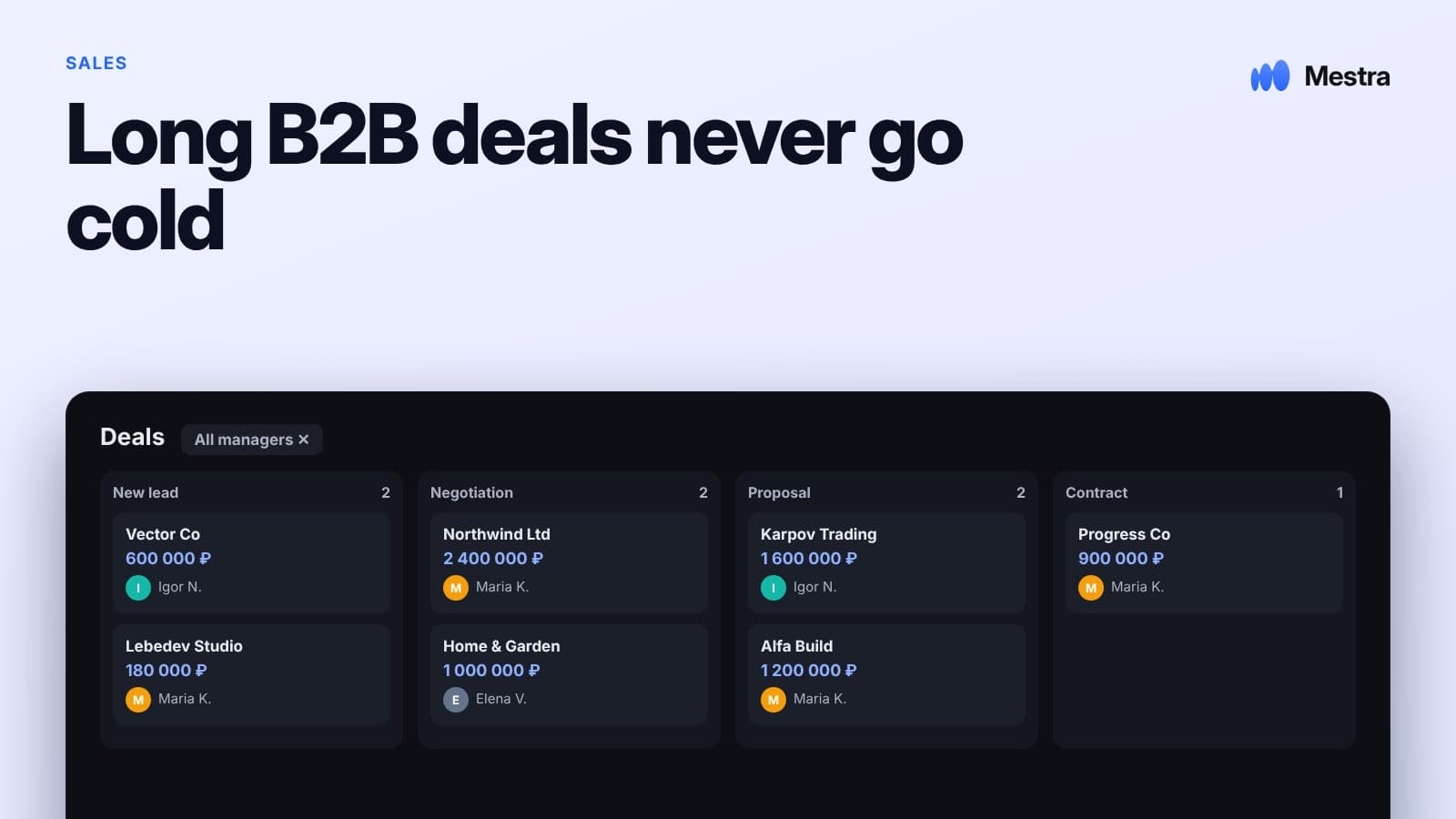
- All channels in one window. Messengers, social networks and listing platforms; every chat is assigned to an owner.
- Distribution by workload and schedule. AI gives new leads to people with less work who are available now; vacations and working hours are taken into account.
- Reply drafts. AI prepares a reply based on the client's history — the operator checks it and sends it.
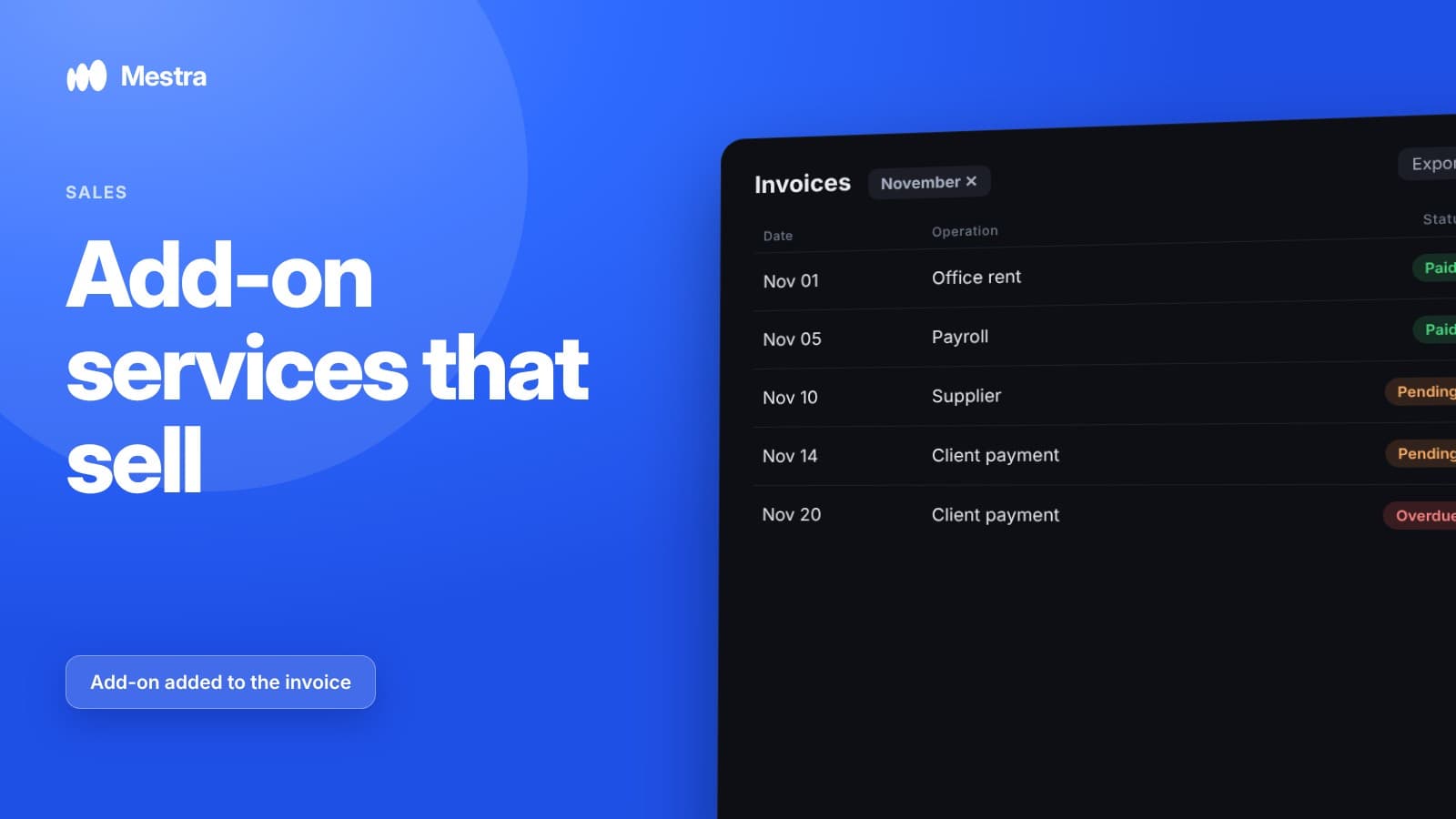
- An invoice in a couple of minutes. An invoice is built from the name of the product or service and sent right to the chat.
- Segments and tags. You can pick out clients who bought last December or haven't come back for a long time.
- Chat handover. Before a vacation, clients and chats are handed to a colleague with the full history.
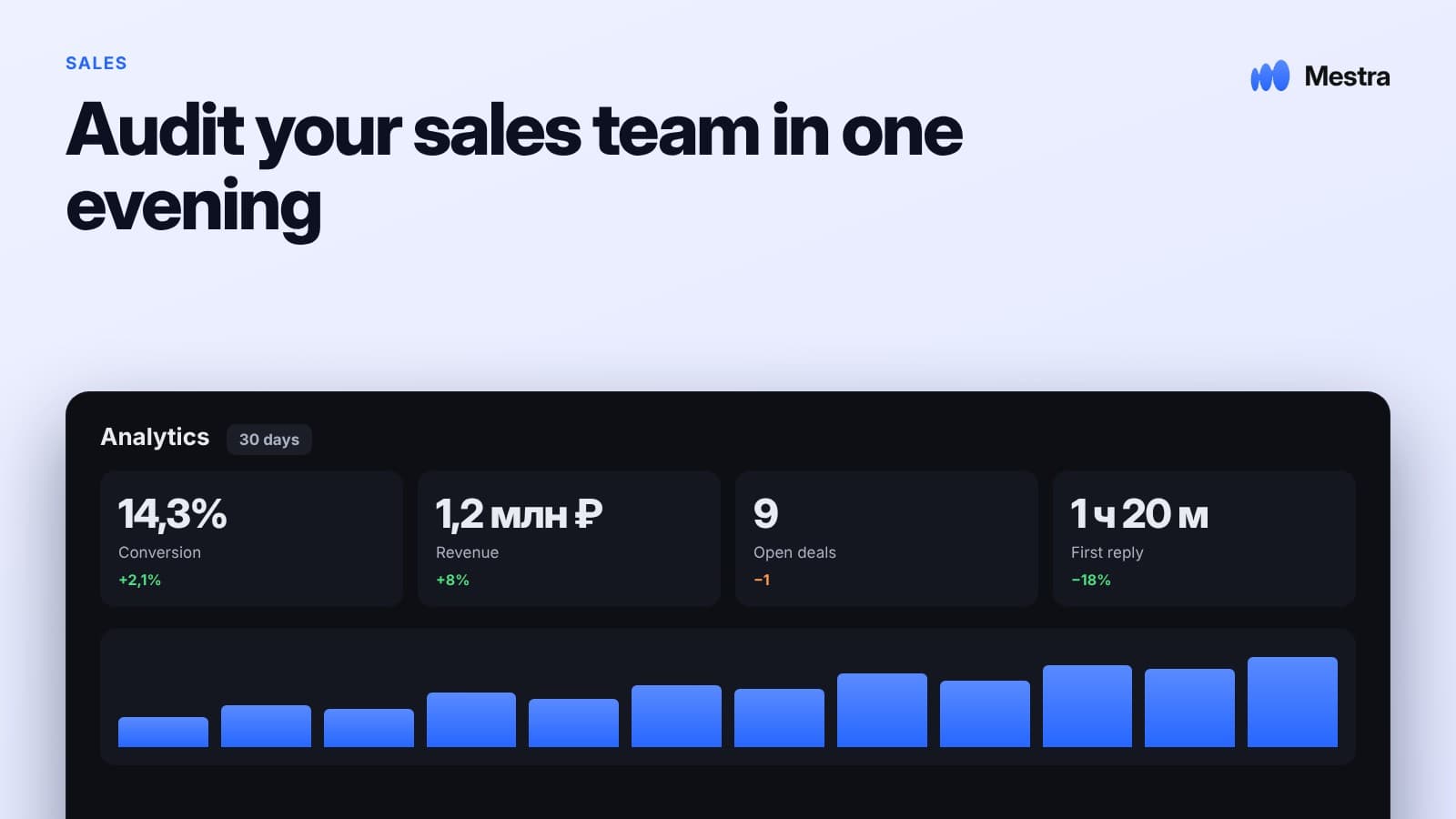
- Analytics. Leads, response time, conversion and revenue by period.
Frequently asked questions
When should you start preparing for December sales?
In November: get the client base, offers, team schedule and processes ready before the peak begins.
How do you sell to companies at year-end?
Remind them you exist in mid-November, offer solutions that fit "this year's budget", and prepare invoices and closing documents quickly so the client can pay before the year closes.
How do you avoid losing leads in December?
Connect all channels to one system, distribute leads by workload and schedule, hand over vacationers' chats to colleagues in advance and use ready-made answers to common questions.
Do you need to work during the January holidays?
At least on a duty basis: clients keep writing. It is important to decide who is on duty in advance and tell clients honestly how fast you reply.
Which metrics should you watch in December?
The number of leads, first response time, the share of unanswered leads, conversion by segment and revenue compared with last year.
Summary
December rewards those who prepared in November: the base is split into segments, offers are ready, the team schedule is agreed and leads are distributed without losses. For B2B clients, what matters most is the speed of invoices and documents before year-end.
In Mestra, all channels are gathered in one window, AI distributes leads by workload and schedule and prepares reply drafts, and an invoice goes to the chat in a couple of minutes. Try Mestra free for 15 days at mestra.chat.