Lead Handling: How to Reply Within 1 Minute in Messengers and on Avito and Never Lose a Request
Sales5 min read
How to speed up lead handling from messengers, Avito and your site: why response speed decides the sale, 6 causes of delay and how to reply in a minute.

A client who wrote to three places buys from whoever replied first.
Lead handling isn't just "call back" — it's how quickly the company notices a request and gives a useful answer.
Let's look at why a reply an hour later is already too late, where minutes get lost, and how to build a process in which no request waits.
One-minute check
- Take the last 20 requests from all channels.
- Calculate how many minutes it took to reply to each.
- Count how many requests came in the evening, at night and at weekends.
- If the average reply takes longer than 15 minutes or night requests wait until morning, you're losing sales.
Why speed decides the sale
The Harvard Business Review study "The Short Life of Online Sales Leads" found that companies that contacted a potential client within an hour were nearly 7 times more likely to turn the request into a qualified conversation than those that replied later.
With messengers, the window is even shorter. A client writes to several sellers at once and within 10–15 minutes is already chatting with whoever replied first.
6 reasons requests wait
| Reason | How it shows up |
|---|---|
| 1. Scattered channels | Avito in one app, Telegram in another, the website in email |
| 2. Manual routing | The manager hands out requests whenever they're free |
| 3. Nights and weekends | Half of enquiries arrive when the office is closed |
| 4. A manager on holiday or in a meeting | The request waits for them to return |
| 5. No reminders | Someone replied "I'll check" and forgot |
| 6. Integrations through third parties | Messages arrive late or get lost |
How to reply within a minute: 5 steps
- Gather all channels into one feed. Managers shouldn't have to check five apps.
- Set up automatic routing that accounts for schedules, workload and specialisation.
- Turn on AI for out-of-hours. The first reply, catalogue answers and meeting booking happen instantly; the manager picks up the rest in the morning.
- Create a task after every "I'll check". With a reminder and a deadline.
- Review two metrics every week: first response time and conversations without a reply for over a day.
Example: a real estate agency
Before: requests from Avito and CIAN went to agents' phones, evening ones waited until morning, and the average reply took 2 hours 40 minutes.
After: all responses in one feed, routing by agent schedule, the AI replies at night and books viewings. First response time is under a minute, and next-day viewings are booked the evening before.

How it works in Mestra
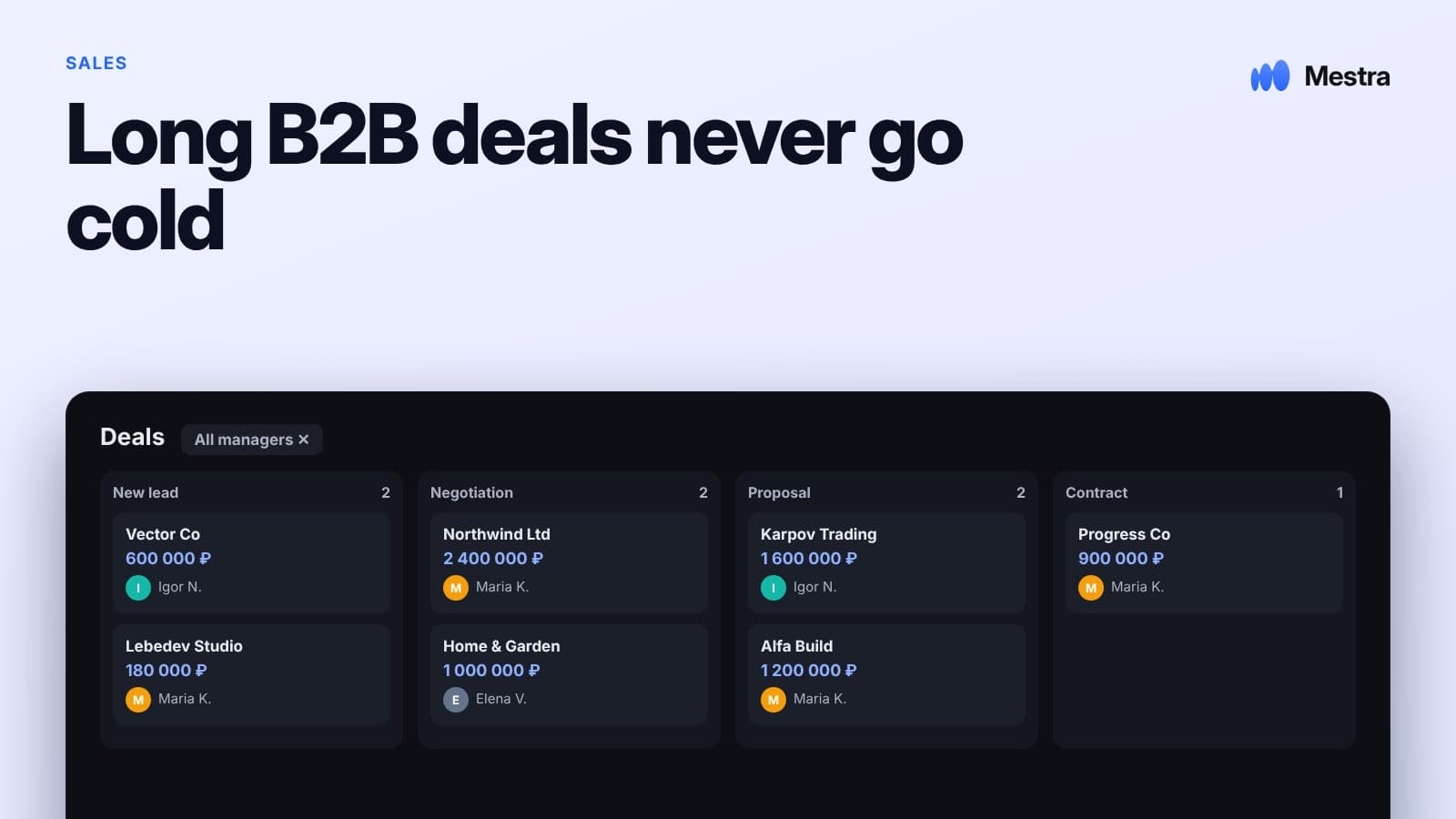
- All channels in one feed: MAX, Telegram, WhatsApp*, VKontakte, Instagram*, Avito, CIAN, Wildberries and Ozon — no integrators or separate subscriptions.
- Request routing manually or by AI — taking into account specialisation, workload, working hours and staff holidays.
- AI assistant 24/7: answers from the company's catalogue, PDFs and website, books meetings, creates a client card and a task. Auto, Suggestions and Off modes.
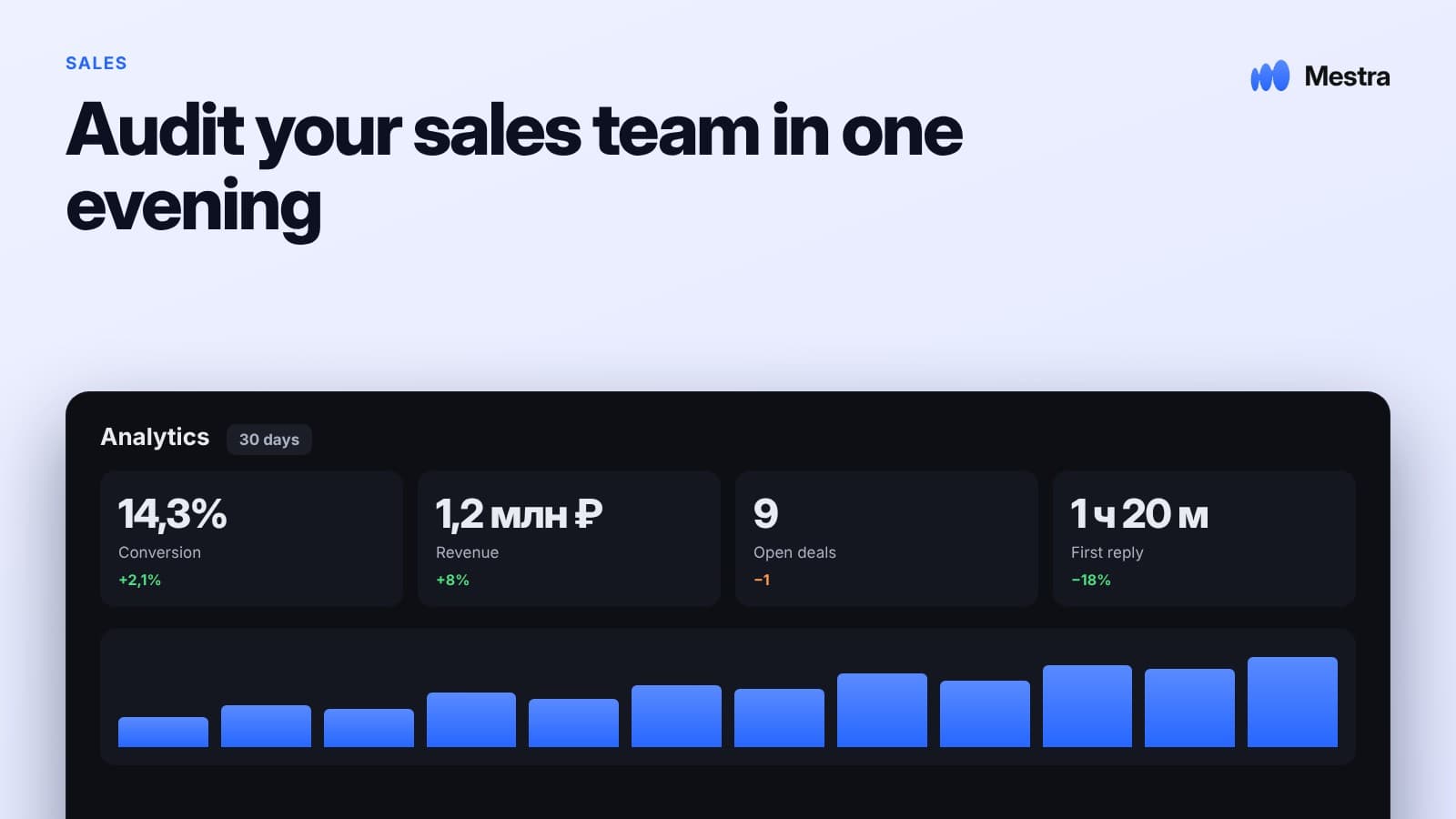
- Response speed analytics for every employee and channel.
- Tasks and reminders — no "I'll call back" gets lost.
More on comparing systems in our articles comparing Mestra with another CRM and what's really included in a CRM plan.
Related reading: from a chat to a deal.
FAQ
What response speed is considered good?
For messengers and marketplaces — up to 5 minutes. For website requests — up to 15 minutes. A reply an hour later already noticeably lowers the chance of a sale.
Can you reply at night without a manager on duty?
Yes. Mestra's AI assistant answers typical questions, books meetings and hands the conversation over to a manager in the morning.
How do you know requests are getting lost?
Look at the share of conversations without a reply for more than a day, and compare the number of requests with the number of deals for each channel.
Do you need a separate service to connect messengers?
In many CRMs, messengers are connected through third-party integration services. In Mestra, the channels are built into the system.
Bottom line
Lead handling is won in the first few minutes. Speed depends not on managers' effort but on how the process is built.
Gather channels into one window, route requests automatically and don't leave nights unanswered. In Mestra, this works out of the box — try it free for 15 days.
*WhatsApp and Instagram are owned by Meta, which is recognised as extremist and banned in Russia.