How to Create a Chatbot in MAX for Business: Step-by-Step Guide, Moderation and CRM Connection
Guides8 min read
How to make a bot in MAX: requirements, registering on MAX for Partners, the request and token, scenarios, connecting to a CRM with AI, costs and common mistakes.

To create a chatbot in MAX for business, you register on the MAX for Partners platform, verify your organisation, submit a bot request and get a token. Then the bot is set up in one of three ways: in a no-code builder, via the API by a developer, or by connecting MAX to a CRM with an AI assistant that answers clients from your data and books meetings itself.
Why a business needs a bot in MAX
MAX is a Russian messenger where companies have official tools: a verified profile, channels, bots and mini-apps. A bot covers several tasks:
- Instant replies to standard questions — prices, address, hours.
- Taking requests and bookings at any time of day.
- Order status and notifications.
- Collecting contacts for managers to follow up.
- Repeat touchpoints — reminders and offers to your base.
On connecting a company to MAX in general — see our article MAX for business.
What you need to create a bot
| Requirement | What to prepare |
|---|---|
| Business status | A legal entity, sole trader or, according to several services, a self-employed person registered in Russia |
| MAX account | The account of the director or a responsible employee |
| Company details | Tax ID and details for verification |
| Bot description | Name, purpose, main functions |
| Reply logic | A scenario, knowledge base or the CRM the bot will connect to |
Always check current conditions on the platform itself — they get updated.
How to create a bot in MAX: step by step
Step 1. Register on MAX for Partners
Log in with the director's account and create an organisation profile.
Step 2. Get verified
Enter your tax ID and company details. After the check, you get access to business tools: channels, bots and mini-apps.
Step 3. Submit a bot request
Fill in a short form: name, description and purpose. Think of a clear name — clients will search for you by it.
Step 4. Wait for moderation
The platform reviews the request. Timing depends on the moderation workload, so submit early if the launch is tied to a promotion or season.
Step 5. Get the token
Once approved, the platform issues a token — the key for connecting to a builder, your code or a CRM. Keep it like a password and never publish it.
Step 6. Set up the reply logic
Choose how the bot will work — the options are below.
Step 7. Test and launch
Check the main scenarios: a price question, a booking, out-of-hours, a complex question. Then put the bot's link on your website, in listings and in your signature.
3 ways to set up a MAX bot
| Method | How it works | Pros | Cons |
|---|---|---|---|
| Builder | The scenario is assembled from blocks and buttons | No developer, quick | Only answers within set scenarios |
| Development via the API | A developer writes the logic | Any functionality | Expensive and slow, needs maintenance |
| CRM with an AI assistant | MAX connects to the CRM, a neural network answers | Understands free text, knows the catalogue, books clients | Requires a CRM |
A button bot is good for simple scenarios: a menu, order status, opening hours. But clients increasingly write in free text: "Can I come tomorrow after six, and how much will it cost?" — and buttons don't help there. More on the difference in our article chatbots for business.
Bot scenarios for different niches
| Niche | What the bot does |
|---|---|
| Beauty salon | Answers about prices, offers free times, books with a stylist |
| Clinic | Books appointments, reminds about visits, passes medical questions to a doctor |
| Car service | Clarifies the problem, gives an approximate cost, books a bay |
| Online store | Checks stock, explains delivery, takes orders |
| Real estate | Answers about a property, books viewings |
| Education | Describes courses, books a trial lesson |
What a MAX bot costs
| Option | Cost |
|---|---|
| Creating a bot on the platform | Free |
| Builder | Builder service subscription |
| Custom development | From tens of thousands of rubles plus maintenance |
| CRM with an AI assistant | The CRM plan — in Mestra, from 1,090 ₽ per user per month with AI |
How to bring clients to the bot
A bot is useless if nobody knows about it. Where to put the link:
- Website: a "Message us on MAX" button next to the phone number and in the request form.
- Listings on Avito, Yandex Maps and 2GIS — in the description and contacts.
- Email and invoice signatures.
- Offline: a QR code in the window, at the front desk, on business cards and receipts.
- Your MAX channel: a pinned post with the bot link.
- A mailing to your base: a short message telling clients about the new way to get in touch.
A small bonus for the first contact through the bot — a discount or gift — noticeably speeds up the switch.
Which metrics to track
| Metric | What it shows |
|---|---|
| Number of conversations | How many clients write to the bot |
| Share resolved without a person | How many questions the bot handles on its own |
| First response time | How quickly the client gets a reply |
| Conversion to booking or order | How many conversations turn into sales |
| Handovers to a manager | Which questions the bot can't close yet |
The questions most often handed to managers are a hint of what to add to the knowledge base.
Common mistakes when creating a bot
- A bot with no link to a CRM. Requests stay in the chat, and managers don't know about them.
- A menu that's too long. The client gets lost in buttons and leaves.
- No handover to a person. A complex question ends up in an endless loop of replies.
- Out-of-date prices in the scenario or knowledge base.
- The bot instead of every other channel. Some clients write in Telegram, WhatsApp* or on Avito — they need a quick reply too.
How it works in Mestra
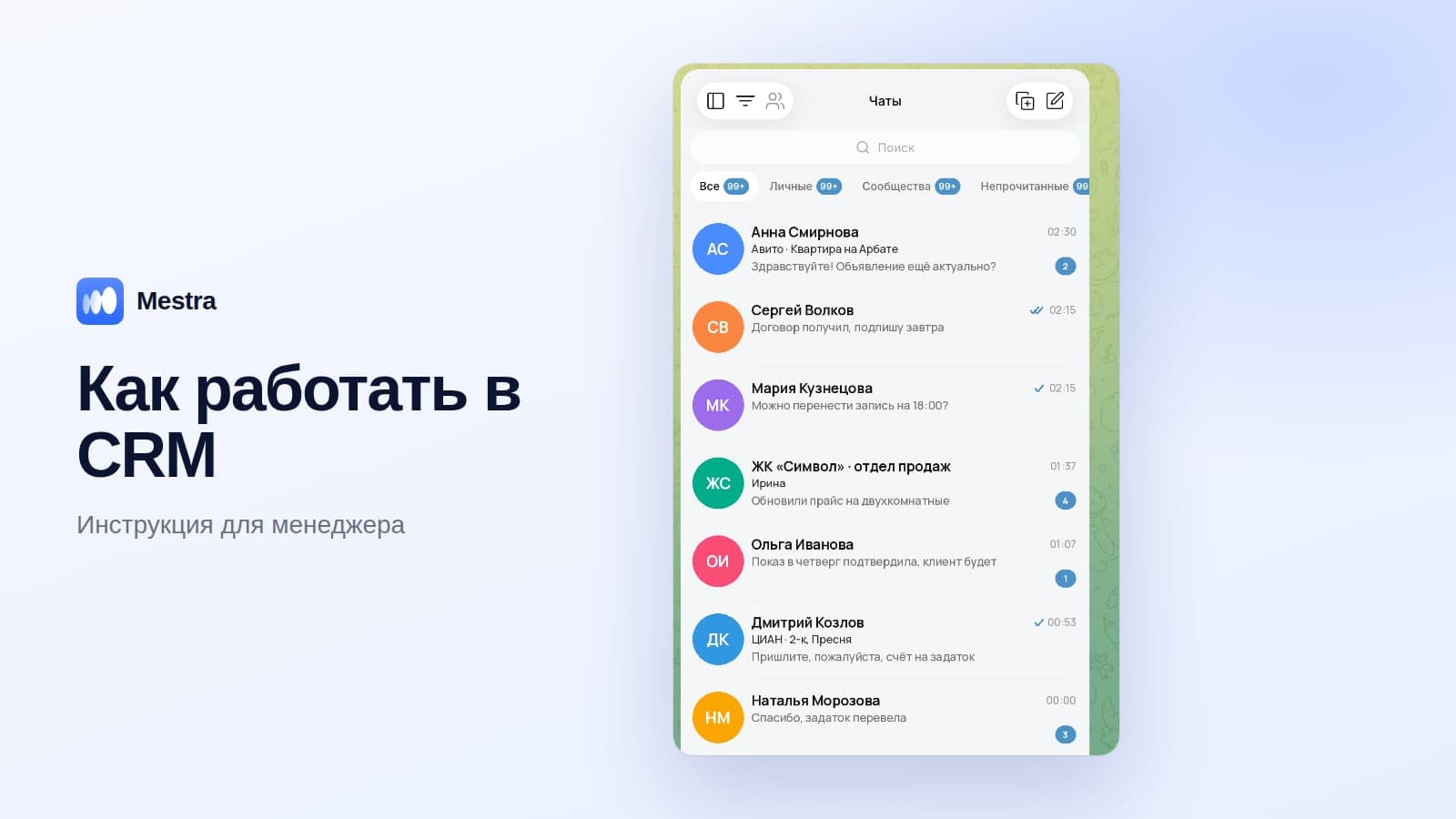
In Mestra, MAX works in a shared feed along with Telegram, WhatsApp*, VKontakte, Avito and CIAN, and instead of a button script, an AI assistant answers clients:
- Understands free text and answers from the Products section, PDFs and your website.
- Books meetings in the calendar and creates a task for a manager.
- Creates a client card with the conversation history.
- Hands the conversation to an employee when a person is needed.
- Auto, Suggestions and Off modes — for all chats or a single conversation.
- Mailings to your base — for example, to invite clients to your channel.

All messengers, including MAX, are available on the Economy plan for 390 ₽, and the AI assistant on Standard for 1,090 ₽ per user per month. The first 15 days are free.
FAQ
Is a MAX bot paid?
Registering on the platform is free. You pay for the builder, the development or the CRM the bot runs through.
Can you create a MAX bot without being a sole trader?
The official platform is designed for organisations, sole traders and, according to several services, self-employed people. A private individual without business status can't.
How long does it take to launch?
Registration and the request take about an hour; after that it depends on moderation and the chosen set-up method.
How is a bot different from a MAX channel?
A channel is a feed of posts for subscribers. A bot talks to each client personally: it replies, books and takes orders.
Can a MAX bot be connected to a CRM?
Yes, via the token. In a CRM with an AI assistant, requests go straight into client cards.
Do you need a developer?
For a builder or a CRM — no. For custom development — yes.
Bottom line
Creating a bot in MAX isn't hard: registration on the partner platform, verification, a request, moderation and a token.
The key decision is how it will reply. A builder is enough for menus, but for a bot that understands clients, answers with your prices and books meetings, connect MAX to a CRM with an AI assistant.
*WhatsApp is owned by Meta, which is recognised as extremist and banned in Russia.