CRM for a Sales Team: A Checklist of 15 Features That Affect Revenue in 2026
Sales6 min read
A checklist for the head of sales: 15 CRM features that affect revenue — from a single window for messengers and an AI operator to roles and analytics.

A CRM for a sales team only affects revenue if managers work in it every day. For that, conversations with clients must happen right in the system: all messengers and marketplaces in one window, history landing in the client card automatically, requests routed to managers, AI replying at night, and the head seeing analytics for every employee.
A 15-feature checklist will help you test any CRM.
Channels and response speed
1. All messengers and marketplaces in one window. MAX, Telegram, WhatsApp*, VKontakte, Instagram*, Avito, CIAN, marketplaces — the manager replies from the CRM, not from five apps.
2. Conversations land in the client card automatically. If history has to be copied by hand, it won't be there.
3. A reply in the first few minutes — even at night. An AI operator answers standard questions immediately and hands the client to a manager in the morning, already warmed up.
4. Request routing. Each new request is assigned to a specific manager, not "to everyone at once".
Working with clients
5. A client card with the full history. Contacts, conversations, tasks, payments, files and enquiry source — on one screen.
6. Tasks with a date and an owner. Every "I'll call back after lunch" becomes a task that won't disappear.
7. A meeting calendar. Viewings, demos, test drives — with reminders and linked to the client.
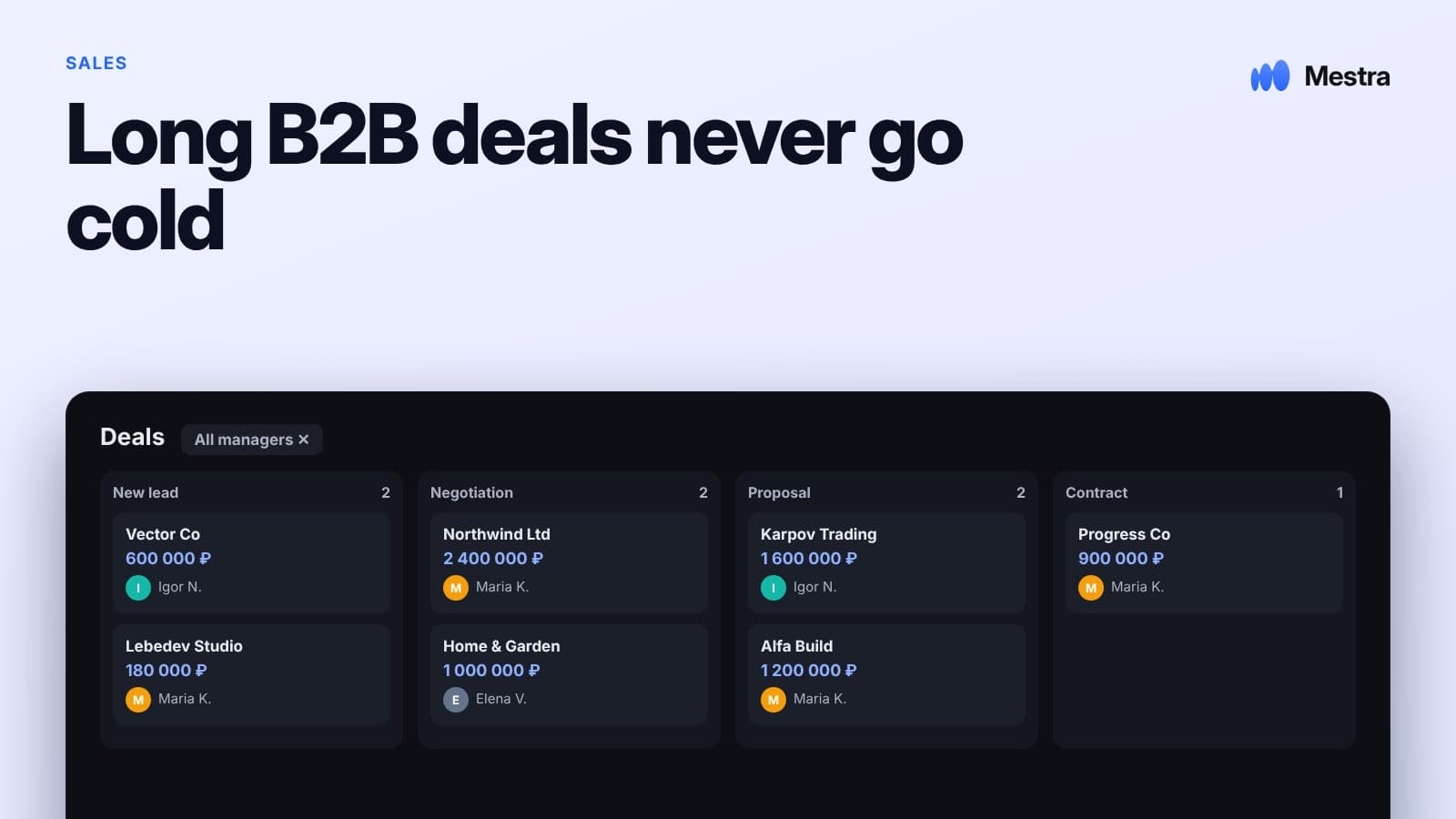
8. Deal stages and reasons for refusal. You can see where clients get stuck and why they leave.
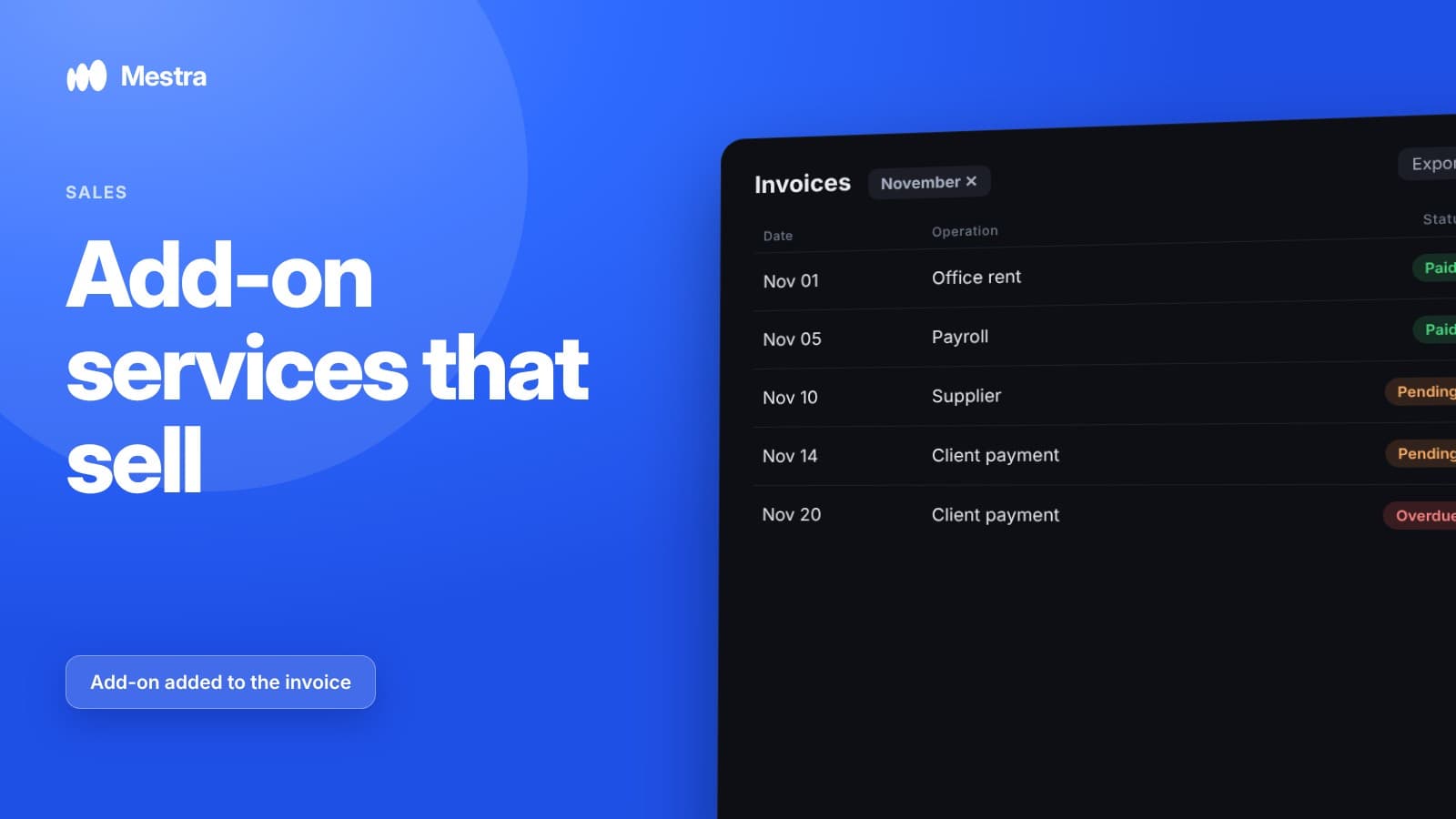
9. Invoices straight from the CRM. An invoice is built from the catalogue and sent to the client without switching to another program.
Control and analytics
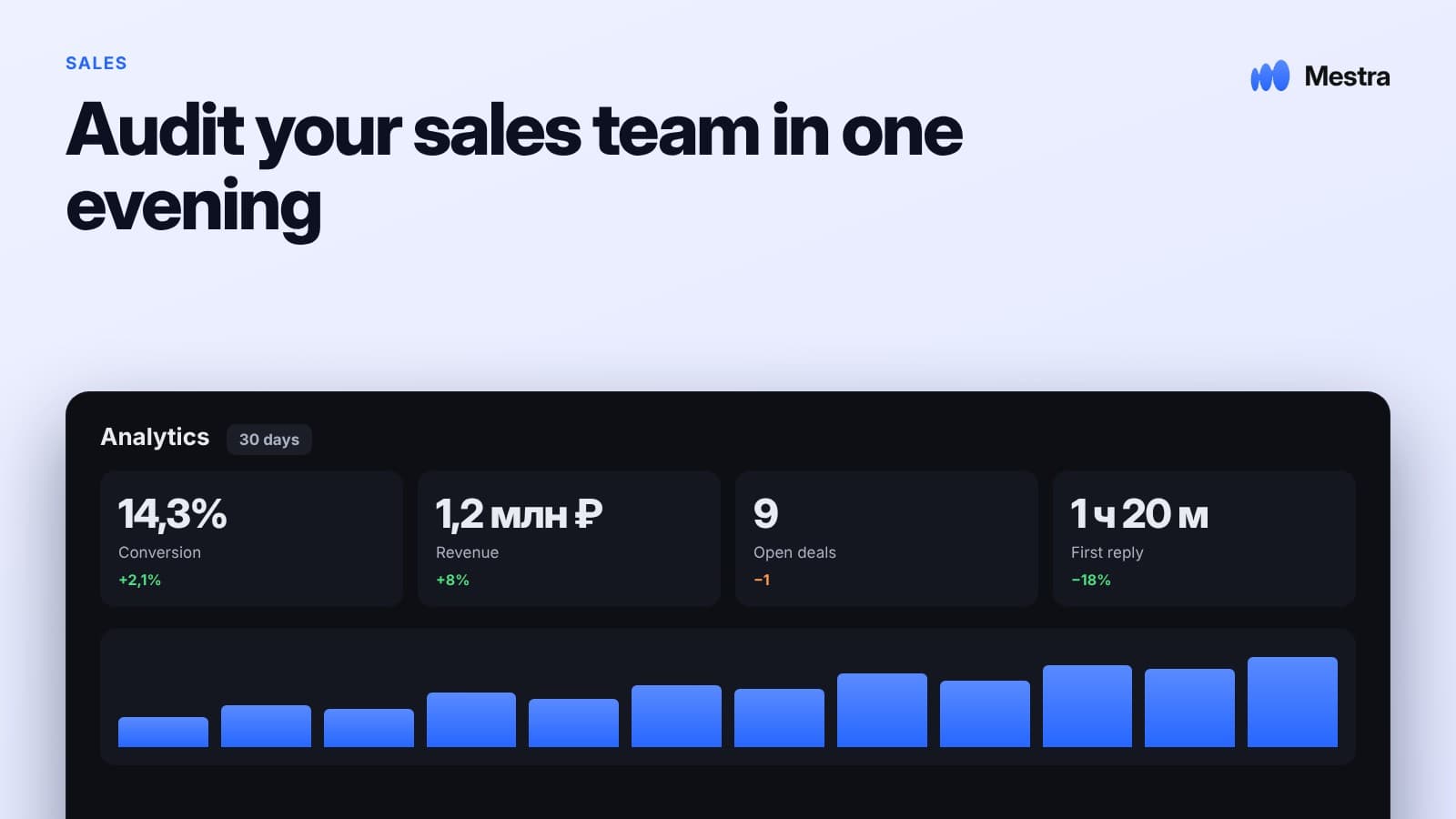
10. Analytics for every manager. How many leads, what conversion, what workload. Which metrics to choose — in our article sales manager KPIs.
11. Request sources. Which platform brings clients and which only spends budget.
12. Overdue tasks in plain sight. The head sees forgotten clients before they leave.
13. Roles, permissions and a company-owned base. Everyone sees what they're supposed to; channels are connected to company accounts, and when a manager leaves, their clients pass to a colleague along with the conversations.
Simplicity and cost
14. Launch without an integrator. Ready set-ups for your industry — fields, stages, tasks — from day one.
15. A clear total cost. Count not just the plan, but messenger connectors, marketplace integrations, AI and implementation.
Why managers don't fill in the CRM
Fines for empty cards don't work for long. A manager chooses whichever tool lets them reply to the client faster. If the CRM is the sixth app they have to copy conversations into in the evening, it loses to the phone. If the CRM is where the conversations happen, the cards fill themselves.
Mistakes when choosing a CRM for a sales team
- Choosing by the number of features. An overloaded system stays empty.
- Messengers through third-party connectors. Every new channel is a new subscription.
- No permissions. Managers see the whole base and can export it.
- No analytics by employee. The head can't tell who's delivering the plan.
A sales team's working day with a CRM
| Time | What happens |
|---|---|
| 09:00 | A team meeting on the numbers: plan vs actual and the end-of-month forecast |
| 10:00 | New enquiries are distributed among managers |
| 13:00 | The head reads the conversation from a lost deal and reviews it with the manager |
| 17:00 | Tasks for tomorrow: callbacks, meetings, invoices |
| 22:00 | The AI assistant answers evening requests and books meetings |
How Mestra covers the checklist
| No. | Feature | Mestra |
|---|---|---|
| 1 | Messengers and marketplaces in one window | Yes |
| 2 | Conversations in the client card | Automatically |
| 3 | AI operator 24/7 | From the Standard plan |
| 4 | Request routing | Manually or by AI, taking specialisation, workload and schedule into account |
| 5 | A card with history | Yes |
| 6–7 | Tasks and calendar | Yes |
| 8 | Stages and reasons for refusal | Yes |
| 9 | Invoices from the CRM | Yes |
| 10–12 | Analytics and control | Yes |
| 13 | Roles, detailed permissions, company-owned base | Yes |
| 14 | Ready set-ups | 23 business industries |
| 15 | Total cost | One plan: from 390 ₽, with AI and marketplaces from 1,090 ₽ |
Users can be added without limits: standard plans suit teams of up to 300 people, and Enterprise with custom implementation covers special processes. More on large teams in our article CRM for a large sales department.

FAQ
How many managers can work in the CRM?
In Mestra, users can be added without limits; standard plans are for teams of up to 300 people.
How do you know which managers are delivering the plan?
Look at conversion and revenue for each employee in analytics.
Which CRM is best for a sales team?
The one your managers will use every day. For selling through messaging — a system where messengers and marketplaces are built in and don't require separate connectors.
Do you need AI in a sales team's CRM?
AI is useful where first response speed matters: at night, at weekends and with a heavy flow of requests. Negotiations stay with the manager.
How do you get managers to work in the CRM?
Make the CRM the place where they reply to clients. Then history and tasks appear without manual entry.
How much does Mestra cost for a team of 5?
On the Standard plan, with messengers, marketplaces and AI — 5,450 ₽ a month incl. VAT. 15 days free.
Is Mestra suitable for a team of 50–100 people?
Yes: roles, permissions, request routing, analytics by employee and unlimited users.
Bottom line
A CRM for a sales team works when real work happens in it: conversations, tasks, invoices and analytics in one place. Test any system against this checklist on your own requests — you can try Mestra free for 15 days, no bank card required.
*WhatsApp and Instagram are owned by Meta, which is recognised as extremist and banned in Russia.