Telegram Auto-Reply: How to Set Up Automatic Replies for Business and When You Need AI
Guides5 min read
How to set up an auto-reply in Telegram: via Telegram Business, a bot or a CRM. Sample greeting and away messages, common mistakes and AI auto-replies.

There are three ways to set up a Telegram auto-reply for business: through Telegram Business features — a greeting message and an away message — through a bot, or through a CRM with an AI assistant. A template auto-reply is a minimum safeguard: the client sees they've been heard.
For a reply to the point — with the price, free slots and booking — businesses use an AI assistant, for example in Mestra, where Telegram works together with MAX, WhatsApp and Avito.
Why a business needs a Telegram auto-reply
- The client doesn't go to a competitor while you're busy or out of hours.
- Fewer repeated questions: you can include prices, address and opening hours in the auto-reply.
- Clear expectations: the client knows when they'll get a reply.
3 ways to set up an auto-reply
| Method | What it can do | Limitations |
|---|---|---|
| Telegram Business | Greeting, away message, quick replies | Requires Premium, template replies |
| A bot for the account | Scripted replies, buttons | Doesn't understand free text unless it's an AI bot |
| CRM with an AI assistant | Replies to the point, bookings, tasks, teamwork | Needs a knowledge base |
Method 1. Telegram Business
- Subscribe to Telegram Premium.
- Open Settings → Telegram Business.
- Choose Greeting and write the text for new contacts.
- Turn on the away message and set it for out-of-hours or on a schedule.
- Add quick replies for frequent questions.
More on the features in our article Telegram for business.
Method 2. A bot
In Telegram Business, you can connect a bot that replies to private messages on your behalf. A button bot suits menus and simple questions. If the bot runs on a neural network, it understands free text, but it needs a knowledge base and a link to your calendar and CRM.
Method 3. A CRM with an AI assistant
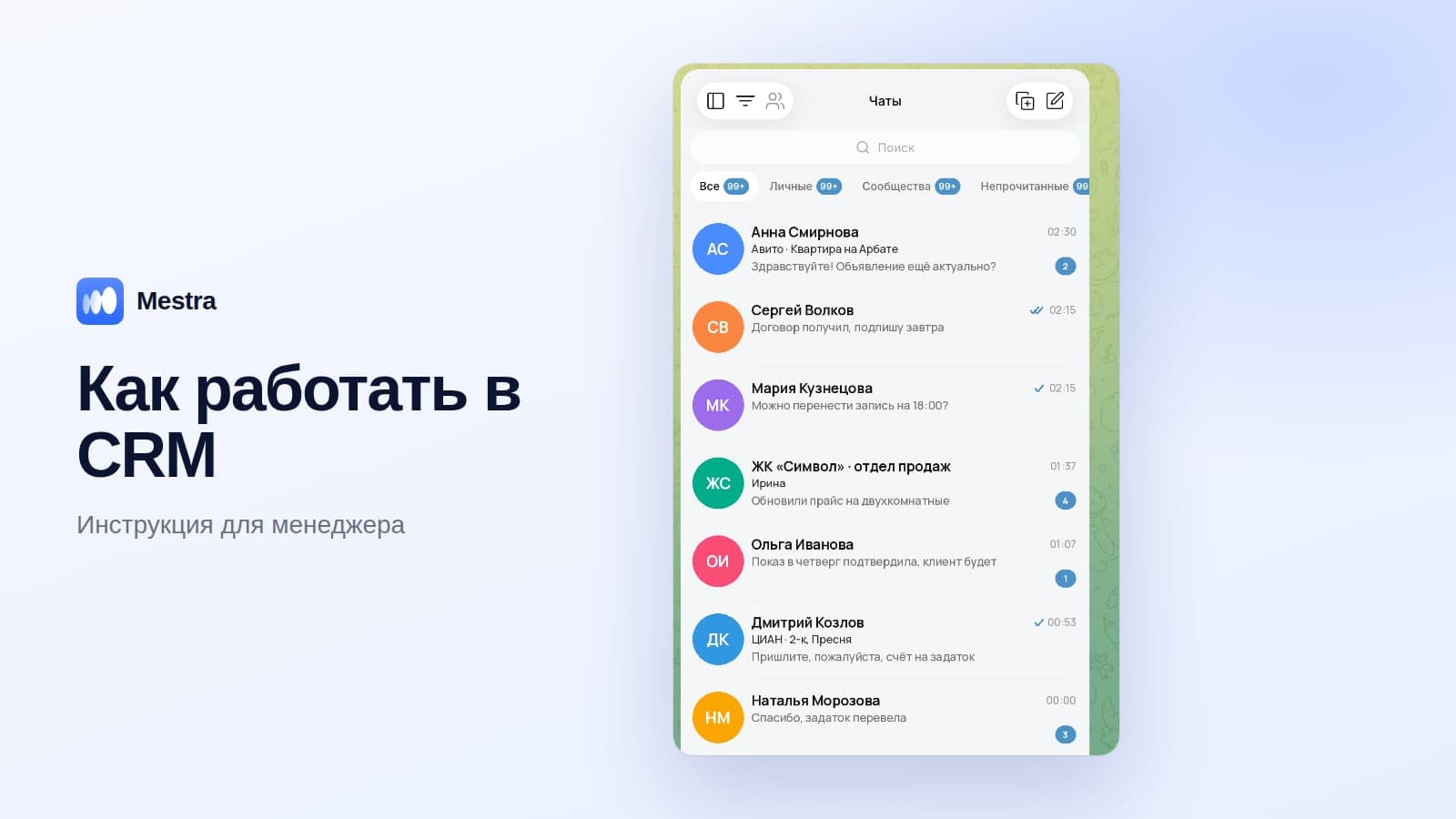
Telegram is connected to the CRM, messages arrive in a shared feed, and the AI assistant answers the client from your catalogue, offers times and books them in. During the day it can work in suggestions mode for managers; at night it replies on its own.
Sample auto-reply texts
Greeting:
Hello! Thanks for getting in touch. Tell us which service you're interested in, and we'll let you know the price and free slots right away.
Out of hours:
Hello! We're off right now, but from 9:00 tomorrow we'll reply first thing. If you like, write what you're interested in straight away.
Weekend or holiday:
Hello! We're off until Monday. Leave your question — we'll reply first thing on Monday morning.
For a shop:
Hello! Send us the product name or a photo — we'll check availability and delivery times.
For services:
Good afternoon! To calculate the cost, please describe the job and the address — we'll reply within 15 minutes.
Auto-reply mistakes
- "Please wait for a reply" with no information. The client keeps writing to competitors.
- Text that's too long.
- No question at the end — the conversation stops.
- Out-of-date prices and hours.
- Nobody replies for hours after the auto-reply.
Template or AI: which to choose
| Template auto-reply | AI assistant | |
|---|---|---|
| Replies instantly | Yes | Yes |
| Answers a specific question | No | Yes |
| Books meetings | No | Yes |
| Creates a client card | No | Yes |
| Works in other messengers | No | Yes, in the CRM |
How it works in Mestra
- Telegram, MAX, WhatsApp, VKontakte, Avito and CIAN* — in one feed.
- The AI assistant answers from the Products section, website and documents, books meetings and creates tasks.
- Auto, Suggestions and Off modes — for all chats or a single conversation.
- Chats are assigned to managers; the team lead sees all conversations.
- Suits companies of any size: unlimited users, standard plans for teams of up to 300 people, Enterprise with custom implementation.

Telegram and all messengers come with the Economy plan from 390 ₽ per user per month; the AI assistant with Standard for 1,090 ₽. The first 15 days are free.
FAQ
Can you set up a Telegram auto-reply for free?
Auto-reply features in a personal account are part of Telegram Business and require Premium. You can use a bot for free if you already have one.
How do you set an auto-reply for your holiday?
In Telegram Business, turn on the away message and set the period.
Can you set different auto-replies for different clients?
In Telegram Business — only to a limited extent. For personalised replies, use an AI assistant.
Does the client see that the auto-reply answered?
The message comes from the account's name. It's more honest to say straight away that you'll reply personally during working hours, or to connect an AI that answers to the point.
Bottom line
A Telegram auto-reply is a simple way not to lose the first minutes of a conversation.
For one person, Telegram Business is enough. When there are many clients and several managers, connect Telegram to a CRM with an AI assistant: it will answer to the point, book the client and hand the conversation over to the right person.
*WhatsApp is owned by Meta, which is recognised as extremist and banned in Russia.