Telegram for Business: How to Use a Channel, a Bot and Telegram Business for Sales
Guides7 min read
How to run a business on Telegram: a channel for content, a bot for requests, Telegram Business for personal sales, advertising, CRM integration and teamwork.

Telegram for business is three tools that work together: a channel for content and trust, a bot for automatic replies and requests, and Telegram Business.
Telegram Business is a set of features for a personal account: opening hours, address, greeting, auto-reply, quick replies and connecting a bot.
A channel attracts an audience, while sales happen in private messages.
When there's more than one manager, it's easier to connect Telegram to a CRM.
Why a business needs Telegram
- Audience. Many clients are used to talking to companies in messengers rather than by phone.
- Content. A channel lets you remind people about yourself regularly without an advertising budget.
- Speed. Messaging is faster than calls and emails, especially for bookings and clarifications.
- Automation. Bots take requests and answer standard questions.
3 Telegram tools for business
| Tool | What for | Who it suits |
|---|---|---|
| Channel | News, case studies, useful content, promotions | Almost everyone who wants a regular audience |
| Bot | Auto-replies, taking requests, bookings, order status | Companies with a flow of similar questions |
| Telegram Business | Company profile, greeting, auto-reply, quick replies | Those who sell in private messages |
Telegram Business: what's included
| Feature | What it gives you |
|---|---|
| Opening hours | The client sees when you're available |
| Location | Address and map in the profile |
| Greeting message | Sent automatically to a new contact |
| Away message | Auto-reply out of hours or on holiday |
| Quick replies | Templates for frequent questions via the "/" command |
| Start page | Text and an image before the conversation starts |
| Chat links | A link with a pre-filled message — handy for advertising |
| A chatbot for the account | The bot replies to private messages on your behalf |
| Chat labels | Coloured labels for sorting clients |
These features are available with a Telegram Premium subscription.
How to set up Telegram Business
- Subscribe to Premium on the account you use to talk to clients.
- Open Settings → Telegram Business.
- Fill in your opening hours and address.
- Turn on a greeting — short and to the point: "Hello! Which service are you interested in?"
- Set up an away message saying when you'll reply.
- Create 5–10 quick replies: price, address, payment, delivery, booking. Ready texts are in our collection of sales scripts.
- Connect a bot if you need automatic replies more complex than a template.
A Telegram channel for business
How to create and design it
- A name and description with a clear benefit: what the subscriber will get.
- An avatar with your logo, and a pinned post with contacts and a link to a manager's private messages.
- A link to the channel on your website, in email signatures, on business cards and in listings.
What to post
- Useful tips on your topic.
- Case studies and examples of work with "before and after" photos.
- Client reviews.
- Answers to frequent questions.
- Promotions and new products — no more than one promotional post in four.
How to promote it
- Mutual mentions with channels on related topics.
- Buying ads in themed channels.
- Links from your other channels: website, Avito, mailings to your base.
- Regularity: 3–5 posts a week are better than rare long reads.
A Telegram bot for business
A bot handles the flow of similar questions and takes requests around the clock.
A button bot suits menus and order status; an AI assistant suits real questions clients write in their own words. More on the difference in our article chatbots for business.
Advertising on Telegram
- Paid posts in themed channels. Buying posts from channels with your audience. It's important to check subscribers' real activity, not just their number.
- Telegram's official ad platform. Short sponsored messages in channels with topic targeting — suits companies with a budget for testing.
- Cross-promotion with channels in related niches.
- Send traffic to private messages or a bot, not just to the channel: that way a subscriber becomes a client faster.
How different businesses use Telegram
| Business | Channel | Private messages and bot |
|---|---|---|
| Beauty salon | Stylists' work, free slots | Bookings, reminders |
| Renovation and construction | "Before and after" projects, tips | Estimates, booking a measurement |
| Online store | New arrivals and selections | Stock, delivery, order status |
| Education | Useful materials, student reviews | Booking a trial lesson |
| Real estate | New properties | Questions about a property, viewings |
| B2B services | Expertise and case studies | Discussing the task, proposals |
How to run a business on Telegram: 6 rules
- A separate work account on the company number.
- The channel for content, private messages for sales.
- Reply quickly: a client writes to several companies and chooses whoever replies first.
- Keep a base: purchase history and agreements should be stored in a CRM.
- Be where your clients are: some of the audience prefer MAX or WhatsApp* — receive messages from all channels in one window.
- Measure the result: how many requests came from Telegram and how many became sales.
Limitations for a team
- One account, one person. Several employees on one account get in each other's way.
- You can't assign a client to a manager or see who replies how fast.
- A template auto-reply doesn't answer to the point or book meetings.
- Conversations are tied to the account: when an employee with a personal number leaves, the clients leave too.
How it works in Mestra
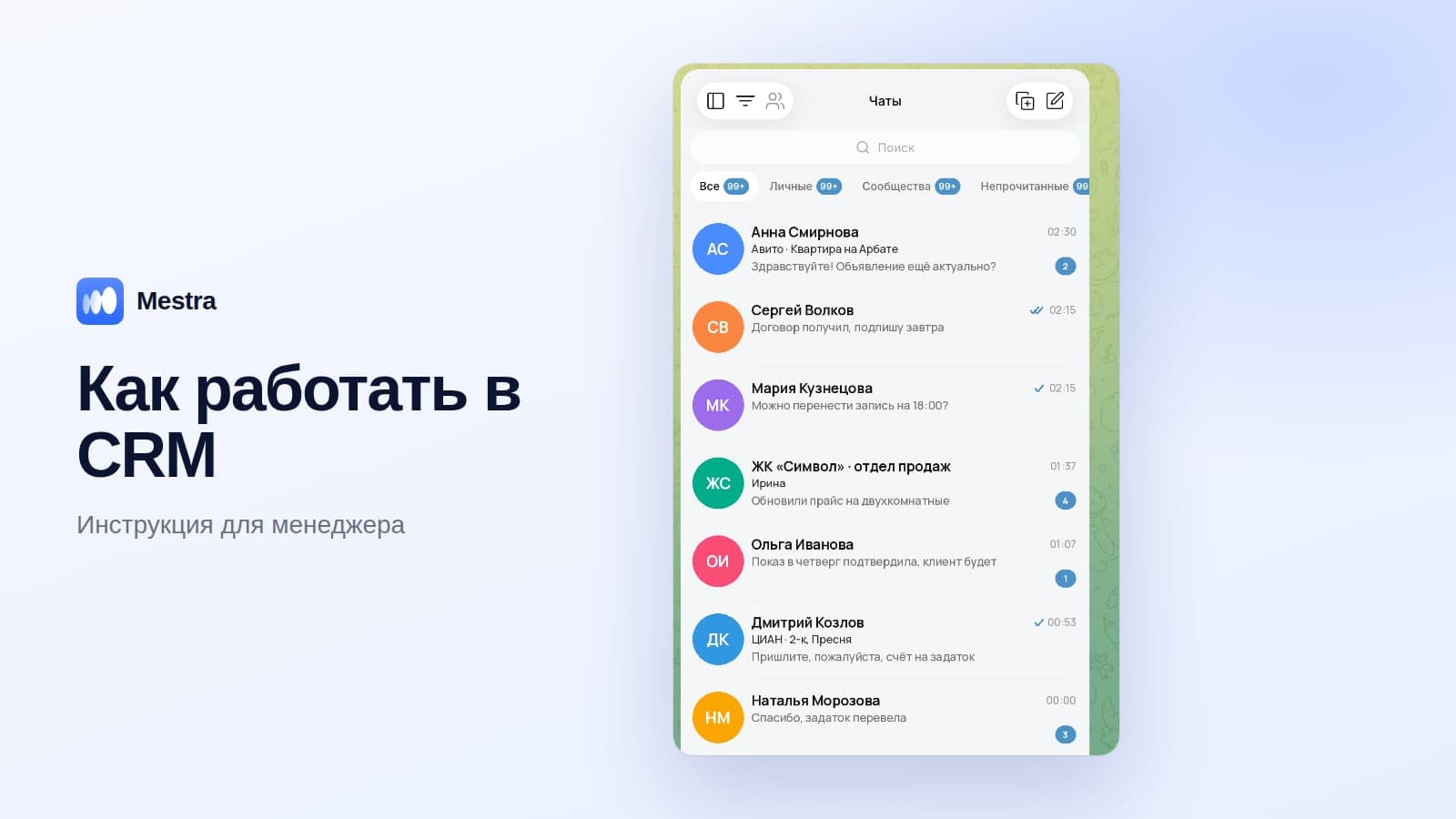
Mestra connects Telegram to a shared feed along with MAX, WhatsApp*, VKontakte, Avito and CIAN:
- Chats are distributed among managers; the team lead sees all conversations.
- An AI assistant instead of a template auto-reply: answers from your catalogue, offers times and books appointments into the calendar itself.
- A client card with conversation history, tasks and payments.
- Mailings to your base — for example, to invite clients to your channel.
- Analytics by employee and enquiry source.

All messengers are available on the Economy plan — 390 ₽ per user per month. The AI assistant is included in Standard for 1,090 ₽. The first 15 days are free. A comparison of channels is in our overview messengers for business.
FAQ
Is Telegram Business free?
No, its features are part of the Telegram Premium subscription.
Which is better for business: a channel or a bot?
Both: the channel builds an audience, and the bot and managers turn it into requests.
Can a Telegram business account be connected to a CRM?
Yes. Then messages arrive in a shared window, and the whole team can work with them.
Can several managers work on one Telegram account?
Inside the app it's inconvenient. Teams use a CRM, where each chat is assigned to an owner.
How often should you post in a channel?
3–5 times a week is optimal for most niches.
Bottom line
Telegram for business works best as a combination: the channel builds an audience, Telegram Business and the bot receive enquiries, and the CRM keeps them from getting lost.
For one person, Telegram Business is enough.
When there are more managers, connect Telegram to a CRM together with MAX, WhatsApp and Avito — then no request gets lost and clients stay with the company.
*WhatsApp is owned by Meta, which is recognised as extremist and banned in Russia.